Write Your Vision
Describe the subject, action, camera movement, lighting, mood, and visual style.
Refine & Iterate
Use references and focused prompt changes to improve motion, framing, and continuity.
Export Anywhere
Download your finished clip for social posts, campaigns, websites, and presentations.
Memory Alive FAQ
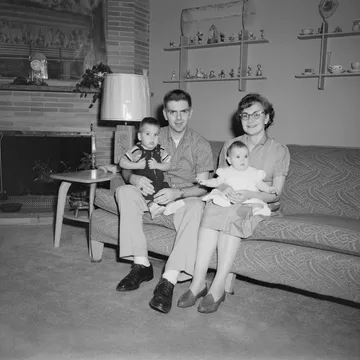
Use one clear photo with a visible main subject and balanced lighting. Portraits, family photos, and travel snapshots usually produce the most natural Memory Alive result.
Each generation uses the credit amount shown in the form. Your available credits and queue priority depend on your current plan.
Memory Alive outputs a 5-second 720p video and keeps the same aspect ratio as your uploaded image.
Each Memory Alive generation costs 50 credits.
Generation can fail because of low-quality input, policy checks, or temporary service instability. Try a clearer image or retry later.
Ready to create with Seedance 2.5?
Choose a plan for more credits, faster queues, and expanded output options where supported.