
Categories: AI Video Workflow, Creator Strategy, Production Process
Tags: seeddance, seedance 2.0, ai video workflow, content strategy, creator toolkit
Introduction
In the rapidly evolving landscape of AI-powered content creation, finding the right tools can make all the difference. This guide delves into the top image-to-video AI generators of 2026, based on hands-on testing by a real creator. We'll explore which tools excel at character consistency, realistic physics, and overall workflow efficiency, helping you move past glitchy software and inconsistent results to bring your creative visions to life.
What Makes a Great AI Image to Video Generator in 2026?
Before diving into specific tools, it's crucial to understand the criteria that define a truly effective AI image-to-video generator in 2026. Not all tools are created equal; key factors include character consistency, realistic physics, creative control, and seamless integration into a creator's workflow.
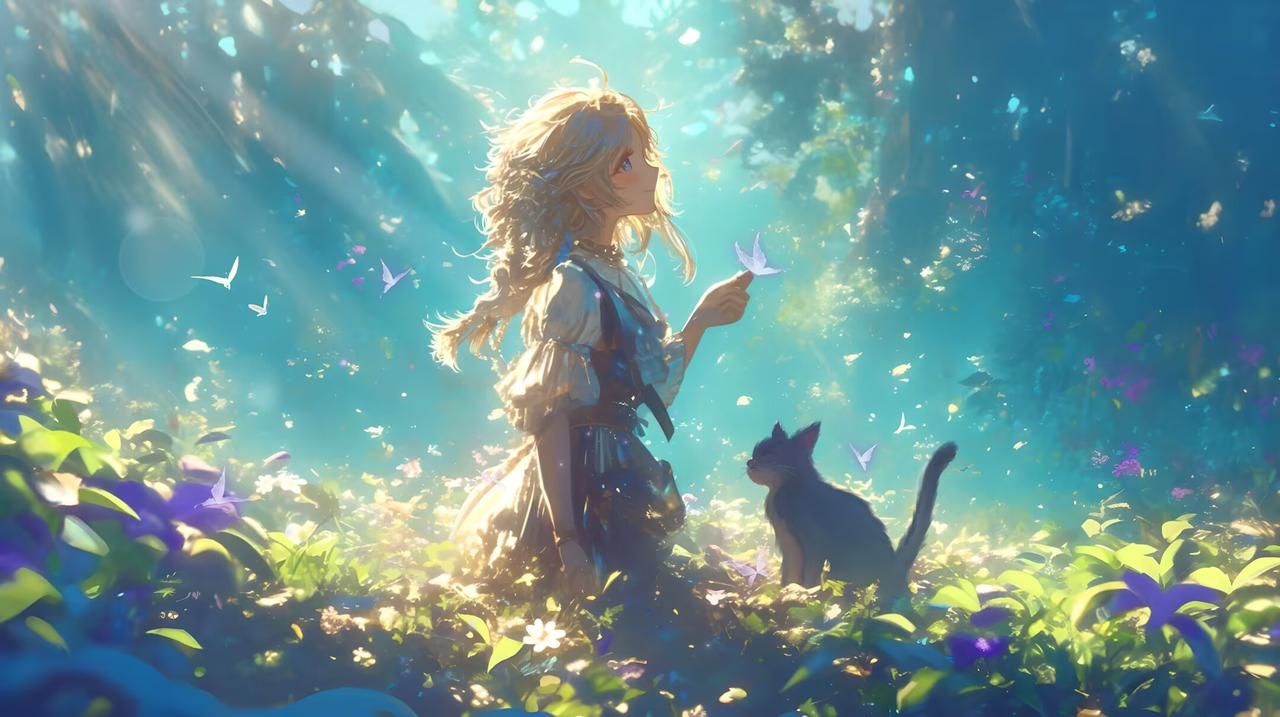
Top Image to Video AI Tools of 2026
Kling AI - The Physics King
Kling AI, particularly its 2026 update (version 3.5), stands out for its exceptional understanding of physics. This tool masterfully handles gravity, fabric movement, and object persistence, making it ideal for generating clips that require realistic environmental interactions.

Runway Gen-4.5 - The Pro's Choice
Often considered the "Adobe of AI video," Runway Gen-4.5 offers unparalleled control for professional filmmakers. Features like motion brushes, precise camera direction, and negative prompts give creators extensive power over their video output, making it a robust choice for high-end productions.
Pika 2.0 - The Viral Machine
For those seeking to create unique, stylized, and often whimsical content, Pika 2.0 is the go-to tool. It prioritizes style over strict realism, allowing for imaginative transformations - like morphing a banana into a spaceship or animating a cat in sunglasses. Pika is perfect for generating viral-ready content.
LTX Studio - The Newcomer with Hype
LTX Studio made a significant splash in early 2026, quickly gaining recognition for its capabilities in longer-form narrative content. This tool allows users to upload a series of images, akin to a storyboard, and then intelligently connects them into a coherent video sequence, streamlining the storytelling process.
Elser AI - The Surprising Winner for Storytellers
Initially overlooked, Elser AI proved to be a standout performer, especially for creators focused on character-driven narratives. After extensive testing, Elser AI emerged as the best image-to-video AI for maintaining character consistency and offering an efficient workflow, making it invaluable for storytellers.
Which Tool Should You Actually Use?
The best tool depends on your specific needs:
- Professional filmmakers with a budget: Runway Gen-4.5 offers robust control and is a solid choice.
- Creating content with consistent characters or a story: Elser AI is highly recommended.
- Generating standalone nature or abstract clips: Kling AI or Runway are excellent options.
- For quirky, viral content: Pika 2.0 is your best bet.
My Personal Workflow in 2026
My current workflow for video generation involves:
- Elser AI for anything that includes a character or requires a narrative.
- Kling AI or Runway for abstract clips or scenes focused on natural elements.
This combination allows for versatility and efficiency, ensuring high-quality output regardless of the project's demands.
Ready to Stop Fighting Your Tools?
Content creation should be about bringing your ideas to life, not battling glitchy software or inconsistent character faces. The right AI tools can help you achieve fast, beautiful results without the frustration.
Latest Posts
- Free Image to Video AI Generator: No Catch? (I Tested 7 in 2026) Is there truly a good free image-to-video AI generator without watermarks or crazy limits? I tested Opusclip, Freepik, LTX Studio, and more to uncover what's genuinely free and which tool is worth the investment.
- AI Photo Animator Online: Bring Your Still Images to Life in 2026 Looking for an AI photo animator that won't turn your cherished memories into horror shows? I tested six popular animators to find out which ones preserve natural faces and which ones create unsettling distortions.
- AI Image to Video Generator Online: Create in Minutes (2026 Guide) Stop wasting hours on complex software. An AI image-to-video generator can transform your photos into cinematic clips in under 5 minutes. Discover how, plus the best tool for compelling storytelling.
Practical Weekly Workflow
To maximize your content output and maintain quality, consider integrating a structured workflow:
- Define Objectives: Choose 2-3 content blocks from this article (or similar guides) and set a clear weekly objective for each.
- Draft Content: Create a concise first draft for each selected block.
- Refine and Publish: Improve the structure, tone, and clarity of your drafts before publishing.
- Measure Performance: Compare different content variants using a single, measurable Key Performance Indicator (KPI).
- Optimize: Retain only the formats and tools that consistently outperform your baseline, ensuring continuous improvement.
Conclusion
Standardizing your content production process is the most reliable way to scale output effectively. By maintaining a stable structure, iterating on individual sections, and scaling only what proves successful, you can consistently deliver high-quality content.
Next Step
Explore Seeddance workflow templates to streamline your creative process: https://seeddance.app/
FAQs
1) Can this workflow work for a solo creator? Yes. Start with a small weekly scope and reuse the same production blocks to build efficiency.
2) How many variants should I test per post? Typically, 2 to 4 focused variants are sufficient to identify clear winners and optimize your content.
3) Should I prioritize trends or consistency? Use trends to capture immediate reach, but maintain a consistent format system to build long-term brand recognition and memory.