Flux 2 Pro
FLUX.2 Production-Grade Image Model
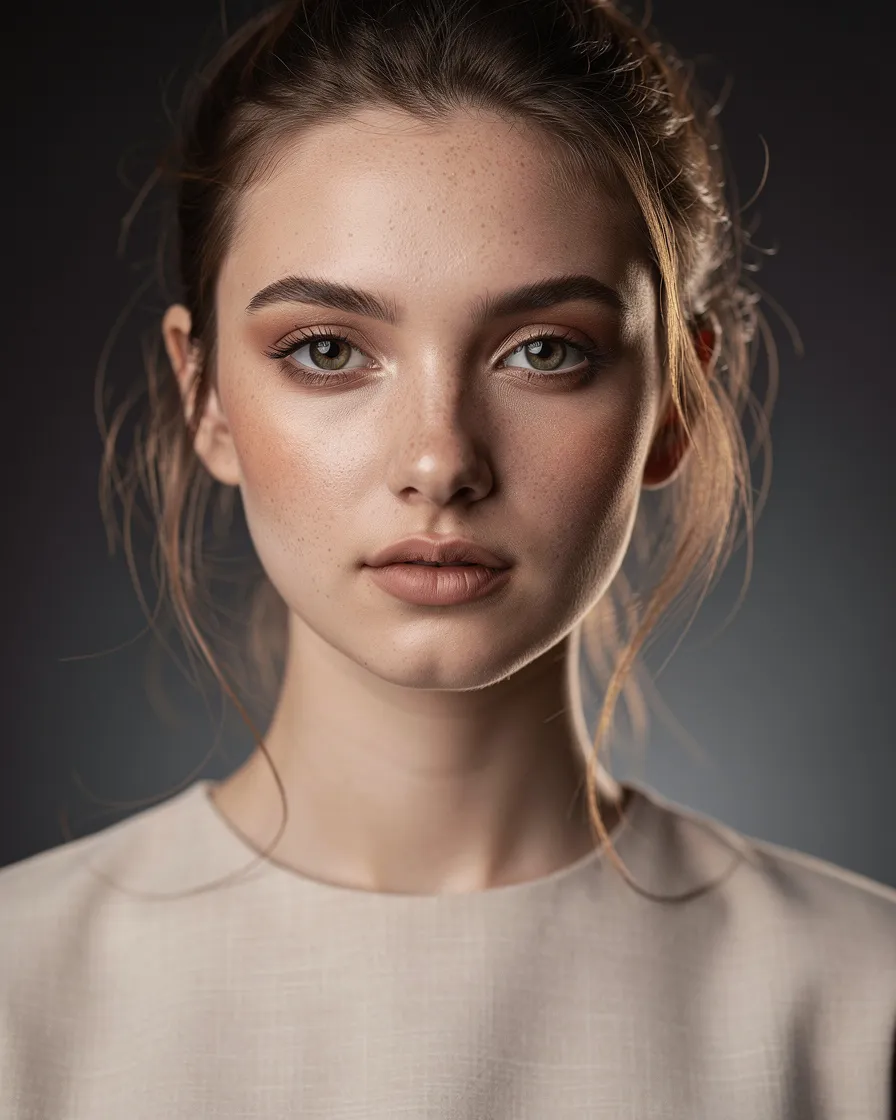
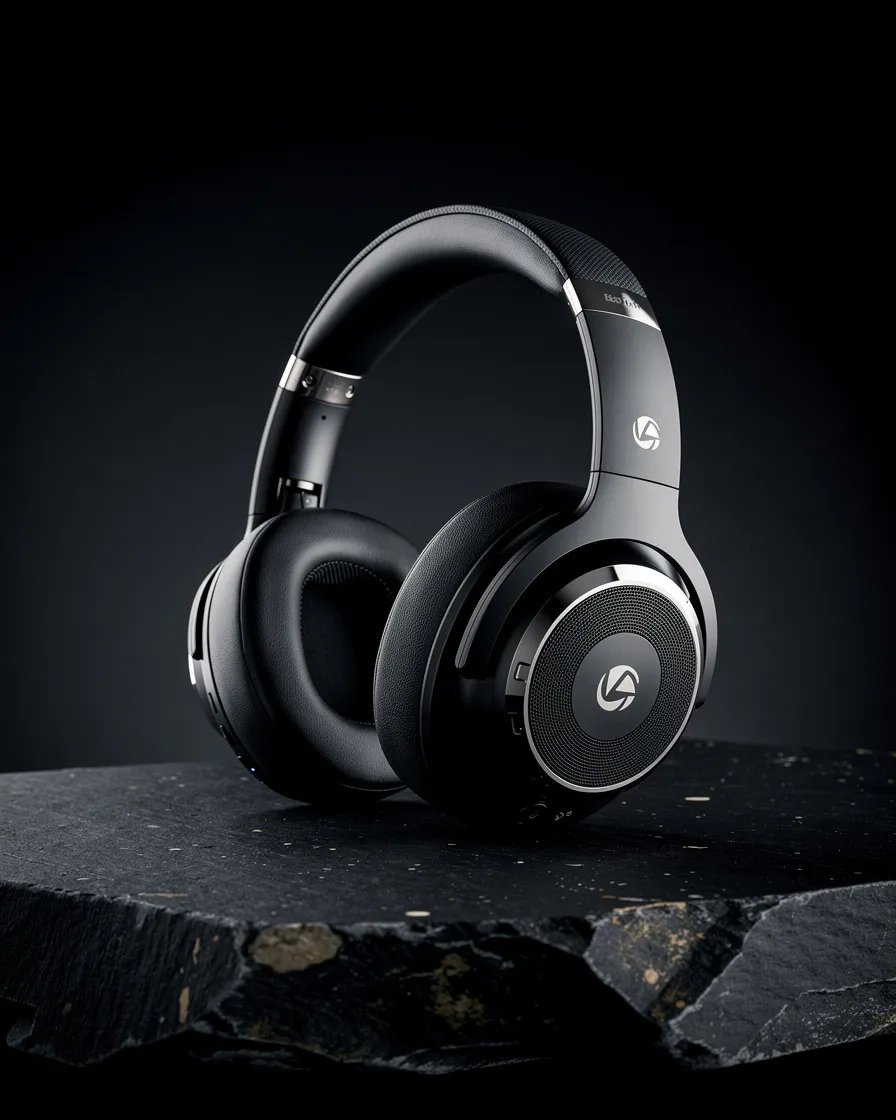


Create with Flux 2 Pro
Practical controls and focused iteration for Flux 2 Pro
Start with a clear creative brief, use the controls available for Flux 2 Pro, and compare focused variations before selecting the final images.

Production-Grade Image Quality
Flux 2 Pro is tuned for high-fidelity outputs that look crisp and natural. Use Flux 2 Pro when you need commercial-ready images that stay aligned to your prompt.
Up to 4MP High Resolution
Generate detailed renders at up to 4MP, giving Flux 2 Pro the headroom for crops, close-ups, and design-heavy scenes without losing clarity.
Multi-Reference Control
Guide Flux 2 Pro with multiple reference images for stronger control over style, identity cues, composition, and visual consistency across a set.
Built for Real Workflows
Explore focused examples and practical guidance for creating a flux 2 pro in Seedance 2.5.
Flux 2 Pro FAQ
Common questions about Flux 2 Pro
Practical guidance on inputs, prompts, generation options, exports, and responsible use for Flux 2 Pro in Seedance 2.5.
Still have questions? Contact our support team
Start creating with Flux 2 Pro
Try Flux 2 Pro Now
Open the Flux 2 Pro workflow in Seedance 2.5, define a clear direction, compare the generated variations, and export the result that best fits your project.
- Generate high-fidelity images with Flux 2 Pro
- Create up to 4MP outputs with Flux 2 Pro
- Use multi-reference control for consistency with Flux 2 Pro
- Stay on-brief with prompt-true results from Flux 2 Pro