Vidu Q3Create text-to-video and image-to-video clips with sound, lip-sync, and 1080p output
Explore Vidu Q3 inside the Seedance 2.5 creative studio. Review examples and practical prompt guidance, then use the available workflow to create and refine videos for your project.
Create with Vidu Q3
Practical controls and focused iteration for Vidu Q3
Start with a clear creative brief, use the controls available for Vidu Q3, and compare focused variations before selecting the final videos.
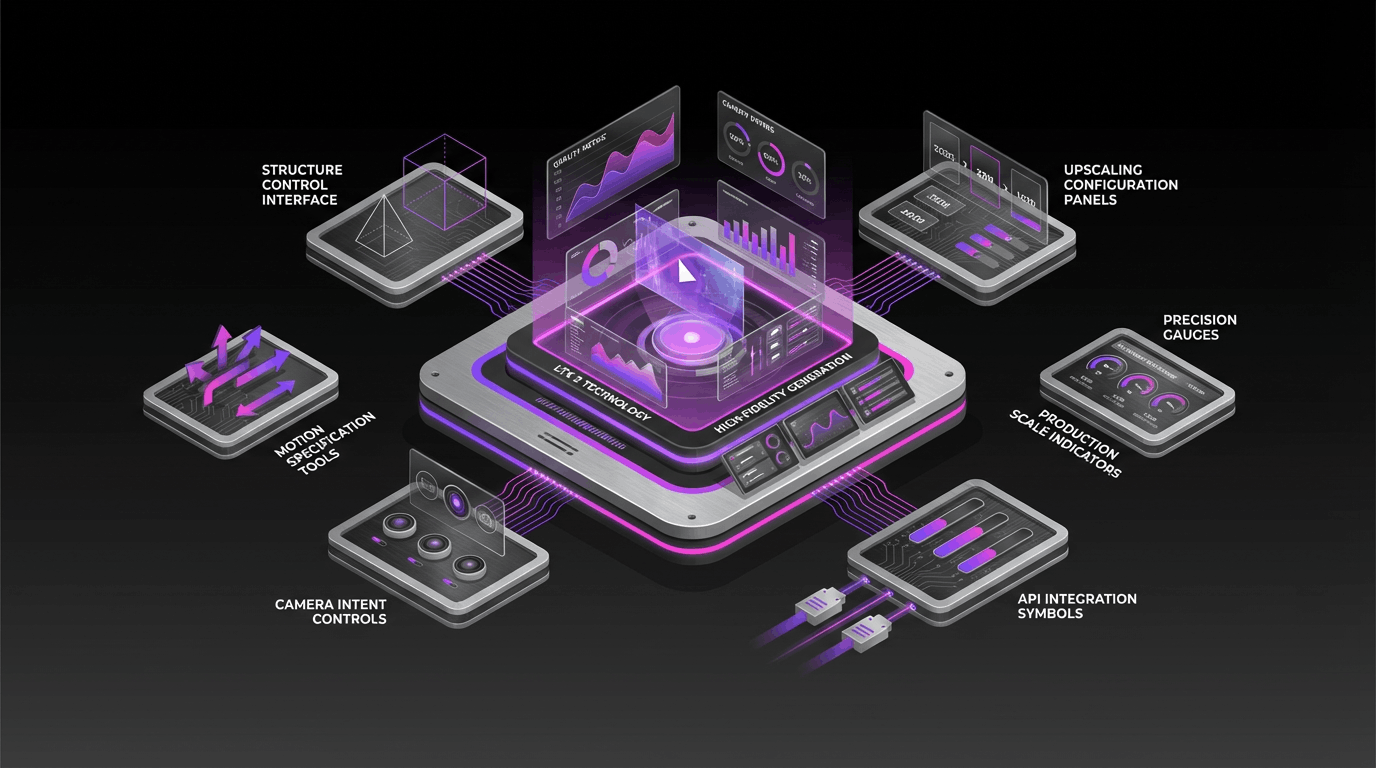
Native Audio + Lip-Sync
Generate video with audio—voice, ambience, or sound effects—and get natural lip-sync for dialogue-forward scenes (where supported).
1080p Output Quality
Export crisp, high-resolution clips suitable for marketing, social media, and cinematic storytelling workflows.
Up to 16-Second Clips
Create longer short-form shots in a single generation—useful for establishing scenes, action beats, and transitions.
On-Screen Text & Camera Control
Prompt for readable in-scene text (like signs or captions) and specify shot style, camera movement, and transitions for a more directed result.
Vidu Q3 FAQ
Common questions about Vidu Q3
Practical guidance on inputs, prompts, generation options, exports, and responsible use for Vidu Q3 in Seedance 2.5.
Still have questions? Contact our support team
Start creating with Vidu Q3
High-quality video generation—now with native audio
Open the Vidu Q3 workflow in Seedance 2.5, define a clear direction, compare the generated variations, and export the result that best fits your project.
- Text-to-video and image-to-video workflows
- Native audio + lip-sync (where supported)
- Up to 16 seconds and up to 1080p output
- Promptable camera control and on-screen text