Nano Banana
AI Image Effects

Create with Nano Banana
Practical controls and focused iteration for Nano Banana
Start with a clear creative brief, use the controls available for Nano Banana, and compare focused variations before selecting the final images.

Powered by Gemini 2.5 Flash Technology
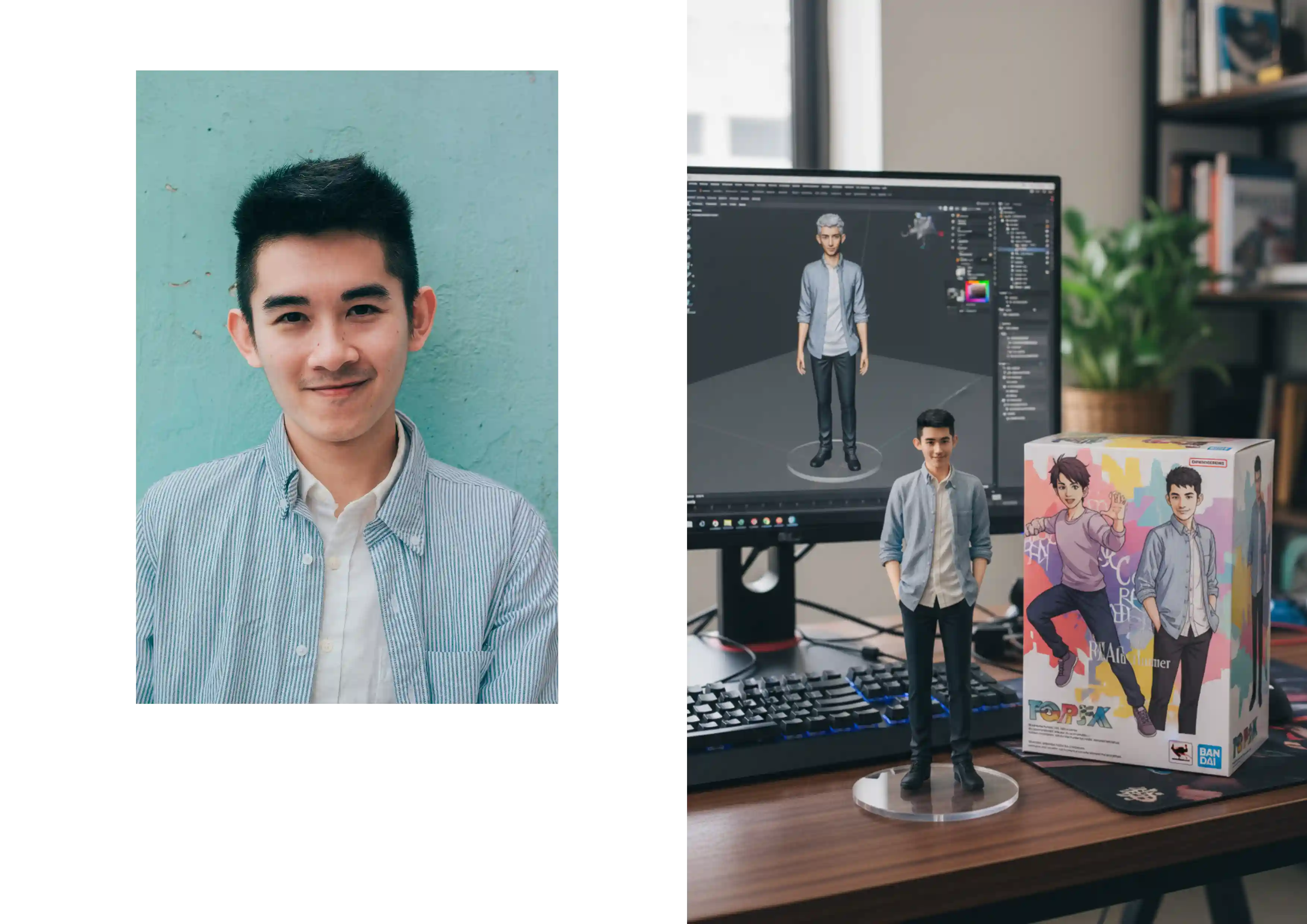
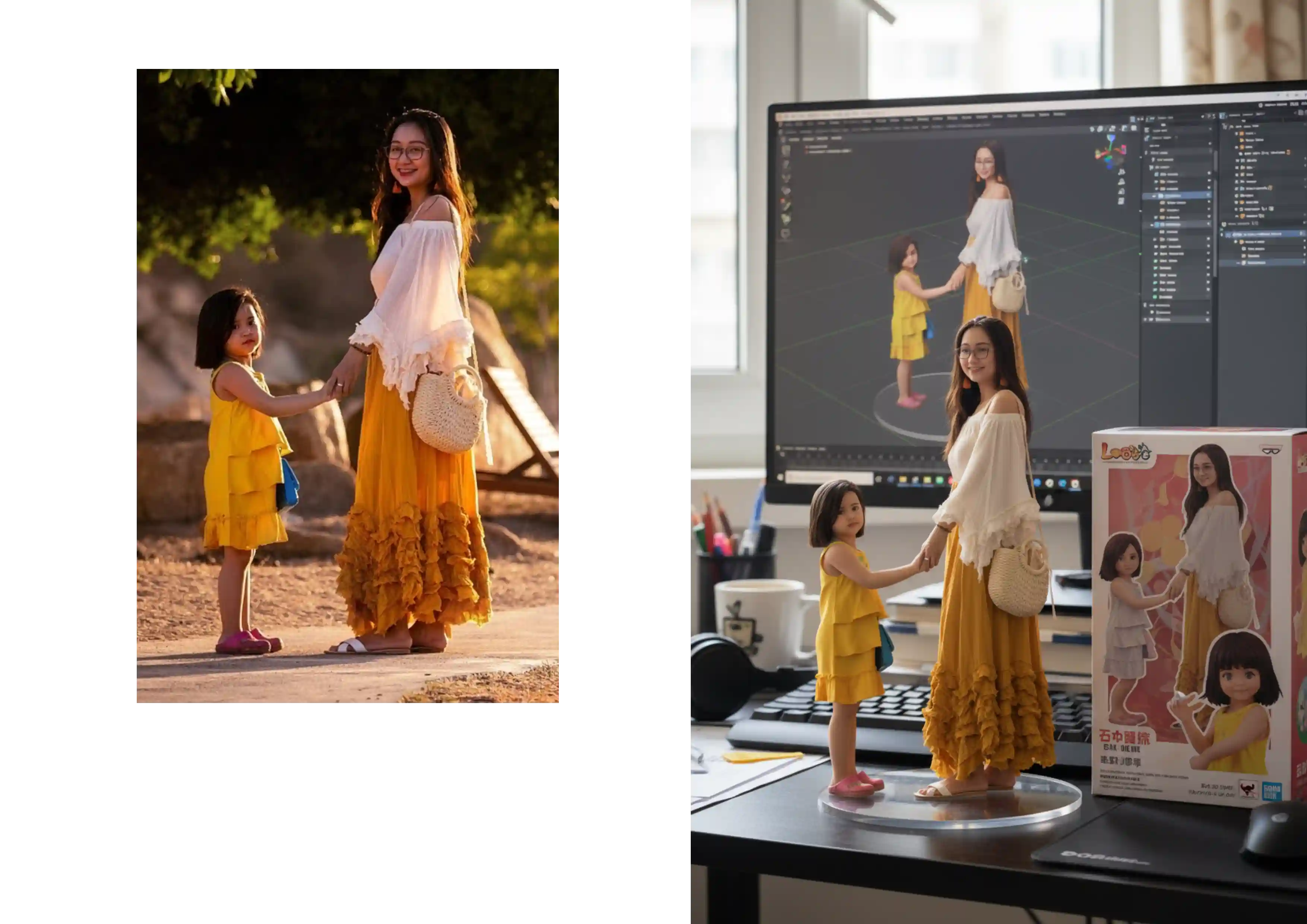
Nano Banana AI leverages Google's latest Gemini 2.5 Flash model to deliver lightning-fast, photorealistic image generation. Create stunning visuals with remarkable precision, from 3D figurines to complex scenes, all with simple text prompts.
Versatile Text-to-Image & Image-to-Image Creation
Nano Banana supports both text-to-image generation and image-to-image transformation. Whether you're starting from scratch or modifying existing photos, Nano Banana AI gives you complete creative control over your visual content.
Lightning-Fast Nano Banana Generation
Experience instant image creation with Nano Banana's optimized processing. Generate high-quality images in seconds, allowing you to iterate quickly and perfect your vision with Nano Banana Pro's advanced editing capabilities.
Nano Banana Pro: Professional-Grade Features
Upgrade to Nano Banana Pro for enhanced design consistency, accurate text rendering, and the ability to create complex infographics and educational content. Integrated with Google Search for comprehensive visual compilation.
Nano Banana FAQ
Common questions about Nano Banana
Practical guidance on inputs, prompts, generation options, exports, and responsible use for Nano Banana in Seedance 2.5.
Still have questions? Contact our support team
Start creating with Nano Banana
Transform Your Ideas Into Stunning Images with Google's AI
Open the Nano Banana workflow in Seedance 2.5, define a clear direction, compare the generated variations, and export the result that best fits your project.
- Generate photorealistic images from simple text prompts with Nano Banana AI
- Edit and transform existing photos with advanced AI capabilities
- Upgrade to Nano Banana Pro for professional-grade features and consistency
- Create viral-worthy 3D figurines and complex visual content instantly