Wan2.5Powered by Alibaba Wan 2.5 AI Model - Transform Images into Videos with Background Audio
Explore Wan2.5 inside the Seedance 2.5 creative studio. Review examples and practical prompt guidance, then use the available workflow to create and refine videos for your project.
Create with Wan2.5
Practical controls and focused iteration for Wan2.5
Start with a clear creative brief, use the controls available for Wan2.5, and compare focused variations before selecting the final videos.

Alibaba Wan 2.5 AI Model
Wan 2.5 turns static images into short videos and can pair them with background audio to match pacing and mood.
Smart Audio-Visual Synchronization
When audio is available, Wan 2.5 aims to keep sound and visual pacing aligned so your clip feels intentional, not stitched together.
Instant Wan2.5 Video Generation
Generate drafts quickly, then iterate prompts and settings until the motion and vibe match your intent.
Complete Wan2.5 Workflow
Use Wan 2.5 for rapid prototypes, then graduate to Seedance 2.5 when you need stronger cinematic control and multi-shot consistency.
Wan2.5 FAQ
Common questions about Wan2.5
Practical guidance on inputs, prompts, generation options, exports, and responsible use for Wan2.5 in Seedance 2.5.
Still have questions? Contact our support team

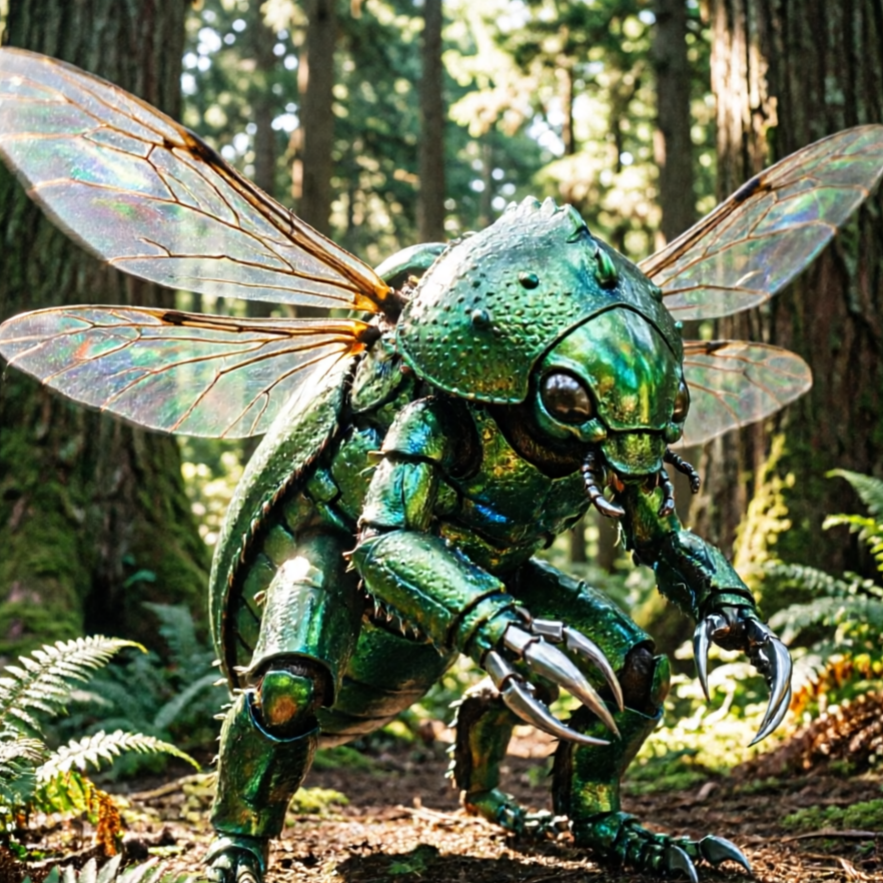
Start creating with Wan2.5
Transform images into videos with Alibaba Wan 2.5 technology
Open the Wan2.5 workflow in Seedance 2.5, define a clear direction, compare the generated variations, and export the result that best fits your project.
- Turn images into short video clips with Wan 2.5
- Background audio support in compatible workflows
- Fast drafts for social, presentations, and marketing
- Pair with Seedance 2.5 for cinematic consistency