Seedance 2.5 AI Video GeneratorDirect cinematic AI video with references, camera guidance, and coherent motion
Seedance 2.5 is the next generation of the Seedance video workflow. Turn text and reference assets into controlled cinematic clips, guide subject action and camera movement, and refine visual continuity across shots. Available options depend on the active rollout and workflow.
Create with Seedance 2.5
Practical controls and focused iteration for Seedance 2.5
Start with a clear creative brief, use the controls available for Seedance 2.5, and compare focused variations before selecting the final videos.
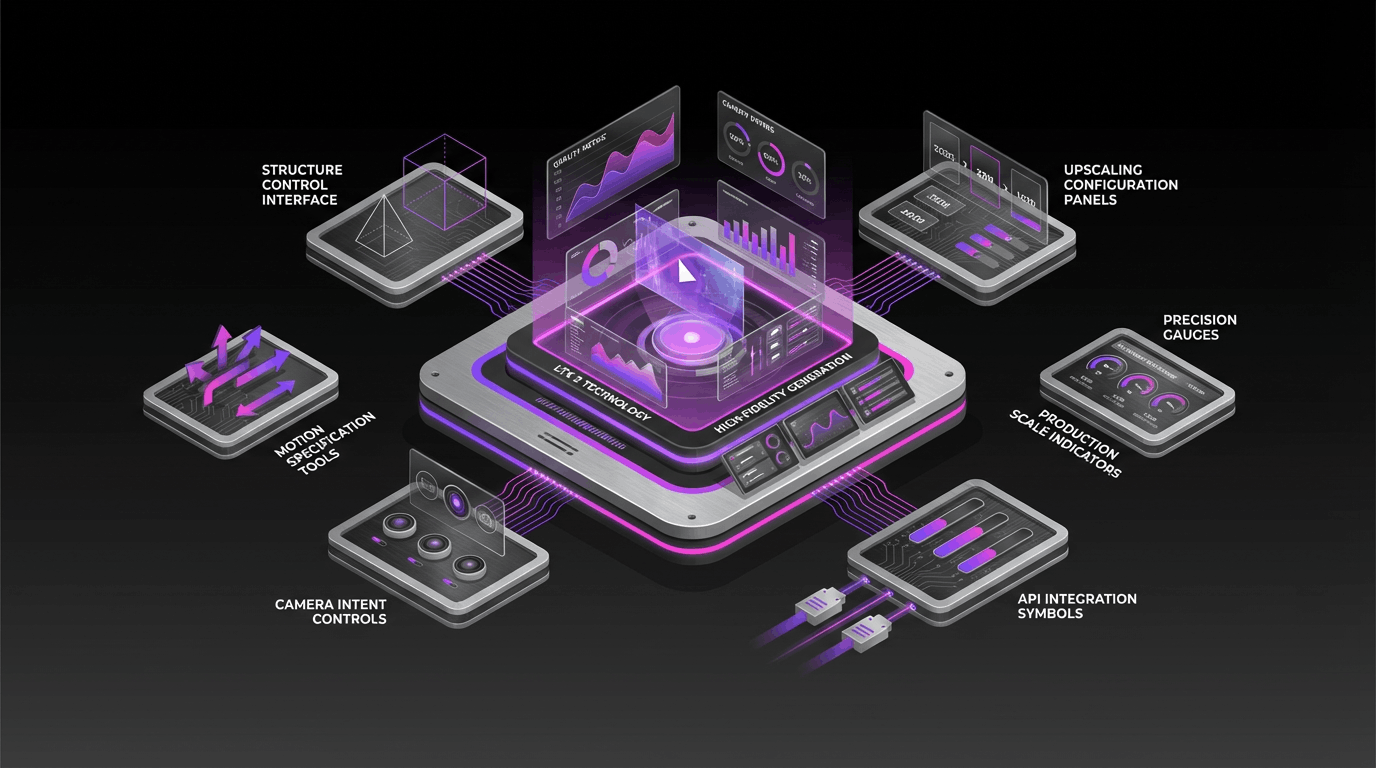
Multimodal reference workflow
Guide generation with text and supported reference assets so characters, products, environments, and visual direction remain easier to control.
Camera and performance direction
Describe subject action, framing, camera movement, lighting, and emotional intent as a shot brief instead of relying on broad style labels.
Longer-form visual storytelling
Develop more complete scenes and connected shot ideas while keeping duration and reference options aligned with the workflow currently available to your account.
Generation and editing control
Create a first take, evaluate motion and continuity, then refine the prompt or references to make targeted creative changes.
Seedance 2.5 FAQ
Common questions about Seedance 2.5
Practical guidance on Seedance 2.5 inputs, prompts, generation options, availability, exports, and responsible use.
Still have questions? Contact our support team

Start creating with Seedance 2.5
Turn a creative brief and reference assets into a controlled cinematic clip
Open the Seedance 2.5 generator, add a focused prompt and supported references, compare the generated takes, and refine the result that best fits your project.
- Create from prompts and supported reference assets
- Direct subject action, framing, and camera movement
- Refine motion, pacing, and visual continuity
- Use the duration and output options available in your workflow