LTX 2.3LTX 2.3 by Lightricks: sharper detail, stronger prompt following, native audio, and native portrait video
Explore LTX 2.3 inside the Seedance 2.5 creative studio. Review examples and practical prompt guidance, then use the available workflow to create and refine videos for your project.
Create with LTX 2.3
Practical controls and focused iteration for LTX 2.3
Start with a clear creative brief, use the controls available for LTX 2.3, and compare focused variations before selecting the final videos.
LTX 2.3 Core Model
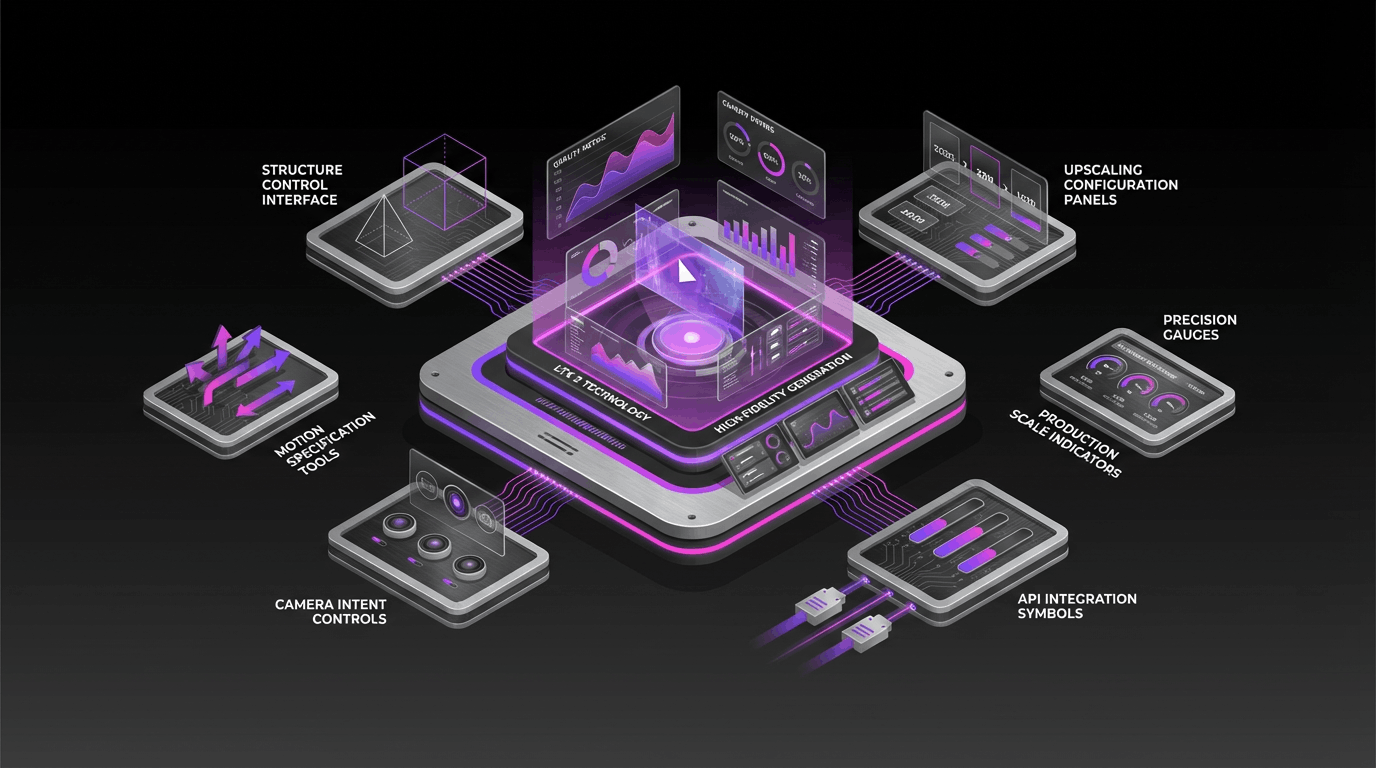
LTX 2.3 is a DiT-based audio-video model from Lightricks. LTX 2.3 is designed to generate synchronized video and audio with stronger detail and motion coherence, and the LTX 2.3 ecosystem includes developer checkpoints, distilled variants, and upscalers.
LTX 2.3 Native Audio and Portrait
LTX 2.3 improves native audio generation and adds native 9:16 portrait support. That makes LTX 2.3 a strong fit for social clips, mobile-first ads, reels, shorts, and vertical storytelling.
LTX 2.3 Prompt and Image Control
LTX 2.3 is tuned for better prompt adherence and stronger image-to-video consistency. Use LTX 2.3 to keep composition, subject identity, scene structure, and motion direction closer to your intent across complex shots.
LTX 2.3 Fast and Pro Workflows
LTX 2.3 Fast helps you iterate quickly, while LTX 2.3 Pro focuses on premium quality and richer detail. Pair LTX 2.3 with upscalers and provider-specific deployments when you need higher resolution, smoother motion, or longer-form output.
LTX 2.3 FAQ
Common questions about LTX 2.3
Practical guidance on inputs, prompts, generation options, exports, and responsible use for LTX 2.3 in Seedance 2.5.
Still have questions? Contact our support team


Start creating with LTX 2.3
Bring LTX 2.3 Fast or LTX 2.3 Pro into your next video workflow
Open the LTX 2.3 workflow in Seedance 2.5, define a clear direction, compare the generated variations, and export the result that best fits your project.
- Generate with LTX 2.3 from text prompts or image references
- Use LTX 2.3 for native audio and native 9:16 portrait video
- Switch between LTX 2.3 Fast and LTX 2.3 Pro for speed or quality
- Deploy LTX 2.3 in API-based or open-weights workflows