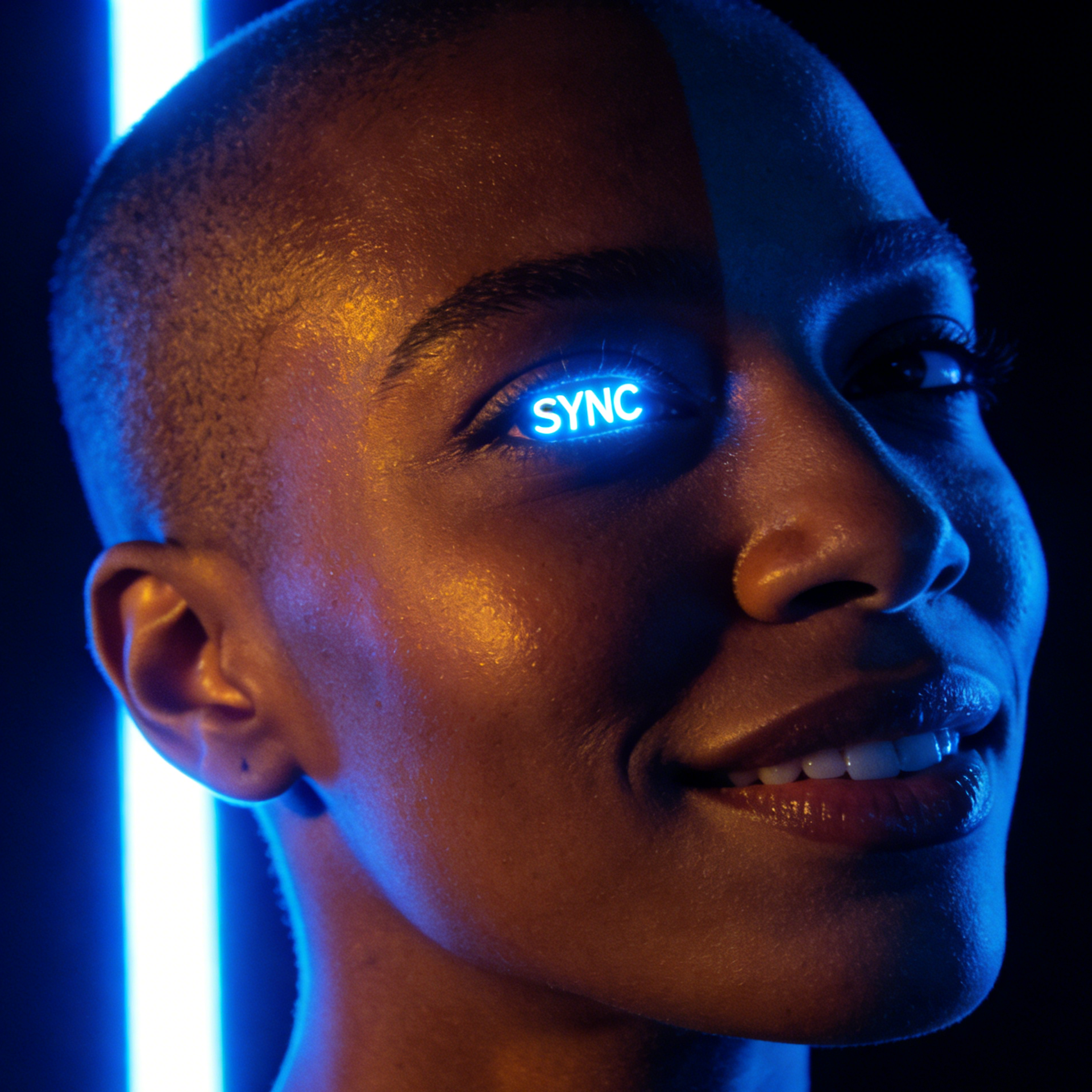
Sync Pulse
A neon-lit face study with luminous eye detail, glossy skin, and high-contrast futuristic styling.
Build a focused face with a guided Seedance 2.5 workflow.
Start with a text prompt or uploaded image and describe the composition, lighting, color, styling, and subject detail that matter for this face. Generate a first image, compare variations, and refine the direction until it fits your intended story, campaign, or design.

Use this example to study the framing, detail, and creative decisions that make a face feel intentional rather than generic.
Our AI Face Generator offers a wide range of styles, from realistic portraits to anime, cartoon, 3D, and even age transformations like baby, older, or future faces. Explore these unique starting points.

A neon-lit face study with luminous eye detail, glossy skin, and high-contrast futuristic styling.

Sweaty, high-energy realism that captures stress, heat, and personality in a working environment.

Polished business-facing portraiture with approachable confidence, clean styling, and professional light.

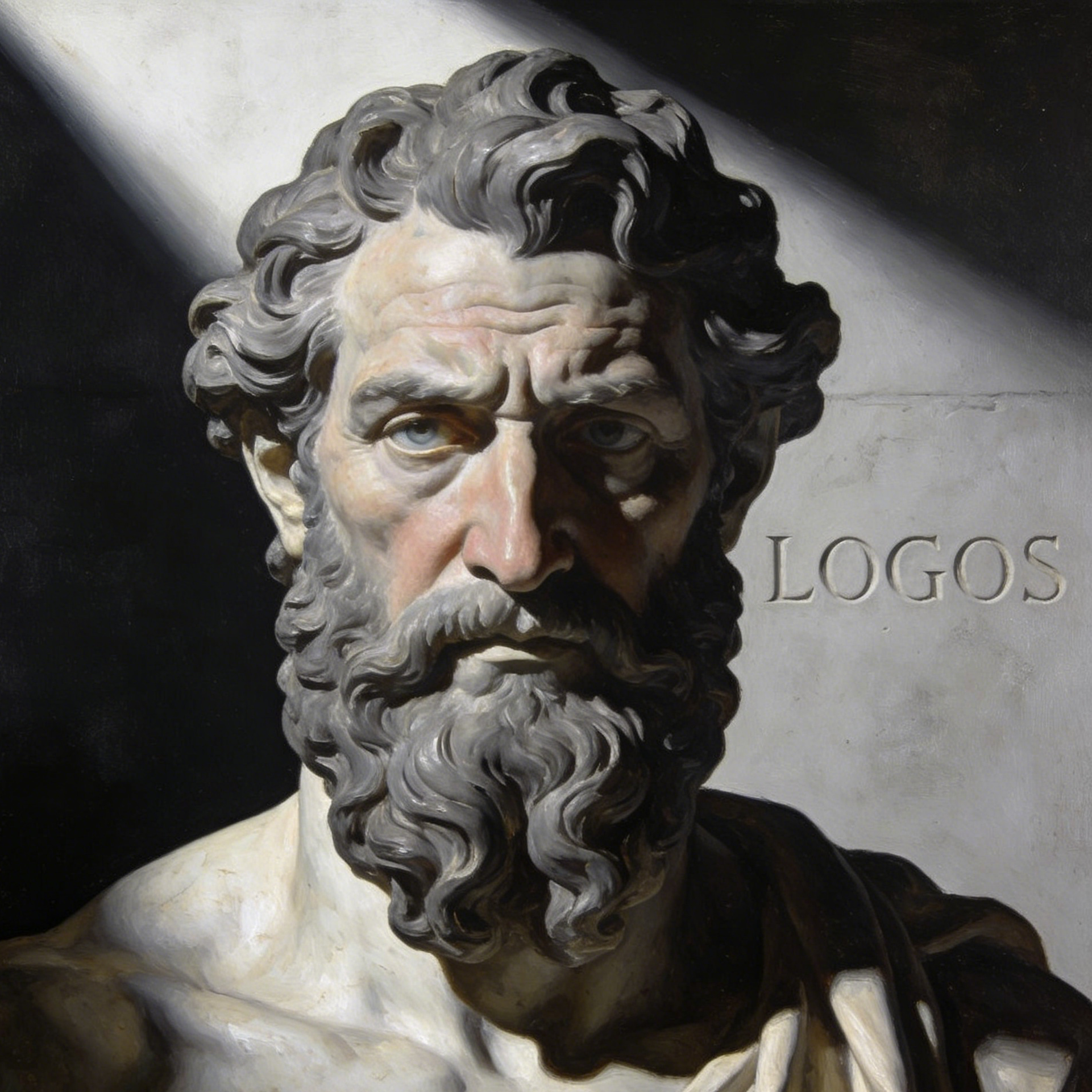
A thoughtful, painterly face study with philosophical mood, deep texture, and timeless character presence.

Youthful close-up portraiture with freckles, candid emotion, and warm natural charm.

Expressive maker-style portraits that mix face paint, gesture, and artistic personality.
A strong face generator needs range. These examples show how the workflow can stretch from science and fashion to music, space fiction, lifestyle, and weathered documentary characters.

A sharp laboratory portrait that feels intelligent, modern, and instantly usable for a hero avatar or concept board.

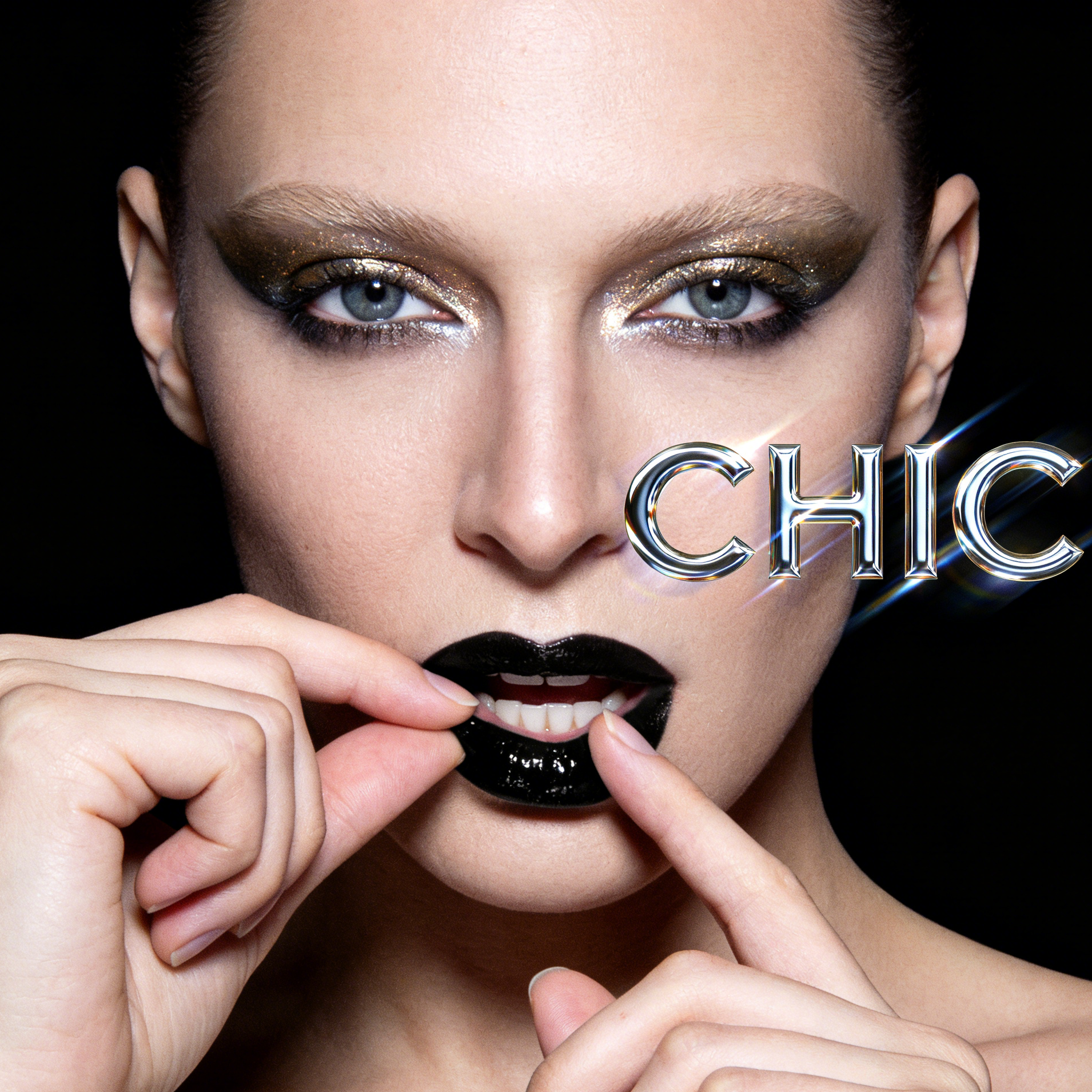
A fashion-led close-up with dramatic makeup and clean symmetry for luxury, beauty, or magazine-inspired outputs.

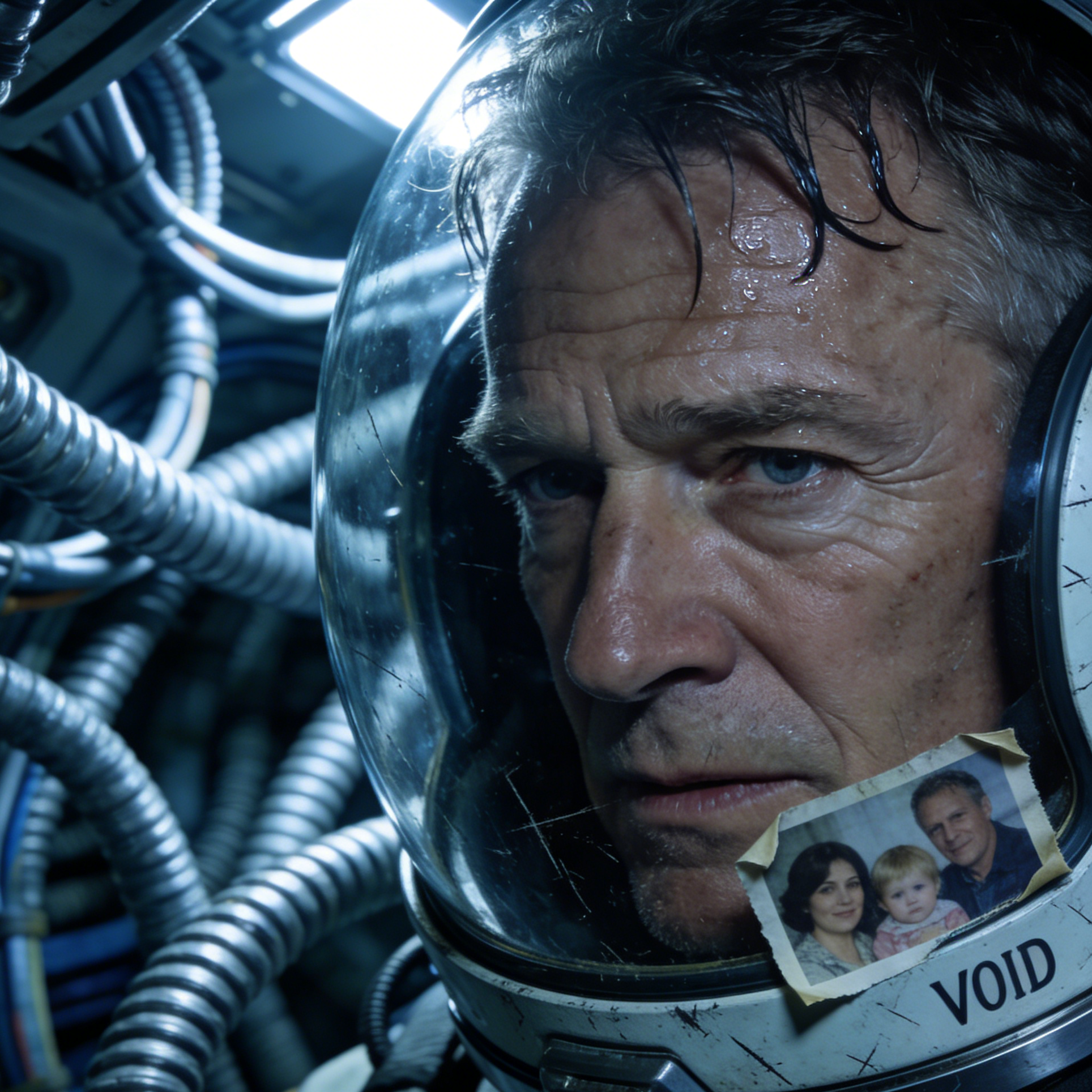
A tired space-travel face concept that shows how well the generator can hold emotion even in speculative genres.

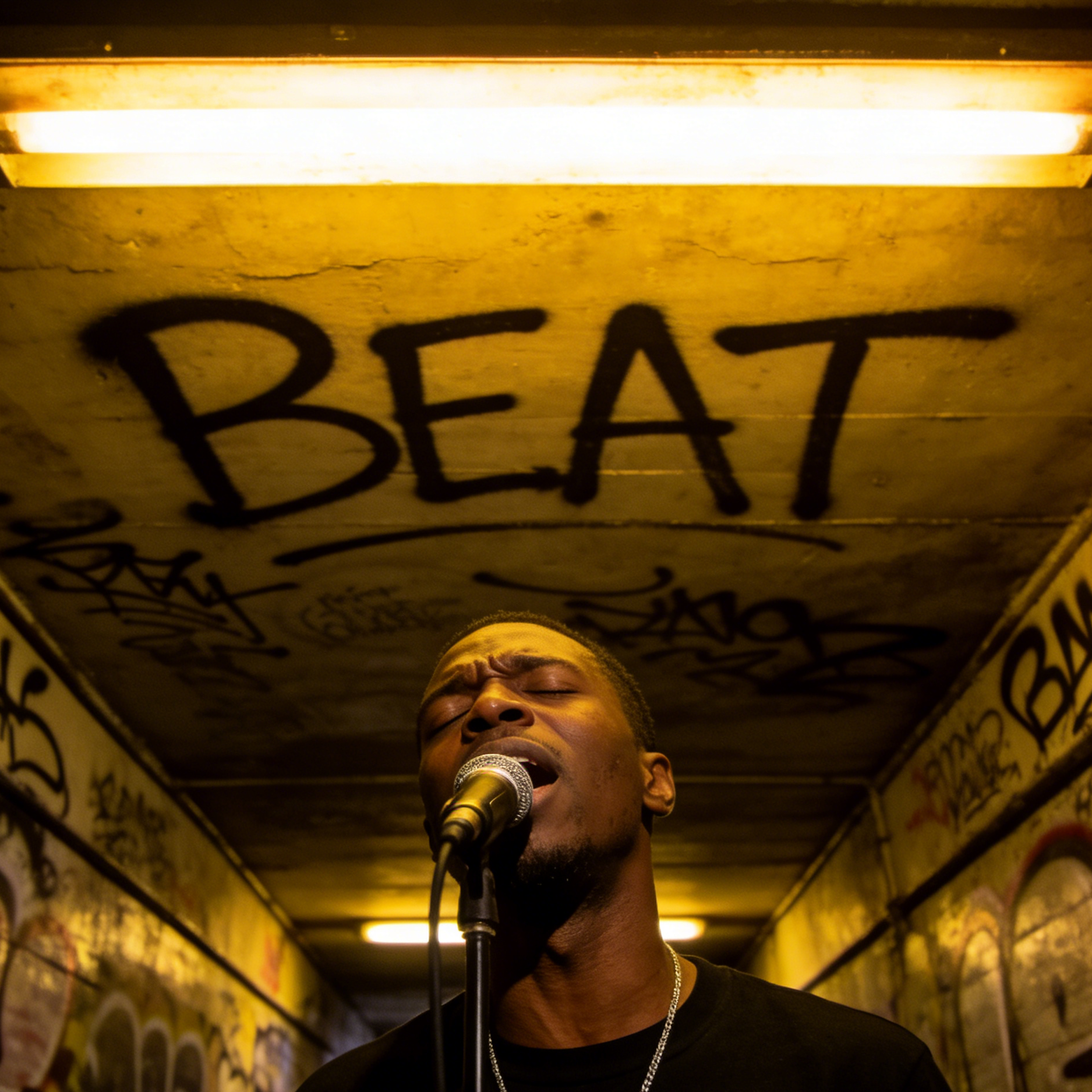
A live-performance portrait with sweat, voice, and street energy for music campaigns or stage-character development.

A relaxed, approachable face image suited to creator profiles, casual branding, or social avatars.

A richly textured environmental face portrait that leans into age, resilience, and place-based storytelling.
Move from a broad idea to a usable image with clearer direction, faster comparisons, and a practical handoff into Seedance 2.5.
Shape the composition, lighting, color, and subject details for a more intentional face result.
Use a clear reference and focused direction to keep the face look coherent across variations.
Refine the strongest output for social posts, campaign concepts, thumbnails, or design exploration.
Compare alternate framing and styling choices before selecting the final face.
Use this workflow when you need a specific face rather than a generic asset. Define the intended audience, platform, and visual or tonal direction before generating.
Describe concrete production cues such as composition, lighting, color, styling, and subject detail. Specific direction gives the generator a clearer target and makes each revision easier to evaluate.
Start with the prepared workflow, refine the details that define this face, then keep the best result or continue editing in Seedance 2.5.
Open the generator and add a text prompt or uploaded image that clearly establishes the subject and creative direction.
Describe composition, lighting, color, styling, and subject detail, then remove conflicting instructions that could weaken the face.
Compare the generated variations, keep the strongest image, and refine it for the final use.
Practical answers about creating, refining, and using a face in Seedance 2.5.
It creates a focused face from a text prompt or uploaded image. Use the available controls to guide composition, lighting, color, styling, and subject detail, then compare variations before choosing the final result.
Use a clear, high-quality source that makes the main subject easy to identify. A focused source gives the face a stronger visual or tonal foundation.
Prioritize composition, lighting, color, styling, and subject detail. Add only details that directly support the intended face, and remove instructions that compete with one another.
Keep the strongest face as a finished asset or continue refining it with another Seedance 2.5 tool. A focused source and concise prompt make later revisions easier to control.
Commercial use depends on your plan, the applicable model terms, and the rights attached to your source material. Review the current terms before publishing or selling the result.
Move from this face into the next Seedance 2.5 tool without losing the direction established in your selected result.
Start from a blank prompt when you need a synthetic person, a fictional character face, or a fresh profile image.
Upload a selfie or portrait and guide it toward a new look, age, expression, or artistic face treatment.
Create polished social avatars, creator icons, or brand-character profile images with a tighter face crop and cleaner identity cues.
Push the same face into different professions, eras, moods, or genres without rebuilding your prompt from zero.
Use complementary image, video, and audio tools when the project needs additional editing, motion, sound, or format changes.
Use Nano Banana Pro when you want strong prompt following and polished facial rendering for realistic or stylized faces.
Compare another image model when you want different beauty bias, facial texture, or creative interpretation.
Try an alternate renderer for face concepts that need a different color response, realism curve, or artistic finish.
Use an editing-first workflow when you already have a face image and want more direct refinement control over the result.
Start with a text prompt or uploaded image, direct the details that define the face, and refine the strongest result in Seedance 2.5.