Grok Imagine VideoGenerate short videos from images using xAI’s Grok Imagine Video model
Explore Grok Imagine Video inside the Seedance 2.5 creative studio. Review examples and practical prompt guidance, then use the available workflow to create and refine videos for your project.
Create with Grok Imagine Video
Practical controls and focused iteration for Grok Imagine Video
Start with a clear creative brief, use the controls available for Grok Imagine Video, and compare focused variations before selecting the final videos.
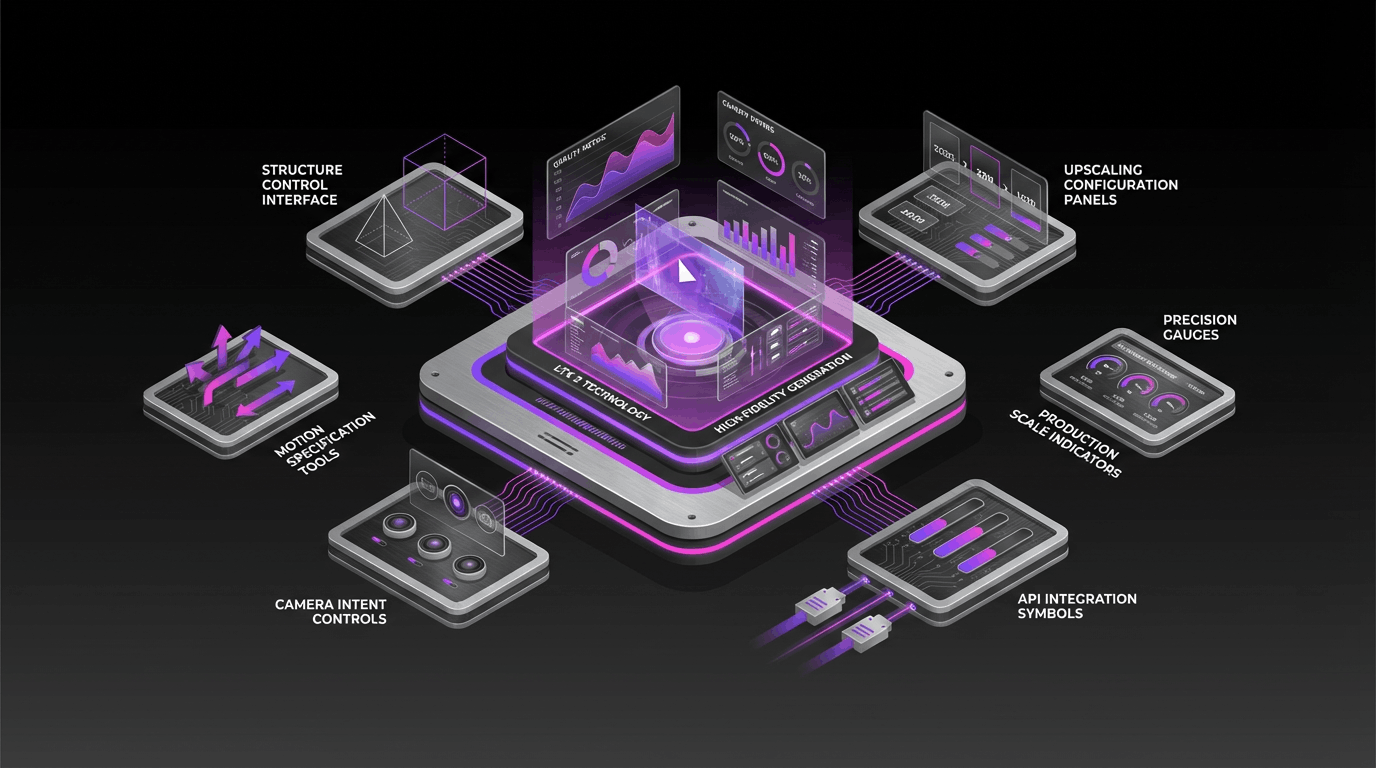
Image-to-Video Core
Turn one image into a short video by describing motion, camera moves, and scene dynamics. Use the reference image to anchor identity, style, and composition across frames.
Instruction-Based Video Editing
Refine an existing clip with edit prompts (where supported): adjust the vibe, change details, or fix moments without redoing the whole generation.
Format Controls that Matter
Choose clip duration (mode-dependent), aspect ratio, and output resolution so results land cleanly in common social and product workflows.
Audio-Ready Results
Generate clips with an audio track—useful for ambience, SFX, or music-forward creative iterations.
Grok Imagine Video FAQ
Common questions about Grok Imagine Video
Practical guidance on inputs, prompts, generation options, exports, and responsible use for Grok Imagine Video in Seedance 2.5.
Still have questions? Contact our support team

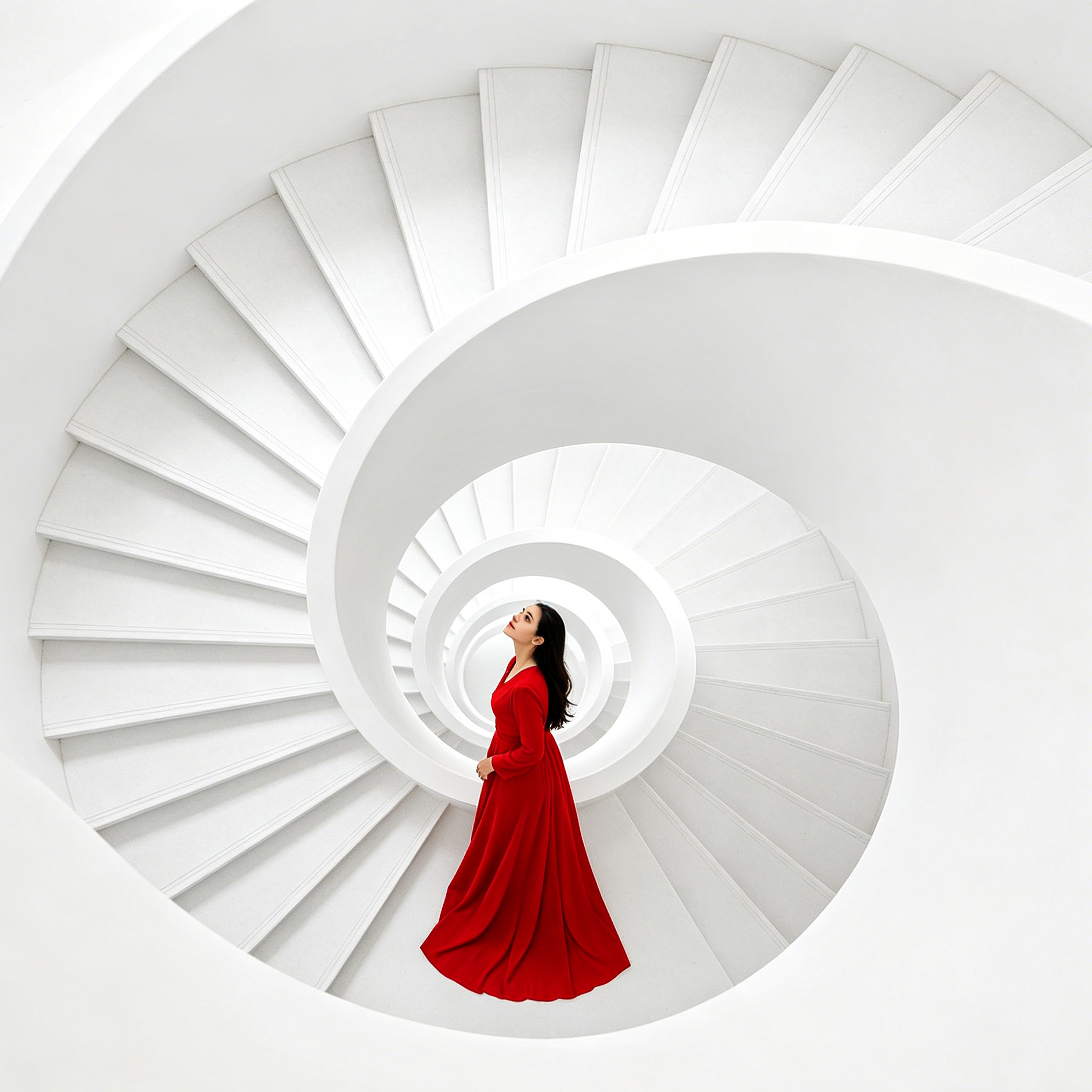
Start creating with Grok Imagine Video
Turn images into videos—with sound-ready outputs
Open the Grok Imagine Video workflow in Seedance 2.5, define a clear direction, compare the generated variations, and export the result that best fits your project.
- Generate videos from a single image reference
- Direct motion and camera with natural language prompts
- Choose duration, aspect ratio, and resolution
- Iterate with prompt-based edits (where supported)