Qwen Image Edit
Qwen Image Edit Multiple Angles
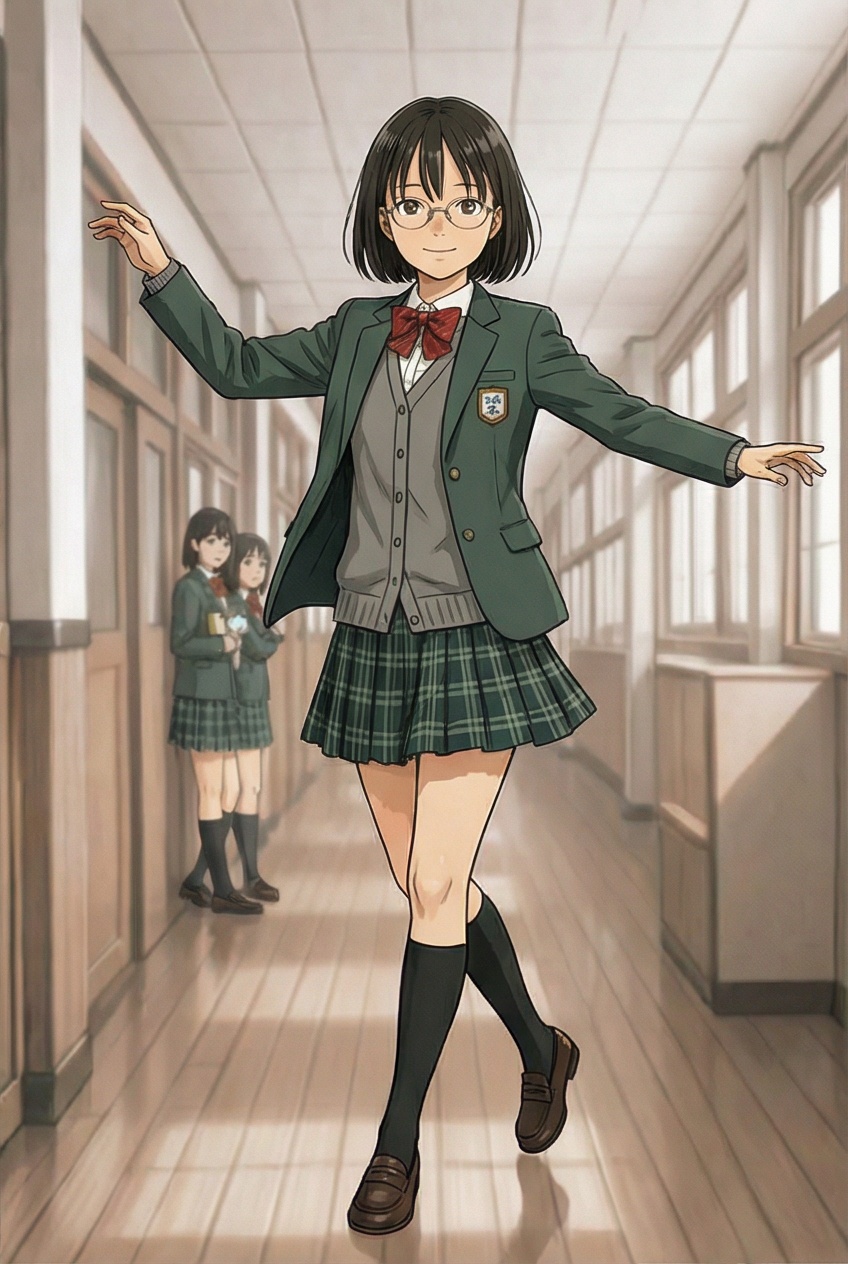
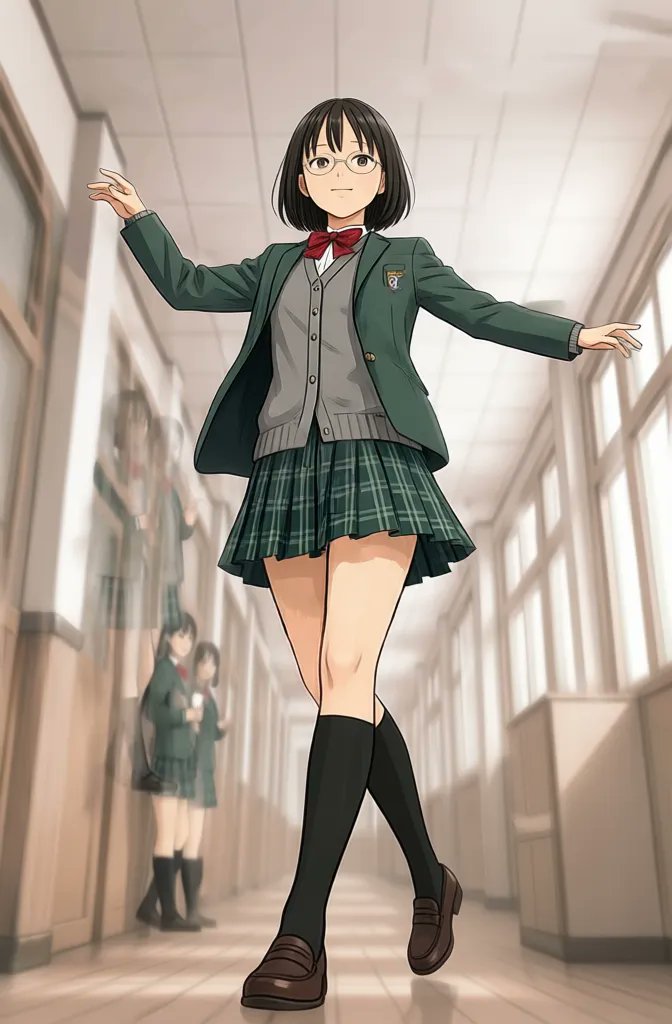
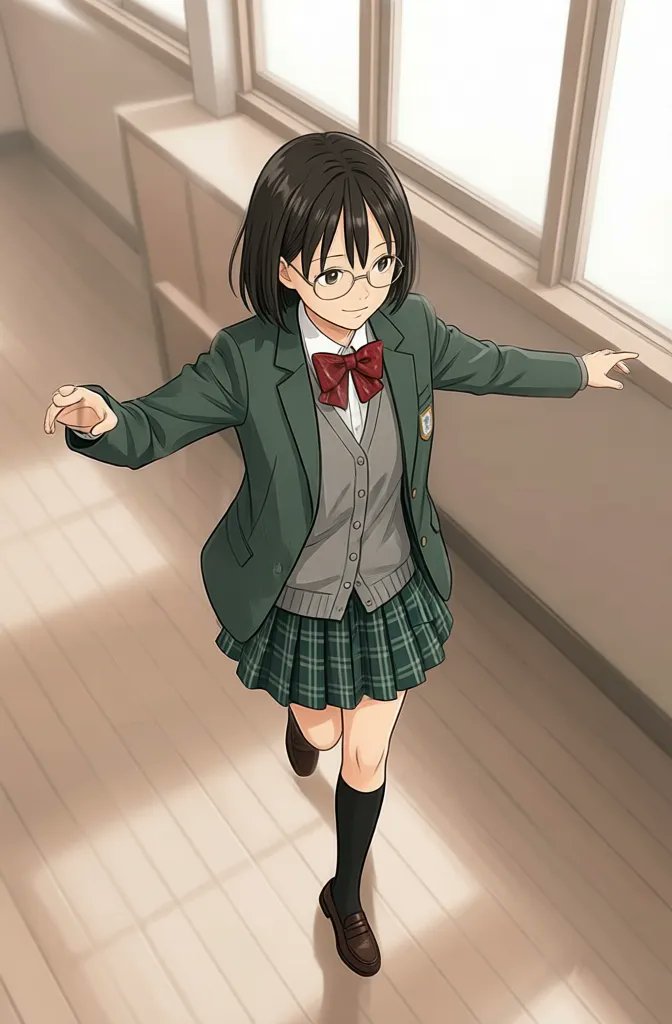
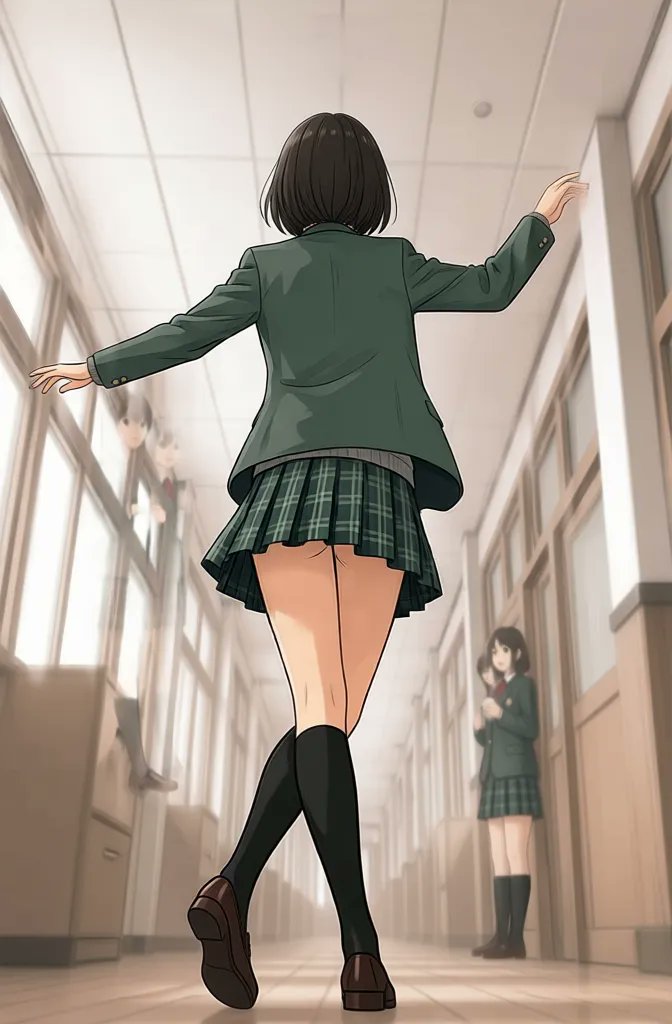
Create with Qwen Image Edit
Practical controls and focused iteration for Qwen Image Edit
Start with a clear creative brief, use the controls available for Qwen Image Edit, and compare focused variations before selecting the final images.

Powered by Qwen-Image-Edit-2511
Qwen Image Edit is built on Qwen-Image-Edit-2511 for reliable image-to-image editing. Keep your subject while changing viewpoint, composition, and camera position.
Qwen Image Edit Multiple Angles Camera Control
Qwen Image Edit Multiple Angles provides 96 camera poses (8 azimuths × 4 elevations × 3 distances). Rotate around the object (azimuth), move the camera up/down (elevation), and adjust distance for close-up/medium/wide shots.
3D-Consistent Training for Better Viewpoints
Qwen Image Edit Multiple Angles is trained on 3000+ Gaussian Splatting renders for strong 3D consistency across viewpoints, including reliable low-angle control.
Low-Angle Support and Stable Results
Qwen Image Edit Multiple Angles supports low-angle shots (down to -30° elevation) and is extensively tested for stable camera control prompts and consistent outputs.
Qwen Image Edit FAQ
Common questions about Qwen Image Edit
Practical guidance on inputs, prompts, generation options, exports, and responsible use for Qwen Image Edit in Seedance 2.5.
Still have questions? Contact our support team
Start creating with Qwen Image Edit
Try Qwen Image Edit Multiple Angles
Open the Qwen Image Edit workflow in Seedance 2.5, define a clear direction, compare the generated variations, and export the result that best fits your project.
- Edit any image with Qwen Image Edit (Qwen-Image-Edit-2511)
- Rotate around your subject with Qwen Image Edit Multiple Angles
- Control azimuth, elevation, and distance for stable viewpoints
- Create front/side/back views and high/low angles from one image