GPT Image 2
Photorealistic AI Image Generator
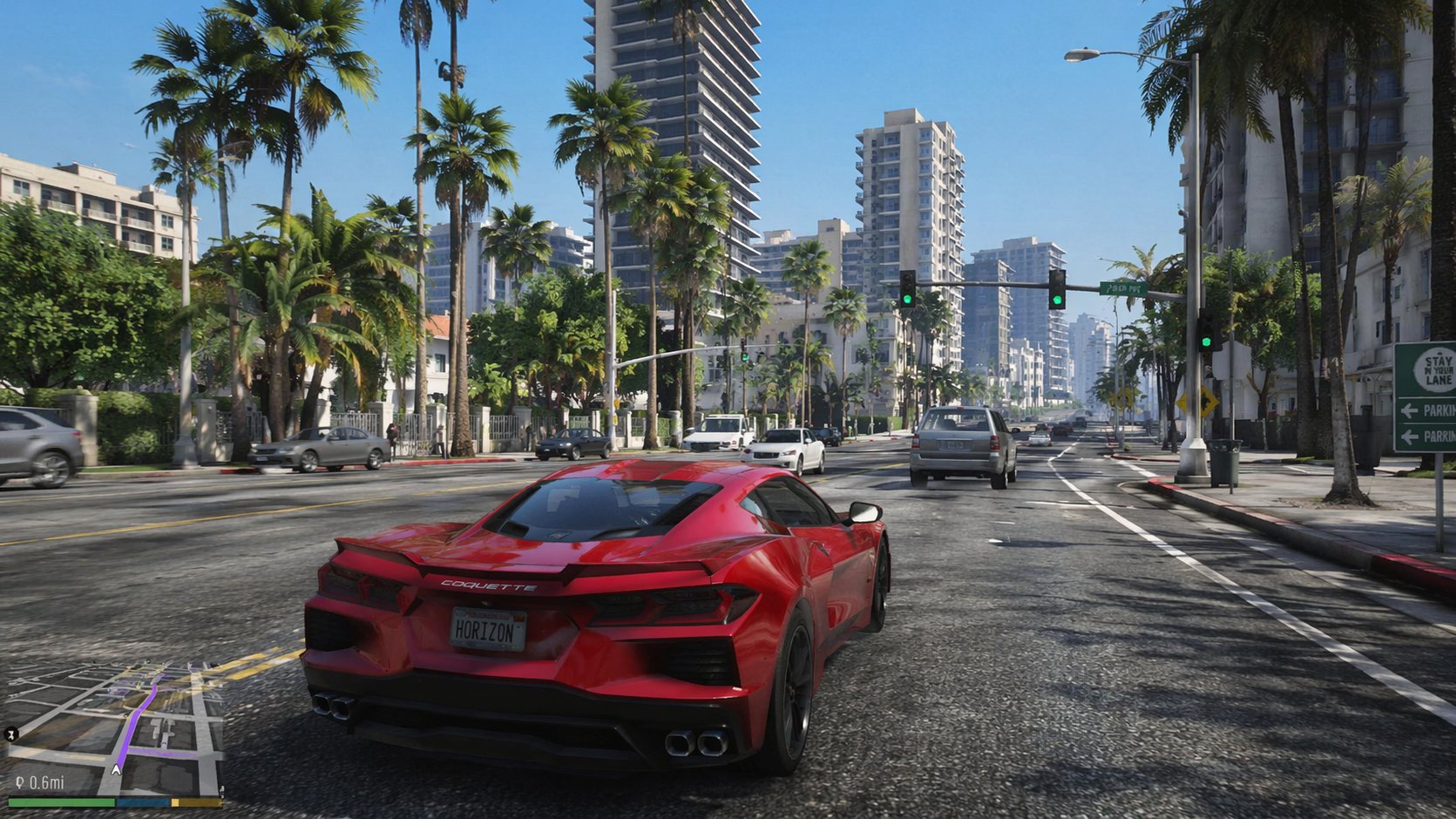
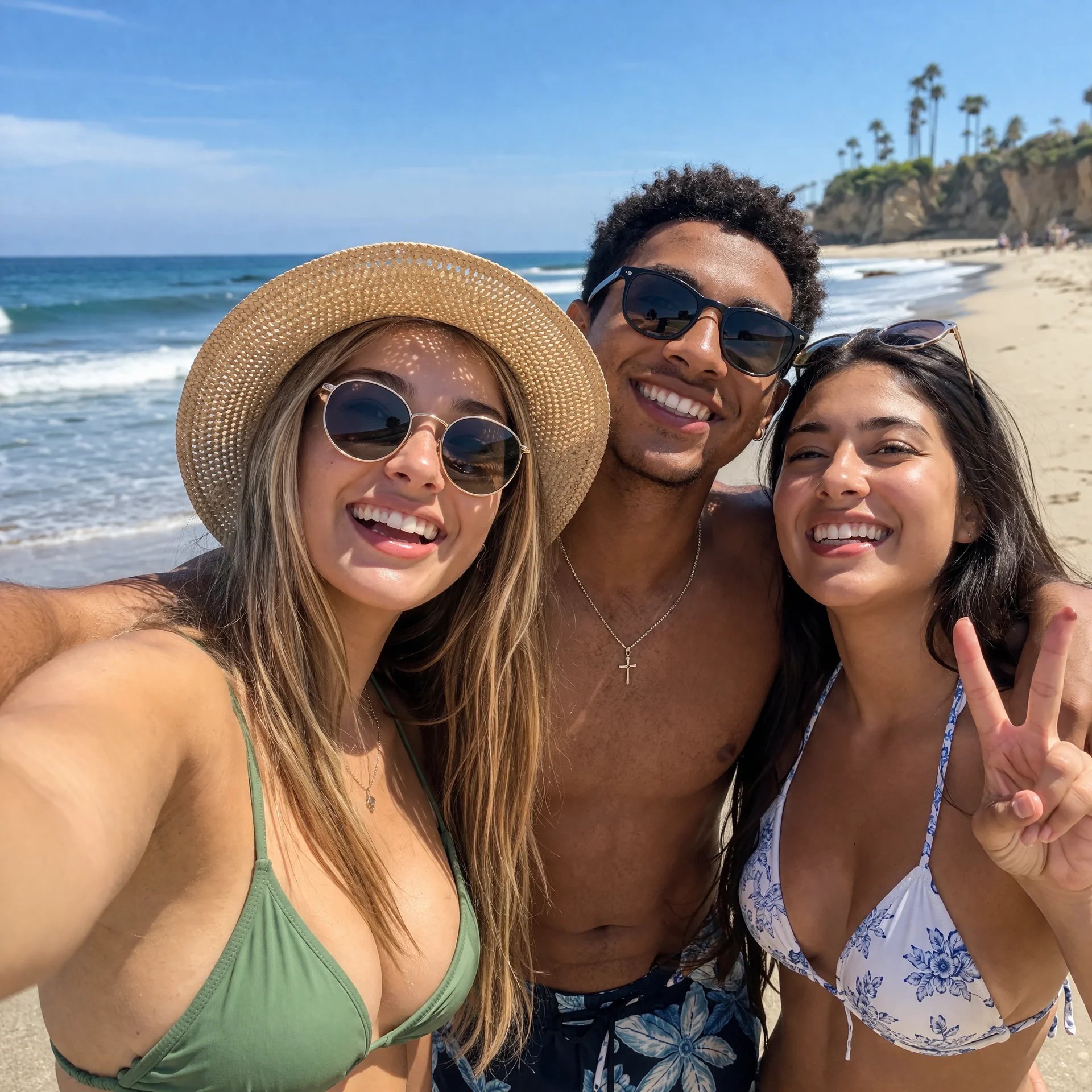
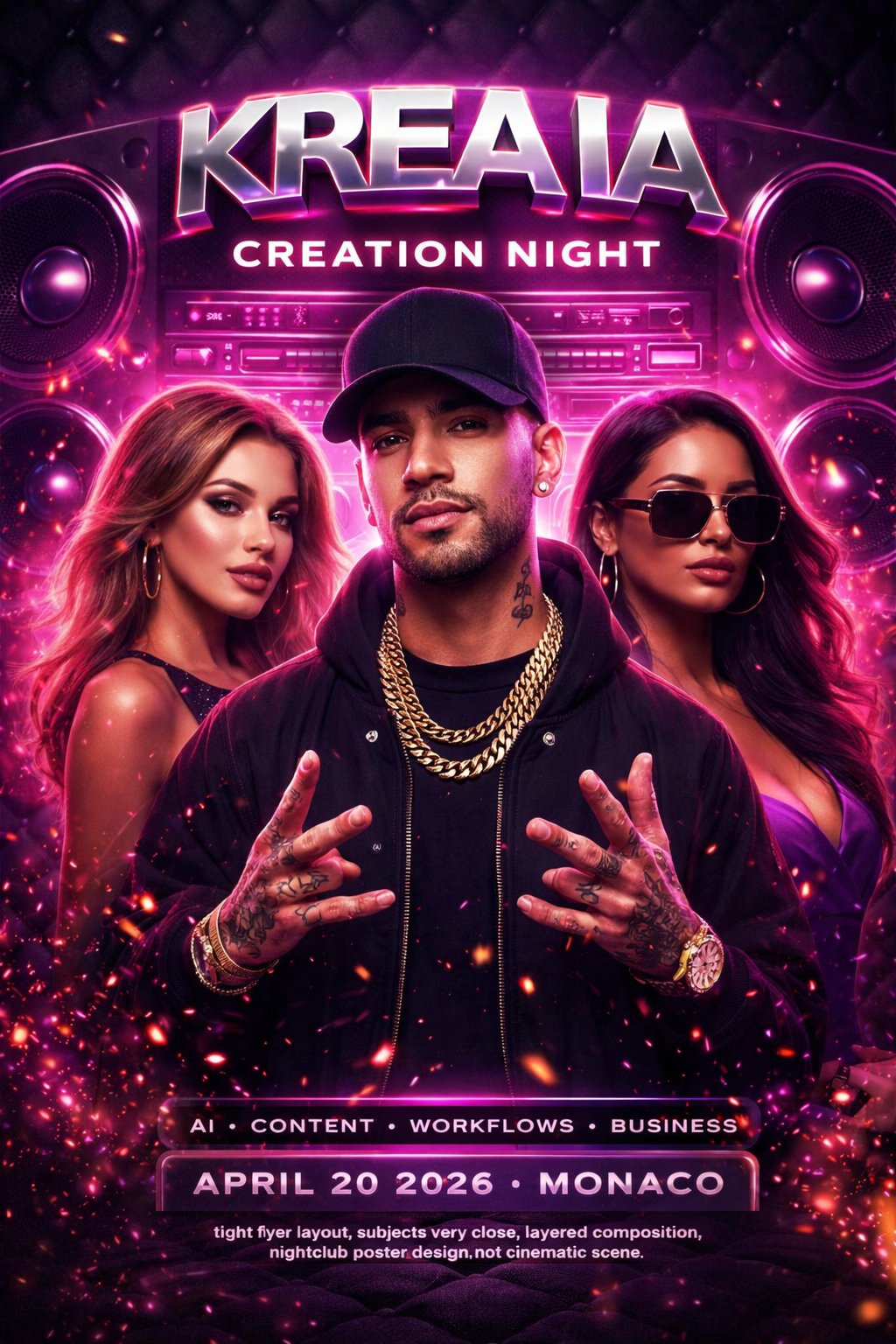
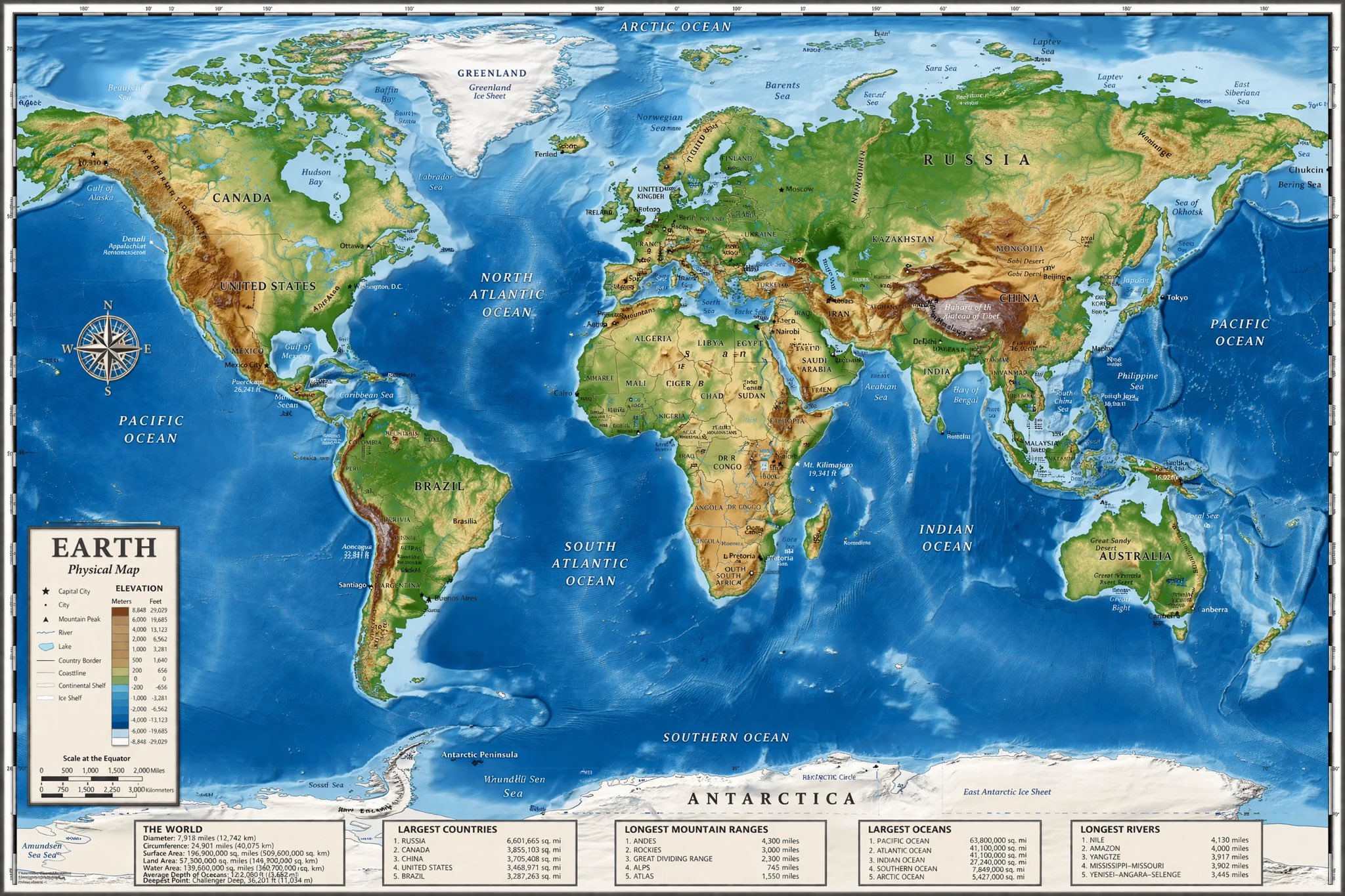
Create with GPT Image 2
Practical controls and focused iteration for GPT Image 2
Start with a clear creative brief, use the controls available for GPT Image 2, and compare focused variations before selecting the final images.

Razor-Sharp Text Rendering
Generate posters, labels, and typography-heavy visuals with much stronger text legibility than older image models, making brand and UI concepts easier to ship.
Photorealism with 4K-Ready Detail
From product shots to editorial-style scenes, GPT Image 2 targets high-detail realism and supports outputs up to 4096x4096 for presentation-ready assets.
Accurate Color Reproduction
The model emphasizes balanced, true-to-life color output and avoids the warm color cast common in older generations, helping keep visual tone consistent.
Fast Workflow for Teams
GPT Image 2 is designed for rapid iteration loops, so teams can test prompts quickly, compare variations, and move from concept to final creative with less friction.
GPT Image 2 FAQ
Common questions about GPT Image 2
Practical guidance on inputs, prompts, generation options, exports, and responsible use for GPT Image 2 in Seedance 2.5.
Still have questions? Contact our support team
Start creating with GPT Image 2
From Prompt to Production-Ready Visuals
Open the GPT Image 2 workflow in Seedance 2.5, define a clear direction, compare the generated variations, and export the result that best fits your project.
- Generate photoreal images with strong prompt fidelity
- Create typography-heavy visuals with clearer text rendering
- Produce balanced color output for brand and product work
- Iterate fast with a workflow built for creative teams