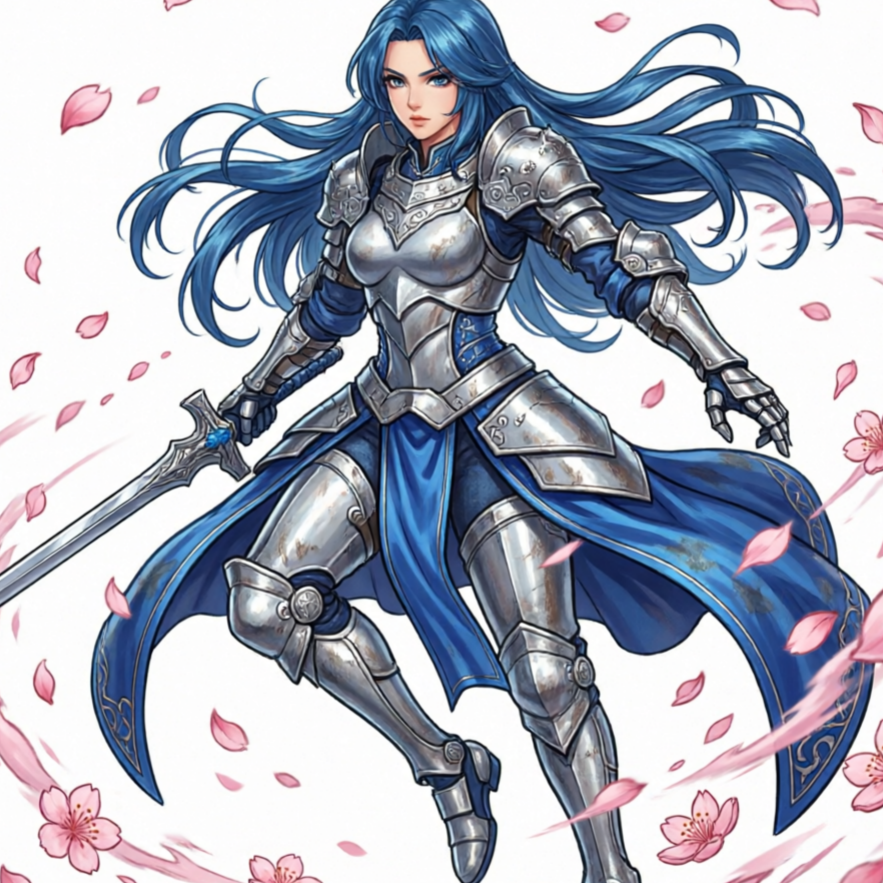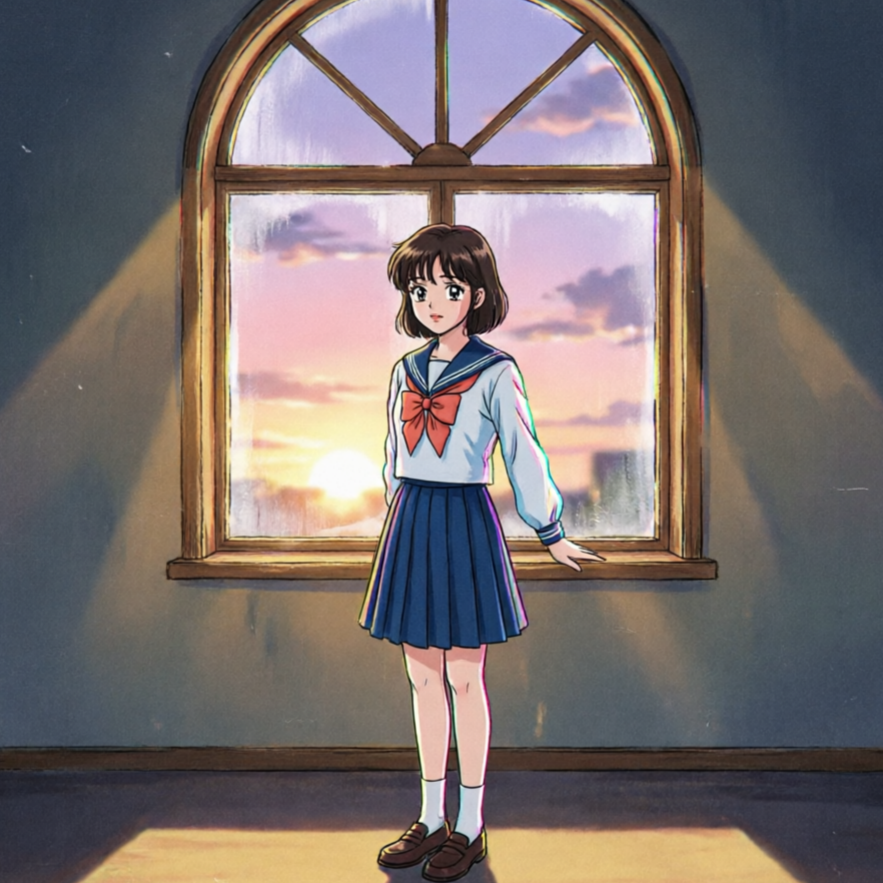
Dynamic Anime Hero
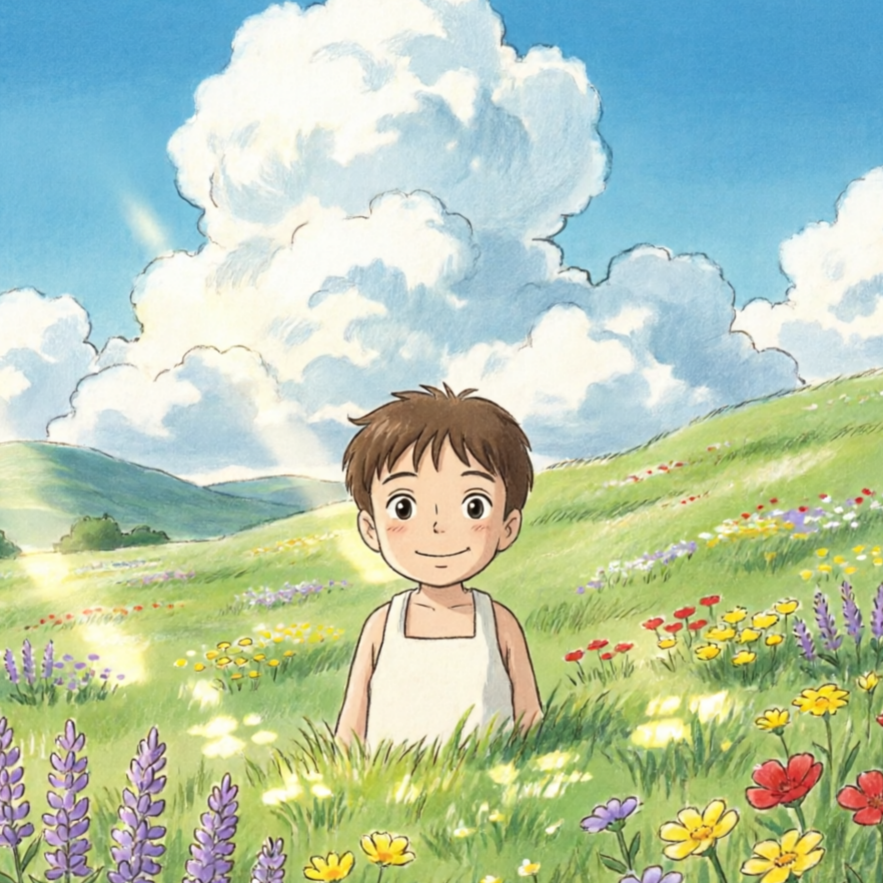
Craft heroes with expressive features and dynamic poses, perfect for action-packed narratives and manga-inspired art.
Turn a clear creative brief into a polished character drawing image.
Start with a text prompt or uploaded image and describe the composition, lighting, color, styling, and subject detail that matter for this character drawing image. Generate a first image, compare variations, and refine the direction until it fits your intended story, campaign, or design.

Use this example to study the framing, detail, and creative decisions that make a character drawing image feel intentional rather than generic.
Discover a range of artistic directions for your characters, from classic anime to high fantasy and futuristic sci-fi. Find the perfect aesthetic for your vision.

Craft heroes with expressive features and dynamic poses, perfect for action-packed narratives and manga-inspired art.

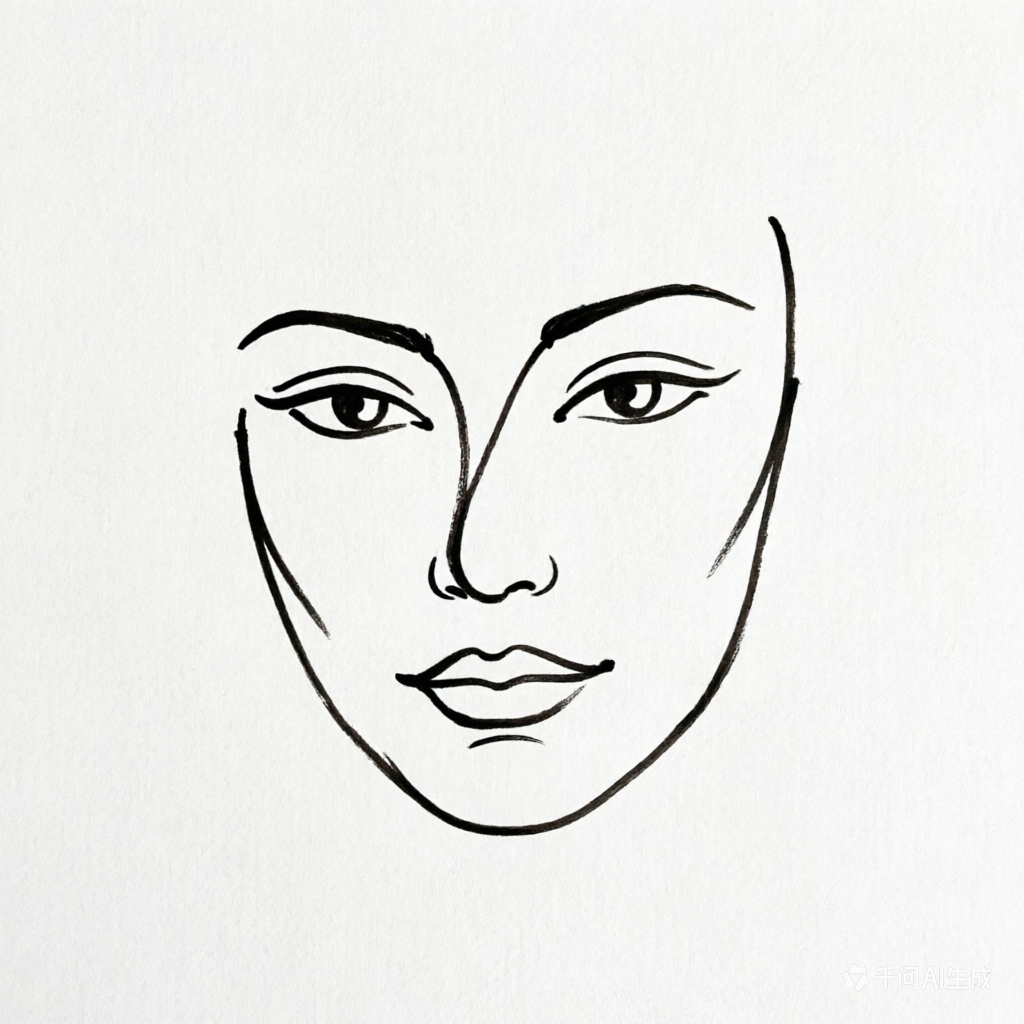
Generate clean line art drafts for rapid ideation and concept iteration before committing to full rendering.

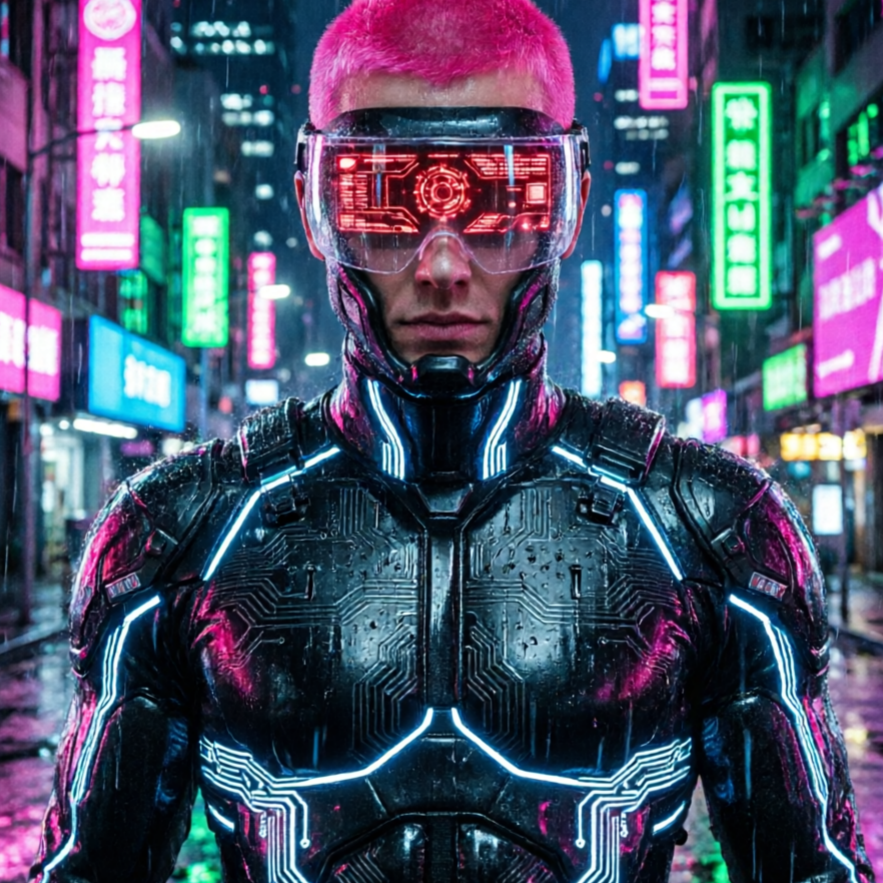
Design characters immersed in a futuristic, neon-drenched world with advanced tech and striking urban aesthetics.

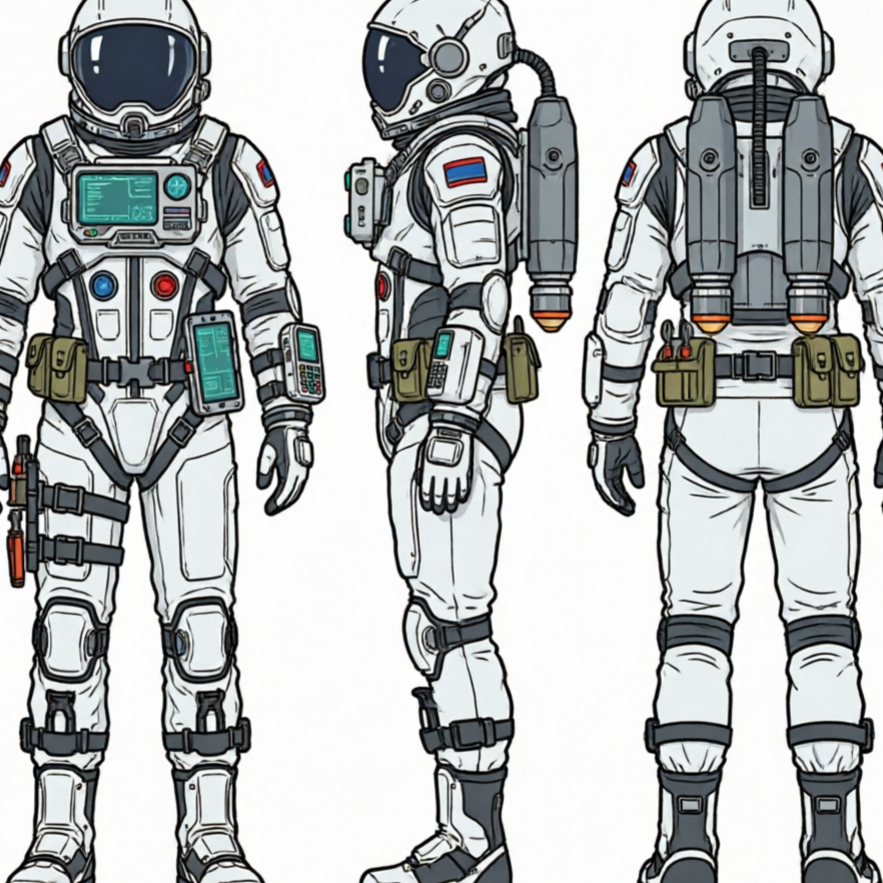
Create characters suited for interstellar adventures, featuring high-tech suits and alien environments.

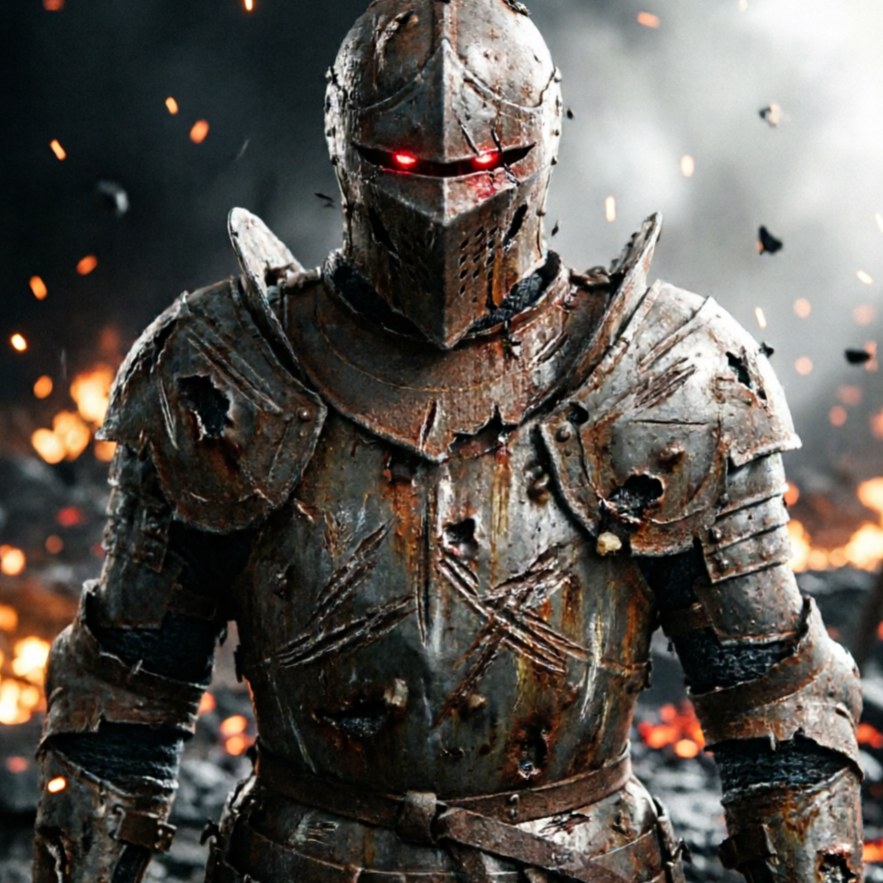
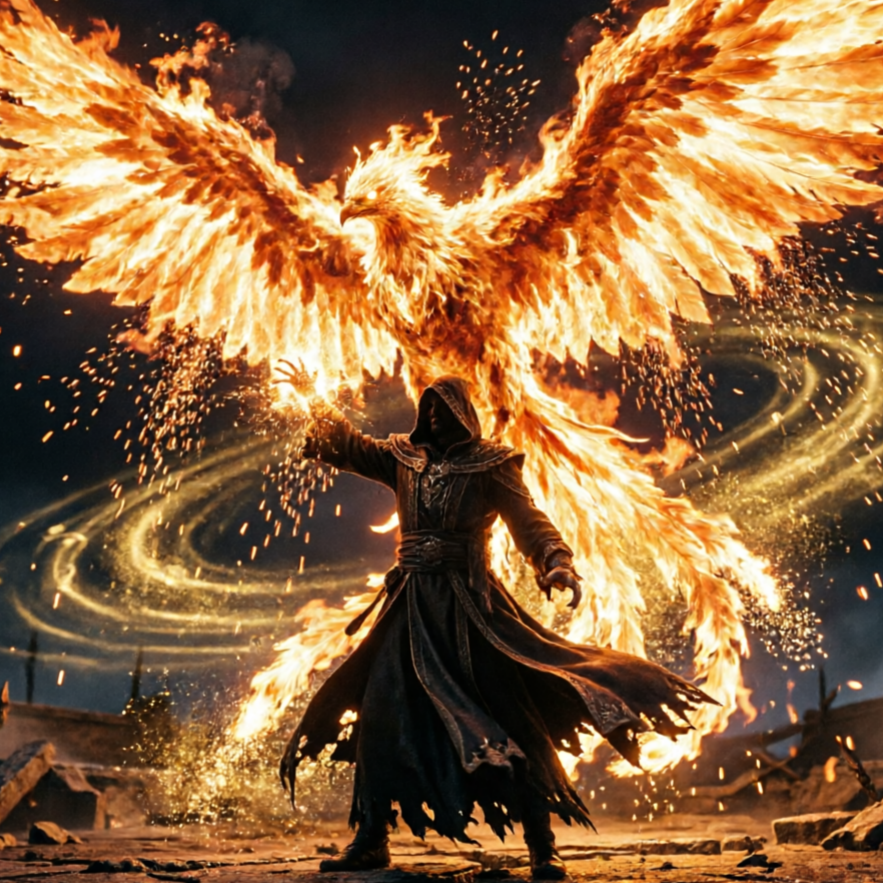
Summon characters from realms of magic and myth, complete with intricate armor and mystical weapons.

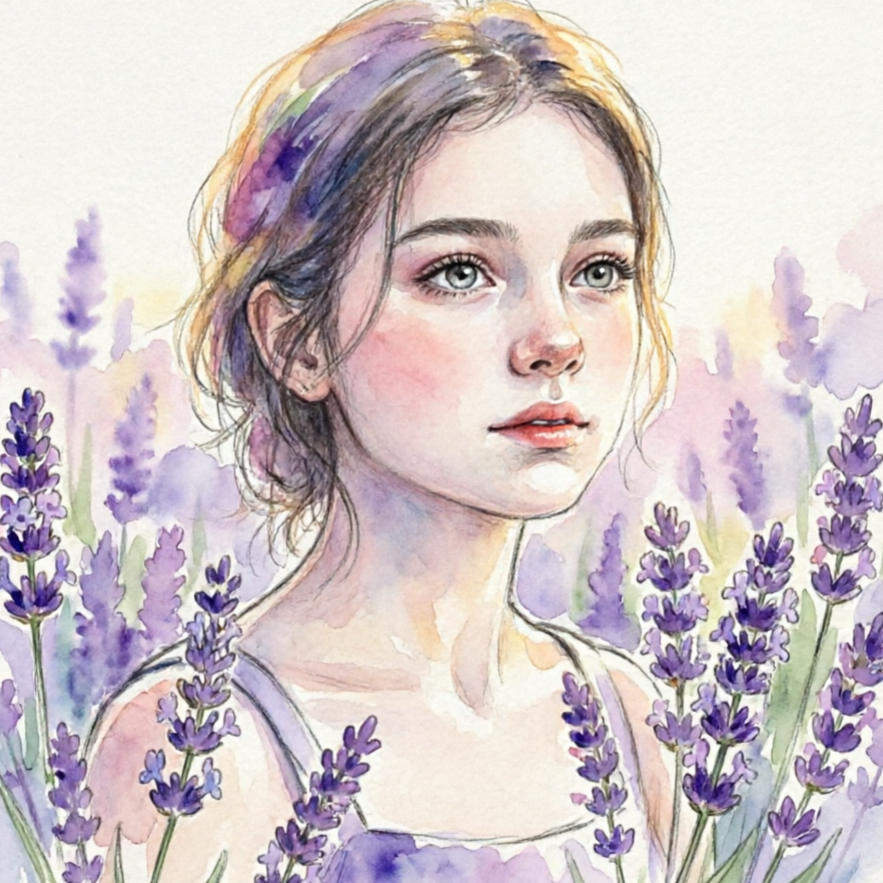
Focus on detailed facial features and expressions, ideal for character profiles and close-up artwork.
See how our AI character generator can craft heroes for your stories, villains for your games, or avatars for your profiles. Each example showcases the versatility of our tool.

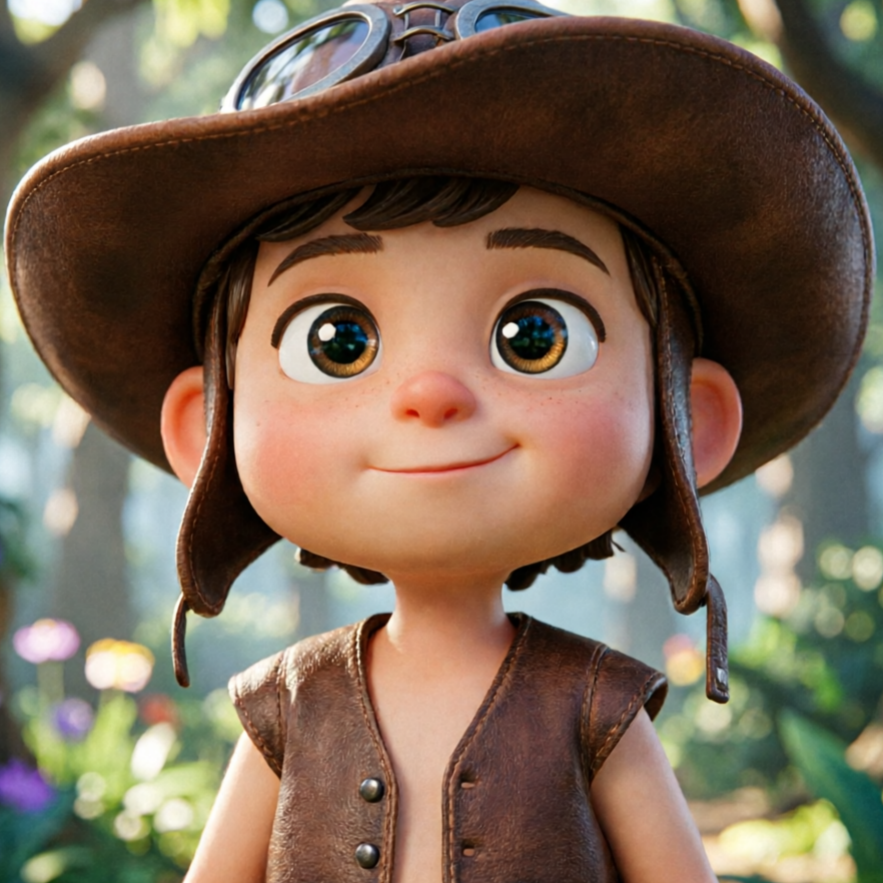
A vibrant anime character, ready for a new adventure, demonstrating dynamic pose and costume details.

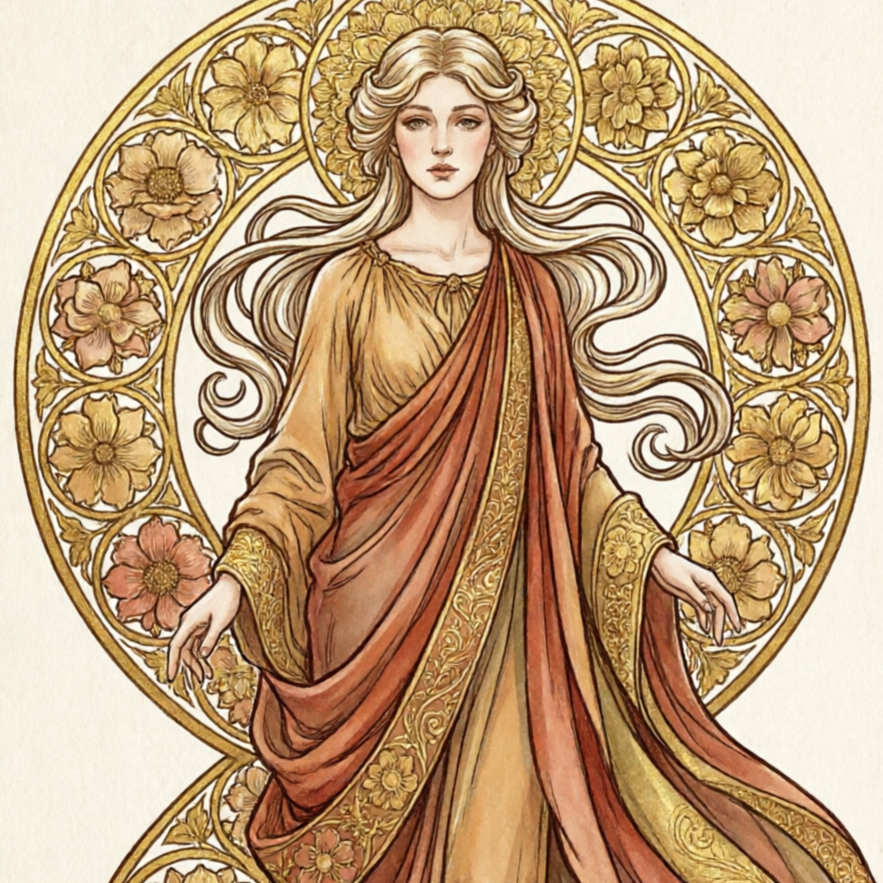
A powerful mage from a fantasy realm, showcasing intricate magical elements and flowing robes.

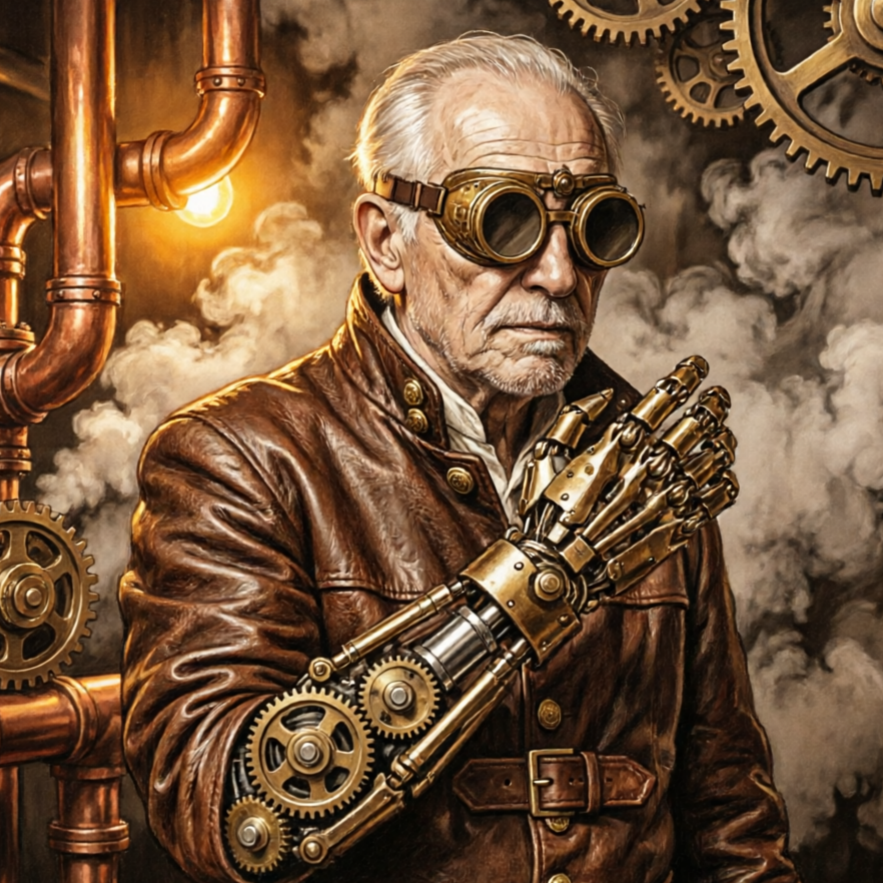
A sleek cyborg warrior, blending human and machine elements in a compelling sci-fi aesthetic.

A detailed portrait capturing the unique personality and emotional depth of a character.

A character design suitable for video games, highlighting a unique silhouette and thematic elements.

A character designed with a narrative in mind, suggesting a rich backstory and role in a larger world.
Move from a broad idea to a usable image with clearer direction, faster comparisons, and a practical handoff into Seedance 2.5.
Shape the composition, lighting, color, and subject details for a more intentional character drawing image result.
Use a clear reference and focused direction to keep the character drawing image look coherent across variations.
Refine the strongest output for social posts, campaign concepts, thumbnails, or design exploration.
Compare alternate framing and styling choices before selecting the final character drawing image.
Use this workflow when you need a specific character drawing image rather than a generic asset. Define the intended audience, platform, and visual or tonal direction before generating.
Describe concrete production cues such as composition, lighting, color, styling, and subject detail. Specific direction gives the generator a clearer target and makes each revision easier to evaluate.
Start with the prepared workflow, refine the details that define this character drawing image, then keep the best result or continue editing in Seedance 2.5.
Open the generator and add a text prompt or uploaded image that clearly establishes the subject and creative direction.
Describe composition, lighting, color, styling, and subject detail, then remove conflicting instructions that could weaken the character drawing image.
Compare the generated variations, keep the strongest image, and refine it for the final use.
Practical answers about creating, refining, and using a character drawing image in Seedance 2.5.
It creates a focused character drawing image from a text prompt or uploaded image. Use the available controls to guide composition, lighting, color, styling, and subject detail, then compare variations before choosing the final result.
Use a clear, high-quality source that makes the main subject easy to identify. A focused source gives the character drawing image a stronger visual or tonal foundation.
Prioritize composition, lighting, color, styling, and subject detail. Add only details that directly support the intended character drawing image, and remove instructions that compete with one another.
Keep the strongest character drawing image as a finished asset or continue refining it with another Seedance 2.5 tool. A focused source and concise prompt make later revisions easier to control.
Commercial use depends on your plan, the applicable model terms, and the rights attached to your source material. Review the current terms before publishing or selling the result.
Move from this character drawing image into the next Seedance 2.5 tool without losing the direction established in your selected result.
Start from text-only prompts to create entirely new character scenes and environments.
Upload a reference image and transform it into the distinct style of an AI character drawing.
Run iterative variations to compare subtle versus dramatic stylistic changes on your character designs.
Use your own character sketches or photos as a base and apply AI drawing styles while preserving core composition.
Use complementary image, video, and audio tools when the project needs additional editing, motion, sound, or format changes.
A versatile model for broad character concept exploration, offering diverse interpretations of your prompts.
Achieve higher quality and cleaner rendering for detail-sensitive character generations with this advanced model.
Ideal for making precise edits to existing character images while maintaining their original integrity.
Discover alternative high-quality rendering styles and compare output fidelity for your character designs.
Start with a text prompt or uploaded image, direct the details that define the character drawing image, and refine the strongest result in Seedance 2.5.