GPT
OpenAI Image Generation
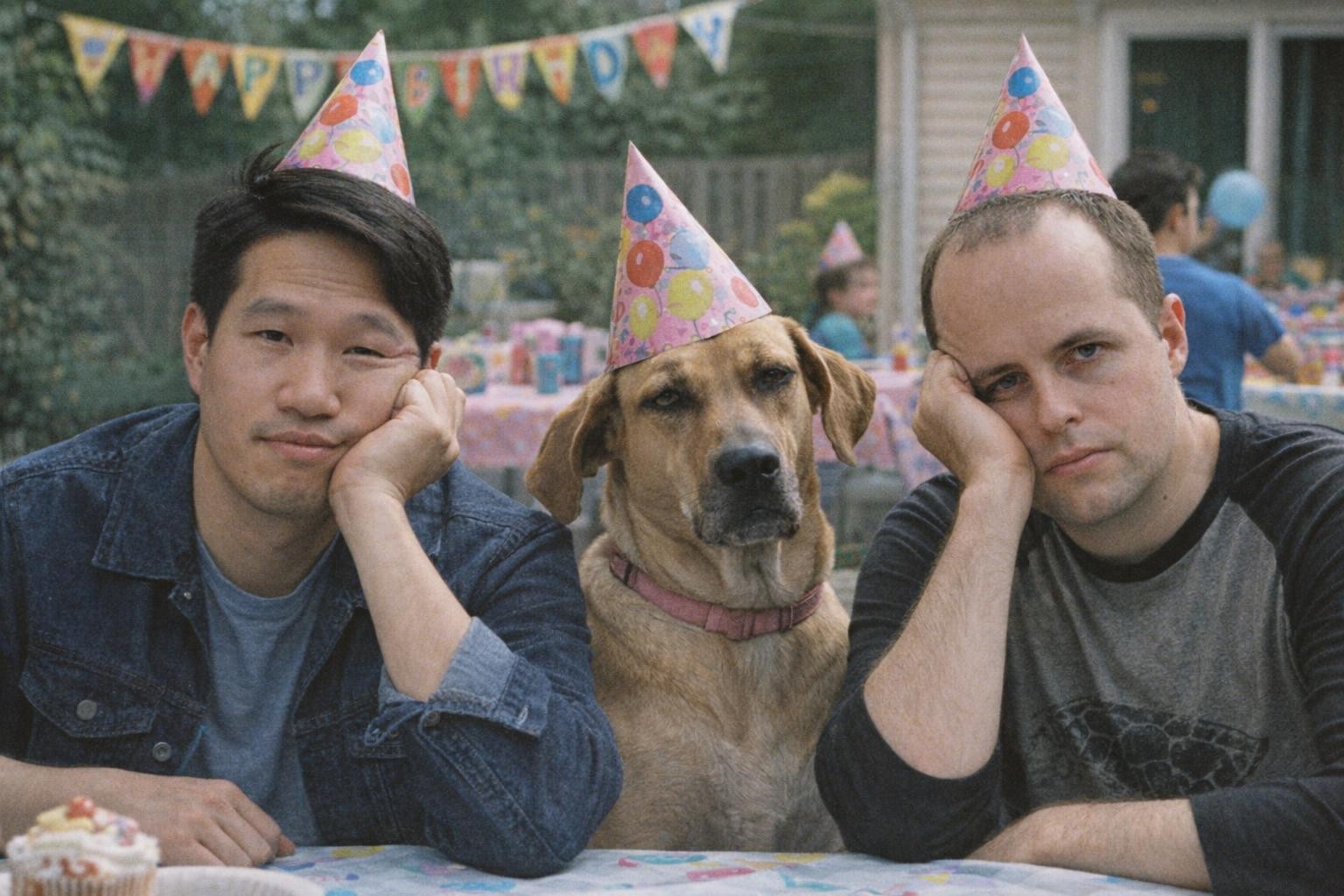
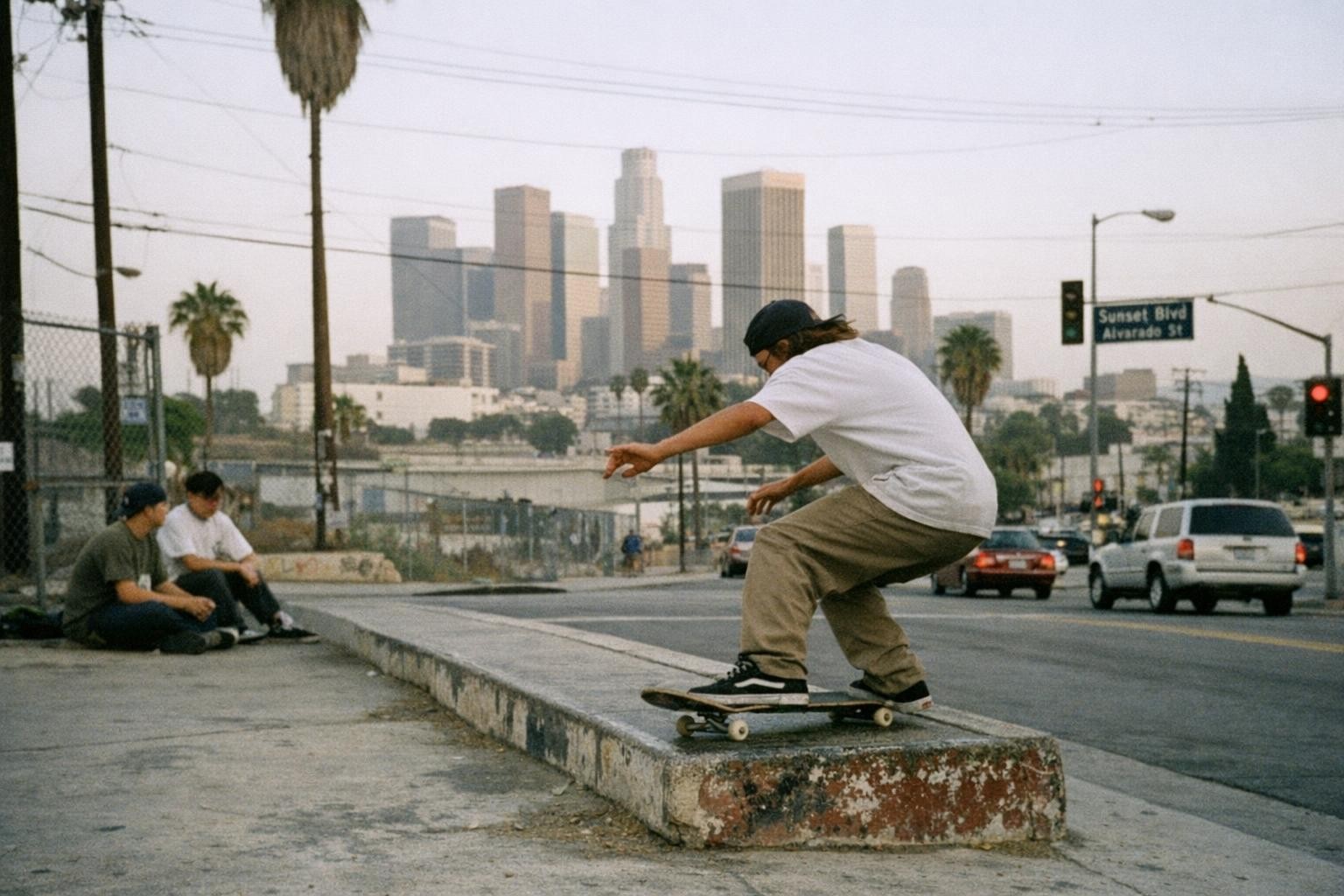
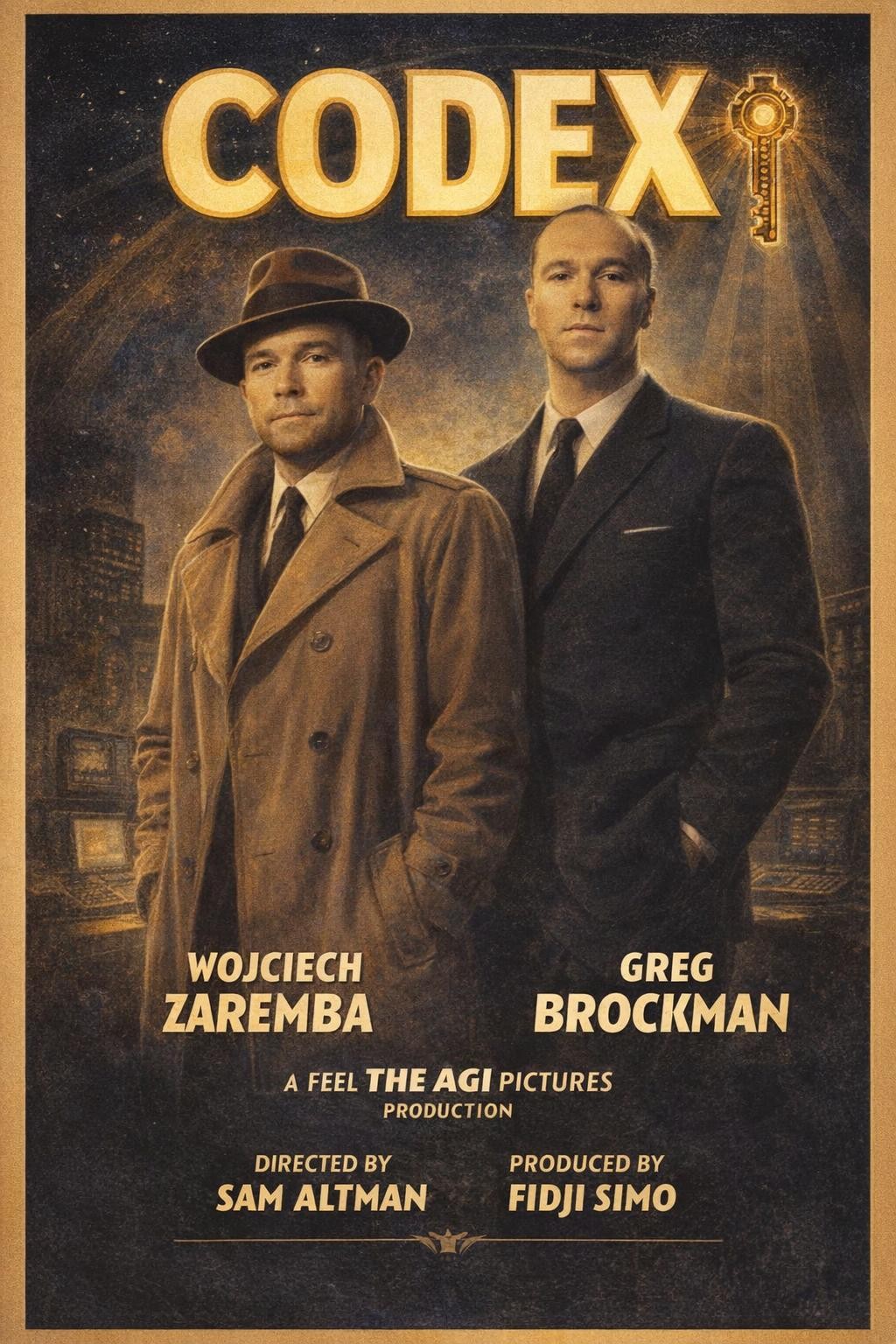
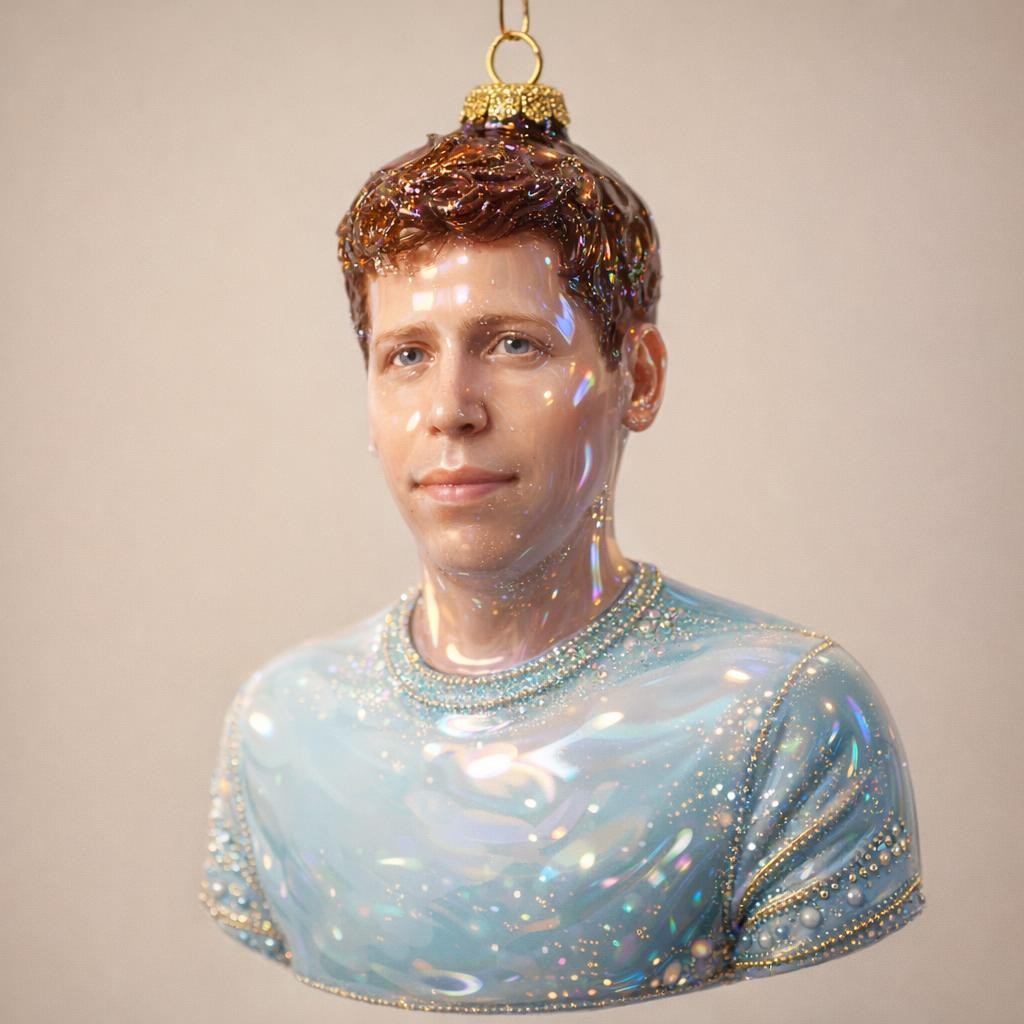
Create with GPT
Practical controls and focused iteration for GPT
Start with a clear creative brief, use the controls available for GPT, and compare focused variations before selecting the final images.
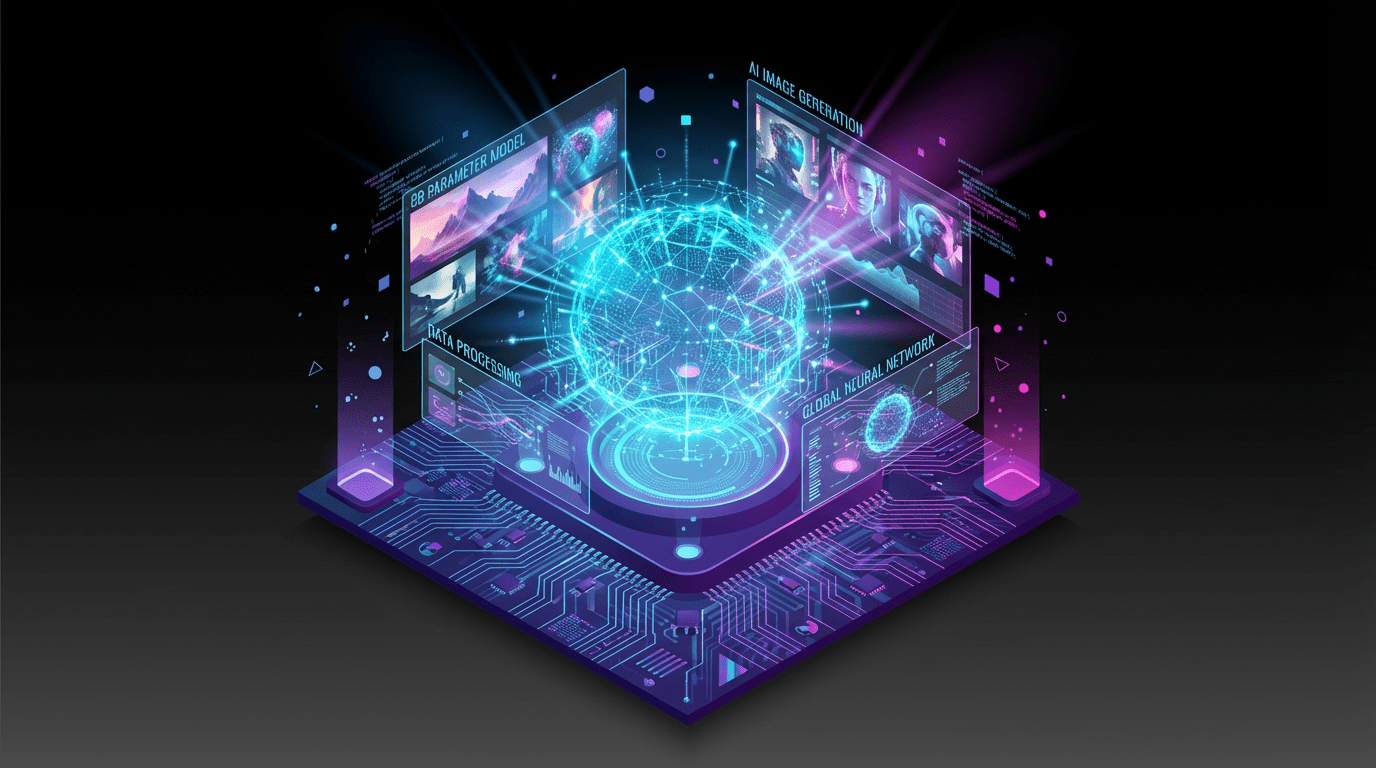
OpenAI-Tuned Fidelity
Built on OpenAI's latest stack, GPT-Image 1.5 delivers crisp, photorealistic results while staying faithful to your prompts—even with complex layouts, typography, or multi-step instructions.
Text-to-Image & Image-to-Image
Generate from scratch or iterate on existing shots. GPT-Image 1.5 keeps your subject, lighting, and style aligned to the prompt while letting you refine details quickly.
Fast Iteration Loop
Preview-ready frames in seconds. GPT-Image 1.5 speeds up your iteration cycle so you can test variations, tighten instructions, and lock in the look without waiting.
Prompt-True Composition
Better adherence to spatial cues, labels, and styling makes GPT-Image 1.5 reliable for storyboards, product mocks, UI comps, and branded visuals that need to stay on-brief.
GPT FAQ
Common questions about GPT
Practical guidance on inputs, prompts, generation options, exports, and responsible use for GPT in Seedance 2.5.
Still have questions? Contact our support team
Start creating with GPT
Transform Ideas Into On-Brief Images with OpenAI
Open the GPT workflow in Seedance 2.5, define a clear direction, compare the generated variations, and export the result that best fits your project.
- Generate photorealistic images from text with GPT-Image 1.5
- Edit and transform existing shots while staying on-brief
- Keep layouts, labels, and styling aligned to your prompts
- Iterate quickly with fast returns from OpenAI's latest image model