Categories: AI Video Workflow, Creator Strategy, Production Process
Tags: seeddance, seedance 2.0, ai video workflow, content strategy, creator toolkit
Introduction
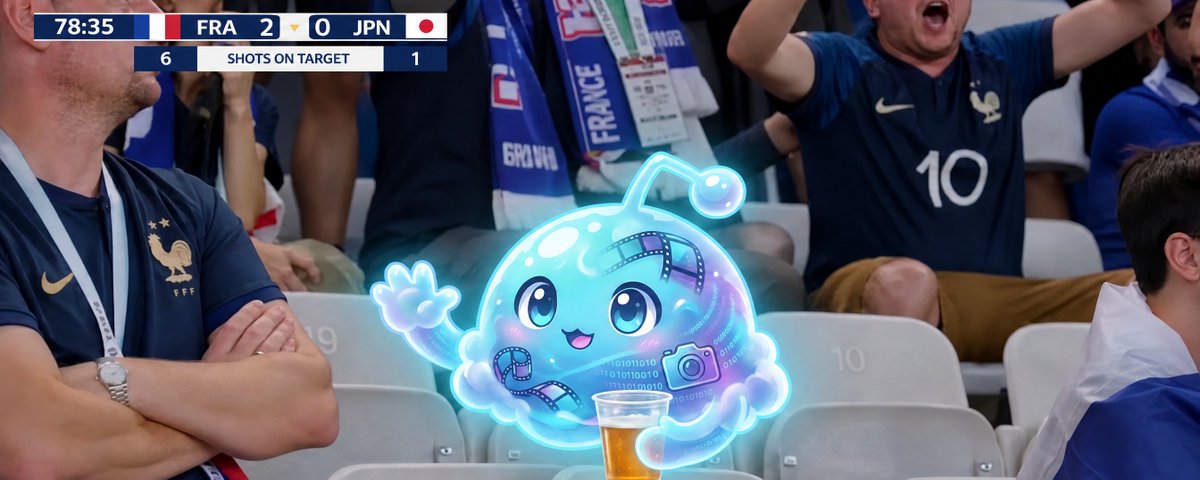
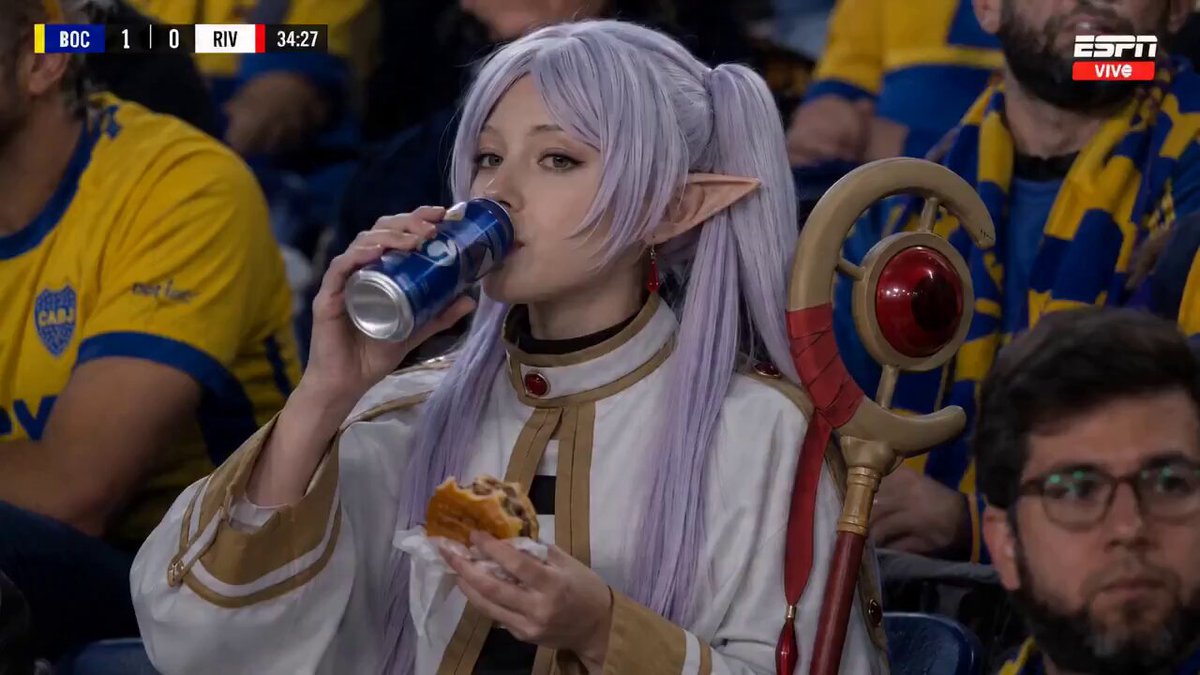
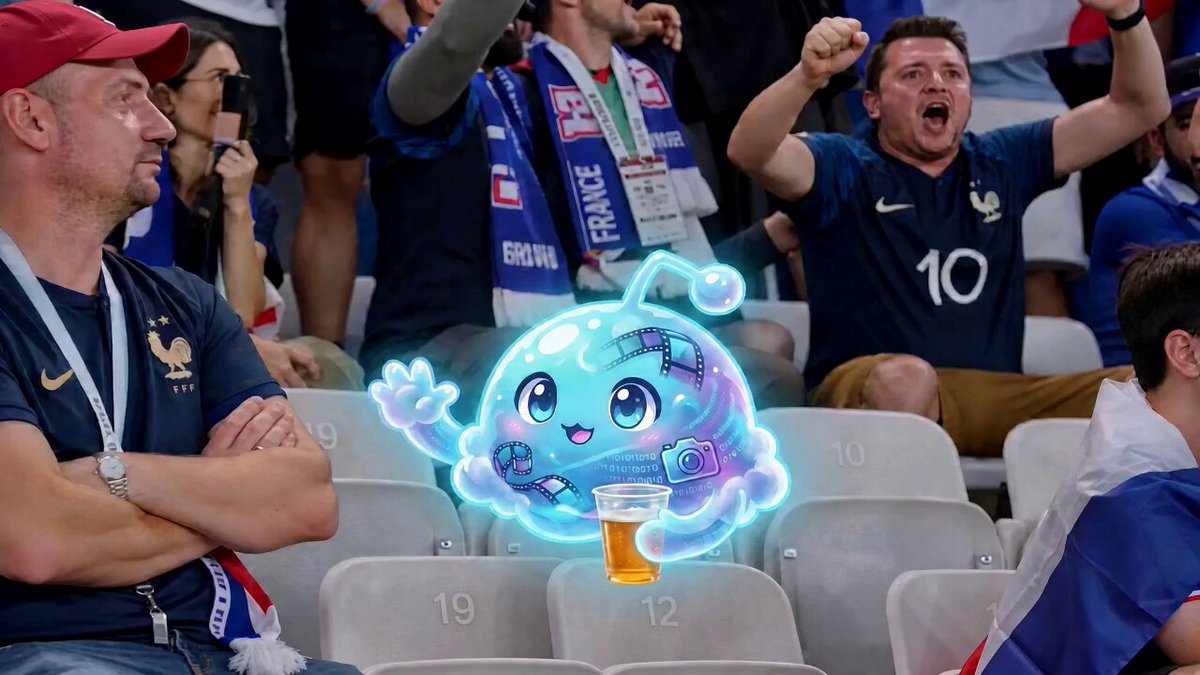
Ever seen those hilarious fan-cam reactions at WWE matches, concerts, or NBA games and wished you could create your own? Now you can! This guide will show you how to make your very own jumbotron-style reaction video using Kinovi with Seedance 2.0.
Quick Visual Reference
Core Content Blocks
Step 1: Prepare Your Character
To begin, you'll need an image of the person you want to feature in your video. If you don't have one readily available, creating a character sheet is the best approach. You can use tools like Nanobanana or GPT-Image-2 directly on the Kinovi website to generate one. A character sheet helps define various expressions and angles (front, back, side) of your subject on a white background, without any text.
Step 2: The Seedance 2 Prompt
Once your character image or character sheet is ready, navigate to Seedance 2 on Kinovi. Upload your character image and tag it as @Image1. If your video involves multiple characters, simply upload each image and tag them sequentially as @Image2, @Image3, and so on.
Pro Tip: Generate a Still First for Maximum Consistency
For optimal results and perfect continuity in your animation, we recommend generating a still image of your character in the desired fan-cam moment before animating. This ensures Seedance 2 animates with 100% reliability, maintaining consistency throughout your video.
Crafting Your Prompt
Copy and paste this base prompt into Seedance 2, then customize the bracketed sections to fit your unique vision:
"Make a character sheet of this person. Show their various expressions, from behind, From the front and from the side. No text. White background."
Related Models and Features on Kinovi
Kinovi offers a powerful platform for AI-powered video and image generation. While we are an independent platform and not affiliated with third-party AI model providers, you can leverage various capabilities:
- Seedance 2.0: This model provides text and image to video generation with native 720p and 1080p output options. It supports prompt, image, and reference-led video generation for a shared creative route.
- Kling 3.0: Ideal for high-capacity video generation, especially for motion-heavy shots within the Kinovi playground.
- HappyHorse 1.0: Another model available for prompt, image, and reference-led video generation.
Conclusion
Creating your own jumbotron-style fan-cam reaction video is straightforward with Kinovi and Seedance 2. By preparing your character, crafting a precise prompt, and utilizing the platform's features, you can produce engaging and fun content.
Next Step
Explore Seeddance workflow templates: https://seeddance.app/
FAQs
1) Can this workflow work for a solo creator? Yes. Start with a small weekly scope and reuse the same production blocks.
2) How many variants should I test per post? 2 to 4 focused variants are usually enough to identify clear winners.
3) Should I prioritize trends or consistency? Use trends for reach, but keep a consistent format system for long-term brand memory.