
Categories: AI Video Workflow, Creator Strategy, Production Process
Tags: seeddance, seedance 2.0, ai video workflow, content strategy, creator toolkit
Introduction
The Happy Horse model has officially arrived, bringing with it new possibilities for AI-powered video generation. While this is the initial release, Seeddance anticipates continuous quality improvements with upcoming updates. If you're already familiar with generating content on Seeddance 2 or Kling, you'll find Happy Horse intuitive. However, Happy Horse also has its own unique characteristics. This guide will help you achieve the best possible results with our newest model.
Quick Visual Reference
Core Content Blocks
1) Master Your Timing, Pacing & Prompt Length
While the standard 15-second generation cap remains, finding the optimal timing is crucial for Happy Horse. For scenes with heavy action, aim for generations between 4 to 10 seconds. This ensures fluid and impactful movement without the generation breaking down.

2) Lock In Visual Consistency
To maintain consistent characters and art styles across multiple shots, avoid relying solely on text descriptions. Leverage the platform's tools to ensure visual continuity.

3) Environment Control & Scene Editing
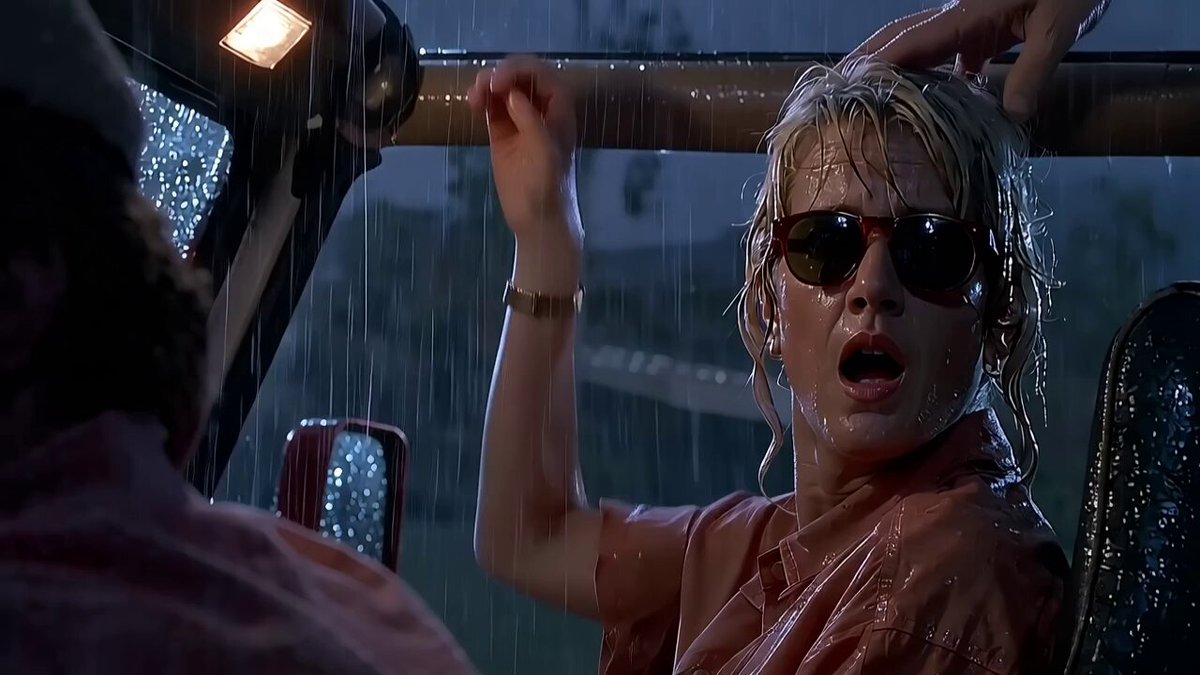
Reference images and video editing techniques can be used to significantly alter or build upon existing scenes. For instance, if you want to transform a normal scene into a rainy one, you need to provide very clear and firm instructions to the AI.
Related Models and Capabilities
Seeddance offers a range of powerful AI models for video generation:
- Seeddance 2.0: Facilitates prompt, image, and reference-led video generation, providing a shared route for creative expression.
- Kling 3.0: Specializes in high-capacity video generation, ideal for motion-heavy shots within the Kinovi playground.
- HappyHorse 1.0: Our newest model, offering text and image to video generation with native 720p and 1080p output options.
It's important to note that Kinovi is an independent platform for AI-powered video and image generation and is not affiliated with third-party AI model providers.
Practical Weekly Workflow
- Define Objectives: Choose 2 to 3 key areas from this guide to focus on each week.
- Draft Content: Create a concise first draft for each selected objective.
- Refine and Publish: Improve the structure, tone, and clarity of your content before publishing.
- Measure Performance: Compare different variants using a single, measurable Key Performance Indicator (KPI).
- Optimize: Retain only the formats and approaches that consistently outperform your baseline.
Conclusion
Standardizing your content production process is the most reliable way to scale output. Maintain a stable structure, iterate on individual sections, and only scale what consistently demonstrates strong performance.
Next Step
Explore Seeddance workflow templates: https://seeddance.app/
FAQs
1) Can this workflow work for a solo creator? Yes. Start with a small weekly scope and reuse the same production blocks.
2) How many variants should I test per post? 2 to 4 focused variants are usually enough to identify clear winners.
3) Should I prioritize trends or consistency? Use trends for reach, but keep a consistent format system for long-term brand memory.