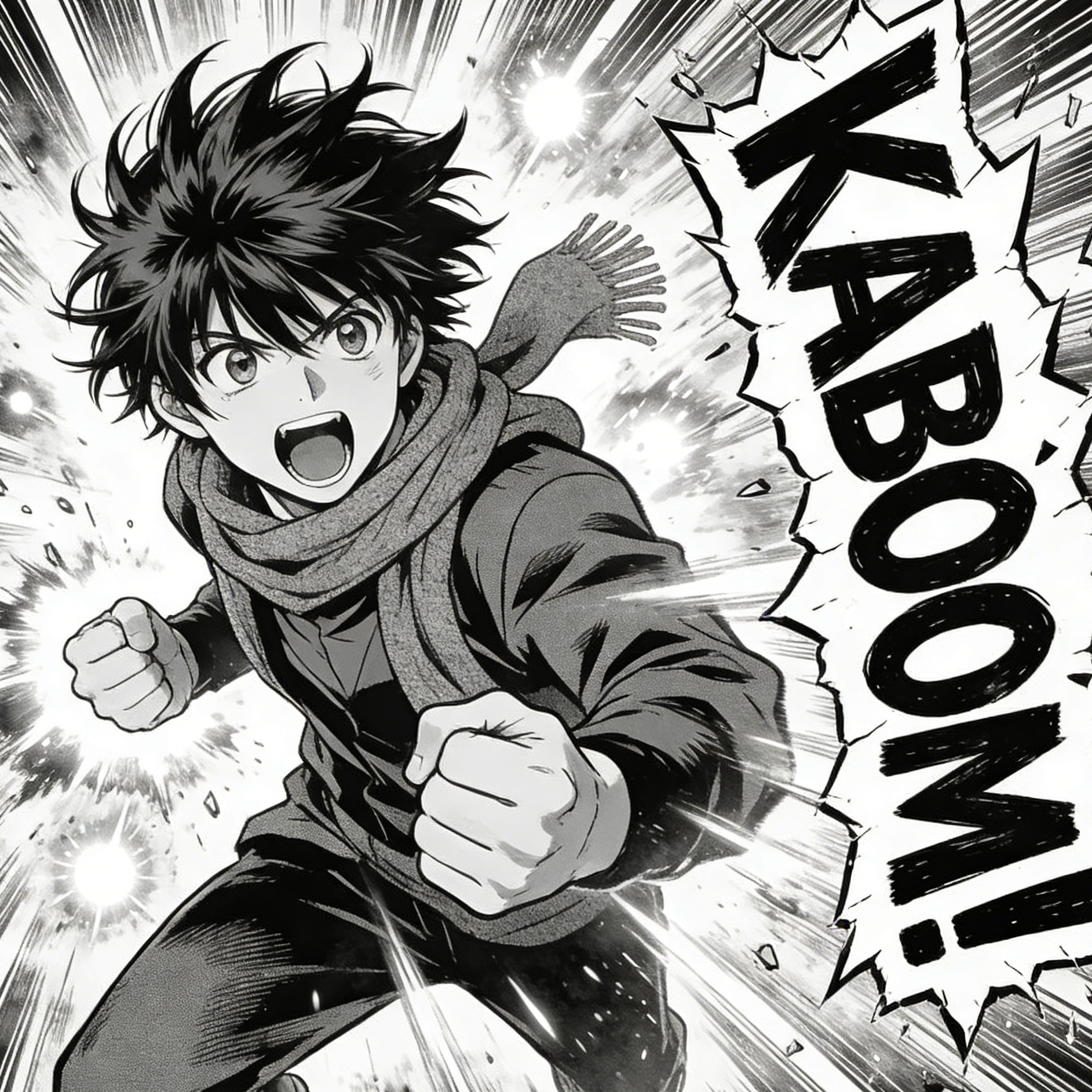
Shonen Action
Manga Momentum
High-energy black-and-white linework, speed bursts, and exaggerated impact framing for battle or sports moments.
Dynamic manga panel, speed lines, expressive face, impact typography space, high-contrast ink shading.
Build a focused comic image with a guided Seedance 2.5 workflow.
Start with a text prompt or uploaded image and describe the composition, lighting, color, styling, and subject detail that matter for this comic image. Generate a first image, compare variations, and refine the direction until it fits your intended story, campaign, or design.
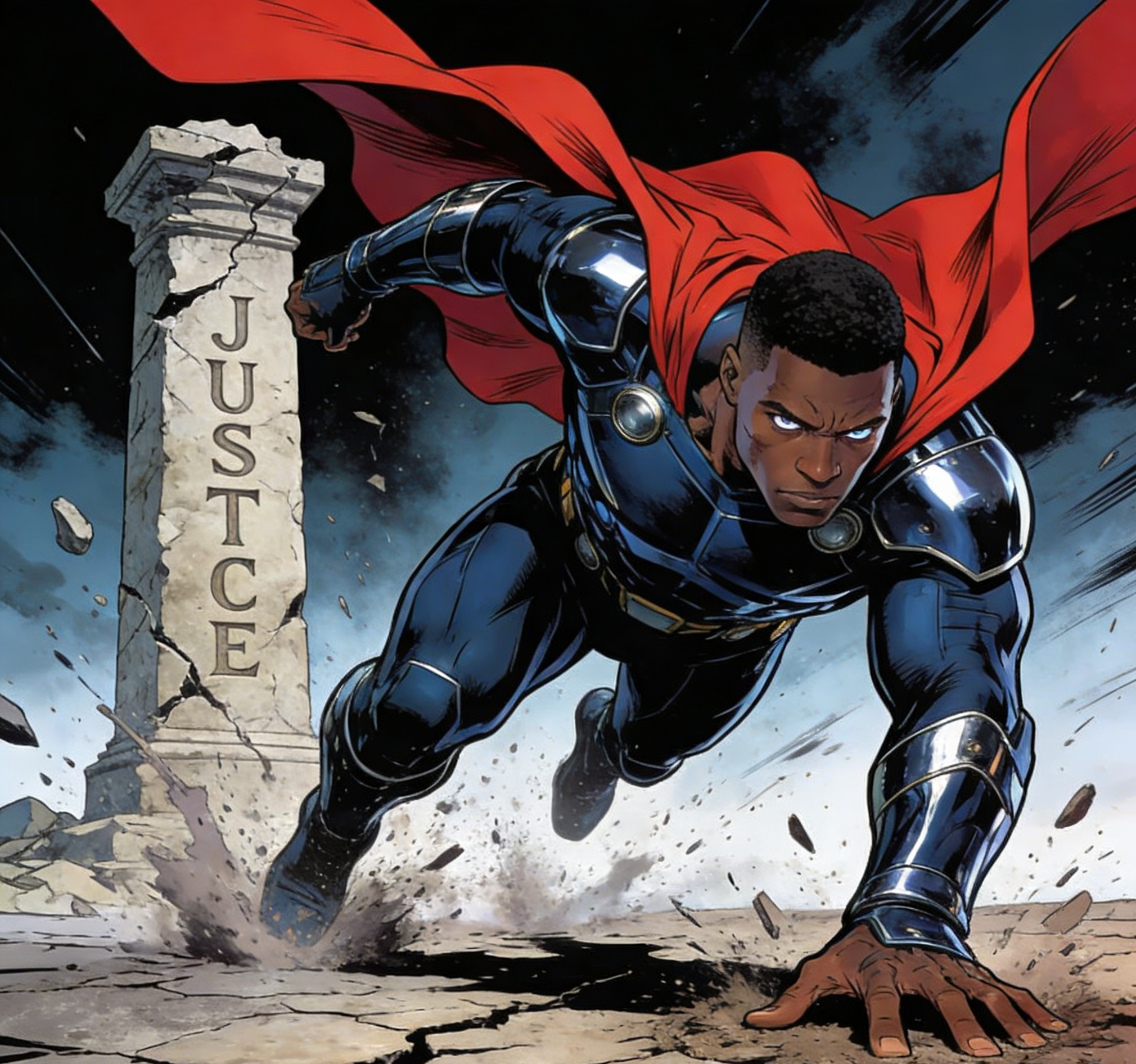
Use this example to study the framing, detail, and creative decisions that make a comic image feel intentional rather than generic.
Explore focused examples and practical guidance for creating a comic image in Seedance 2.5.
High-energy black-and-white linework, speed bursts, and exaggerated impact framing for battle or sports moments.
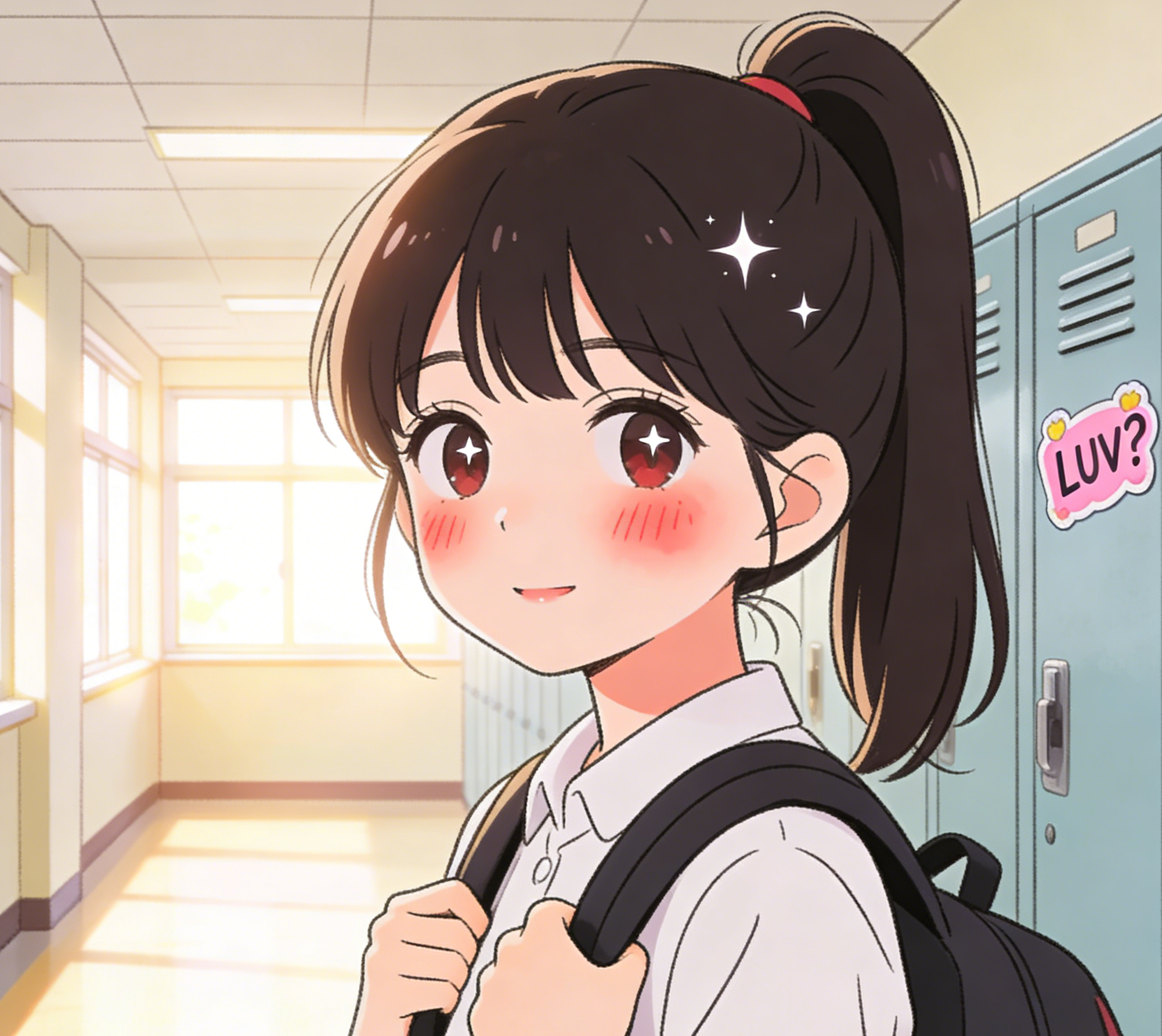
Soft blush tones, sparkling eyes, and school-life framing for gentle character introductions and slice-of-life scenes.

Mid-century comic poster energy with halftones, thick outlines, and loud color blocking for satirical or ad-like scenes.
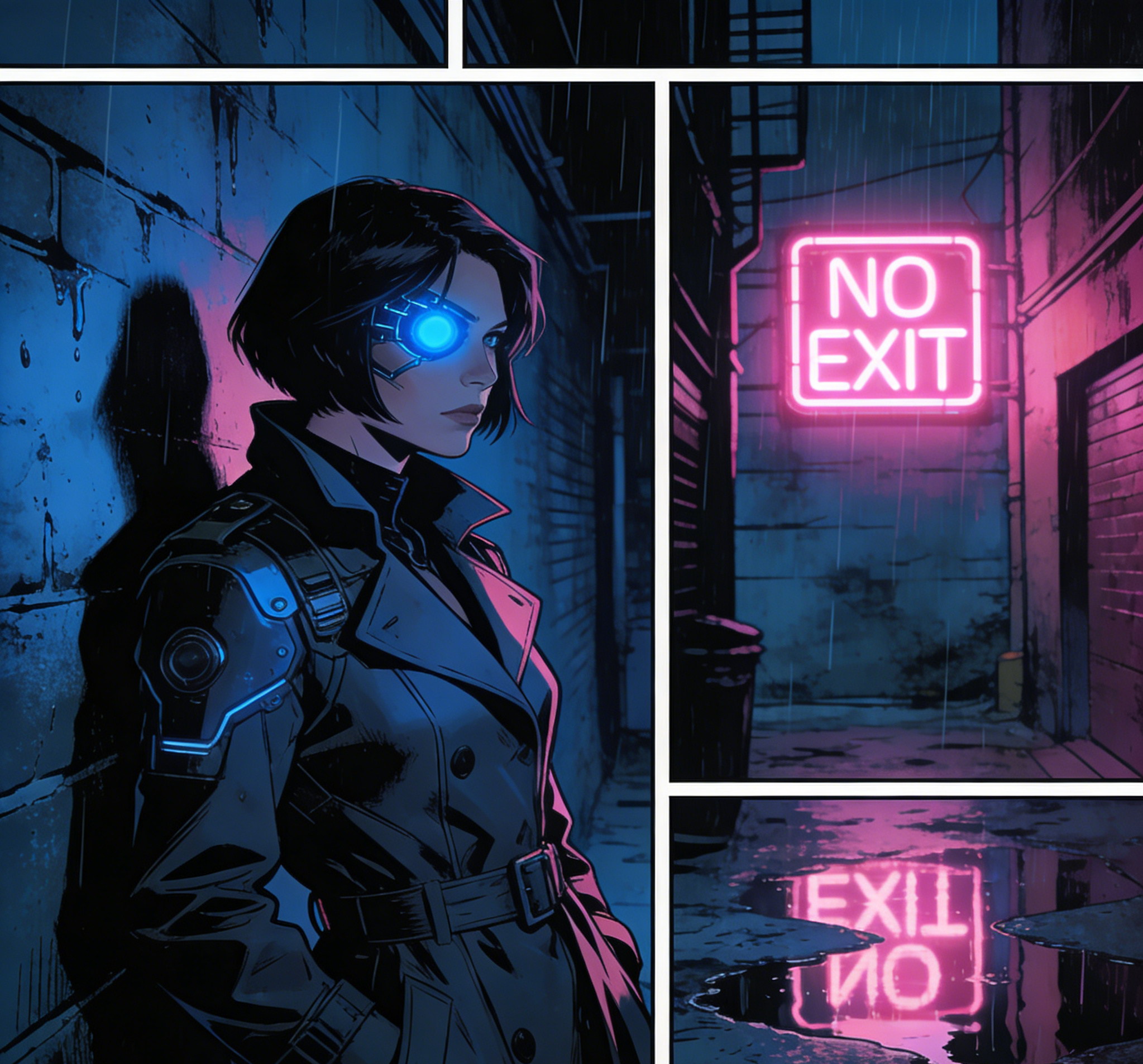
Rainy alleys, panel borders, and electric neon contrast for darker detective or sci-fi story beats.
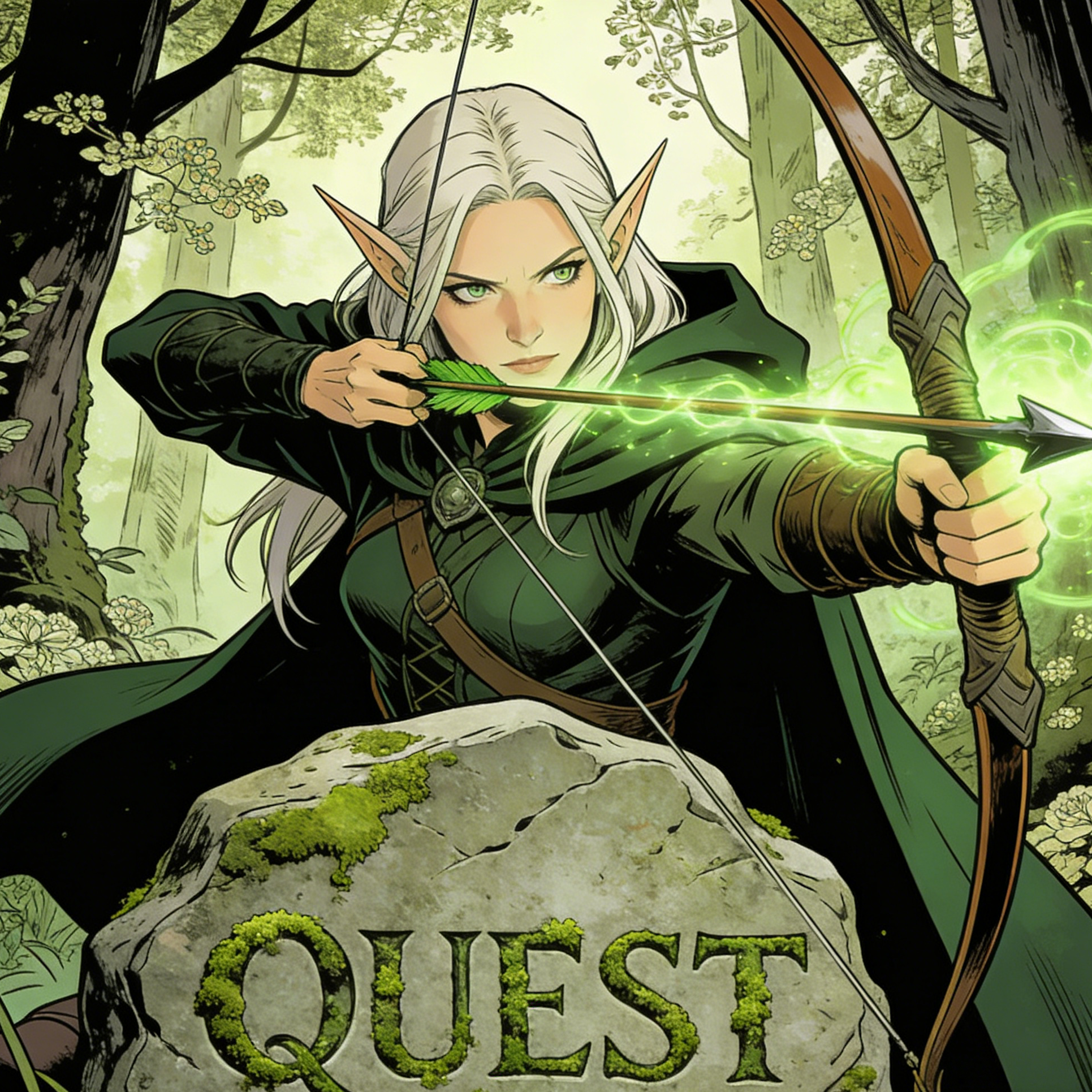
Story-driven fantasy illustration with magical effects, heroic posture, and detailed natural environments.
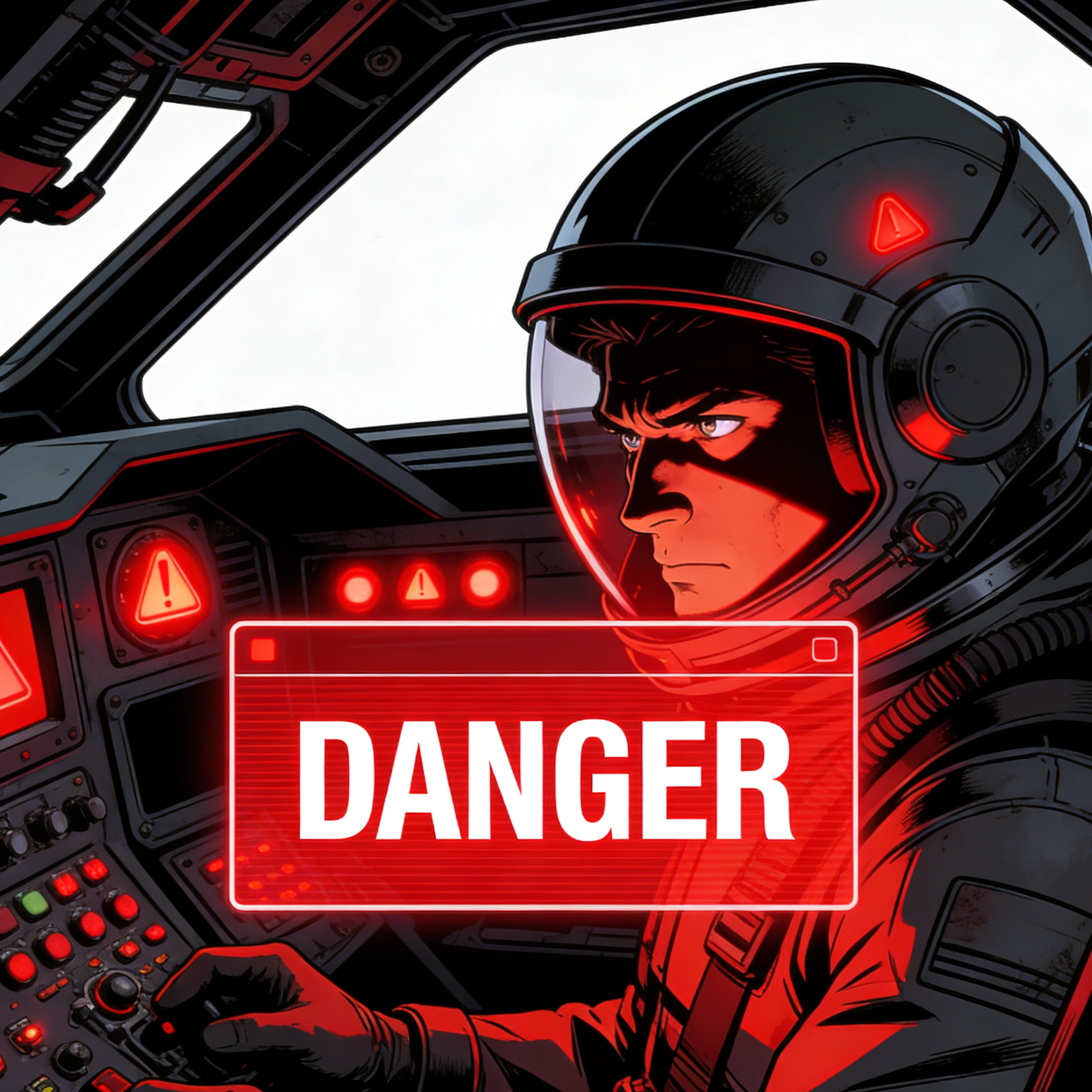
Cockpit tension, warning overlays, and sharp mechanical design for space opera or high-risk mission scenes.
The second gallery shows how the same comic workflow can stretch from cute food mascots to superhero covers, gothic horror, and quiet watercolor storytelling.

Cute editorial character art with brand-ready friendliness and simplified comic exaggeration.

A sports-manga frame with motion clarity, body tension, and crowd energy around the key action beat.
A cover-like superhero image built around impact, cape motion, and strong focal composition.
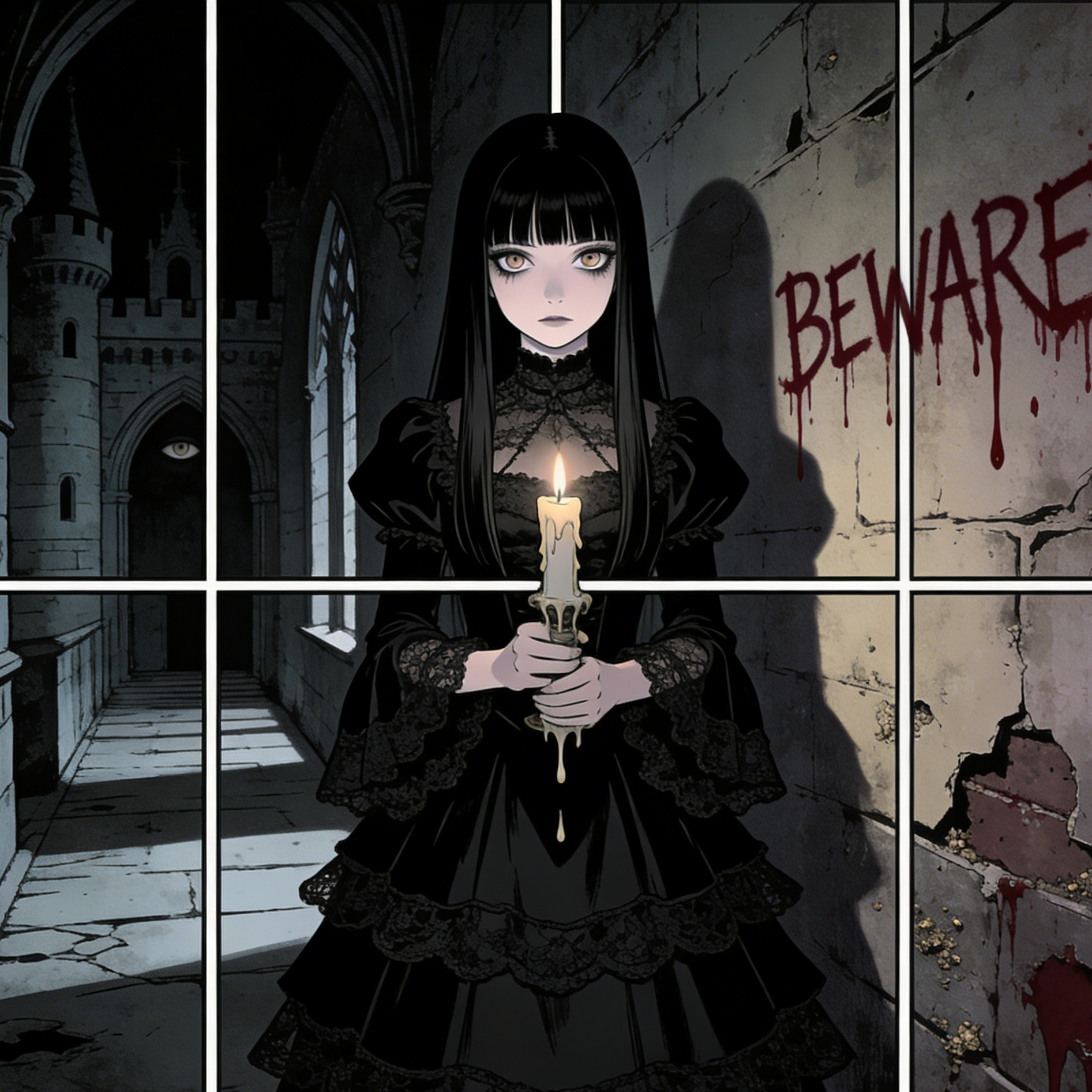
Dark atmosphere, restrained color palette, and eerie panel framing for supernatural horror scenes.
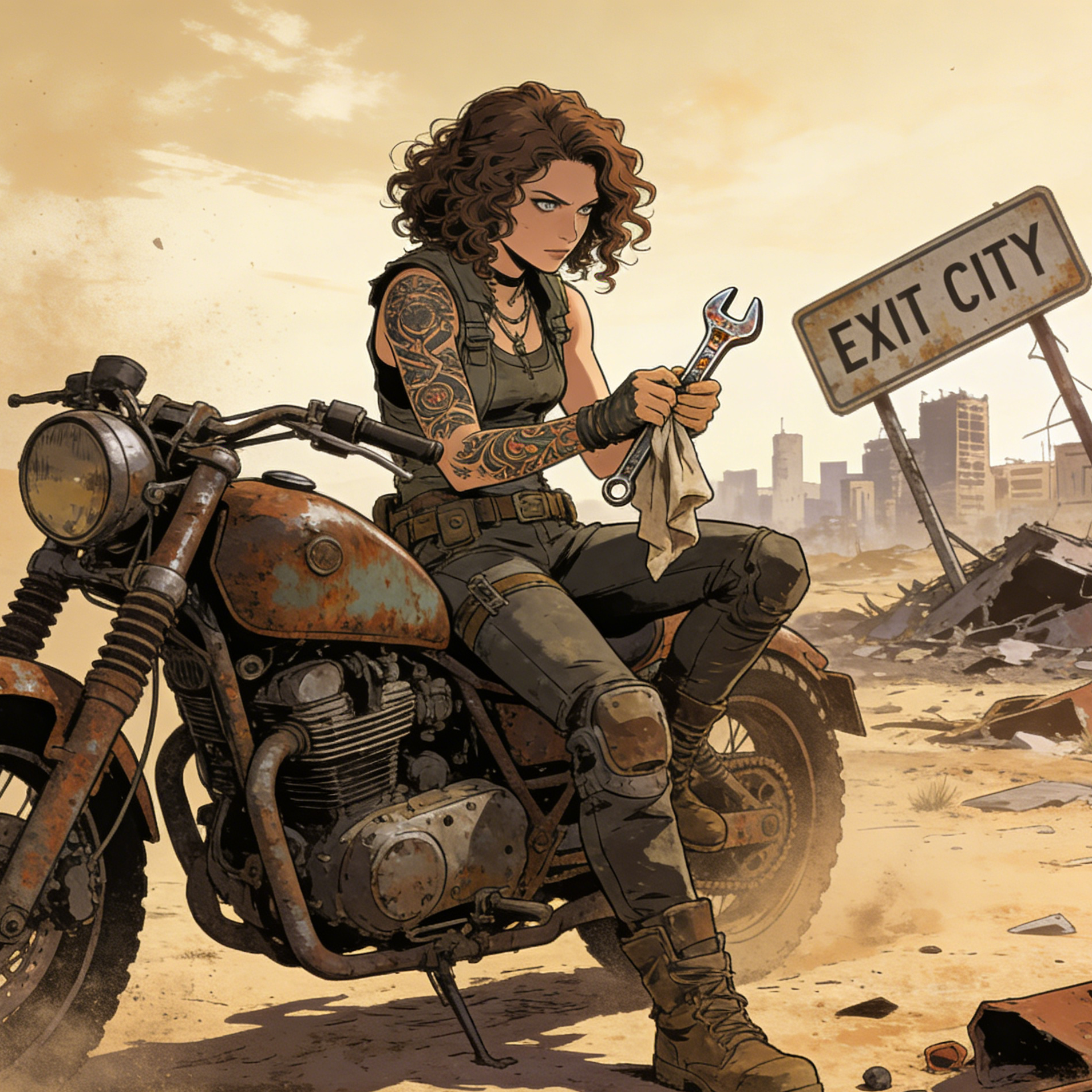
A survival-world portrait with dusty texture, damaged props, and graphic-novel realism.
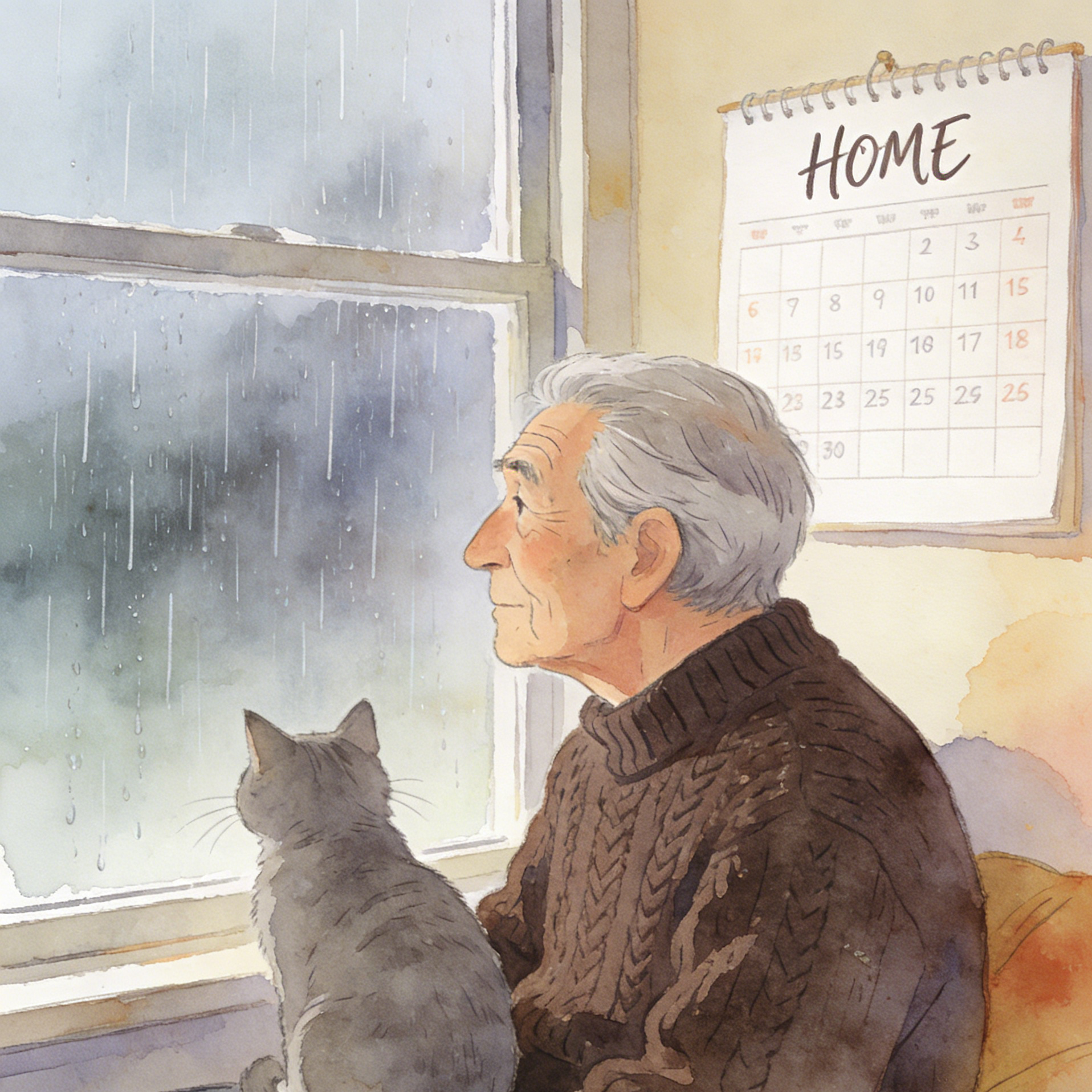
A softer storybook-comic frame that leans into emotion, domestic atmosphere, and painterly pacing.
Move from a broad idea to a usable image with clearer direction, faster comparisons, and a practical handoff into Seedance 2.5.
Shape the composition, lighting, color, and subject details for a more intentional comic image result.
Use a clear reference and focused direction to keep the comic image look coherent across variations.
Refine the strongest output for social posts, campaign concepts, thumbnails, or design exploration.
Compare alternate framing and styling choices before selecting the final comic image.
Use this workflow when you need a specific comic image rather than a generic asset. Define the intended audience, platform, and visual or tonal direction before generating.
Describe concrete production cues such as composition, lighting, color, styling, and subject detail. Specific direction gives the generator a clearer target and makes each revision easier to evaluate.
Start with the prepared workflow, refine the details that define this comic image, then keep the best result or continue editing in Seedance 2.5.
Open the generator and add a text prompt or uploaded image that clearly establishes the subject and creative direction.
Describe composition, lighting, color, styling, and subject detail, then remove conflicting instructions that could weaken the comic image.
Compare the generated variations, keep the strongest image, and refine it for the final use.
Practical answers about creating, refining, and using a comic image in Seedance 2.5.
It creates a focused comic image from a text prompt or uploaded image. Use the available controls to guide composition, lighting, color, styling, and subject detail, then compare variations before choosing the final result.
Use a clear, high-quality source that makes the main subject easy to identify. A focused source gives the comic image a stronger visual or tonal foundation.
Prioritize composition, lighting, color, styling, and subject detail. Add only details that directly support the intended comic image, and remove instructions that compete with one another.
Keep the strongest comic image as a finished asset or continue refining it with another Seedance 2.5 tool. A focused source and concise prompt make later revisions easier to control.
Commercial use depends on your plan, the applicable model terms, and the rights attached to your source material. Review the current terms before publishing or selling the result.
Move from this comic image into the next Seedance 2.5 tool without losing the direction established in your selected result.
Start from a blank canvas and build characters, covers, or sequential scene ideas from text only.
Upload an existing portrait or scene and guide it into a sharper, inked, panel-ready visual style.
Use the same preset to develop heroes, rivals, detectives, or side characters with stronger stylization.
Push an existing image toward bolder shadows, clearer outlines, and stronger comic storytelling cues.
Use complementary image, video, and audio tools when the project needs additional editing, motion, sound, or format changes.
A flexible image model page for wider prompt experimentation once you want to go beyond the landing-page preset.
A stronger option when you want to keep the comic direction but push harder on rendering quality and scene polish.
Useful when structure, camera angle, and editing control matter as much as the final comic style.
Another route for high-quality image generation when you want to compare different renderers for comic prompts.
Start with a text prompt or uploaded image, direct the details that define the comic image, and refine the strongest result in Seedance 2.5.