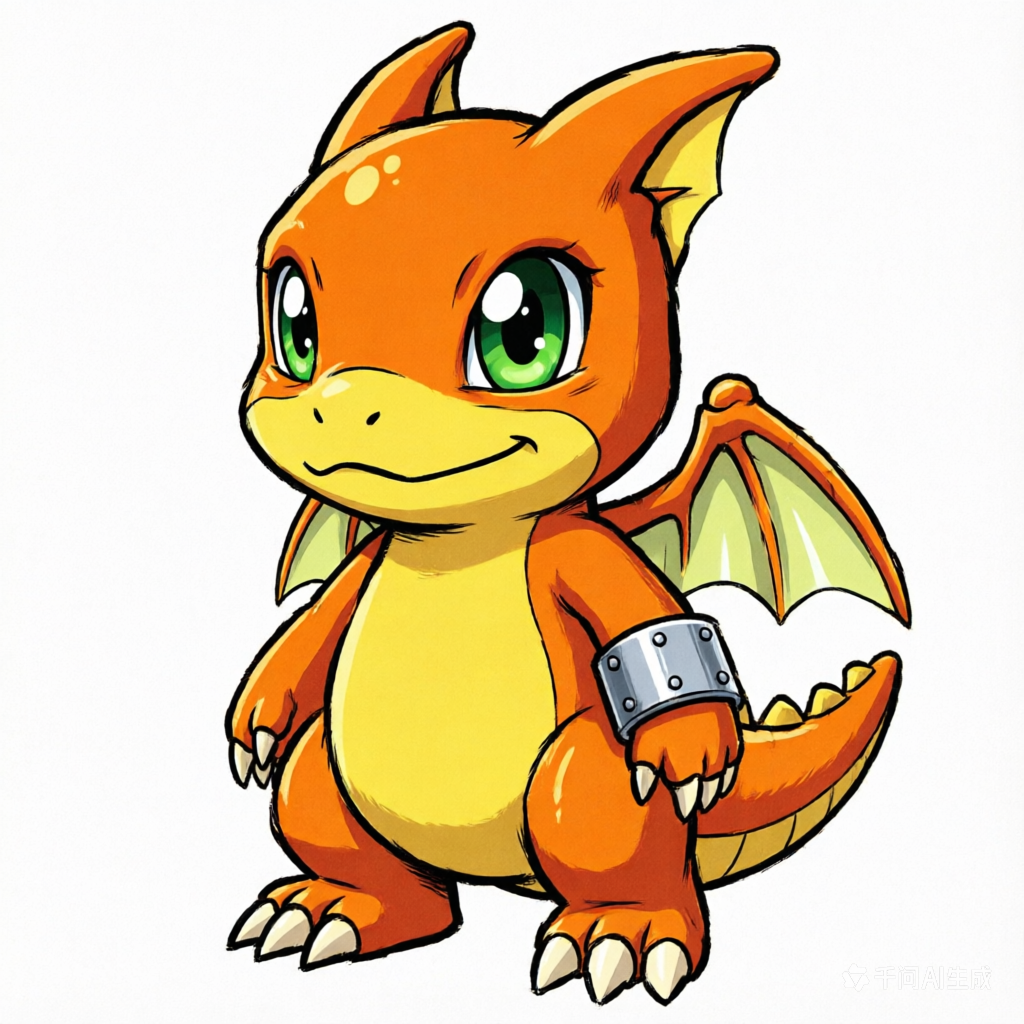
Rookie
Chibi-Style Rookie
A cute, compact rookie form, perfect for friendly companions with clear, iconic features.
Chibi-style Rookie Digimon, friendly expression, vibrant colors, clear silhouette, digital art.
Create a distinctive digimon image with practical controls and reusable direction.
Start with a text prompt or uploaded image and describe the composition, lighting, color, styling, and subject detail that matter for this digimon image. Generate a first image, compare variations, and refine the direction until it fits your intended story, campaign, or design.
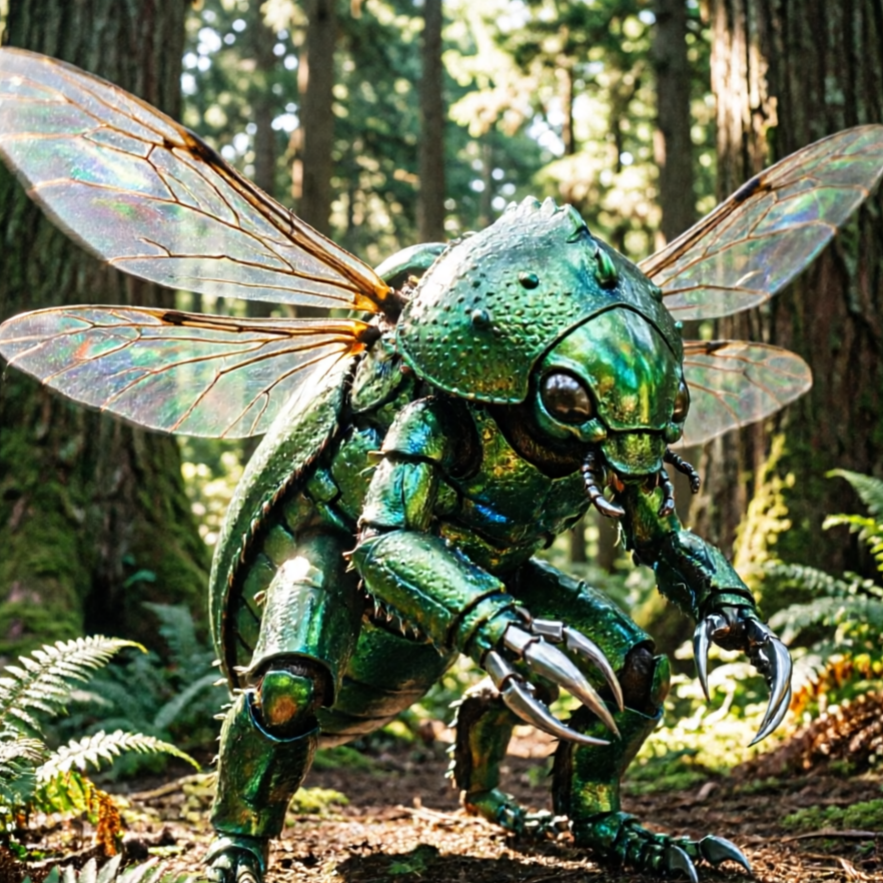
Use this example to study the framing, detail, and creative decisions that make a digimon image feel intentional rather than generic.
Our AI understands a vast array of Digimon aesthetics. Browse these examples to spark your imagination and guide your creations.
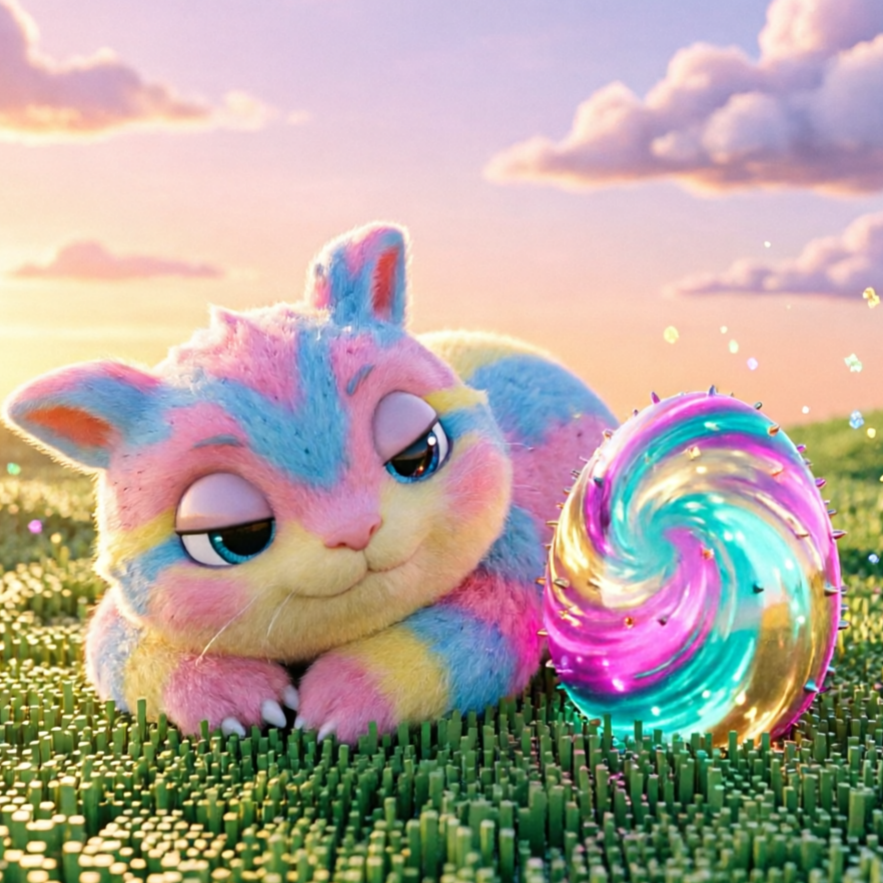
A cute, compact rookie form, perfect for friendly companions with clear, iconic features.
A robust Champion-level Digimon, featuring intricate armor and a powerful stance.
Unleash a wild, untamed beast-type Digimon with powerful claws and an aggressive design.
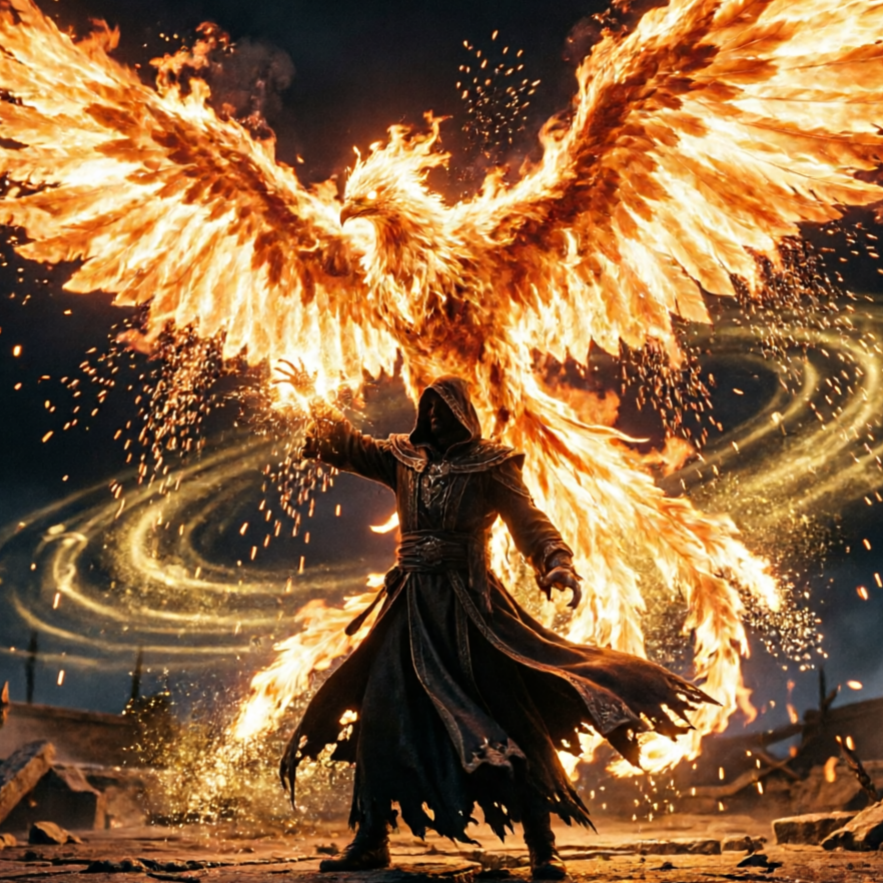
Design a Digimon imbued with magical energy, featuring flowing robes and arcane symbols.
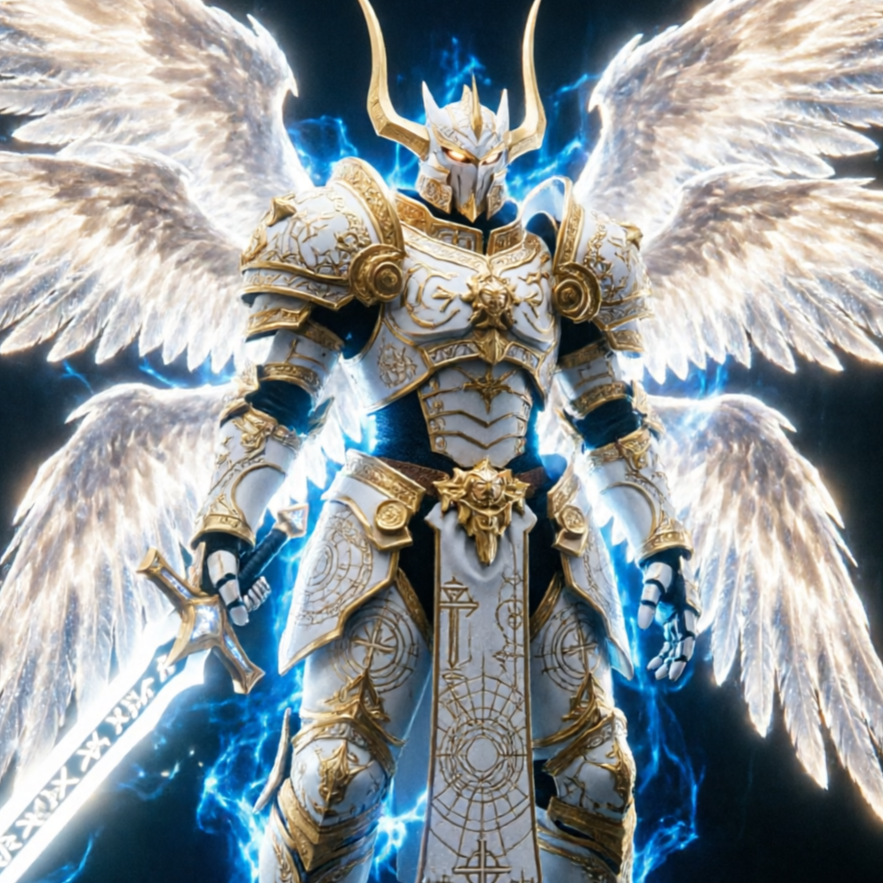
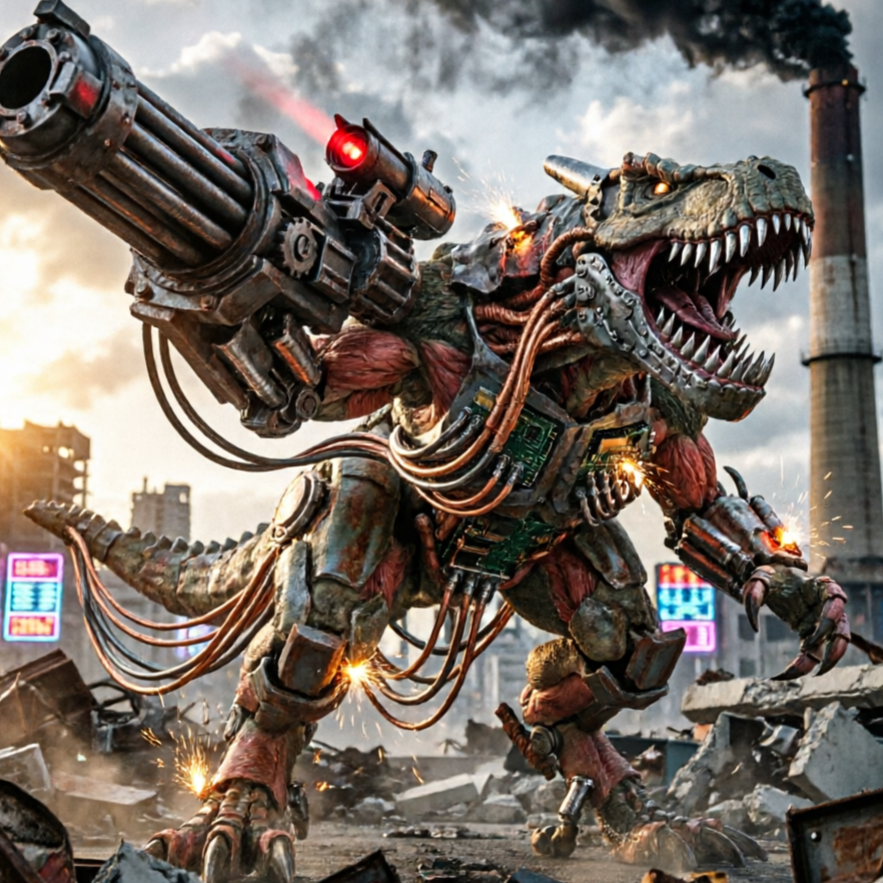
Construct a sleek, mechanical Digimon with futuristic armor and integrated weaponry.
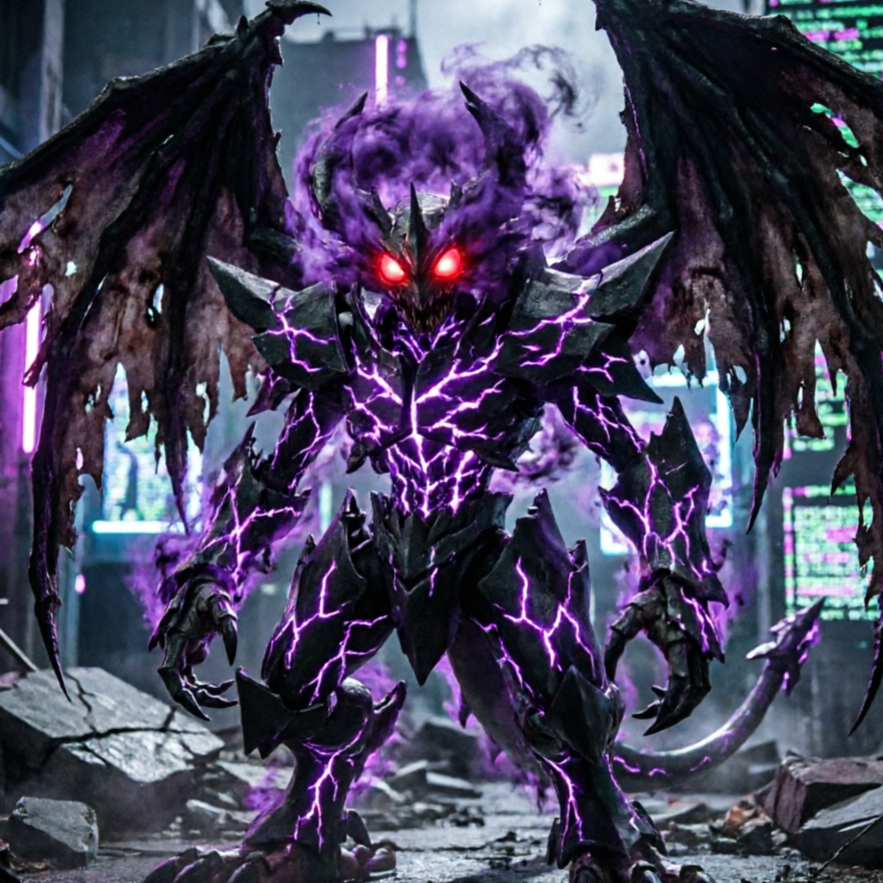
Create a formidable dark-affinity Digimon with menacing features and a dramatic, shadowy presence.
Visualize your Digimon characters in dynamic environments. Our AI Digimon Generator can place your creations in thrilling battles, peaceful landscapes, or futuristic cities, providing perfect context for your AI-generated Digimon.
A playful rookie Digimon learning to use its powers in a vibrant digital forest.
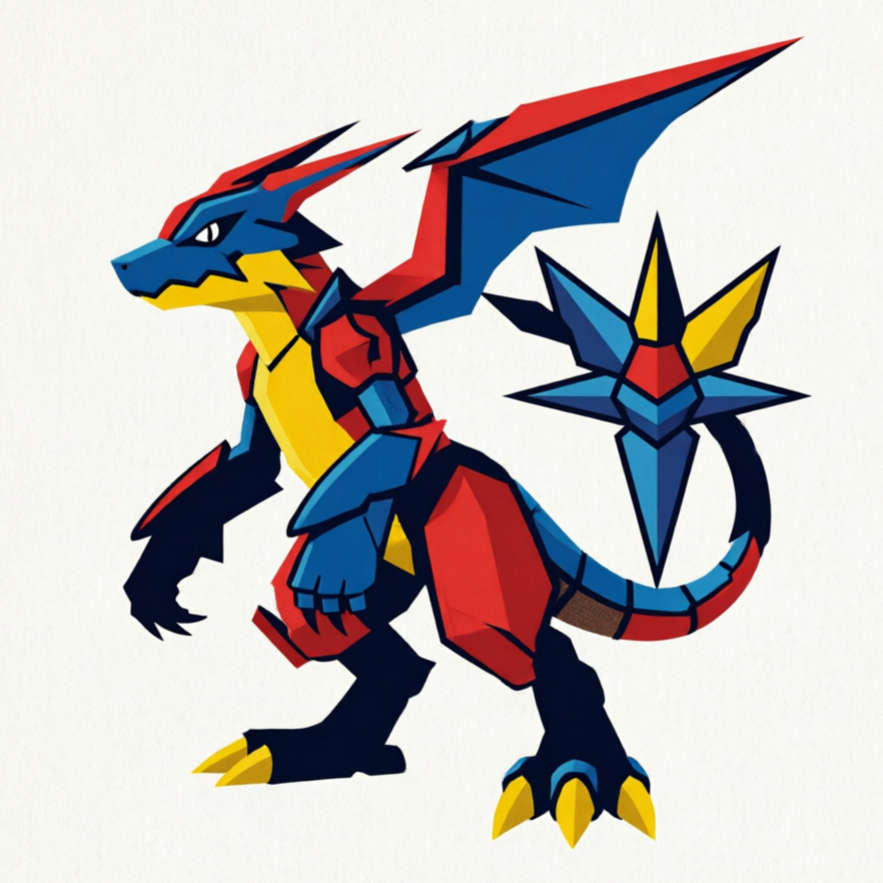
A fierce Champion-level Digimon engaged in an epic battle, surrounded by energy effects.
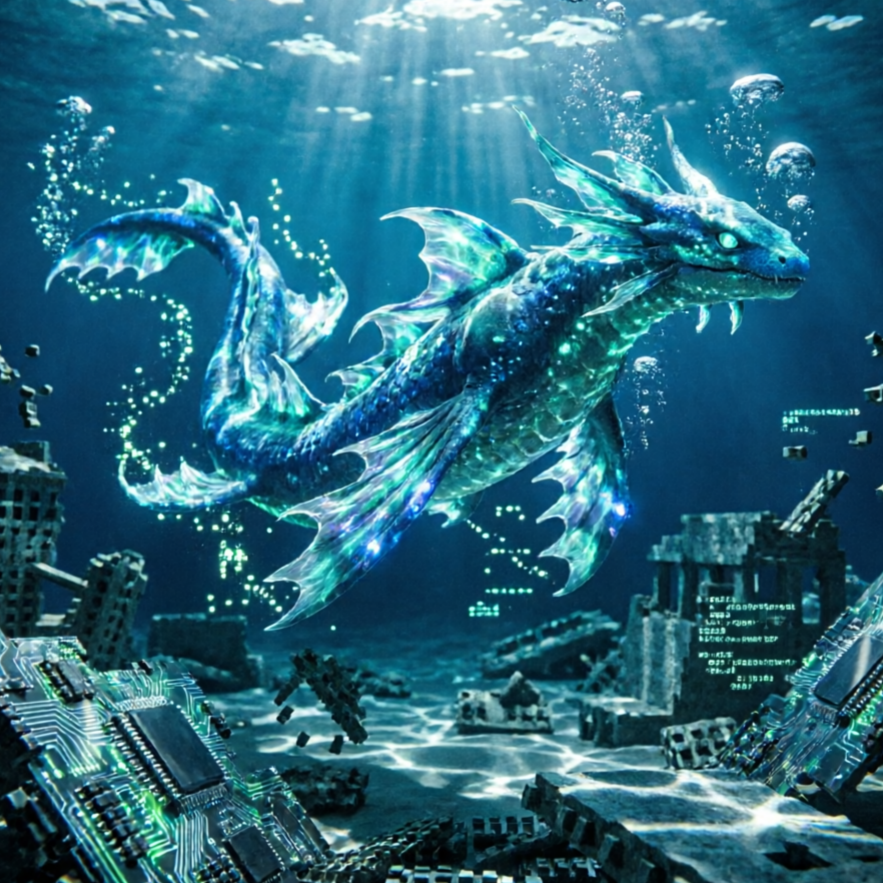
An imposing Ultimate Digimon standing guard over an ancient ruin.
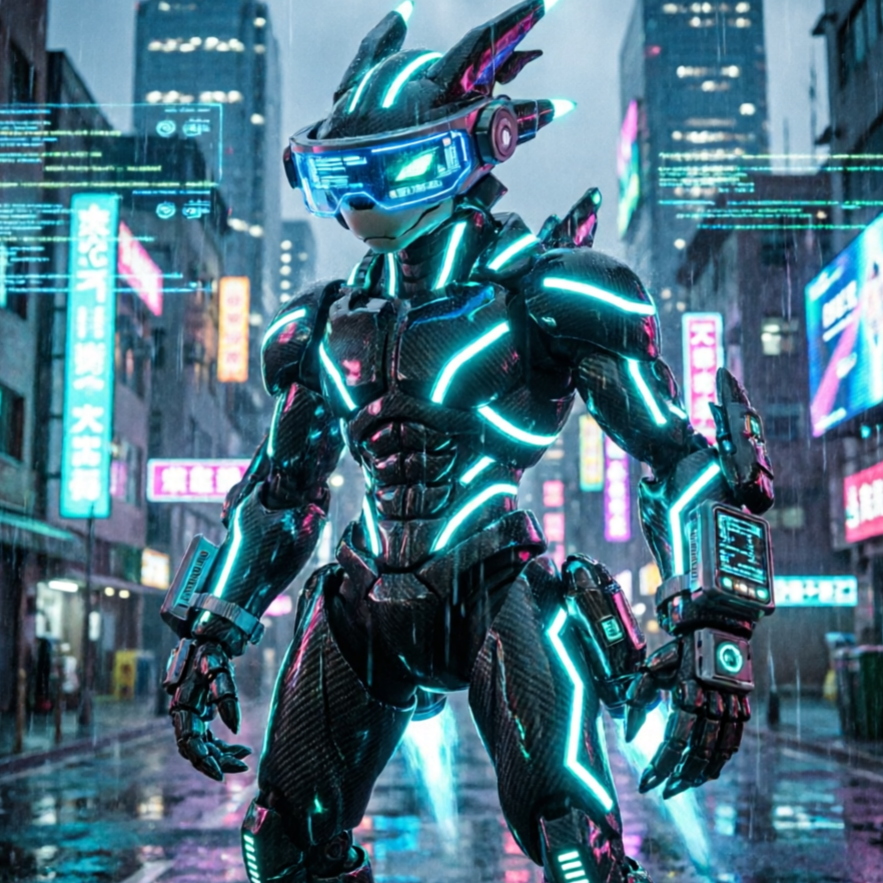
A colossal Mega-level Digimon towering over a futuristic cityscape.
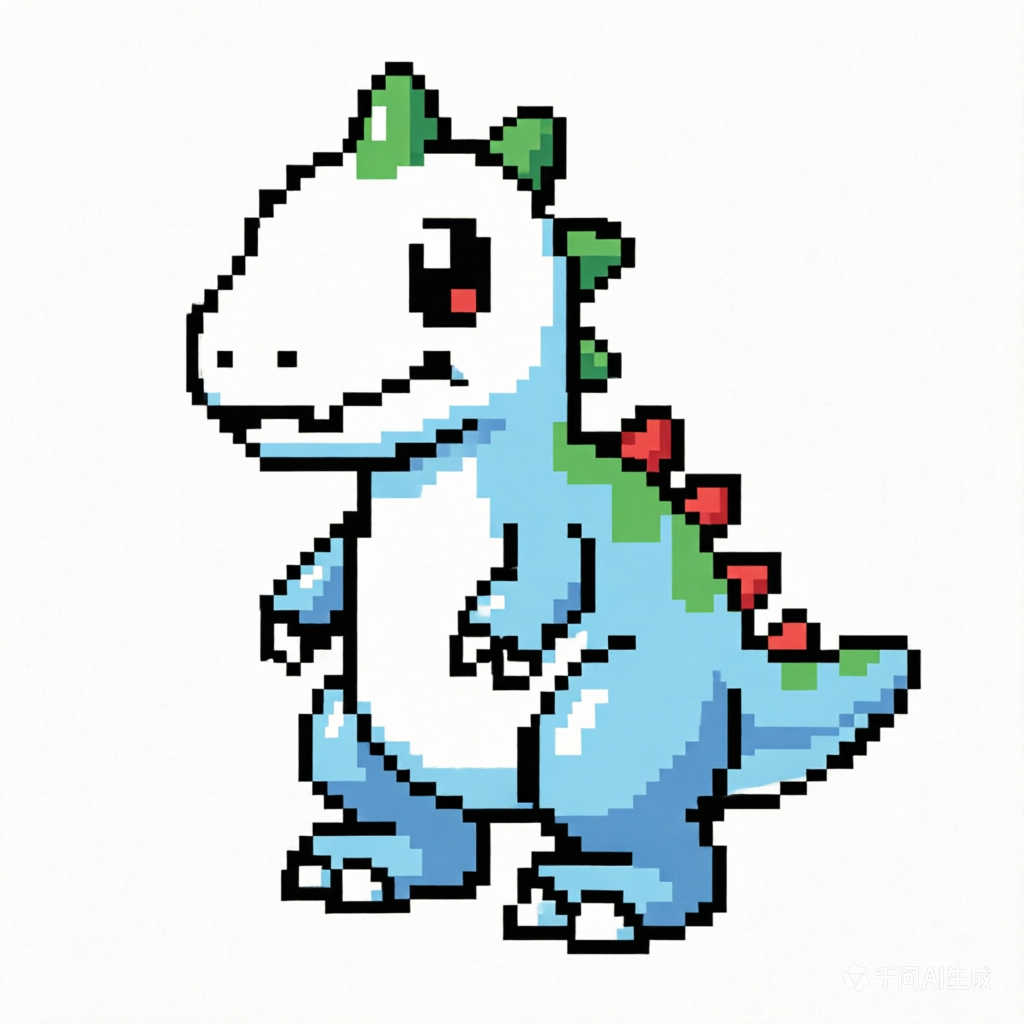
A stunning Digimon design rendered as collectible card art, ready for your game.
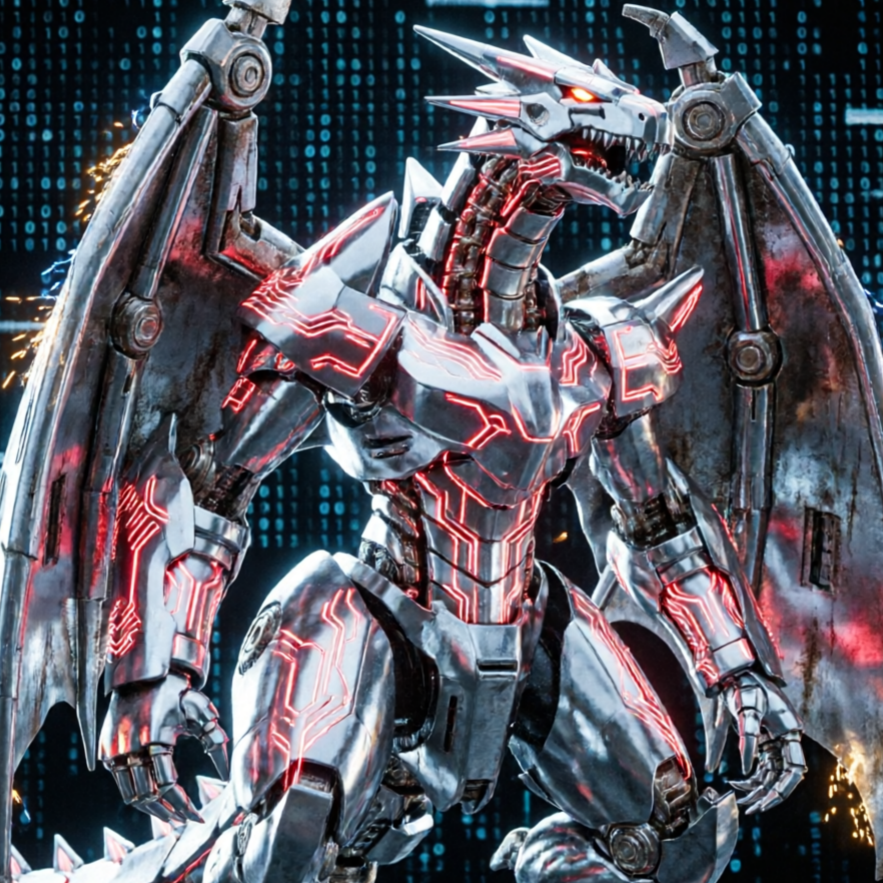
A unique fan-made Digimon concept brought to life with intricate details and vibrant colors.
Move from a broad idea to a usable image with clearer direction, faster comparisons, and a practical handoff into Seedance 2.5.
Shape the composition, lighting, color, and subject details for a more intentional digimon image result.
Use a clear reference and focused direction to keep the digimon image look coherent across variations.
Refine the strongest output for social posts, campaign concepts, thumbnails, or design exploration.
Compare alternate framing and styling choices before selecting the final digimon image.
Use this workflow when you need a specific digimon image rather than a generic asset. Define the intended audience, platform, and visual or tonal direction before generating.
Describe concrete production cues such as composition, lighting, color, styling, and subject detail. Specific direction gives the generator a clearer target and makes each revision easier to evaluate.
Start with the prepared workflow, refine the details that define this digimon image, then keep the best result or continue editing in Seedance 2.5.
Open the generator and add a text prompt or uploaded image that clearly establishes the subject and creative direction.
Describe composition, lighting, color, styling, and subject detail, then remove conflicting instructions that could weaken the digimon image.
Compare the generated variations, keep the strongest image, and refine it for the final use.
Practical answers about creating, refining, and using a digimon image in Seedance 2.5.
It creates a focused digimon image from a text prompt or uploaded image. Use the available controls to guide composition, lighting, color, styling, and subject detail, then compare variations before choosing the final result.
Use a clear, high-quality source that makes the main subject easy to identify. A focused source gives the digimon image a stronger visual or tonal foundation.
Prioritize composition, lighting, color, styling, and subject detail. Add only details that directly support the intended digimon image, and remove instructions that compete with one another.
Keep the strongest digimon image as a finished asset or continue refining it with another Seedance 2.5 tool. A focused source and concise prompt make later revisions easier to control.
Commercial use depends on your plan, the applicable model terms, and the rights attached to your source material. Review the current terms before publishing or selling the result.
Move from this digimon image into the next Seedance 2.5 tool without losing the direction established in your selected result.
Write attribute, temperament, and element prompts to create rookie-stage concepts from zero.
Upload a starter creature drawing and push it toward champion or ultimate style armor language.
Run parallel variants for fire, thunder, holy, and dark signatures while preserving core silhouette.
Upload multiple reference sheets and maintain consistent anatomy language across your Digimon lineup.
Use complementary image, video, and audio tools when the project needs additional editing, motion, sound, or format changes.
A versatile image generation model for broad creative exploration beyond specific effects.
Experience higher-fidelity generations and superior rendering quality for your most detailed Digimon concepts.
Perfect for making precise, reference-preserving edits to your generated Digimon images.
An alternative high-quality renderer to compare different AI interpretations and output styles for your digital monsters.
Start with a text prompt or uploaded image, direct the details that define the digimon image, and refine the strongest result in Seedance 2.5.