AI Image Effect

AI Face Generator

Build a focused face with a guided Seedance 2.5 workflow.

Start with a text prompt or uploaded image and describe the composition, lighting, color, styling, and subject detail that matter for this face. Generate a first image, compare variations, and refine the direction until it fits your intended story, campaign, or design.

Cyberpunk face close-up, shaved head, blue neon rim light, glowing SYNC reflection in one eyeProfessional executive headshot, warm office window light, approachable smile, clean glass backgroundElderly mountain guide face study, wind-worn skin, prayer-flag colors, documentary realismStylized lab scientist portrait, safety goggles reflecting DNA strands, crisp editorial lighting
Purpose-Built
Focused controls for composition, light, style, and subject detail.
Creator-Ready
Useful for campaign concepts, social visuals, thumbnails, and design exploration.
Seedance 2.5
A reusable visual direction that can continue into other Seedance 2.5 workflows.
A scientist with DNA reflected on her safety goggles
Featured Face Study
From cyberpunk avatars to believable real-world faces

Use this example to study the framing, detail, and creative decisions that make a face feel intentional rather than generic.

Style directions

Discover distinct directions for AI-generated faces

Our AI Face Generator offers a wide range of styles, from realistic portraits to anime, cartoon, 3D, and even age transformations like baby, older, or future faces. Explore these unique starting points.

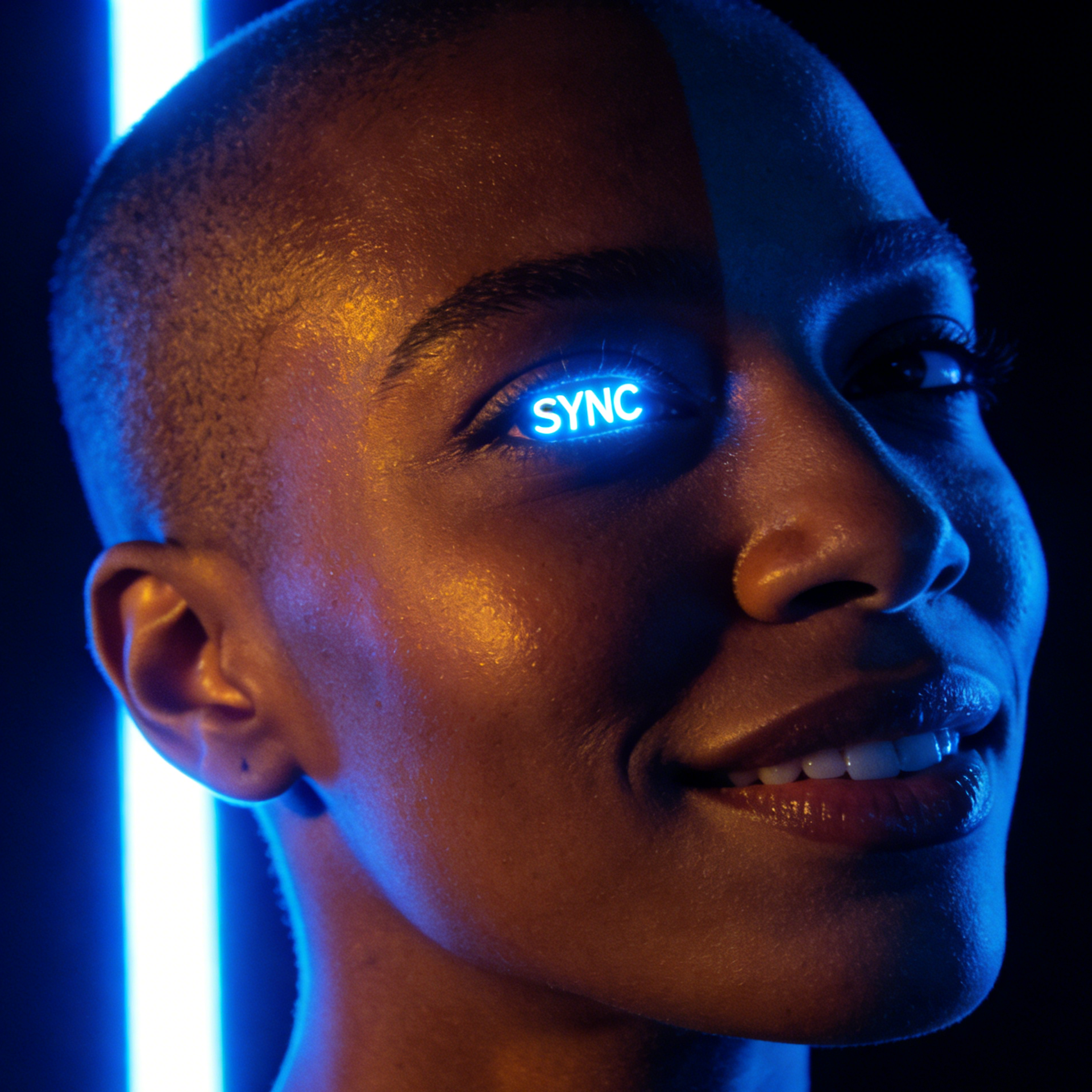
A cyberpunk woman with SYNC reflected in her eyes
Cyberpunk Portrait

Sync Pulse

A neon-lit face study with luminous eye detail, glossy skin, and high-contrast futuristic styling.

Face-first cyberpunk portrait, shaved head, one eye glowing with SYNC text, blue neon edge light, reflective skin, clean black background, ultra-close framing.

A sweating East Asian chef shouting near an UMAMI label
Slice of Life

Umami Rush

Sweaty, high-energy realism that captures stress, heat, and personality in a working environment.

Cinematic chef face close-up, sweaty skin, open shout, hot kitchen energy, candid realism, strong pores and expression detail.
A professional Indian woman smiling near a LEAD window reflection
Corporate Headshot

Lead Window

Polished business-facing portraiture with approachable confidence, clean styling, and professional light.

Professional face portrait, Indian woman smiling, office window reflections, warm daylight, premium corporate headshot composition.
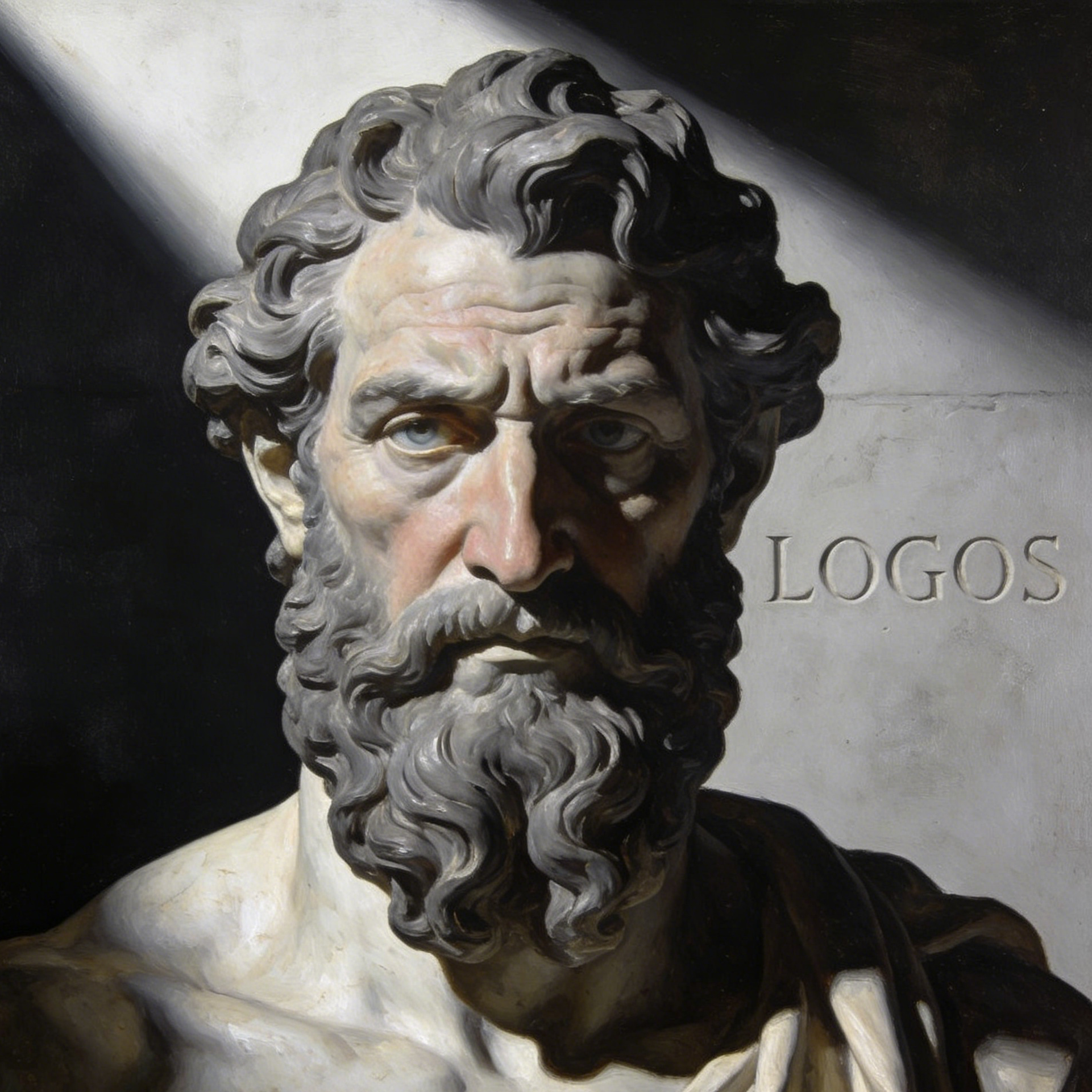
A philosophical man with a grey beard near a LOGOS carving
Fine Art Portrait

Logos Thinker

A thoughtful, painterly face study with philosophical mood, deep texture, and timeless character presence.

Fine-art face portrait of a grey-bearded man, contemplative stare, carved stone background, soft sculptural light, painterly realism.
A freckled Nordic boy in a PLAY hoodie suppressing a laugh
Childhood Innocence

Play Hoodie

Youthful close-up portraiture with freckles, candid emotion, and warm natural charm.

Freckled Nordic boy portrait, hoodie labeled PLAY, playful half-laugh, natural skin texture, soft daylight, close framing.
A Latino artist with paint on his face holding an ART brush
Creative Portrait

Art Brush

Expressive maker-style portraits that mix face paint, gesture, and artistic personality.

Creative artist face portrait, paint streaks on skin, brush in hand, vibrant studio tone, soulful eye contact, editorial crop.
Example gallery

Generate faces for avatars, editorials, stories, and profile pics

A strong face generator needs range. These examples show how the workflow can stretch from science and fashion to music, space fiction, lifestyle, and weathered documentary characters.

A scientist with DNA reflected on her safety goggles
Editorial Face Study

DNA Scientist

A sharp laboratory portrait that feels intelligent, modern, and instantly usable for a hero avatar or concept board.

An androgynous fashion model with black lipstick and CHIC text
Beauty Editorial

Chic Model

A fashion-led close-up with dramatic makeup and clean symmetry for luxury, beauty, or magazine-inspired outputs.

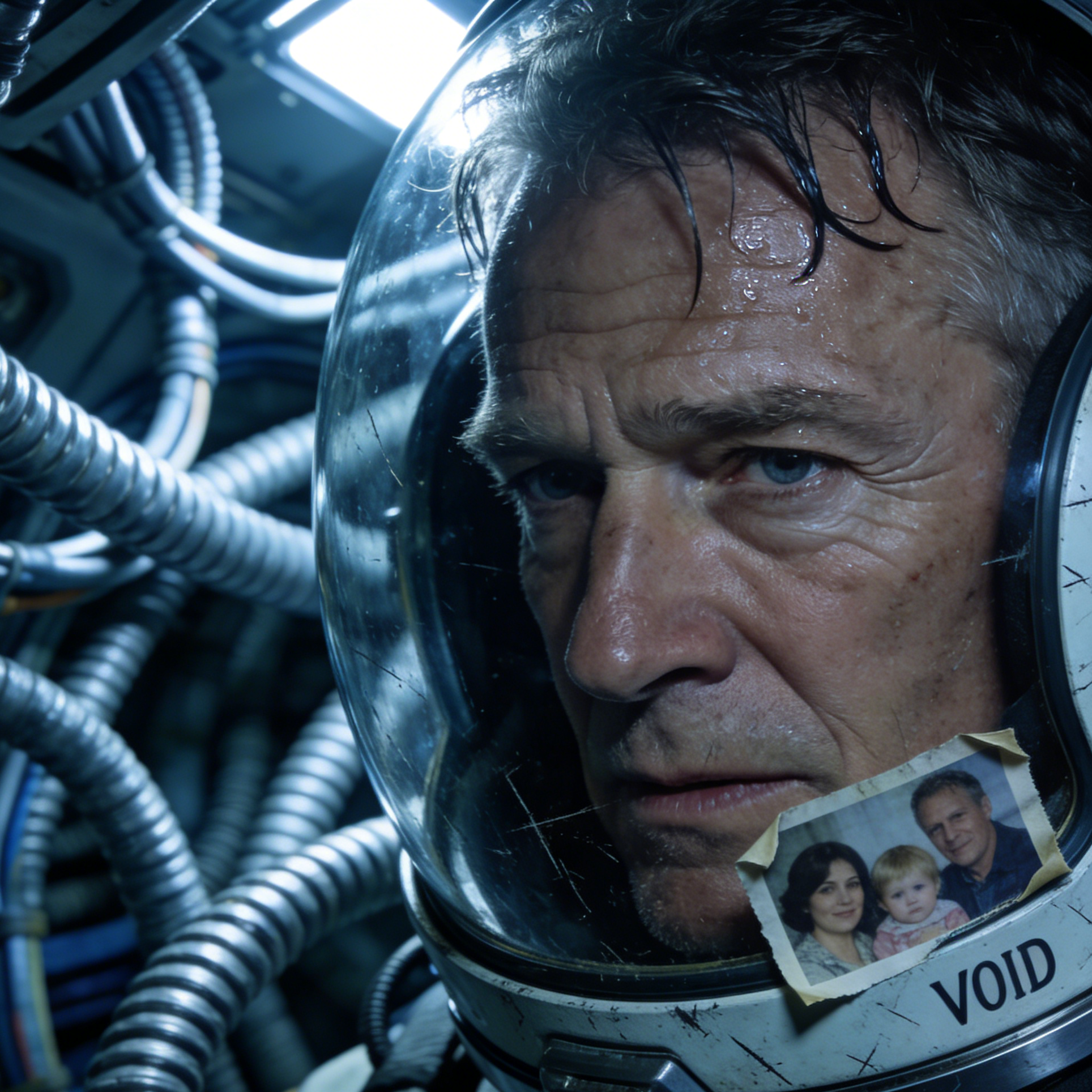
An exhausted astronaut with a VOID helmet rim
Sci-Fi Identity

Void Astronaut

A tired space-travel face concept that shows how well the generator can hold emotion even in speculative genres.

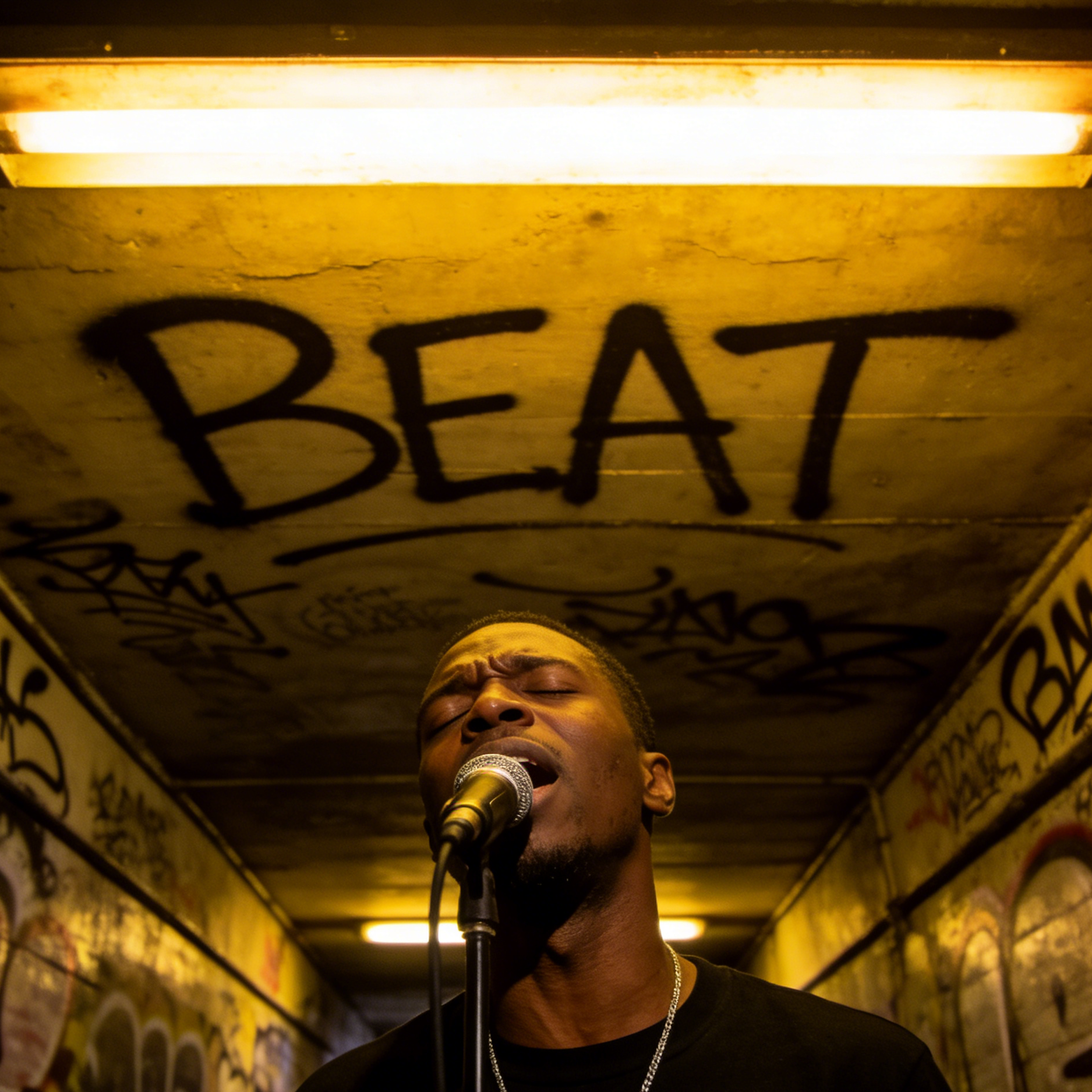
A Black street singer performing in front of BEAT graffiti
Performance Persona

Beat Singer

A live-performance portrait with sweat, voice, and street energy for music campaigns or stage-character development.

A relaxed man holding a WORK coffee cup in a cafe
Lifestyle Profile

Cafe Work

A relaxed, approachable face image suited to creator profiles, casual branding, or social avatars.

An elderly Tibetan man with wrinkled skin and WIND prayer flags
Documentary Character

Wind Elder

A richly textured environmental face portrait that leans into age, resilience, and place-based storytelling.

Why creators use it

Build a stronger face workflow

Move from a broad idea to a usable image with clearer direction, faster comparisons, and a practical handoff into Seedance 2.5.

01

Clear creative direction

Shape the composition, lighting, color, and subject details for a more intentional face result.

02

Focused iteration

Use a clear reference and focused direction to keep the face look coherent across variations.

03

Practical handoff

Refine the strongest output for social posts, campaign concepts, thumbnails, or design exploration.

04

Reusable output

Compare alternate framing and styling choices before selecting the final face.

Creative uses

Where a face fits

Use this workflow when you need a specific face rather than a generic asset. Define the intended audience, platform, and visual or tonal direction before generating.

  • Develop a clear face concept before committing to a full campaign or production.
  • Test composition, lighting, wardrobe, background, and visual style in focused variations.
  • Create an approval-ready reference for clients, collaborators, or downstream editing.
  • Reuse the strongest visual direction across social, advertising, editorial, or product work.
Pro Tip

Write a production-ready prompt

Describe concrete production cues such as composition, lighting, color, styling, and subject detail. Specific direction gives the generator a clearer target and makes each revision easier to evaluate.

Generate a face-first image with clean identity focus, expressive eyes, realistic skin texture, balanced facial proportions, avatar-ready framing, style-aware lighting, controlled background detail, and no watermark or extra text unless requested.
Three-step workflow

Create a face in three steps

Start with the prepared workflow, refine the details that define this face, then keep the best result or continue editing in Seedance 2.5.

Step 1

Start with your input

Open the generator and add a text prompt or uploaded image that clearly establishes the subject and creative direction.

Step 2

Direct the result

Describe composition, lighting, color, styling, and subject detail, then remove conflicting instructions that could weaken the face.

Step 3

Review and refine

Compare the generated variations, keep the strongest image, and refine it for the final use.

Questions & Answers

AI Face Generator FAQ

Practical answers about creating, refining, and using a face in Seedance 2.5.

What does the AI Face Generator create?+

It creates a focused face from a text prompt or uploaded image. Use the available controls to guide composition, lighting, color, styling, and subject detail, then compare variations before choosing the final result.

What source gives the best result?+

Use a clear, high-quality source that makes the main subject easy to identify. A focused source gives the face a stronger visual or tonal foundation.

Which prompt details should I prioritize?+

Prioritize composition, lighting, color, styling, and subject detail. Add only details that directly support the intended face, and remove instructions that compete with one another.

How does this workflow connect with Seedance 2.5?+

Keep the strongest face as a finished asset or continue refining it with another Seedance 2.5 tool. A focused source and concise prompt make later revisions easier to control.

Can I use the generated result in a commercial project?+

Commercial use depends on your plan, the applicable model terms, and the rights attached to your source material. Review the current terms before publishing or selling the result.

Related Face Workflows

Continue your creative workflow

Move from this face into the next Seedance 2.5 tool without losing the direction established in your selected result.

Explore More

Refine the result with more tools

Use complementary image, video, and audio tools when the project needs additional editing, motion, sound, or format changes.

Start Creating

Create your face

Start with a text prompt or uploaded image, direct the details that define the face, and refine the strongest result in Seedance 2.5.