Mystical Forest Realm
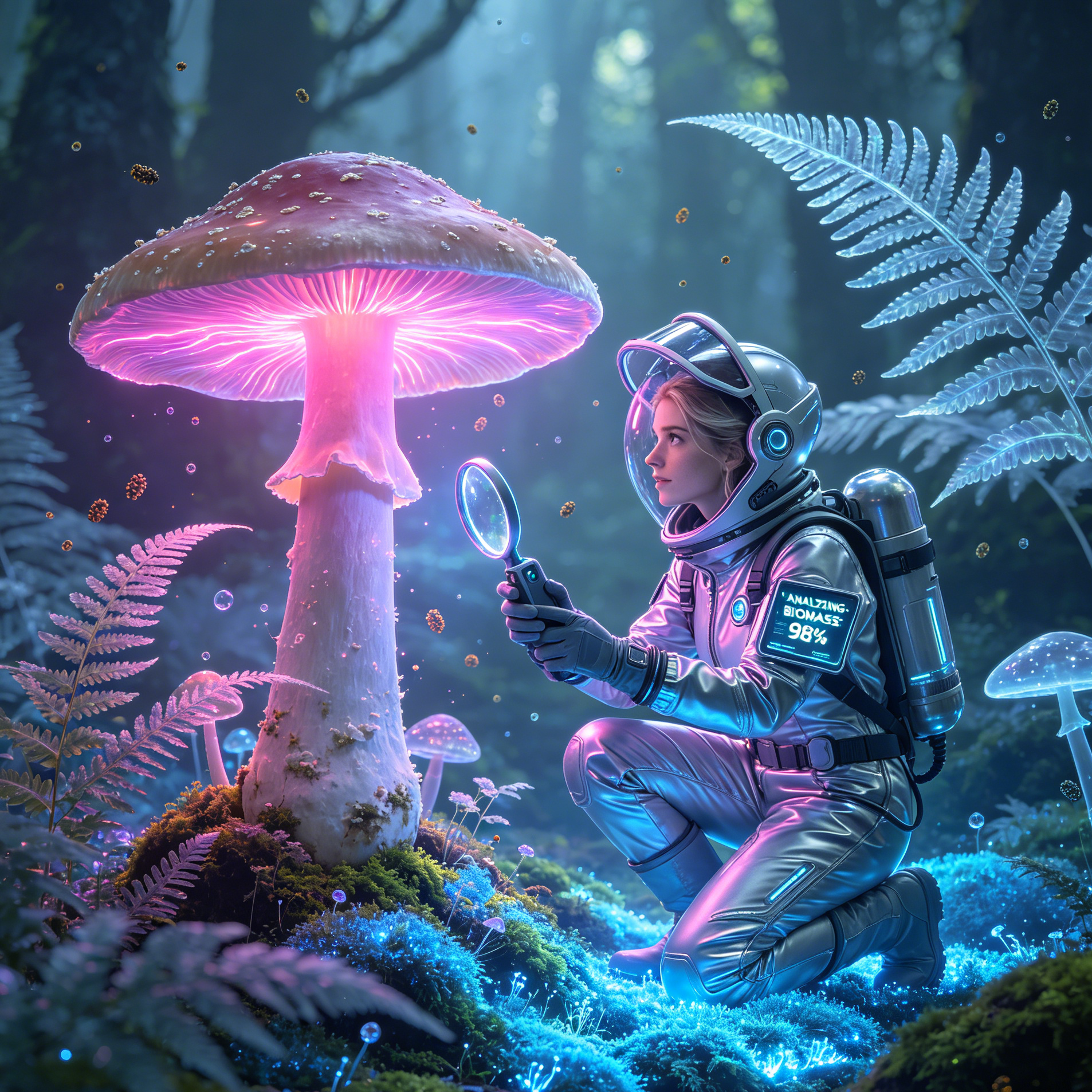
Delve into an ancient, sun-dappled forest, where towering trees and glowing flora create an ethereal atmosphere.
Turn a clear creative brief into a polished fantasy landscape image.
Start with a text prompt or uploaded image and describe the composition, lighting, color, styling, and subject detail that matter for this fantasy landscape image. Generate a first image, compare variations, and refine the direction until it fits your intended story, campaign, or design.

Use this example to study the framing, detail, and creative decisions that make a fantasy landscape image feel intentional rather than generic.
Generation uses the credits and limits included with your current plan; available options can vary by workflow.

Delve into an ancient, sun-dappled forest, where towering trees and glowing flora create an ethereal atmosphere.

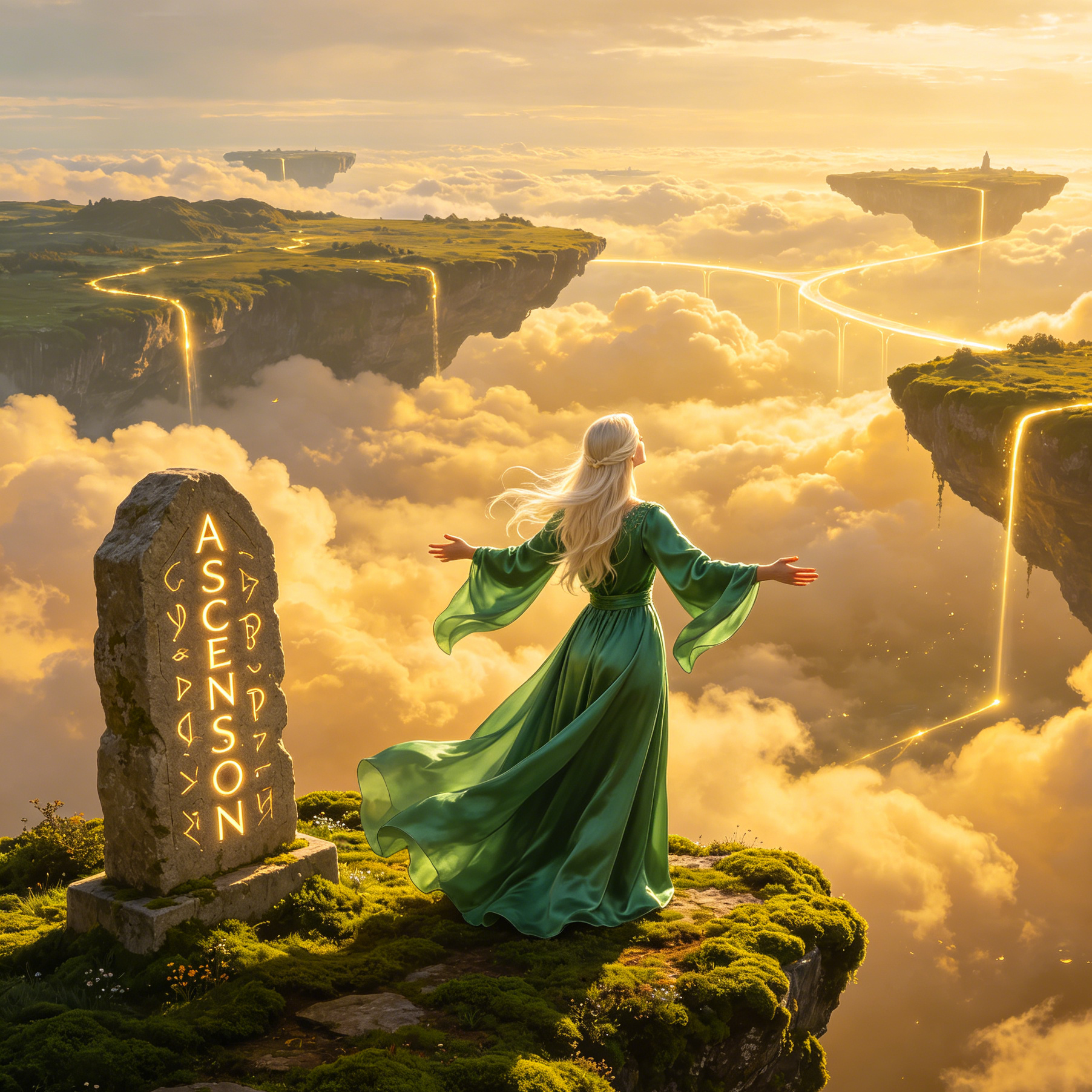
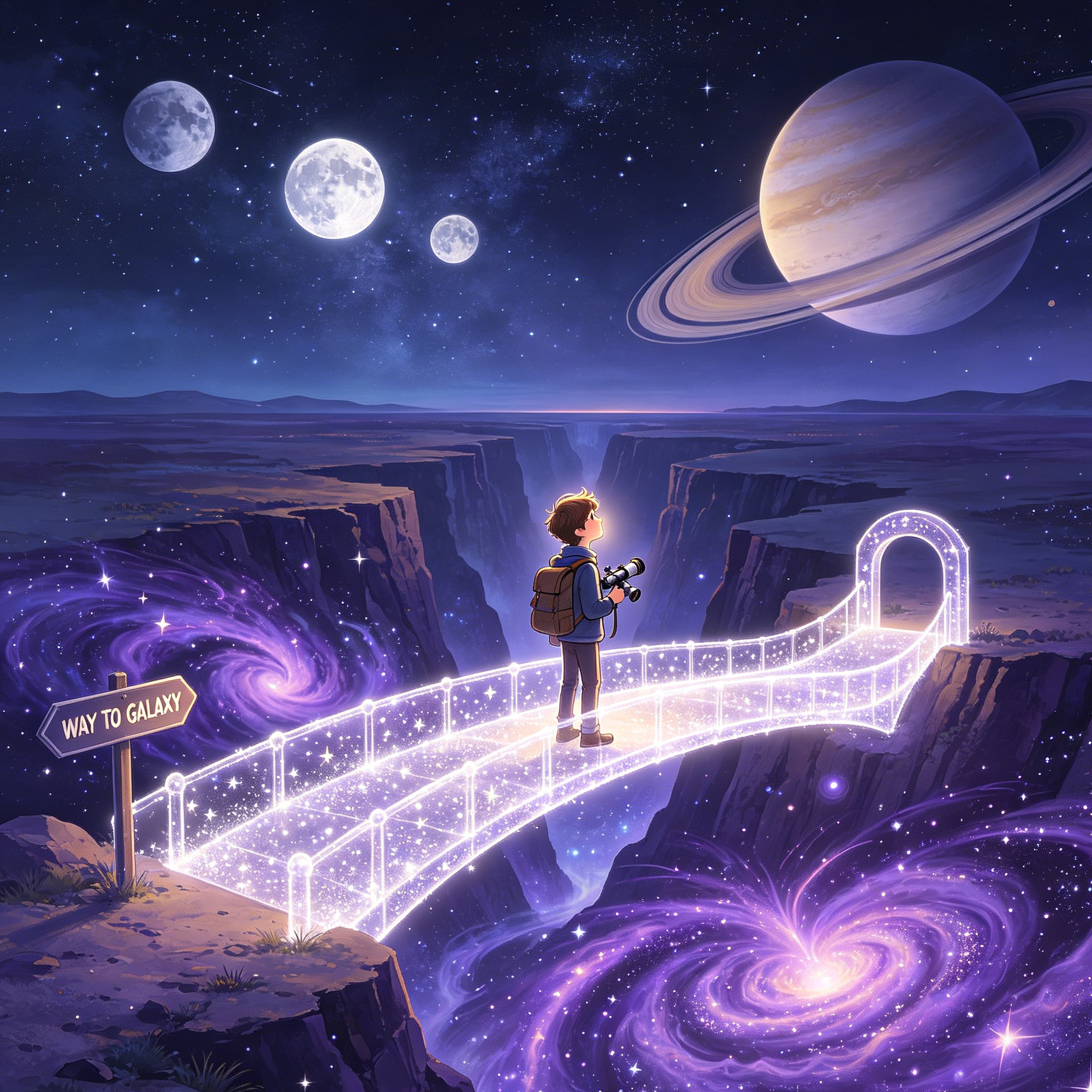
Imagine a world of islands suspended in the clouds, connected by delicate bridges and waterfalls cascading into the abyss.

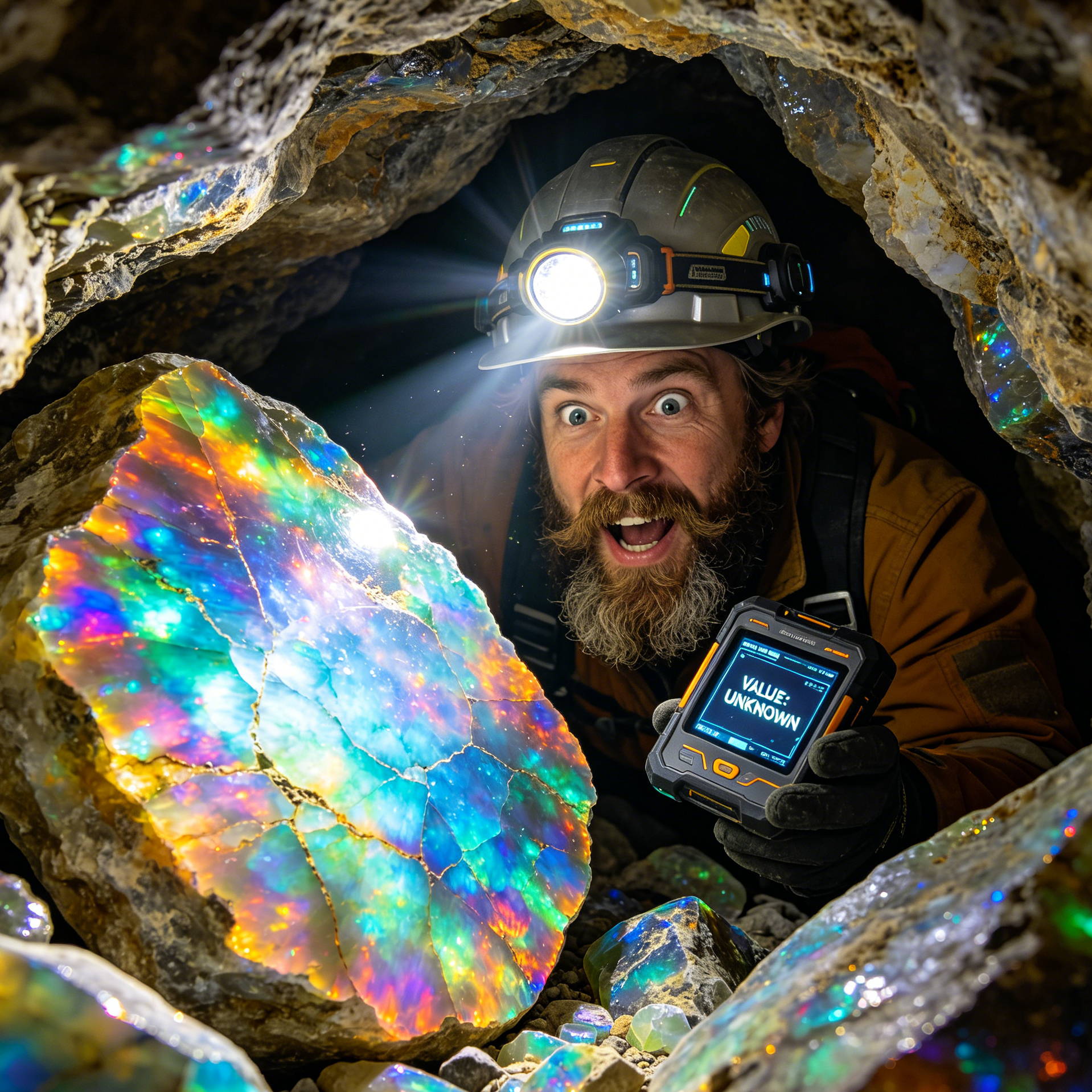
Discover a subterranean realm illuminated by colossal, shimmering crystals, reflecting light in a dazzling display.

Capture a dramatic, cinematic view of a formidable mountain range, home to legendary dragons and ancient secrets.

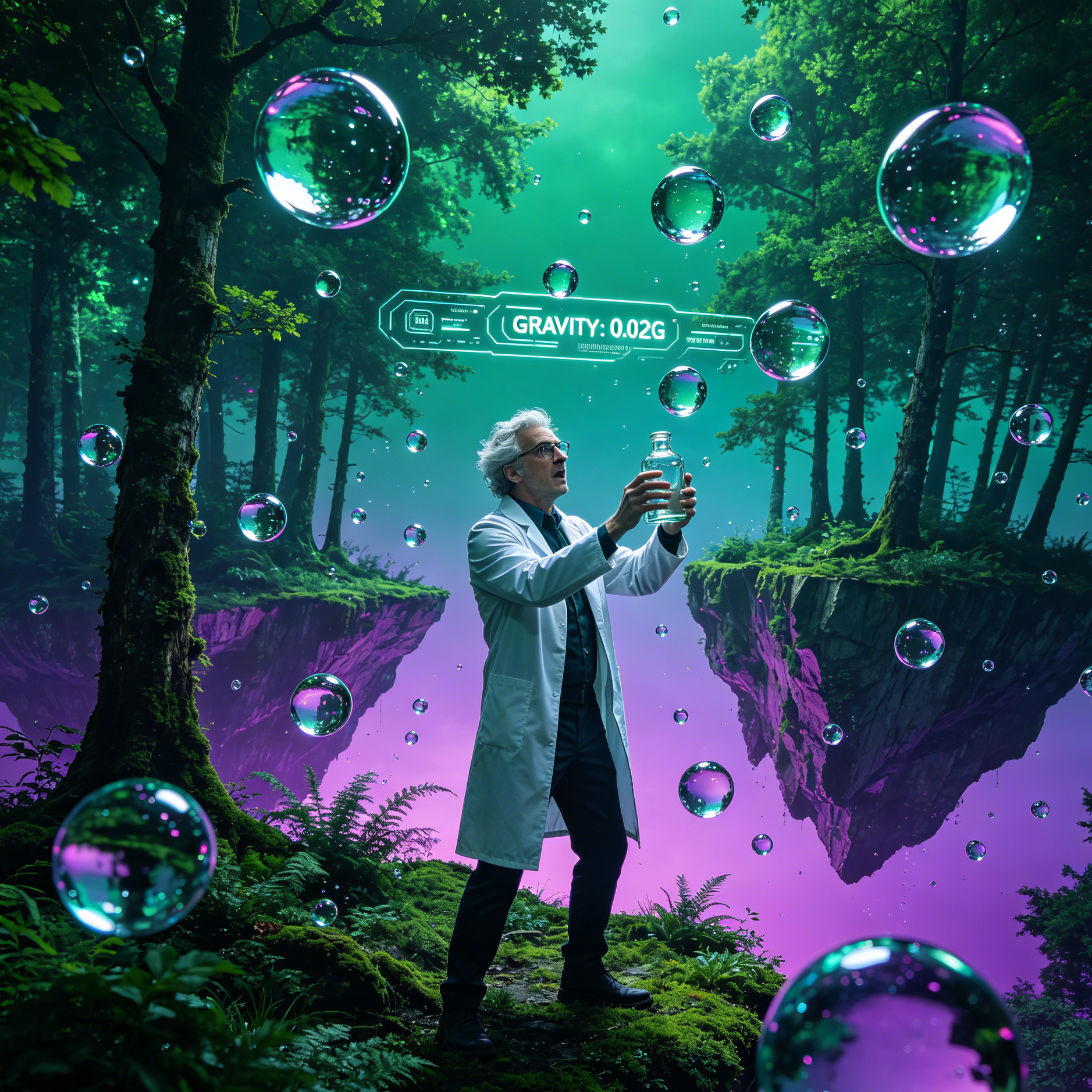
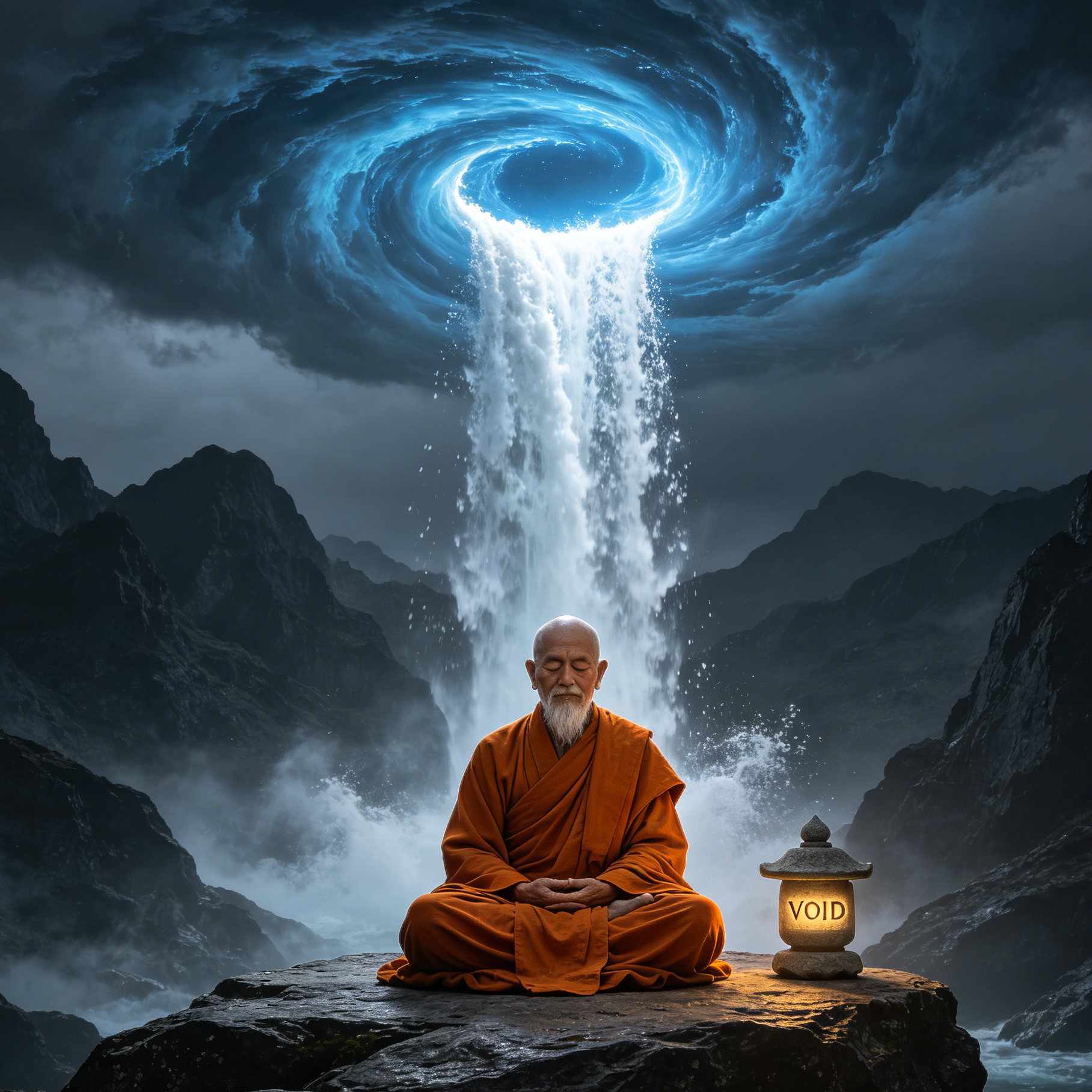
Explore a whimsical, surreal landscape where gravity bends and colors swirl, inviting endless imaginative possibilities.

Generate a breathtaking elven city nestled within ancient trees, bathed in soft, magical light and intricate architecture.
Witness the magic of AI in action. Explore a gallery of AI generated fantasy landscapes, from enchanting elven cities to dark, foreboding castles, and even unique scenes like a cowboy campfire with horses under a moonlit sky. See what you can create.

A majestic elven city emerging from the morning mist, bathed in the soft glow of a rising sun.

A dark, imposing castle perched atop a jagged peak, shrouded in storm clouds and mystery.

A unique scene of a cowboy campfire with horses under a vast, moonlit sky, blending fantasy with Americana.

A vibrant forest scene where ancient trees and exotic flora emit a soft, magical luminescence.
Move from a broad idea to a usable image with clearer direction, faster comparisons, and a practical handoff into Seedance 2.5.
Shape the composition, lighting, color, and subject details for a more intentional fantasy landscape image result.
Use a clear reference and focused direction to keep the fantasy landscape image look coherent across variations.
Refine the strongest output for social posts, campaign concepts, thumbnails, or design exploration.
Compare alternate framing and styling choices before selecting the final fantasy landscape image.
Use this workflow when you need a specific fantasy landscape image rather than a generic asset. Define the intended audience, platform, and visual or tonal direction before generating.
Describe concrete production cues such as composition, lighting, color, styling, and subject detail. Specific direction gives the generator a clearer target and makes each revision easier to evaluate.
Start with the prepared workflow, refine the details that define this fantasy landscape image, then keep the best result or continue editing in Seedance 2.5.
Open the generator and add a text prompt or uploaded image that clearly establishes the subject and creative direction.
Describe composition, lighting, color, styling, and subject detail, then remove conflicting instructions that could weaken the fantasy landscape image.
Compare the generated variations, keep the strongest image, and refine it for the final use.
Practical answers about creating, refining, and using a fantasy landscape image in Seedance 2.5.
It creates a focused fantasy landscape image from a text prompt or uploaded image. Use the available controls to guide composition, lighting, color, styling, and subject detail, then compare variations before choosing the final result.
Use a clear, high-quality source that makes the main subject easy to identify. A focused source gives the fantasy landscape image a stronger visual or tonal foundation.
Prioritize composition, lighting, color, styling, and subject detail. Add only details that directly support the intended fantasy landscape image, and remove instructions that compete with one another.
Keep the strongest fantasy landscape image as a finished asset or continue refining it with another Seedance 2.5 tool. A focused source and concise prompt make later revisions easier to control.
Commercial use depends on your plan, the applicable model terms, and the rights attached to your source material. Review the current terms before publishing or selling the result.
Move from this fantasy landscape image into the next Seedance 2.5 tool without losing the direction established in your selected result.
Generate kingdoms, floating islands, crystal deserts, and mythic forests quickly from lore-driven text prompts.
Upload sketches or map references to lock terrain silhouettes while upgrading atmosphere and detail.
Test painterly epic, dark gothic, luminous high-fantasy, and stylized adventure looks in rapid batches.
Keep world consistency by generating from your own references, lore boards, and visual canon documents.
Use complementary image, video, and audio tools when the project needs additional editing, motion, sound, or format changes.
Fast option for rough world exploration, silhouette testing, and broad terrain composition trials.
Use for richer atmospheric depth, layered lighting, and high-fidelity fantasy environment finals.
Ideal for targeted edits like castle placement, sky replacement, terrain cleanup, or magical effect tuning.
Great for exploratory world storytelling when you need novel visual interpretations of lore concepts.
Start with a text prompt or uploaded image, direct the details that define the fantasy landscape image, and refine the strongest result in Seedance 2.5.