AI Figurine Effect GeneratorTransform photos into 3D action figures
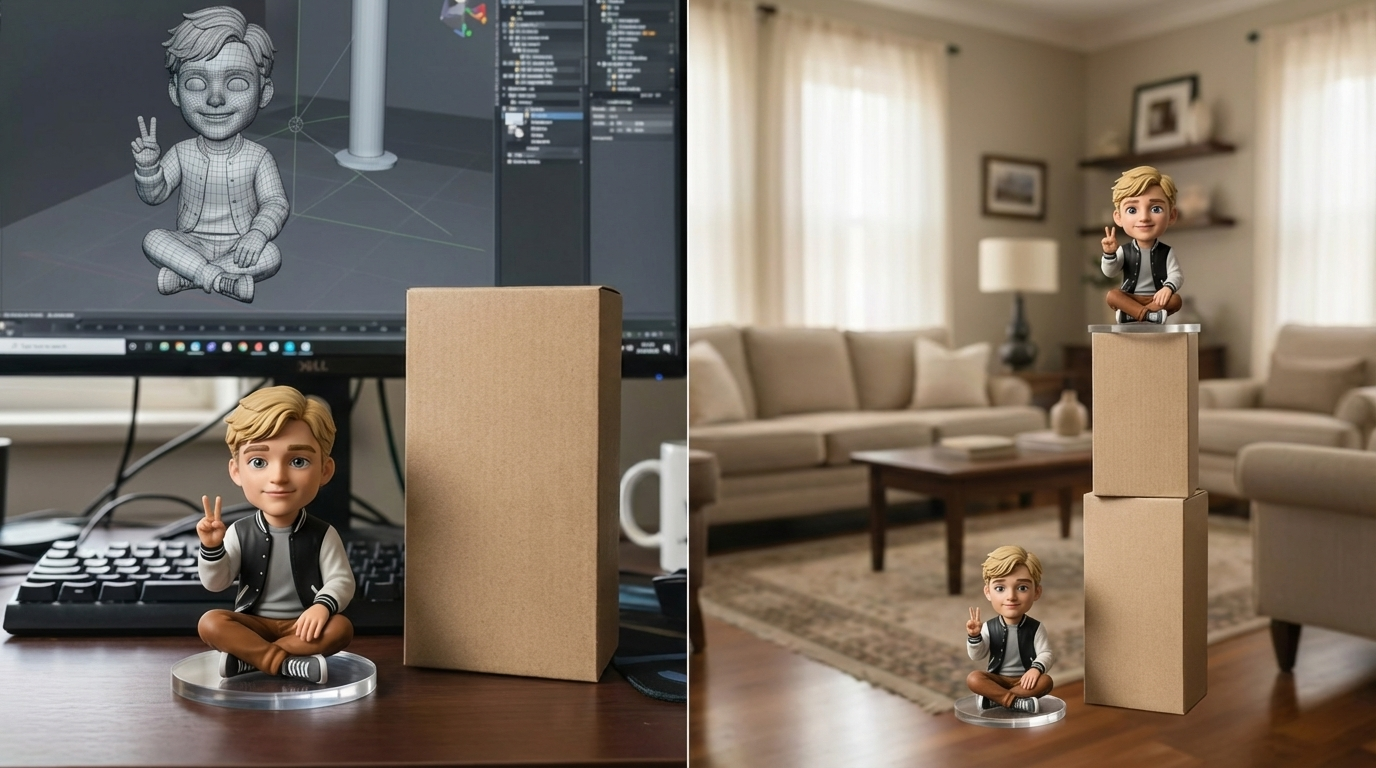
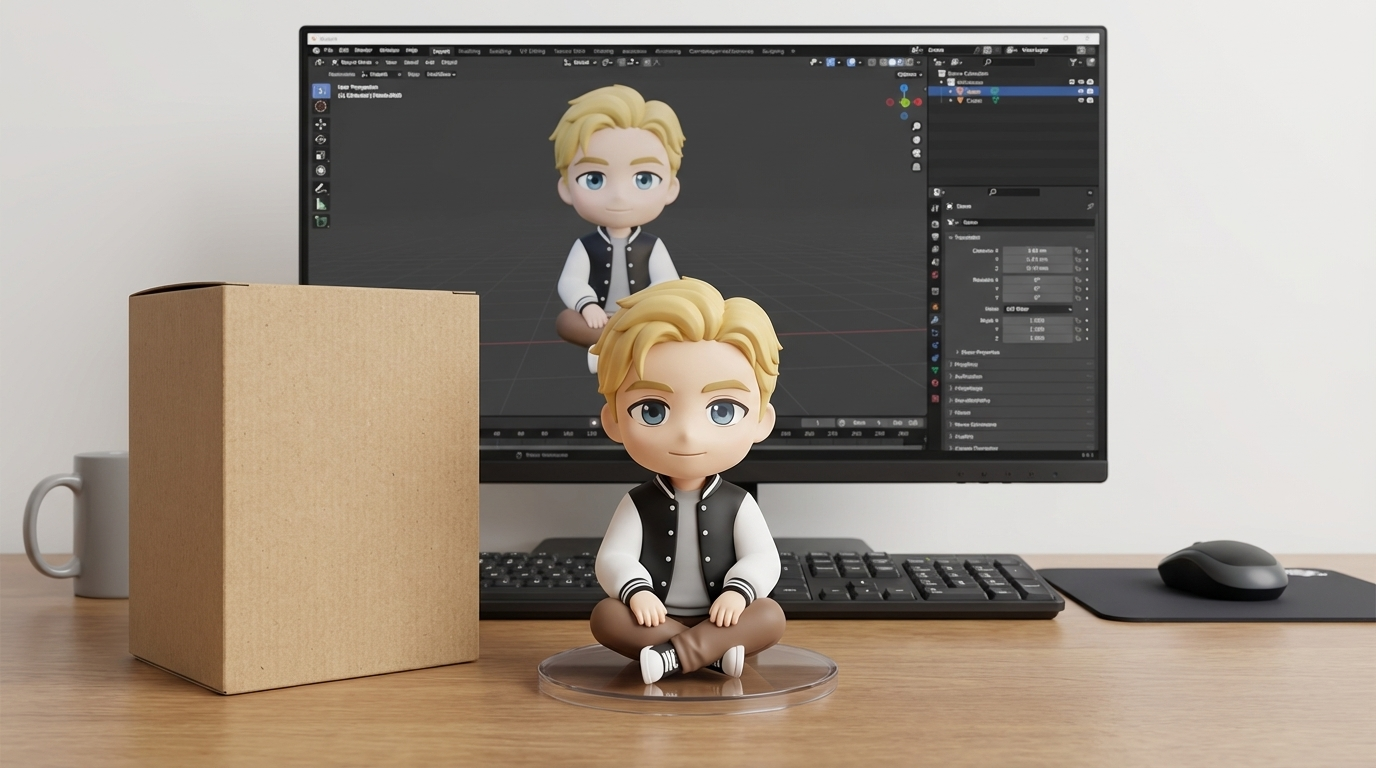
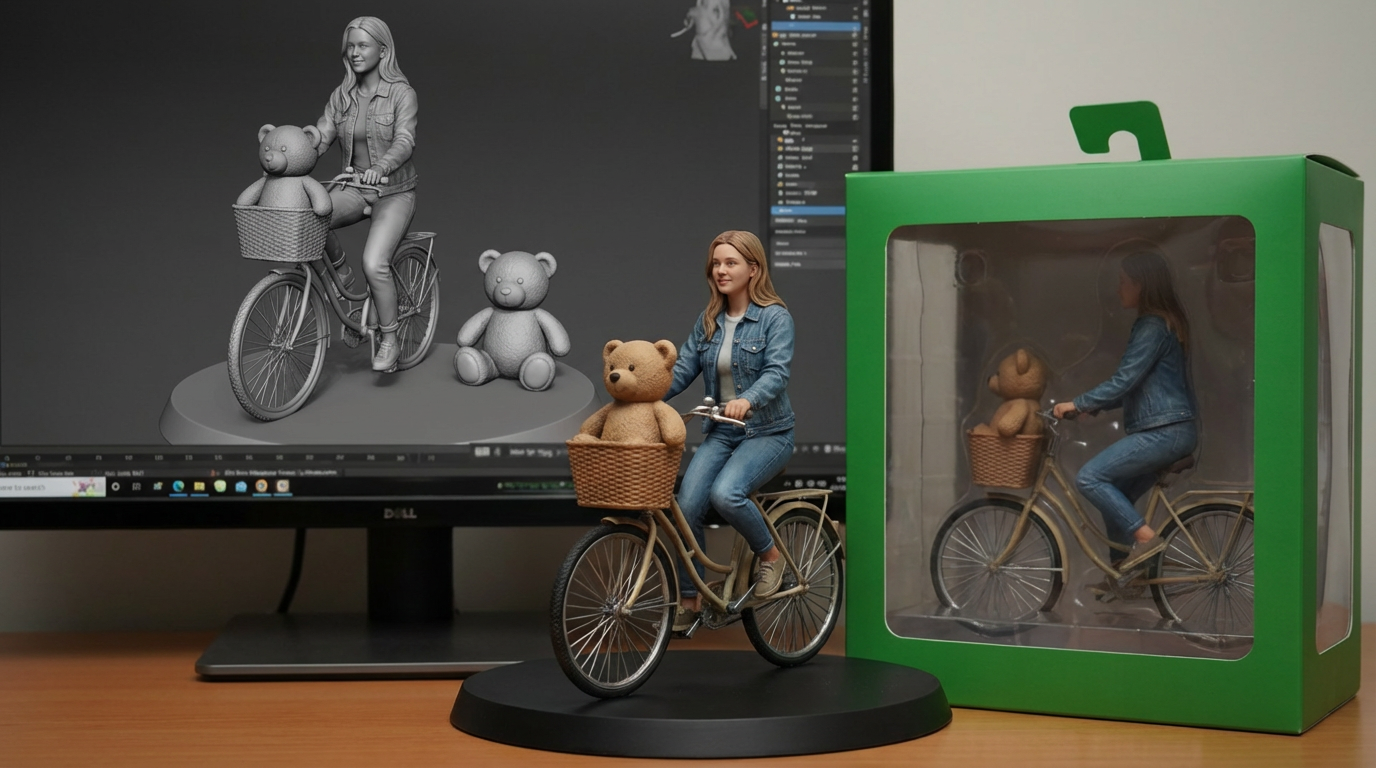
Explore AI Figurine Effect Generator inside the Seedance 2.5 creative studio. Review examples and practical prompt guidance, then use the available workflow to create and refine images for your project.

Create with AI Figurine Effect Generator
Practical controls and focused iteration for AI Figurine Effect Generator
Start with a clear creative brief, use the controls available for AI Figurine Effect Generator, and compare focused variations before selecting the final images.
Step 1: Upload Your Photo
Start with a clear photo—portraits and full-body shots both work well.
Step 2: Select Style
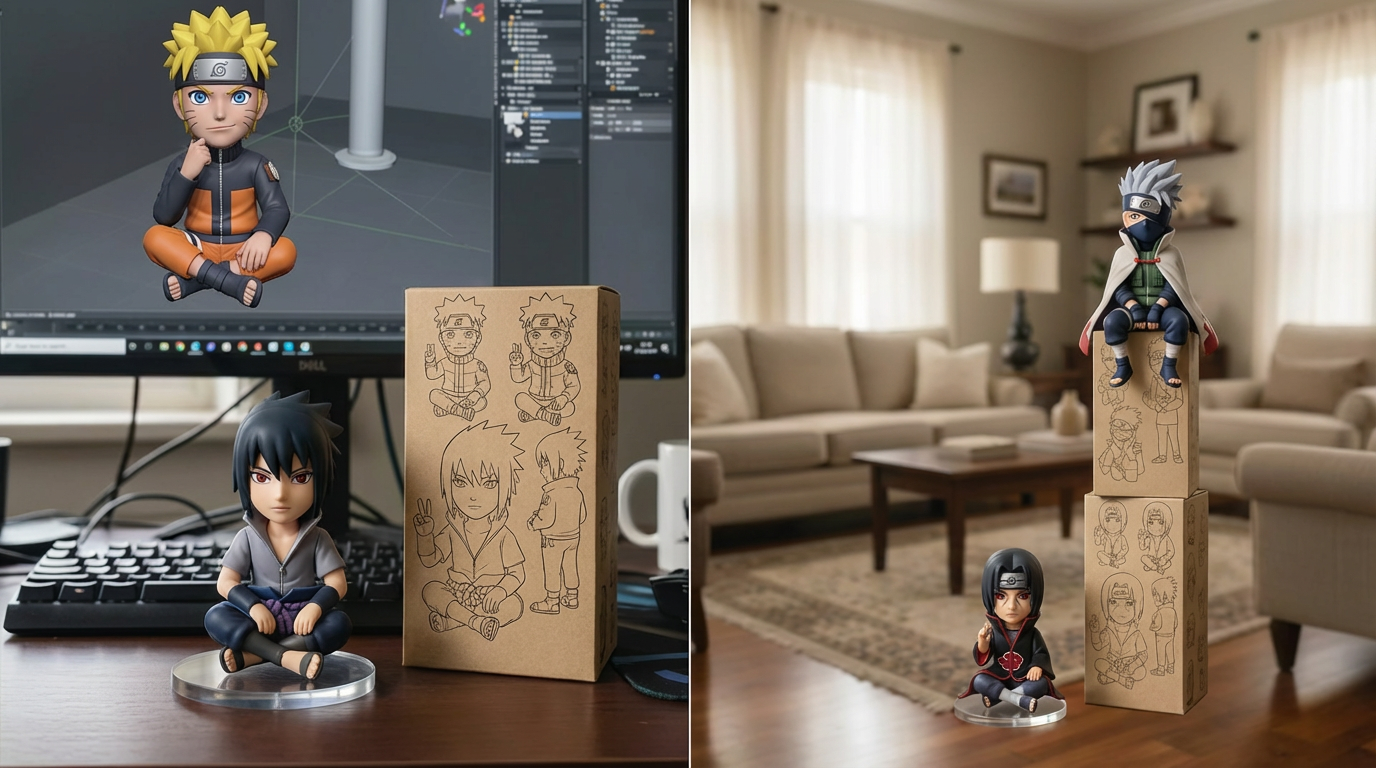
Choose a figurine vibe (classic toy, fantasy, hero, boxed action figure, and more).
Step 3: Generate
Generate the figurine and regenerate to refine pose, outfit details, and packaging aesthetics.
Step 4: Download
Download a high-quality image for sharing, product mockups, or prototype previews.
AI Figurine Effect Generator FAQ
Common questions about AI Figurine Effect Generator
Practical guidance on inputs, prompts, generation options, exports, and responsible use for AI Figurine Effect Generator in Seedance 2.5.
Still have questions? Contact our support team
Start creating with AI Figurine Effect Generator
One-click 3D figurines
Open the AI Figurine Effect Generator workflow in Seedance 2.5, define a clear direction, compare the generated variations, and export the result that best fits your project.
- Realistic 3D figurine rendering
- Action-figure packaging aesthetics
- Great for prototypes and promos
- Regenerate for the best look