Fantasy
Epic Fantasy Hero
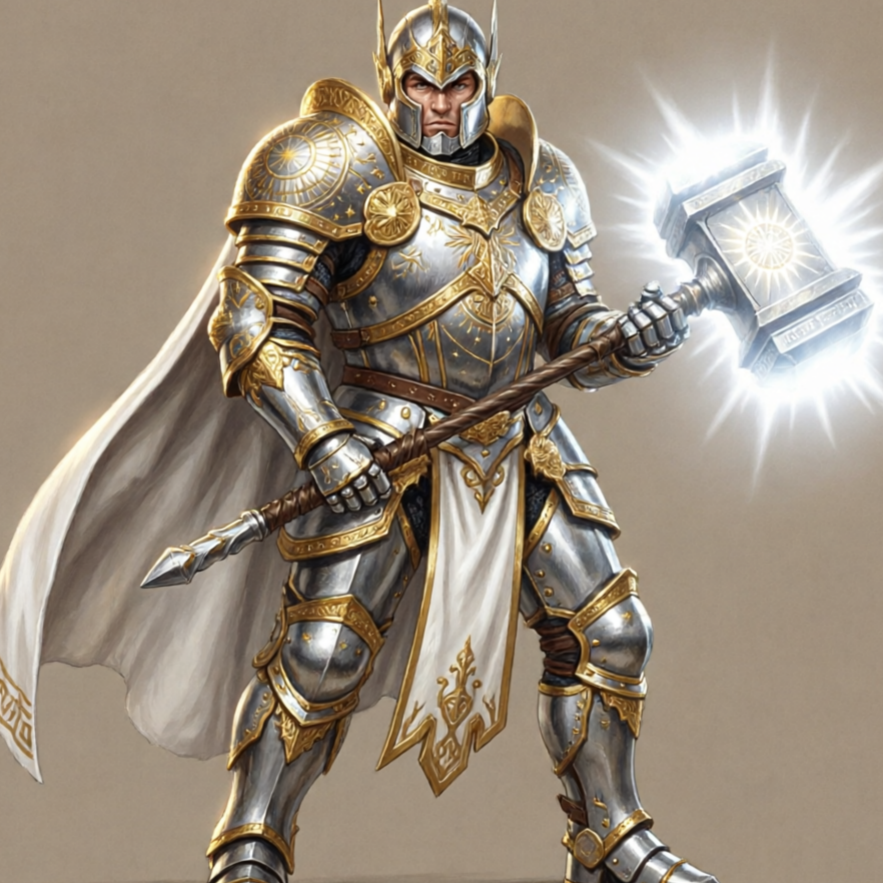
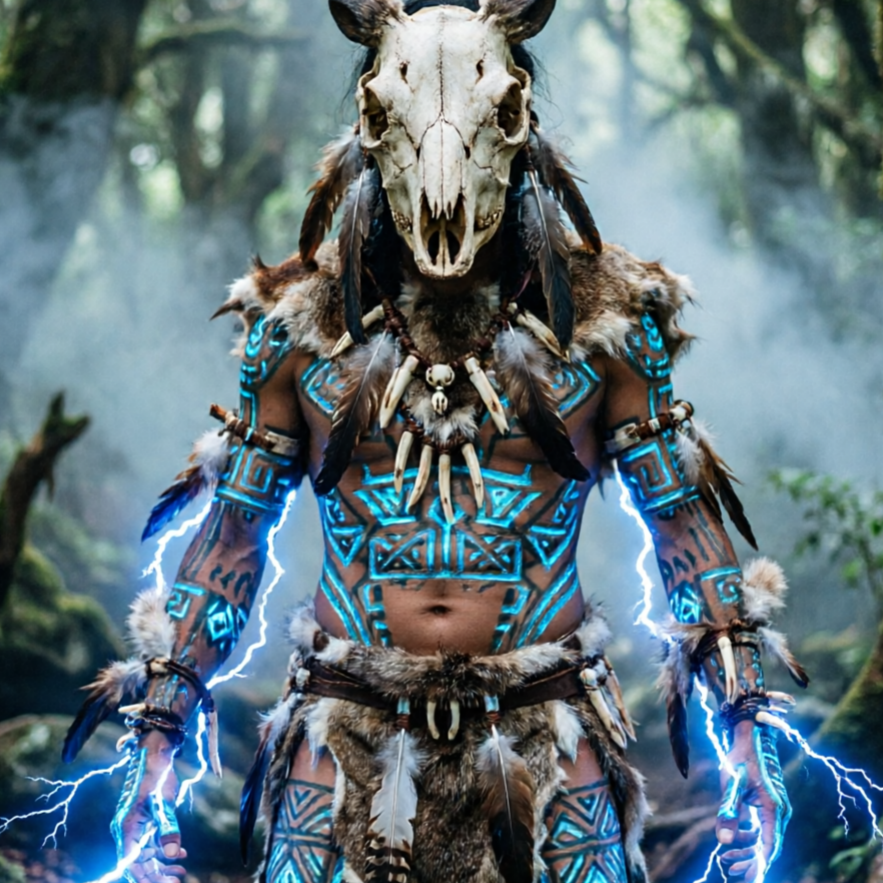
Craft a powerful fantasy hero with intricate armor and a magical aura, ready for adventure.
Epic fantasy hero, AI game character generator, high detail, clean composition, rich lighting, no watermark or extra text.
Turn a clear creative brief into a polished game character image.
Start with a text prompt or uploaded image and describe the composition, lighting, color, styling, and subject detail that matter for this game character image. Generate a first image, compare variations, and refine the direction until it fits your intended story, campaign, or design.
Use this example to study the framing, detail, and creative decisions that make a game character image feel intentional rather than generic.
Dive into character creation without upfront costs. Access powerful AI tools to design unique heroes, villains, and NPCs for free, across endless genres.
Craft a powerful fantasy hero with intricate armor and a magical aura, ready for adventure.
Design a sleek cyberpunk agent with glowing tech implants and a gritty urban background.
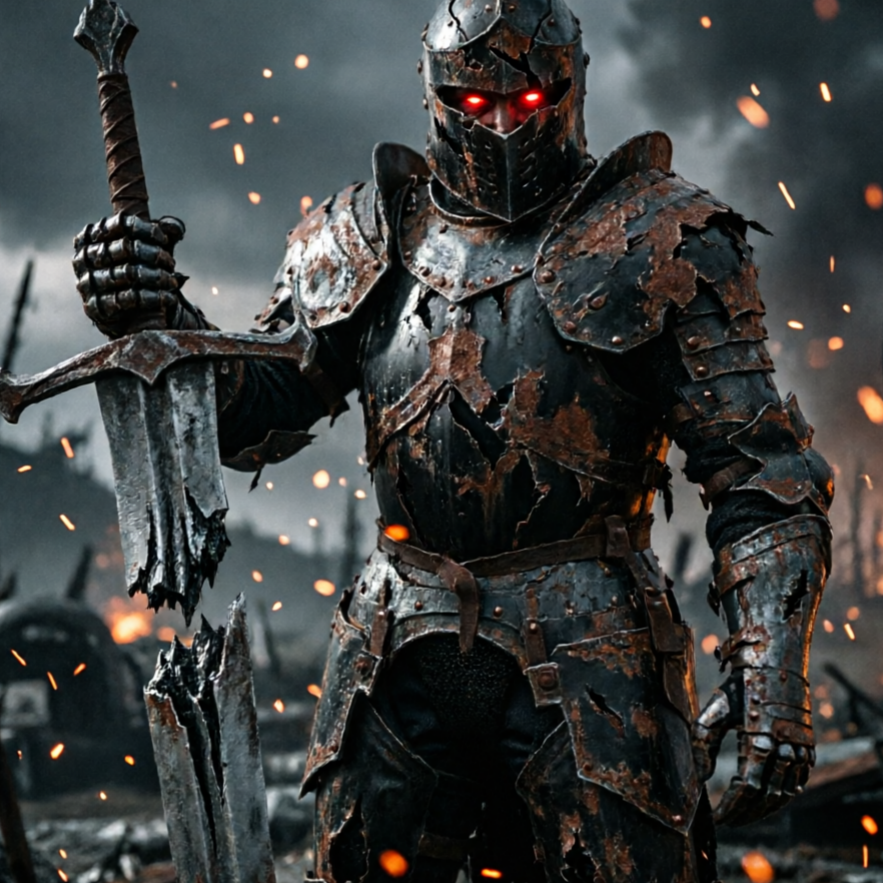
Generate a battle-hardened medieval knight, complete with worn armor and a stoic expression.
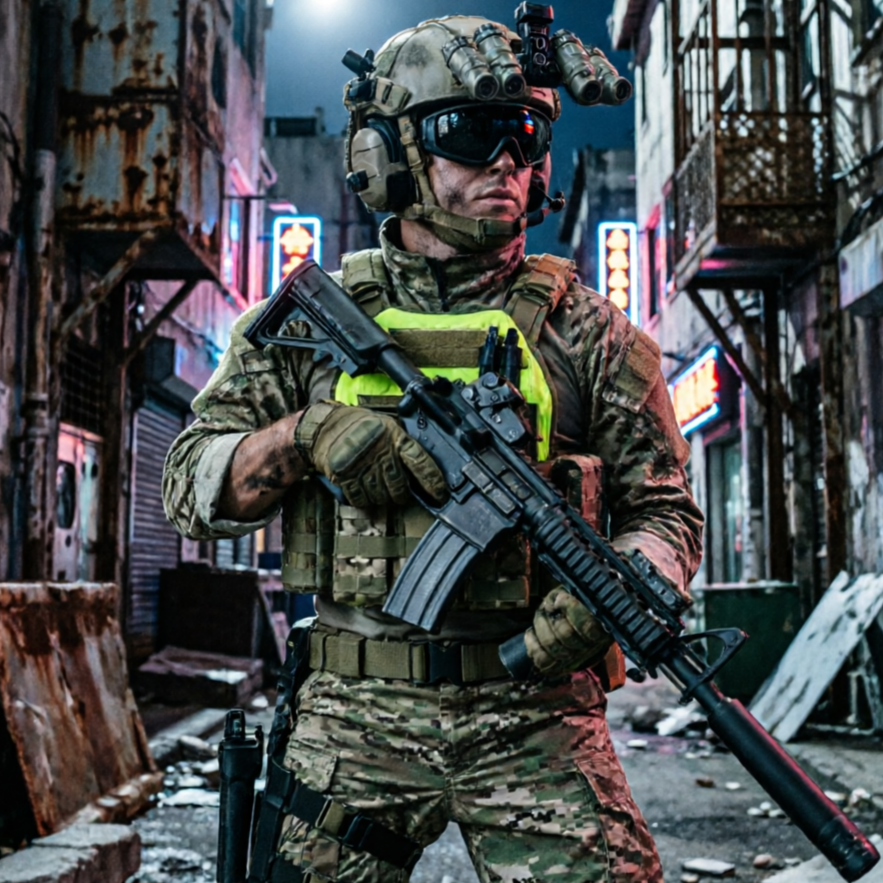
Create a modern urban explorer with practical gear and a dynamic pose, set against a city backdrop.
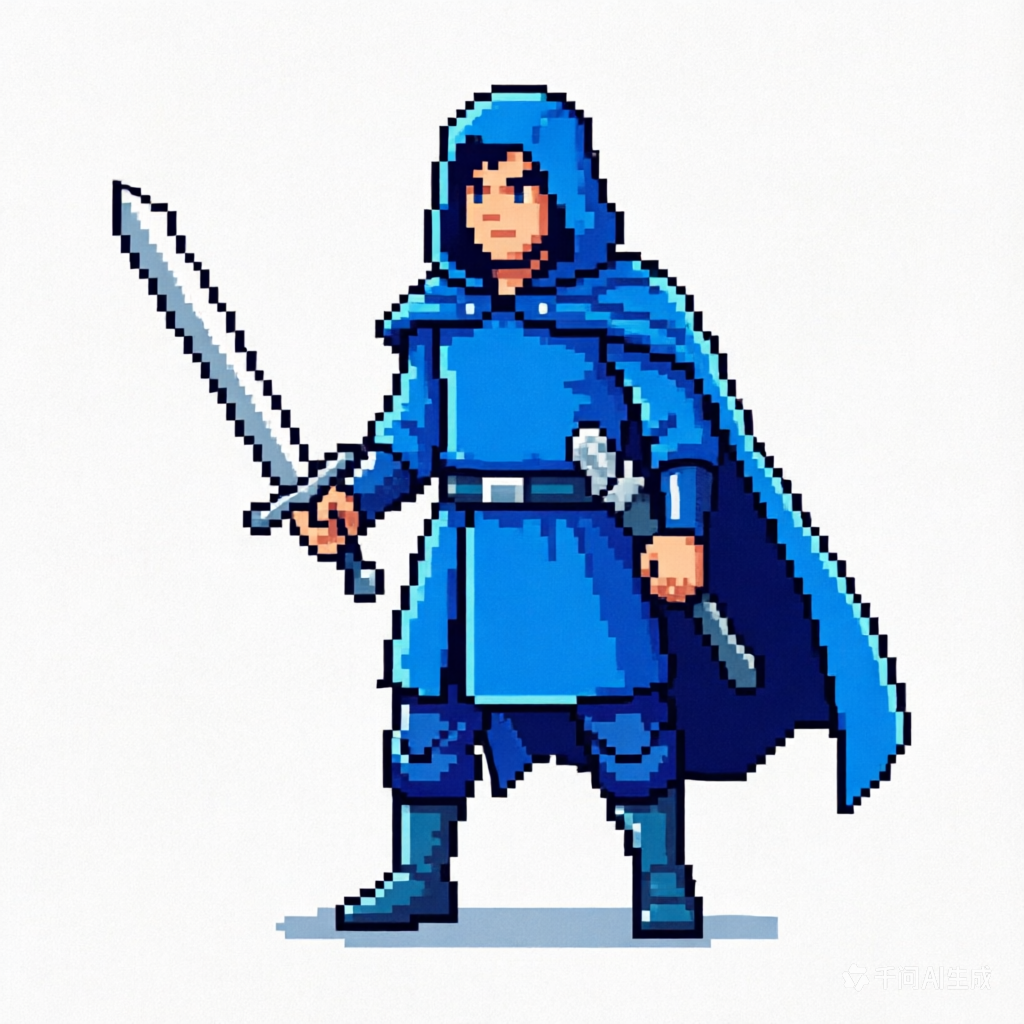
Produce a charismatic anime protagonist with expressive features and dynamic action poses.
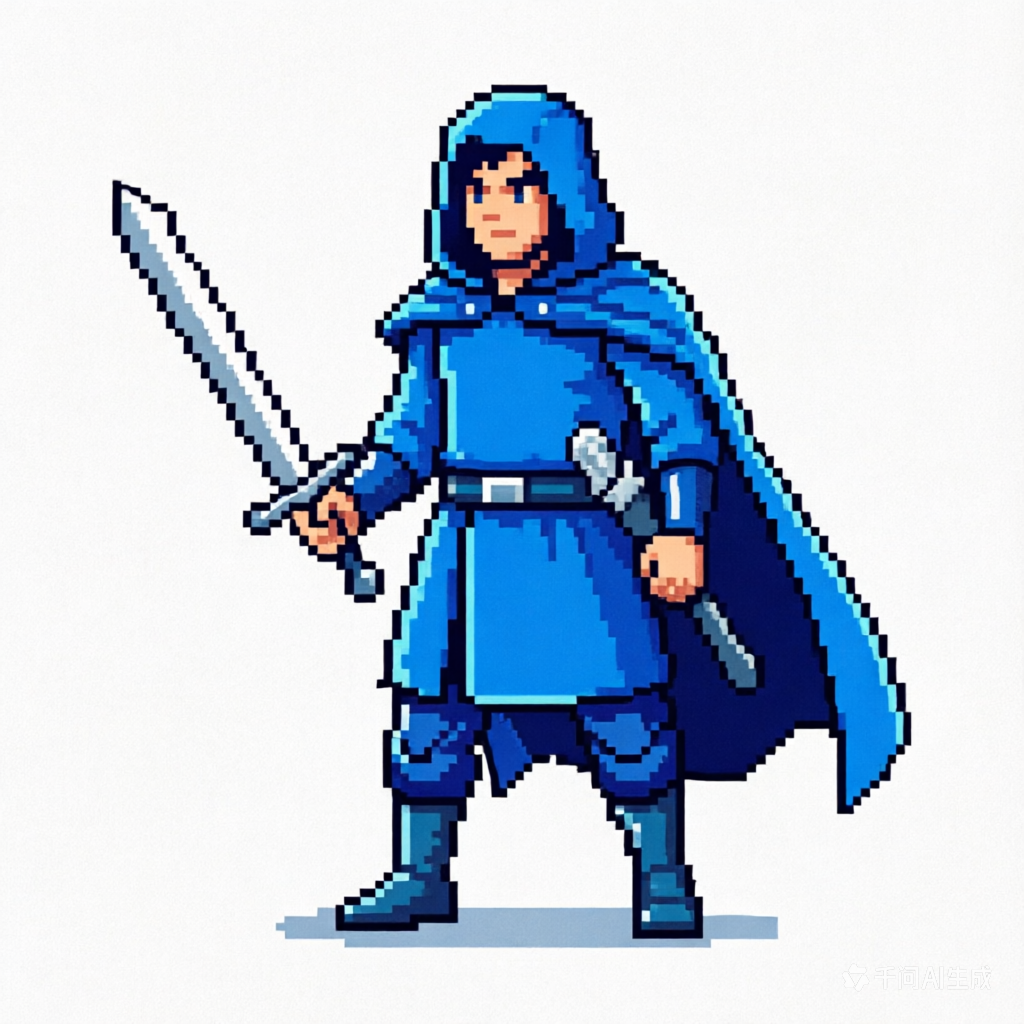
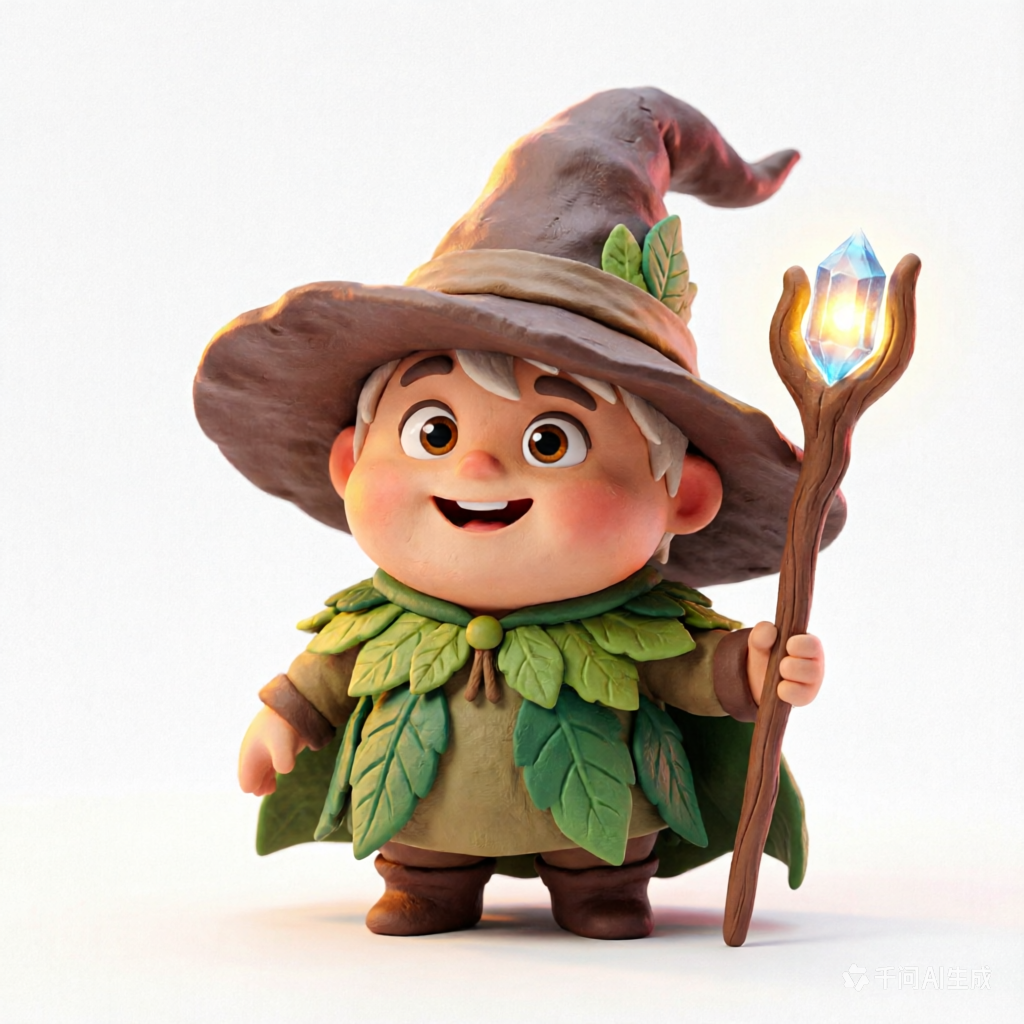
Design a charming and playful cartoon sidekick, perfect for family-friendly games.
Dive into a gallery of stunning AI-generated game characters designed for various scenarios. From epic battles to tranquil village scenes, see how our characters adapt and enhance diverse game environments, ready for your next project.
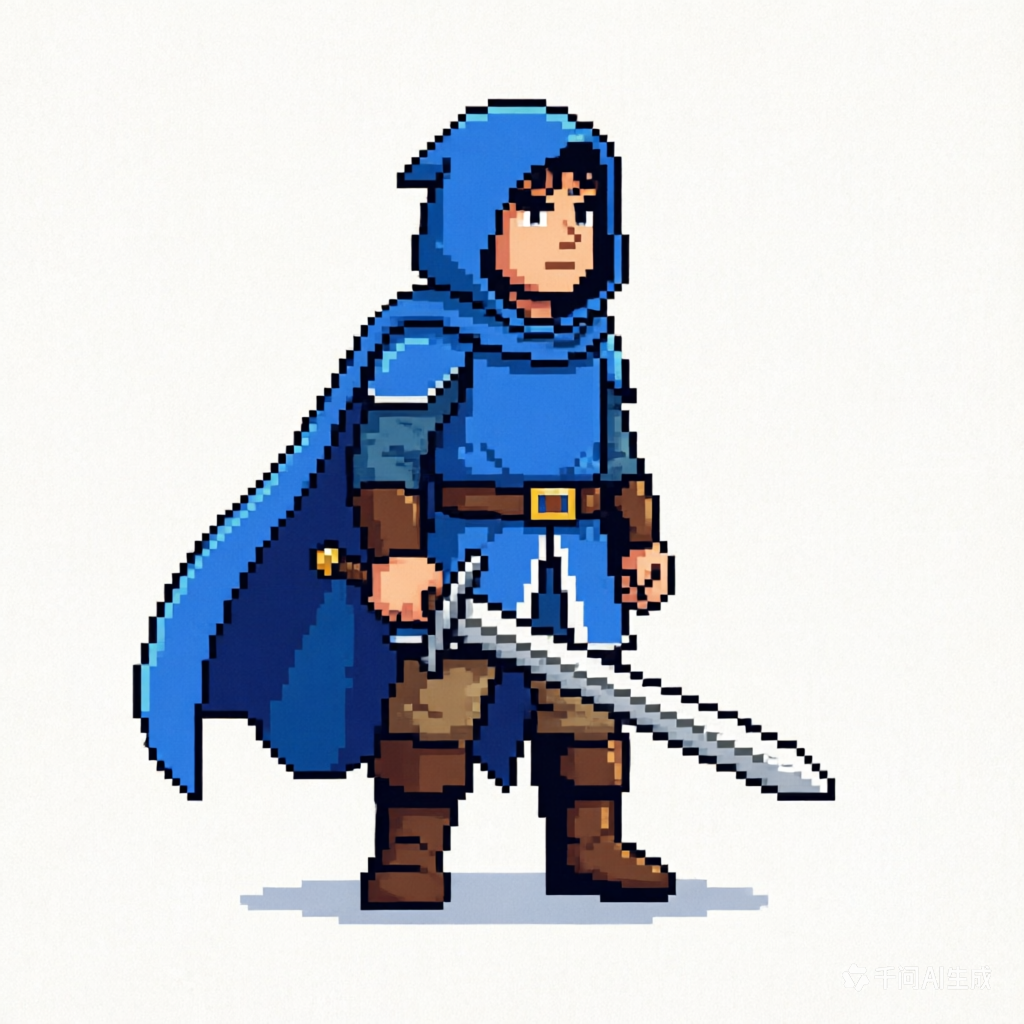
A detailed character for a fantasy RPG, showcasing intricate armor and magical elements.
A high-energy hero for an action-packed game, captured mid-movement with vibrant effects.
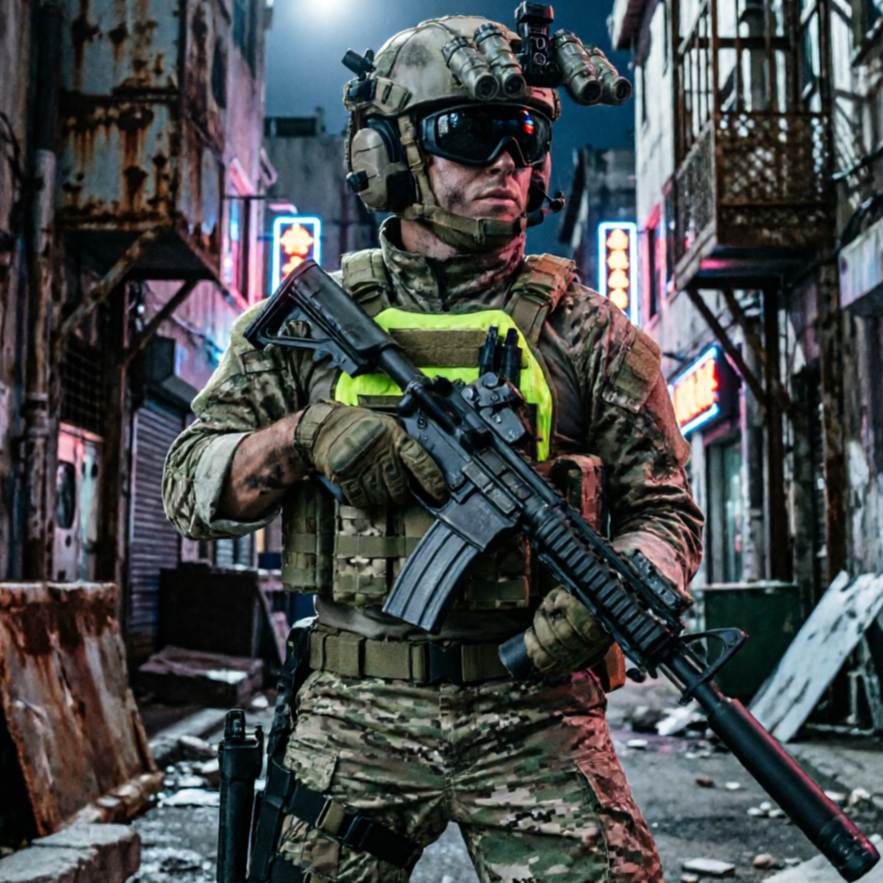
A wise and commanding NPC designed for strategic games, with a focus on leadership qualities.
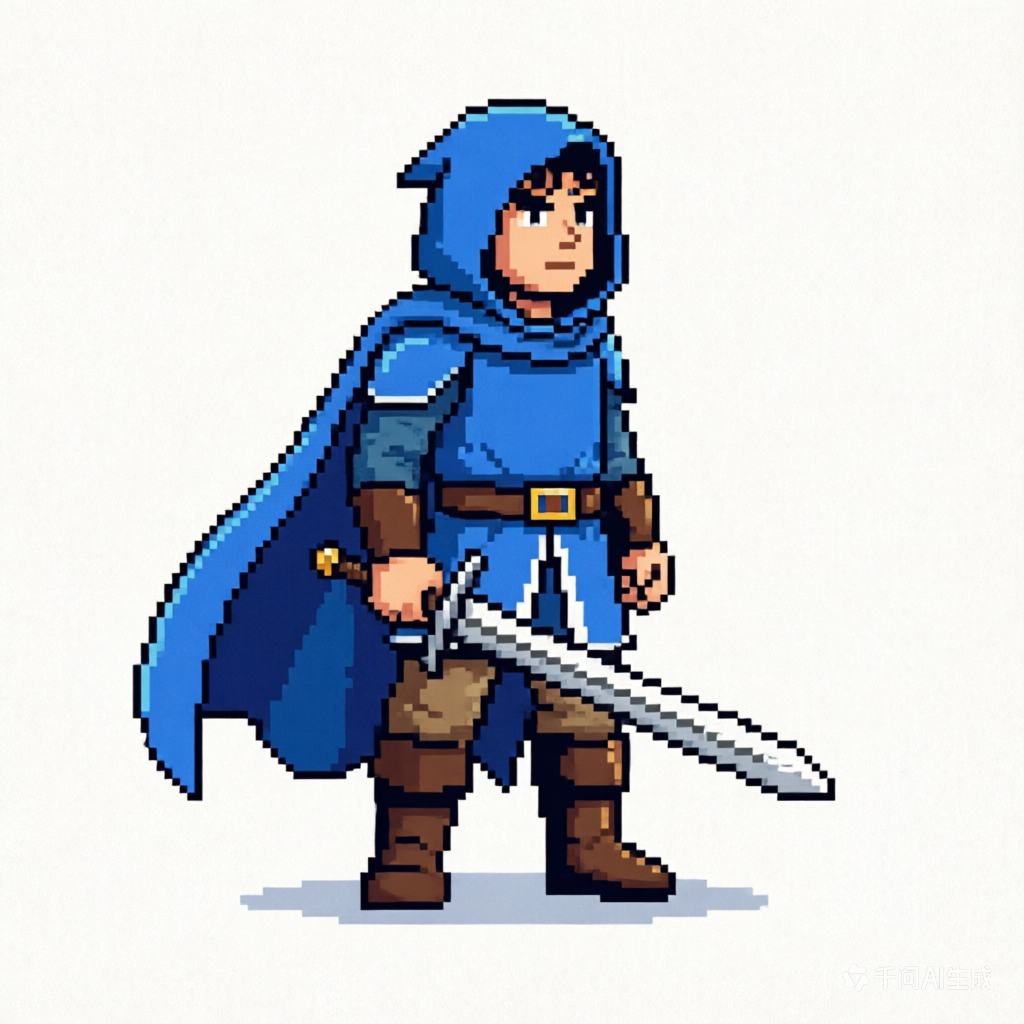
A friendly and approachable character perfect for casual mobile games, with a simple yet engaging design.
Move from a broad idea to a usable image with clearer direction, faster comparisons, and a practical handoff into Seedance 2.5.
Shape the composition, lighting, color, and subject details for a more intentional game character image result.
Use a clear reference and focused direction to keep the game character image look coherent across variations.
Refine the strongest output for social posts, campaign concepts, thumbnails, or design exploration.
Compare alternate framing and styling choices before selecting the final game character image.
Use this workflow when you need a specific game character image rather than a generic asset. Define the intended audience, platform, and visual or tonal direction before generating.
Describe concrete production cues such as composition, lighting, color, styling, and subject detail. Specific direction gives the generator a clearer target and makes each revision easier to evaluate.
Start with the prepared workflow, refine the details that define this game character image, then keep the best result or continue editing in Seedance 2.5.
Open the generator and add a text prompt or uploaded image that clearly establishes the subject and creative direction.
Describe composition, lighting, color, styling, and subject detail, then remove conflicting instructions that could weaken the game character image.
Compare the generated variations, keep the strongest image, and refine it for the final use.
Practical answers about creating, refining, and using a game character image in Seedance 2.5.
It creates a focused game character image from a text prompt or uploaded image. Use the available controls to guide composition, lighting, color, styling, and subject detail, then compare variations before choosing the final result.
Use a clear, high-quality source that makes the main subject easy to identify. A focused source gives the game character image a stronger visual or tonal foundation.
Prioritize composition, lighting, color, styling, and subject detail. Add only details that directly support the intended game character image, and remove instructions that compete with one another.
Keep the strongest game character image as a finished asset or continue refining it with another Seedance 2.5 tool. A focused source and concise prompt make later revisions easier to control.
Commercial use depends on your plan, the applicable model terms, and the rights attached to your source material. Review the current terms before publishing or selling the result.
Move from this game character image into the next Seedance 2.5 tool without losing the direction established in your selected result.
Use text prompts to brainstorm and create original character designs and visual directions from scratch.
Upload reference images to apply specific styles, adjust framing, or emphasize details on your characters.
Quickly compare multiple visual treatments and stylistic interpretations of your characters with controlled intensity.
Integrate your existing character assets to ensure outputs align with your game's unique art style and requirements.
Use complementary image, video, and audio tools when the project needs additional editing, motion, sound, or format changes.
Reliable quality for fast creative exploration and daily character generation tasks, perfect for early-stage design.
Higher detail and stronger consistency for premium character drafts and final assets, ensuring professional results.
Targeted edits for composition fixes, object changes, and localized refinements on your generated characters.
Broad visual reasoning for concept-heavy experiments and art-direction work, ideal for unique character ideas.
Start with a text prompt or uploaded image, direct the details that define the game character image, and refine the strongest result in Seedance 2.5.