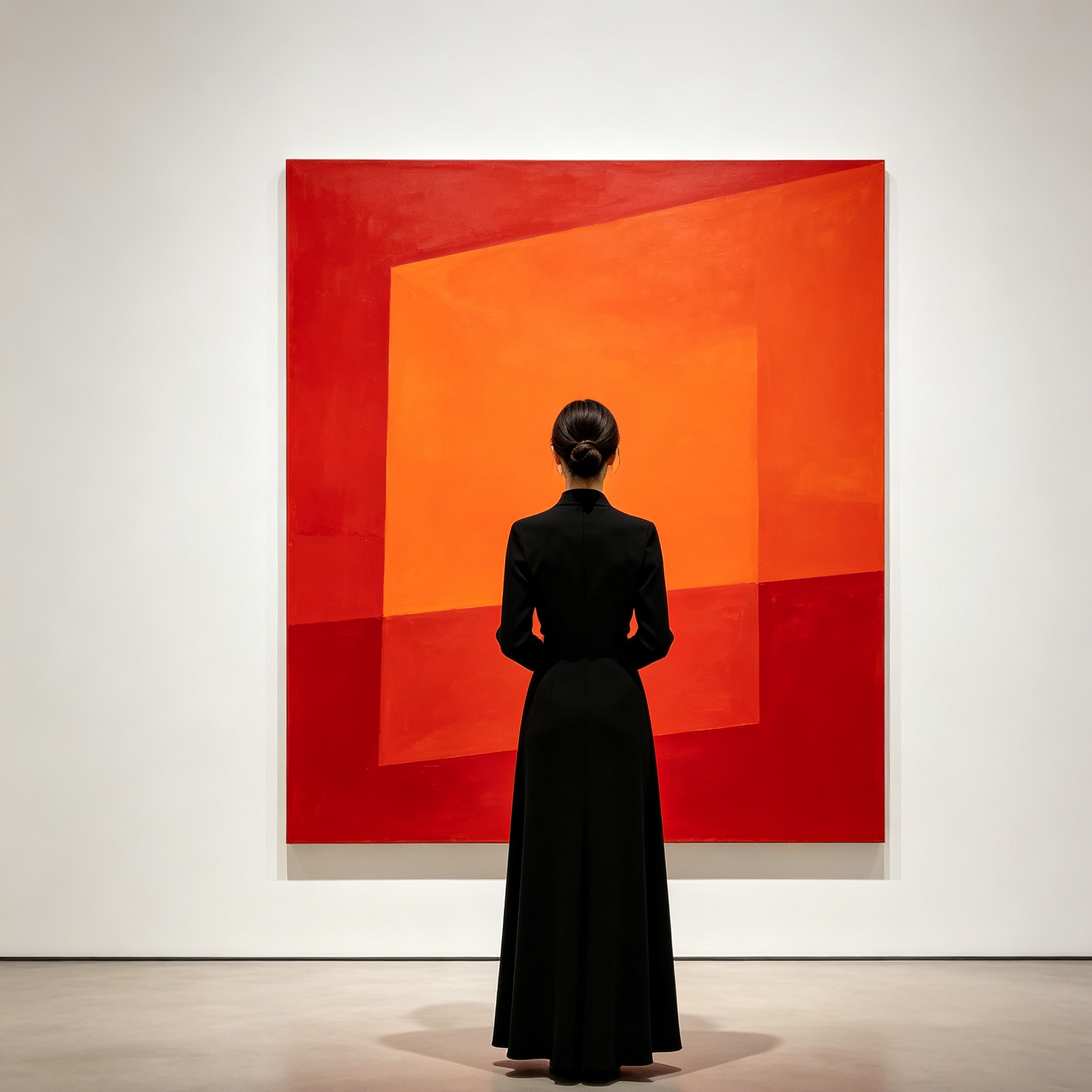
Virtual Personality Studio

AI Influencer Photo Generator

Build a focused influencer photo with a guided Seedance 2.5 workflow.

Start with an uploaded image and describe the composition, lighting, color, styling, and subject detail that matter for this influencer photo. Generate a first image, compare variations, and refine the direction until it fits your intended story, campaign, or design.

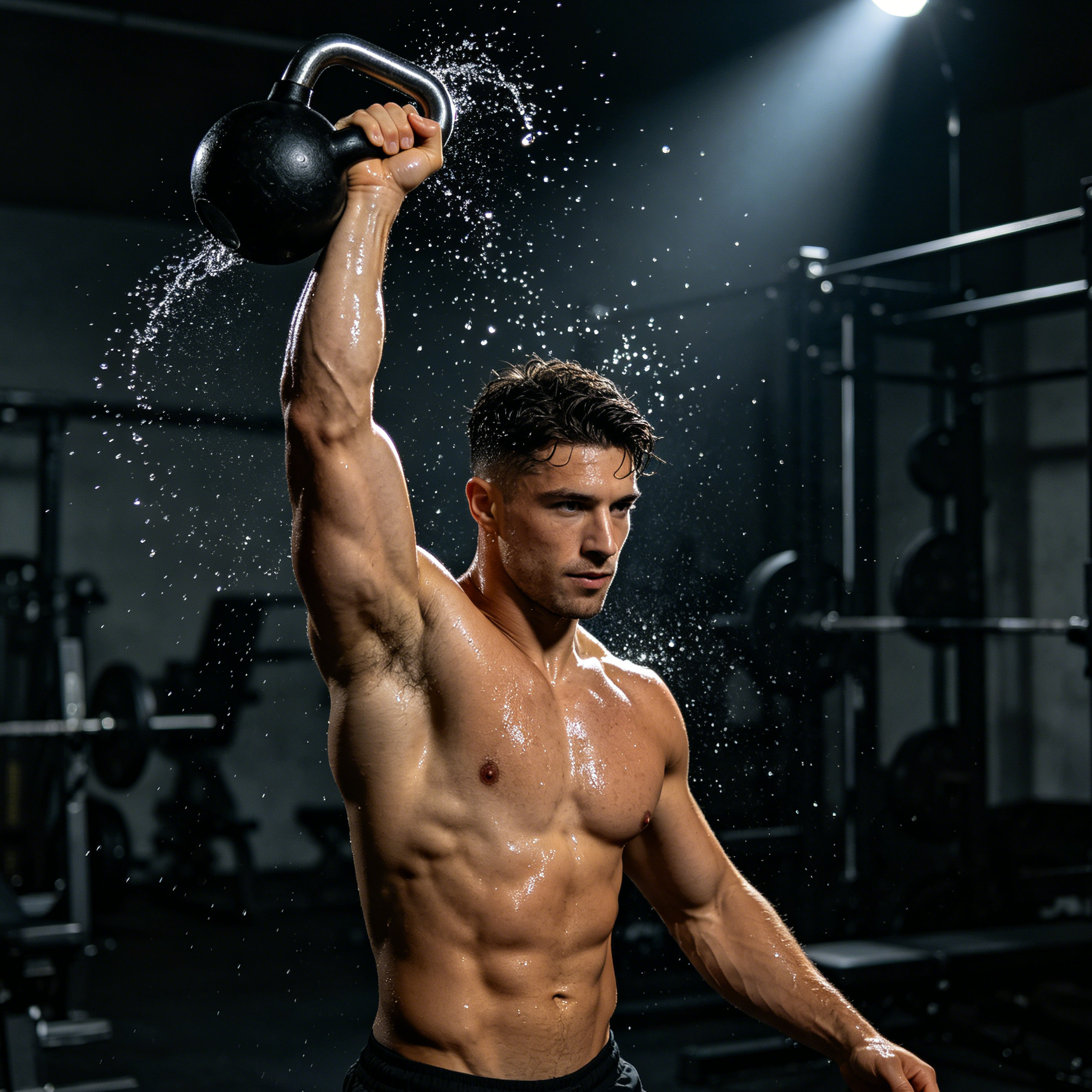
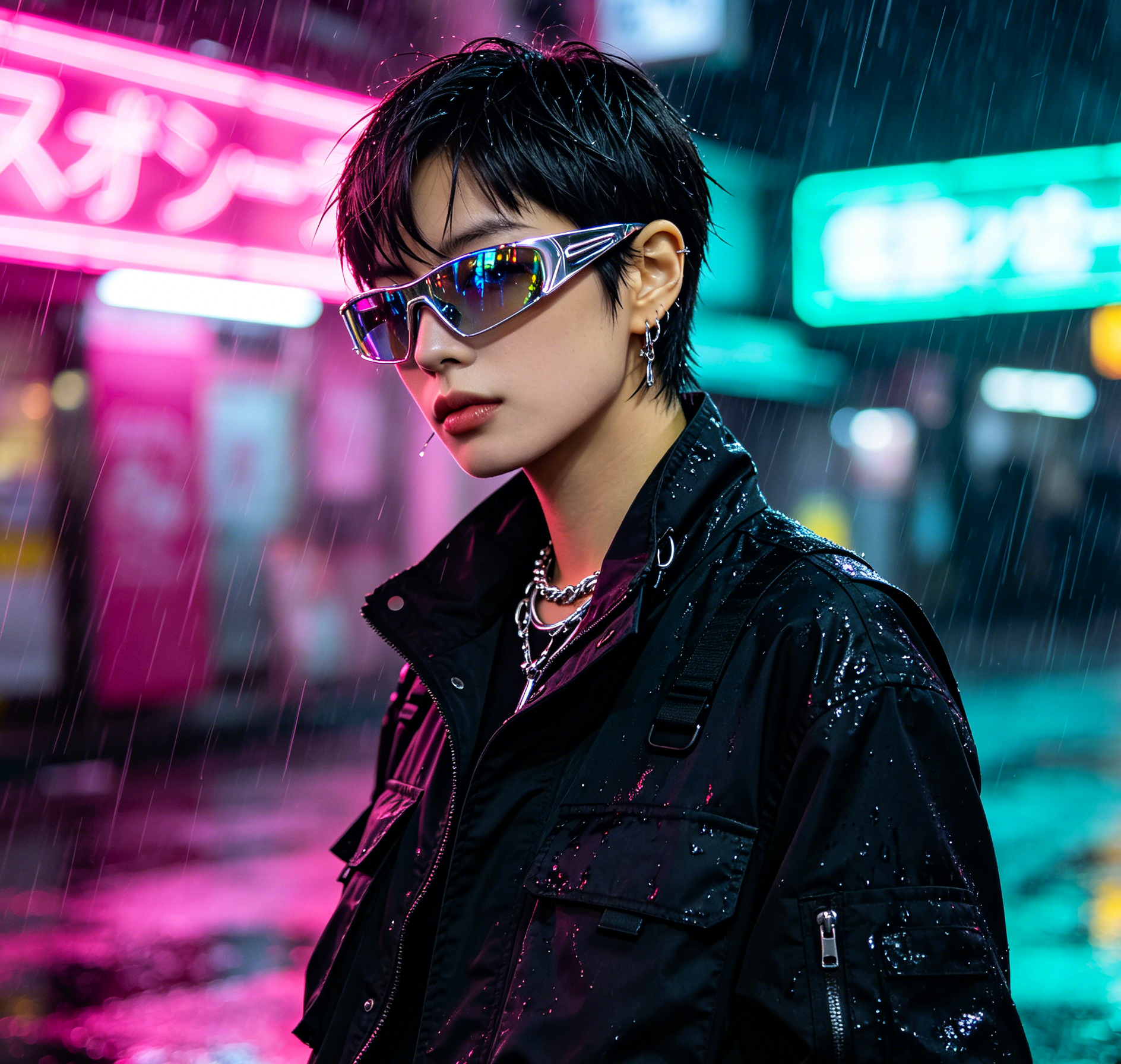
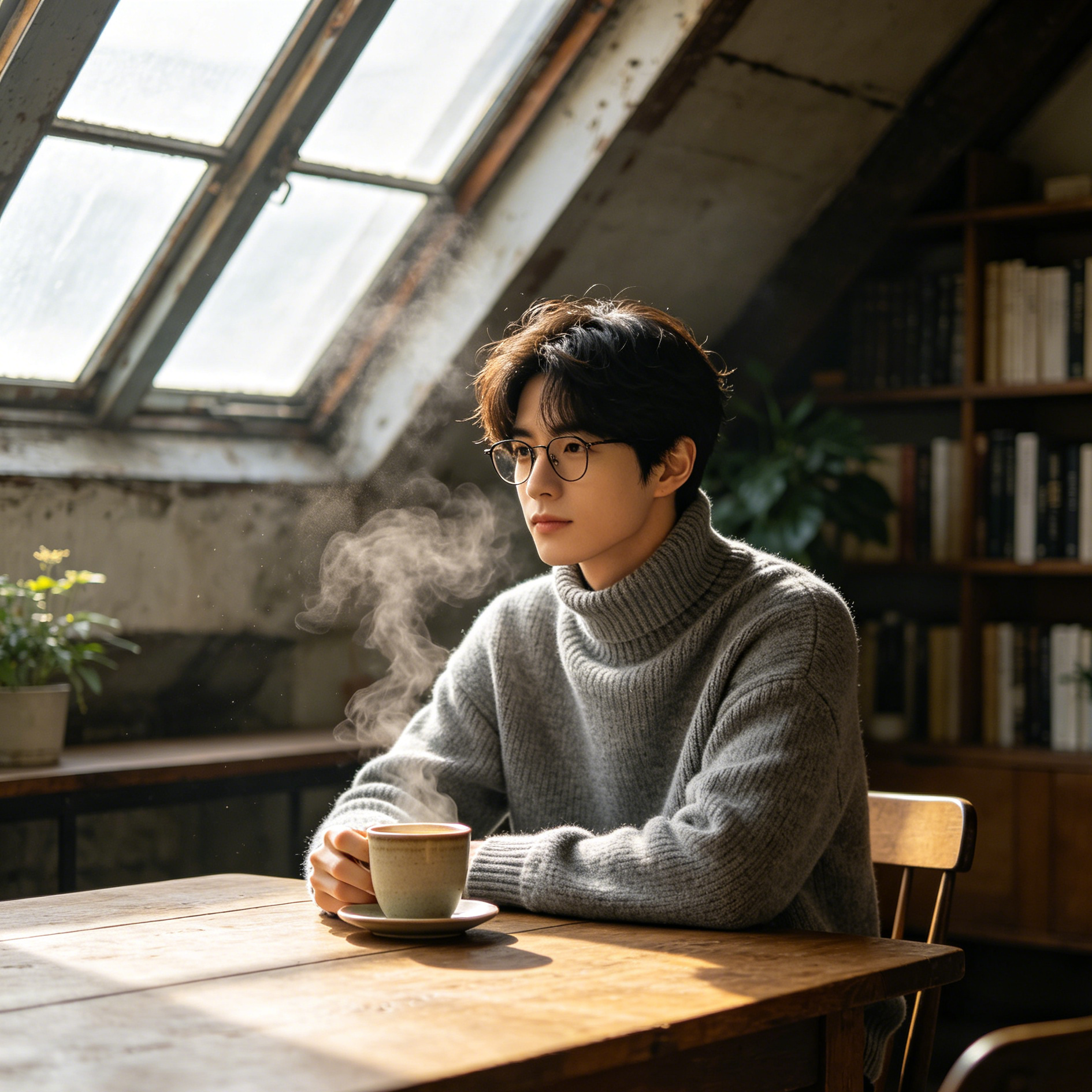
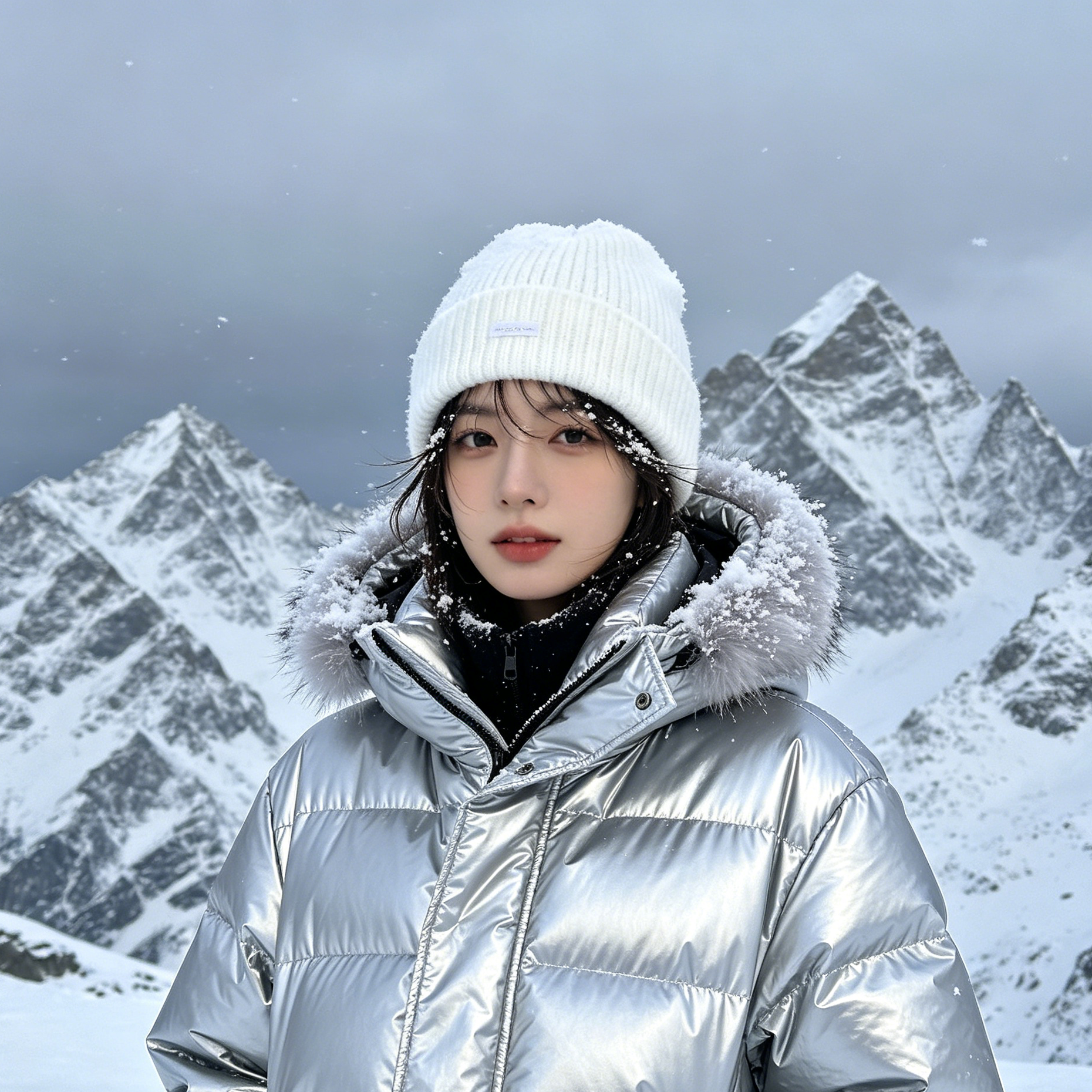
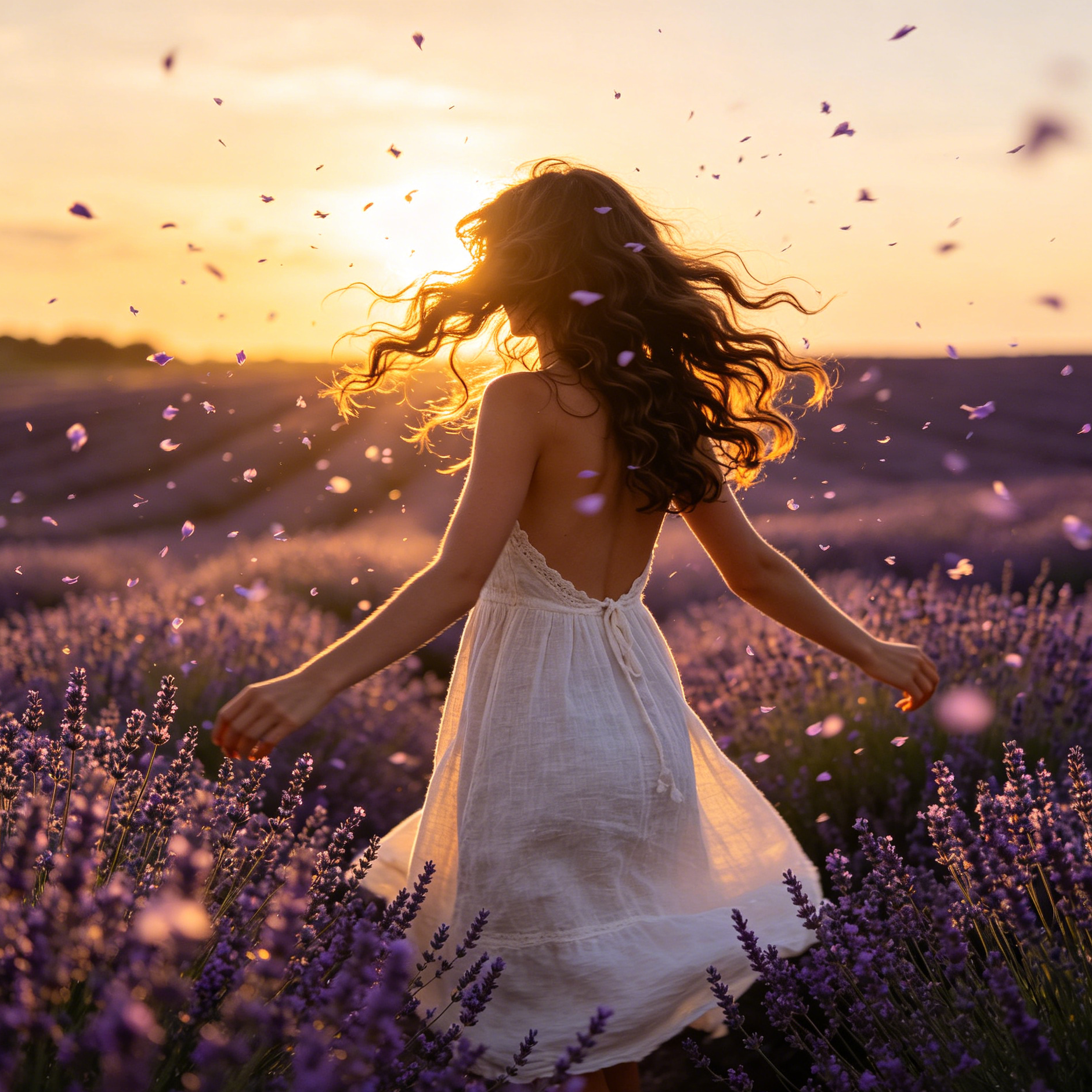
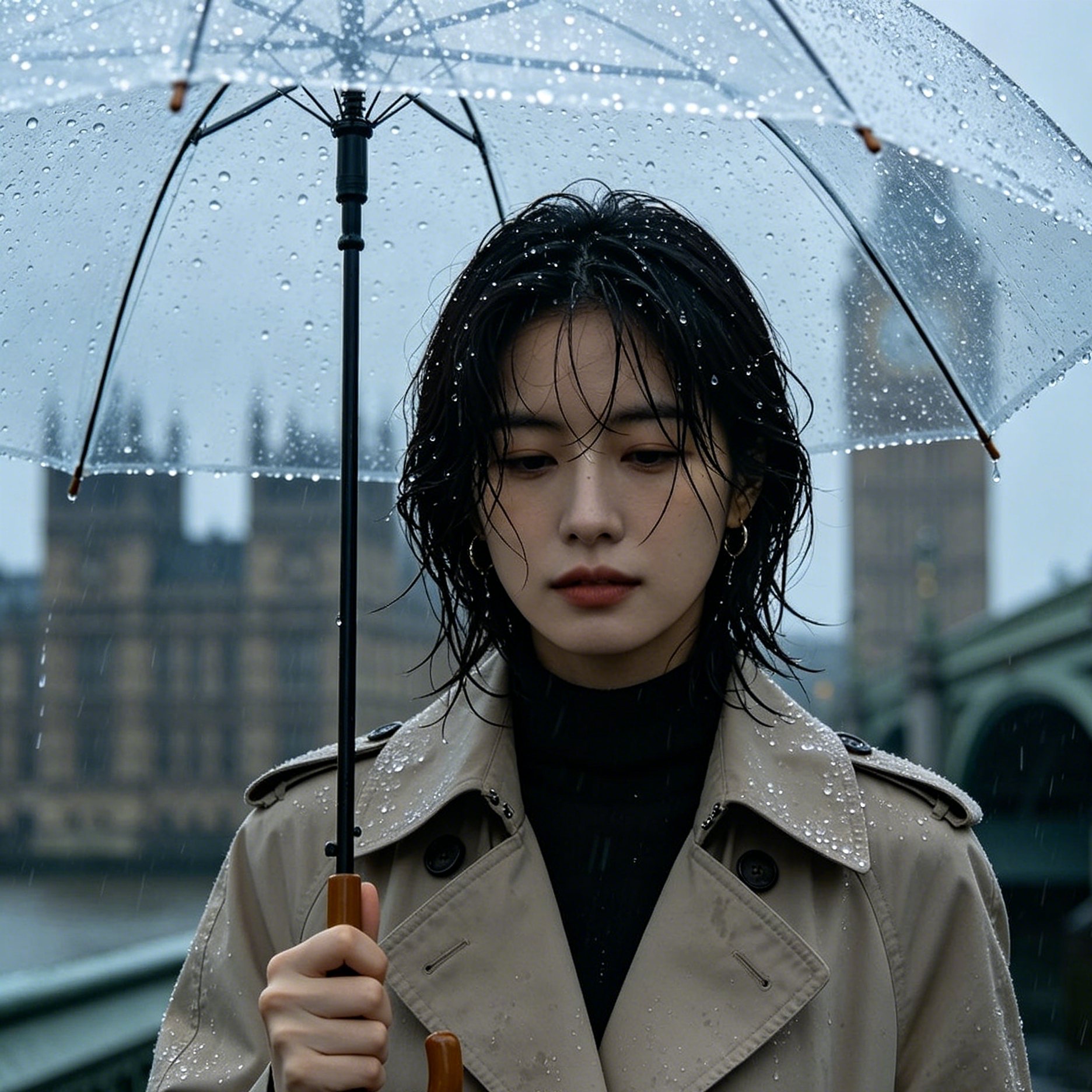
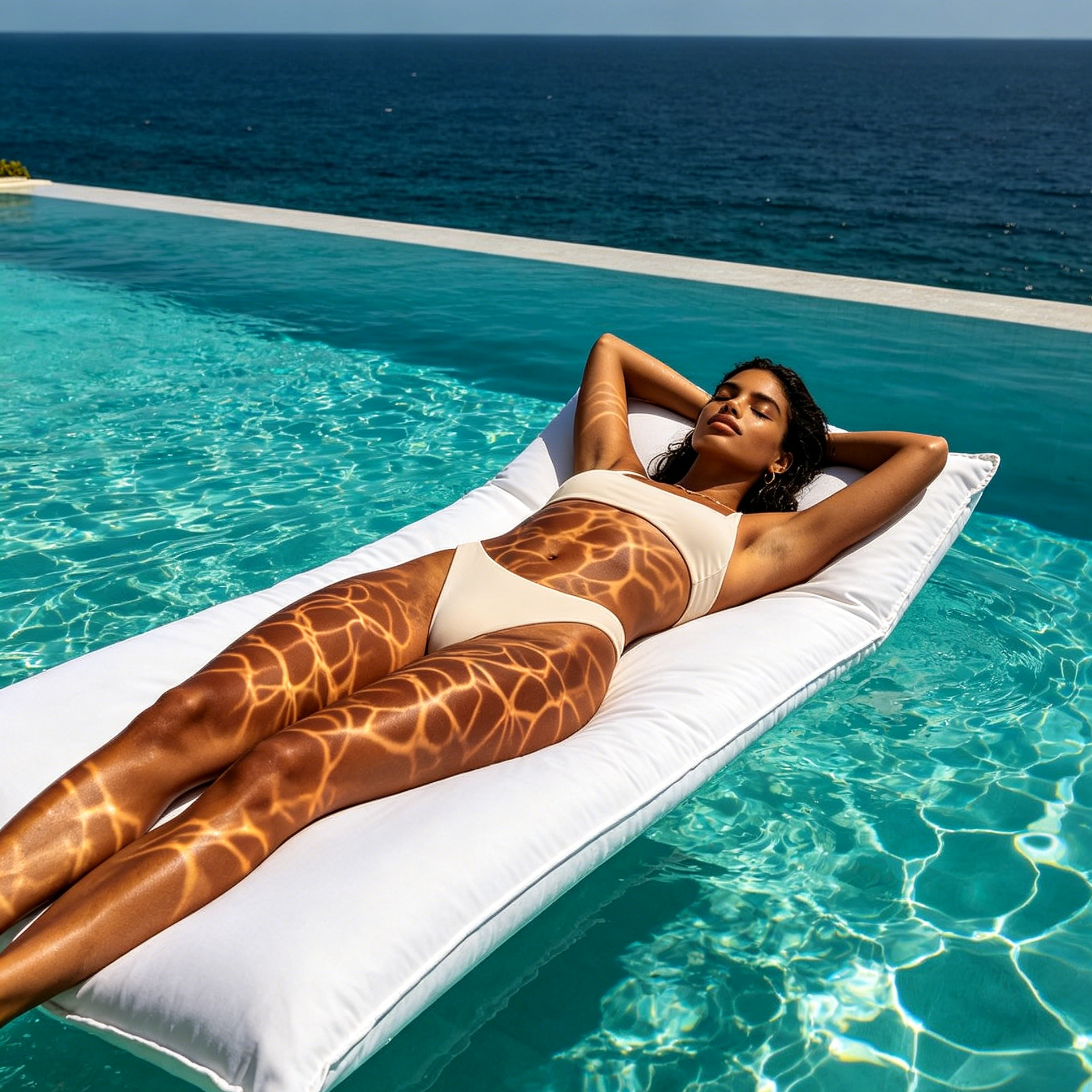
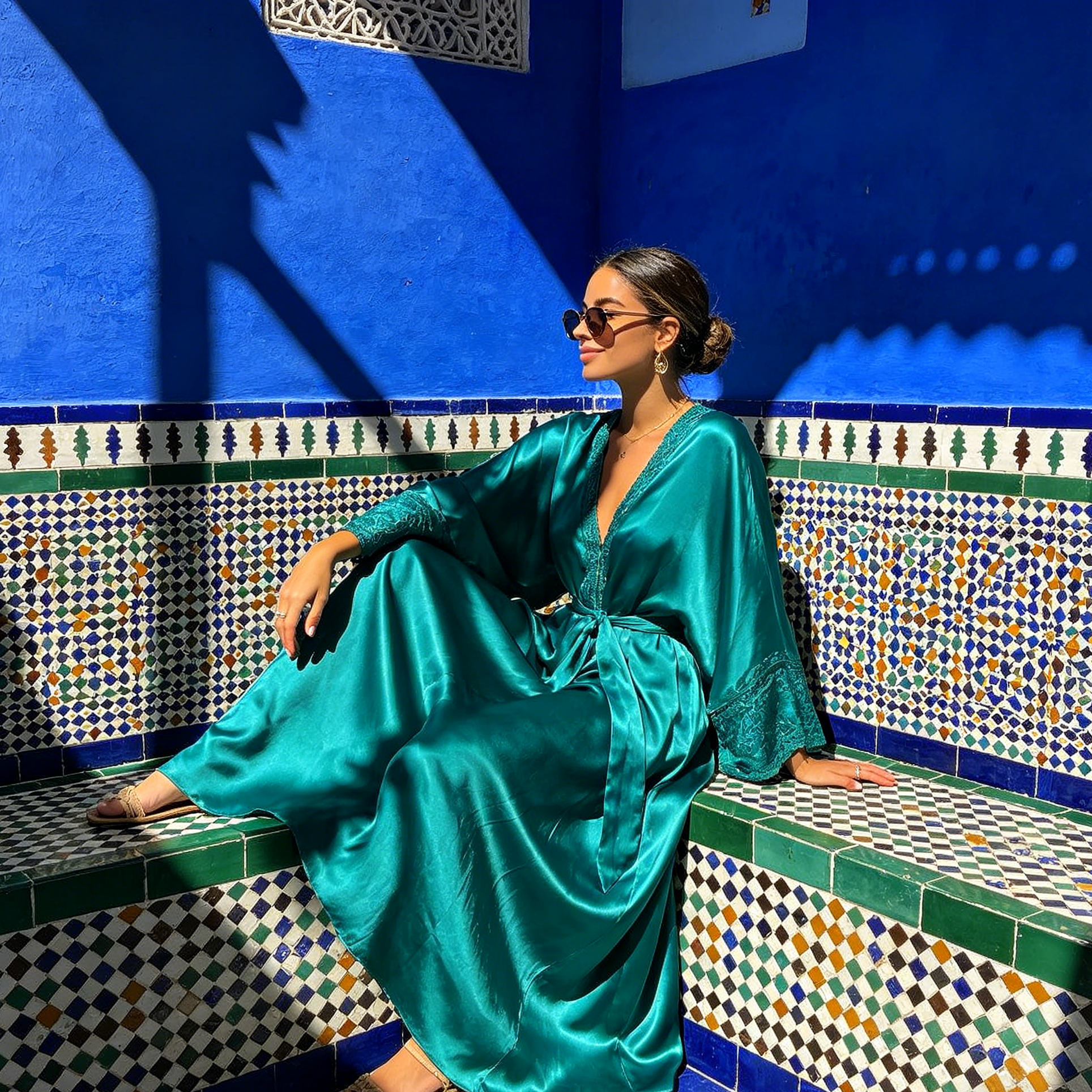
A stylish AI influencer posing in a vibrant city street, golden hour lighting, fashion editorial styleA tech-savvy AI influencer showcasing a new gadget in a modern minimalist setting, high-tech aestheticA travel AI influencer exploring a breathtaking mountain landscape, adventurous and natural lightA beauty AI influencer with flawless makeup, close-up portrait, soft studio lighting
Purpose-Built
Focused controls for composition, light, style, and subject detail.
Creator-Ready
Useful for campaign concepts, social visuals, thumbnails, and design exploration.
Seedance 2.5
A reusable visual direction that can continue into other Seedance 2.5 workflows.
Featured AI Influencer Photo Generator output preview
Featured Preview
AI Influencer Photo Generator in Action

Use this example to study the framing, detail, and creative decisions that make an influencer photo feel intentional rather than generic.

Style directions

Explore Diverse Styles and Themes

Dive into a world of creative possibilities. Our generator allows you to craft AI influencers in a multitude of styles, from hyper-realistic to artistic and stylized. Find the perfect look to match your brand or personal vision.

AI Influencer Photo Generator realistic style sample
Realistic

Hyper-Realistic Portraits

Generate AI influencers that are indistinguishable from real photographs, perfect for authentic social media presence.

Hyper-realistic portrait of an AI influencer, natural lighting, sharp focus, detailed skin texture, no watermark or extra text.
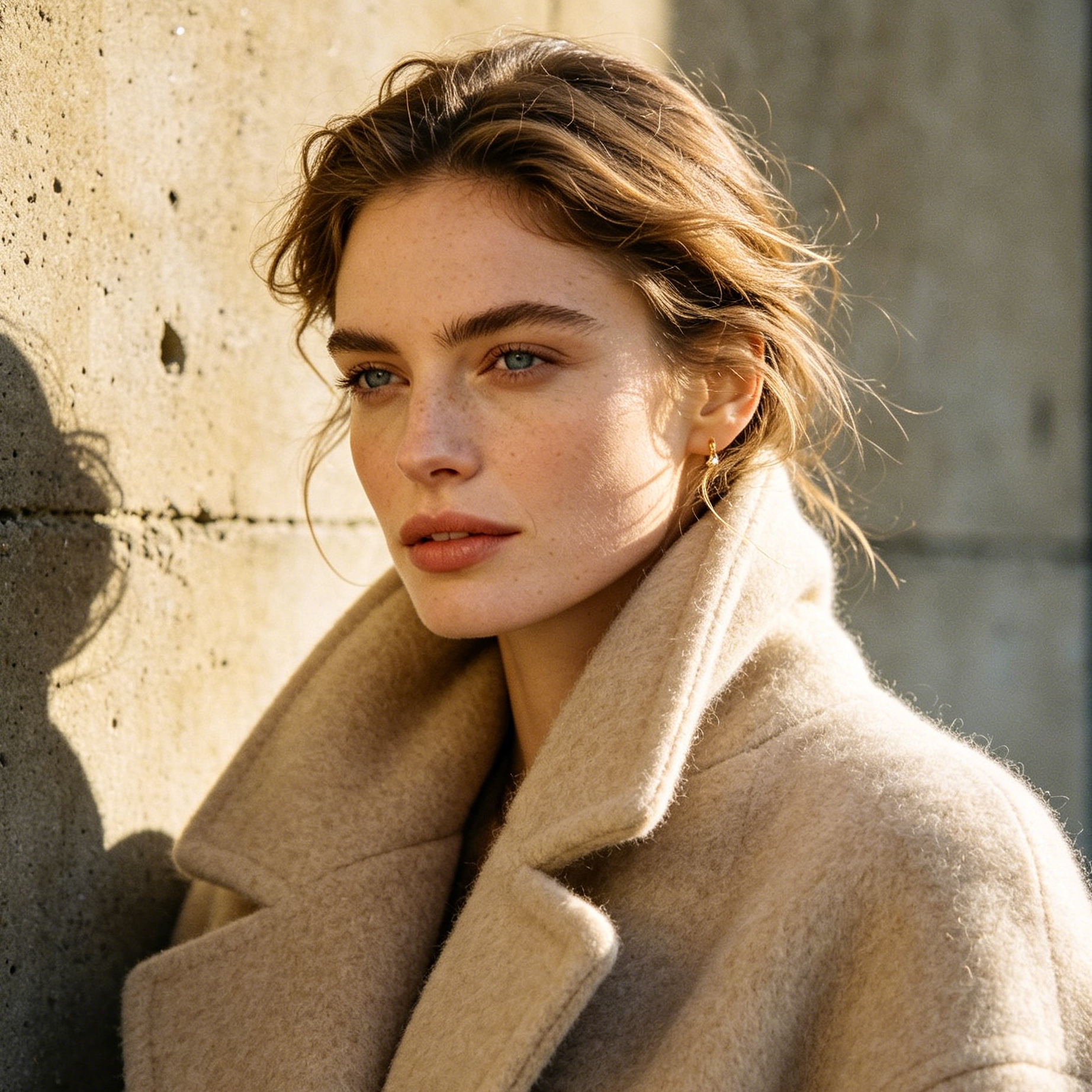
AI Influencer Photo Generator editorial style sample
Editorial

Fashion Editorial Chic

Create AI influencers with a high-fashion, editorial flair, ideal for lookbooks and trendsetting content.

Fashion editorial style AI influencer, striking pose, dramatic lighting, designer outfit, clean background, no watermark or extra text.
AI Influencer Photo Generator artistic style sample
Artistic

Stylized & Artistic Visions

Experiment with unique artistic styles, bringing a creative and imaginative touch to your virtual personalities.

Artistic watercolor style AI influencer portrait, soft colors, dreamlike quality, expressive features, no watermark or extra text.
AI Influencer Photo Generator lifestyle style sample
Lifestyle

Everyday Lifestyle Scenes

Place your AI influencers in relatable, everyday scenarios that resonate with a broad audience.

AI influencer enjoying coffee at a cozy cafe, candid shot, warm ambient light, lifestyle photography, no watermark or extra text.
AI Influencer Photo Generator futuristic style sample
Futuristic

Futuristic & Sci-Fi Influencers

Design AI influencers with a futuristic edge, perfect for tech, gaming, or avant-garde projects.

Futuristic AI influencer in a neon-lit cyberpunk city, sleek attire, high-tech accessories, dramatic shadows, no watermark or extra text.
AI Influencer Photo Generator minimalist style sample
Minimalist

Clean & Minimalist Aesthetics

Craft AI influencers with a clean, minimalist aesthetic, emphasizing simplicity and elegance.

Minimalist AI influencer portrait, soft pastel background, simple elegant clothing, focus on facial features, no watermark or extra text.
Example gallery

See Your AI Influencers in Action

Visualize how your AI-generated influencers can captivate audiences across various platforms and scenarios. Our gallery showcases examples for fashion lookbooks, tech product endorsements, travel vlogs, and artistic portfolios, inspiring your next big project.

AI Influencer Photo Generator fashion example
Fashion

AI Fashion Model Lookbook

A stunning AI influencer showcasing a designer outfit, perfect for fashion brands and magazines.

AI Influencer Photo Generator tech example
Tech

Virtual Tech Endorser

An AI influencer confidently presenting a new tech gadget, ideal for product launches and reviews.

AI Influencer Photo Generator travel example
Travel

Digital Travel Vlogger

An AI influencer exploring an exotic destination, inspiring wanderlust for travel agencies and blogs.

AI Influencer Photo Generator art example
Art

Artistic Digital Muse

An AI influencer embodying an artistic concept, suitable for creative portfolios and digital art projects.

Why creators use it

Build a stronger influencer photo workflow

Move from a broad idea to a usable image with clearer direction, faster comparisons, and a practical handoff into Seedance 2.5.

01

Clear creative direction

Shape the composition, lighting, color, and subject details for a more intentional influencer photo result.

02

Focused iteration

Use a clear reference and focused direction to keep the influencer photo look coherent across variations.

03

Practical handoff

Refine the strongest output for social posts, campaign concepts, thumbnails, or design exploration.

04

Reusable output

Compare alternate framing and styling choices before selecting the final influencer photo.

Creative uses

Where an influencer photo fits

Use this workflow when you need a specific influencer photo rather than a generic asset. Define the intended audience, platform, and visual or tonal direction before generating.

  • Develop a clear influencer photo concept before committing to a full campaign or production.
  • Test composition, lighting, wardrobe, background, and visual style in focused variations.
  • Create an approval-ready reference for clients, collaborators, or downstream editing.
  • Reuse the strongest visual direction across social, advertising, editorial, or product work.
Pro Tip

Write a production-ready prompt

Describe concrete production cues such as composition, lighting, color, styling, and subject detail. Specific direction gives the generator a clearer target and makes each revision easier to evaluate.

A sophisticated AI influencer, elegant evening gown, rooftop bar at sunset, cinematic lighting, bokeh background
Three-step workflow

Create an influencer photo in three steps

Start with the prepared workflow, refine the details that define this influencer photo, then keep the best result or continue editing in Seedance 2.5.

Step 1

Start with your input

Open the generator and add an uploaded image that clearly establishes the subject and creative direction.

Step 2

Direct the result

Describe composition, lighting, color, styling, and subject detail, then remove conflicting instructions that could weaken the influencer photo.

Step 3

Review and refine

Compare the generated variations, keep the strongest image, and refine it for the final use.

Common Questions

AI Influencer Photo Generator FAQ

Practical answers about creating, refining, and using an influencer photo in Seedance 2.5.

What does the AI Influencer Photo Generator create?+

It creates a focused influencer photo from an uploaded image. Use the available controls to guide composition, lighting, color, styling, and subject detail, then compare variations before choosing the final result.

What source gives the best result?+

Use a clear, high-quality source that makes the main subject easy to identify. A focused source gives the influencer photo a stronger visual or tonal foundation.

Which prompt details should I prioritize?+

Prioritize composition, lighting, color, styling, and subject detail. Add only details that directly support the intended influencer photo, and remove instructions that compete with one another.

How does this workflow connect with Seedance 2.5?+

Keep the strongest influencer photo as a finished asset or continue refining it with another Seedance 2.5 tool. A focused source and concise prompt make later revisions easier to control.

Can I use the generated result in a commercial project?+

Commercial use depends on your plan, the applicable model terms, and the rights attached to your source material. Review the current terms before publishing or selling the result.

Expand Your Creative Toolkit

Continue your creative workflow

Move from this influencer photo into the next Seedance 2.5 tool without losing the direction established in your selected result.

Advanced AI Models

Refine the result with more tools

Use complementary image, video, and audio tools when the project needs additional editing, motion, sound, or format changes.

Start Your Creative Journey

Create your influencer photo

Start with an uploaded image, direct the details that define the influencer photo, and refine the strongest result in Seedance 2.5.