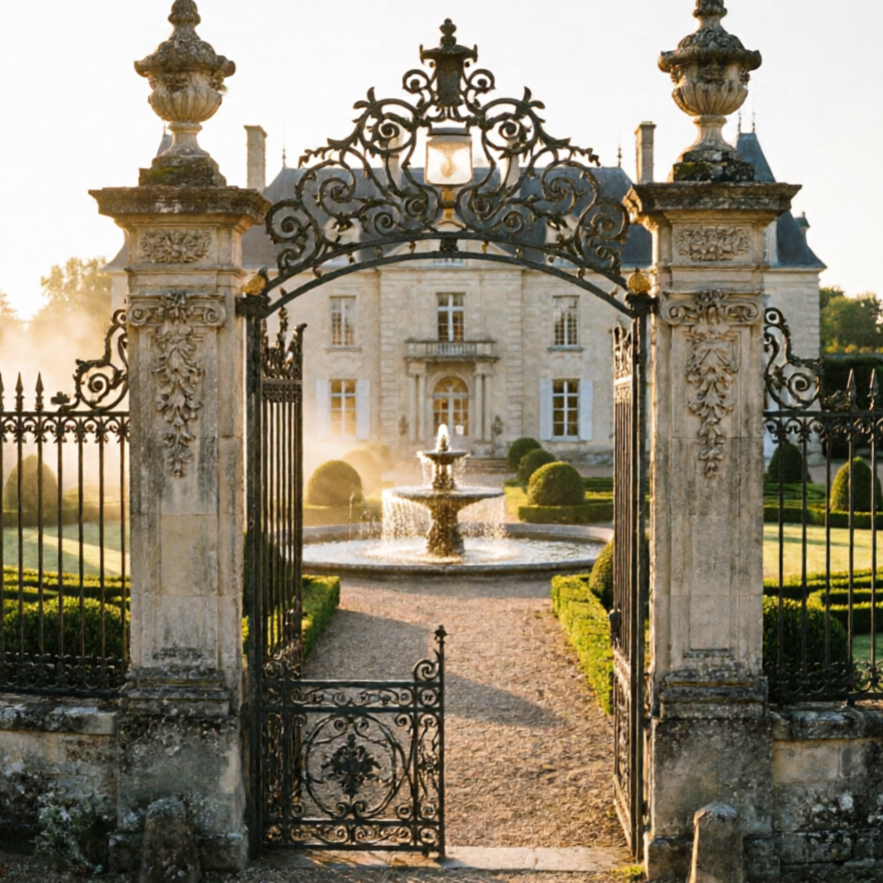
Classical
Classic Manor
Traditional estate styling with symmetrical facade rhythm and upscale stone detailing, evoking timeless elegance.
Classic Manor, ai mansion generator, high visual clarity, expressive composition, polished rendering.
Create a distinctive mansion image with practical controls and reusable direction.
Start with a text prompt or uploaded image and describe the composition, lighting, color, styling, and subject detail that matter for this mansion image. Generate a first image, compare variations, and refine the direction until it fits your intended story, campaign, or design.
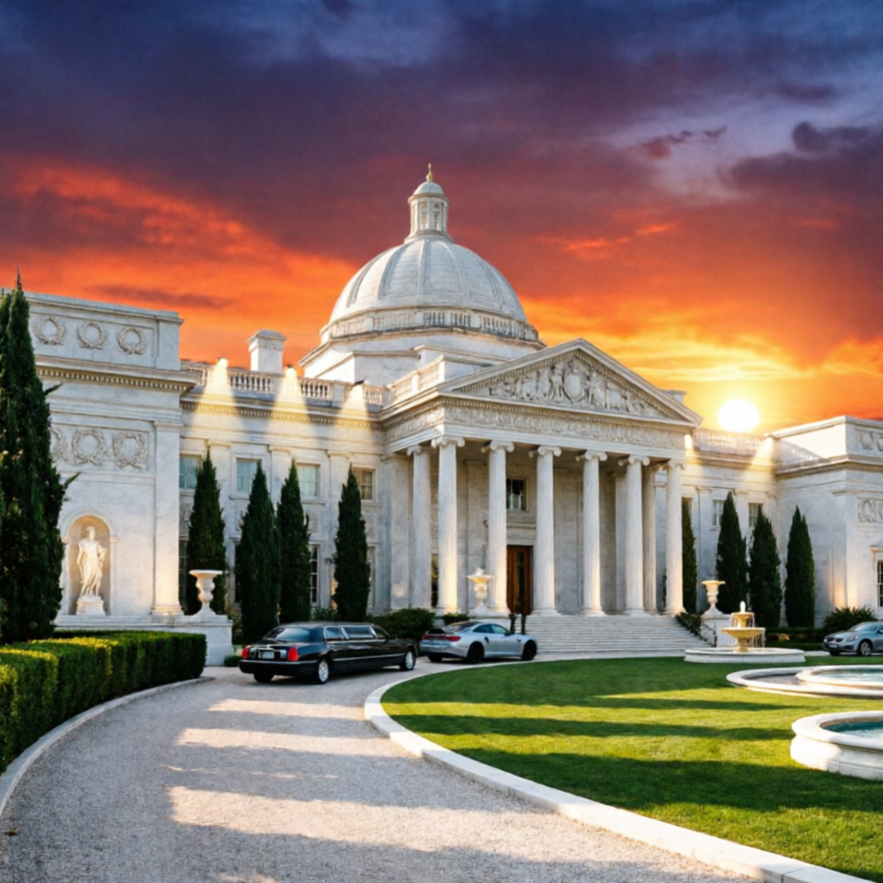
Use this example to study the framing, detail, and creative decisions that make a mansion image feel intentional rather than generic.
Visualize your ideal architectural concepts across a spectrum of styles. Our AI empowers you to design everything from classic grandeur to cutting-edge modernism.
Traditional estate styling with symmetrical facade rhythm and upscale stone detailing, evoking timeless elegance.
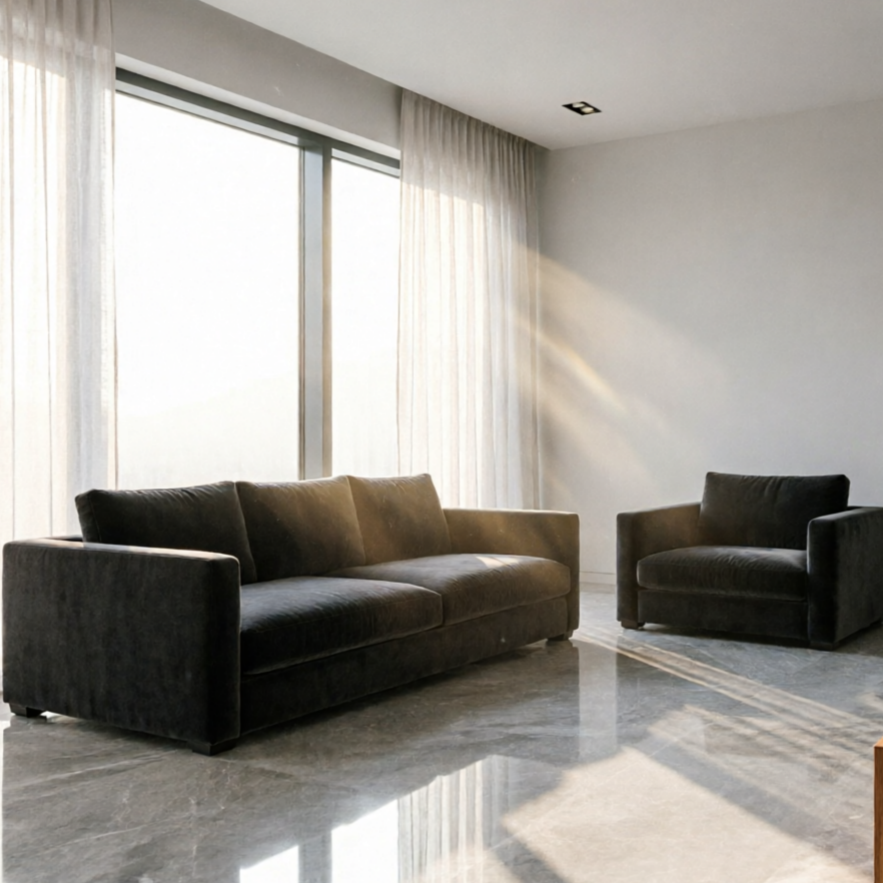
Interior-first visualization for opulent lobby, living hall, or showcase room planning with intricate details.
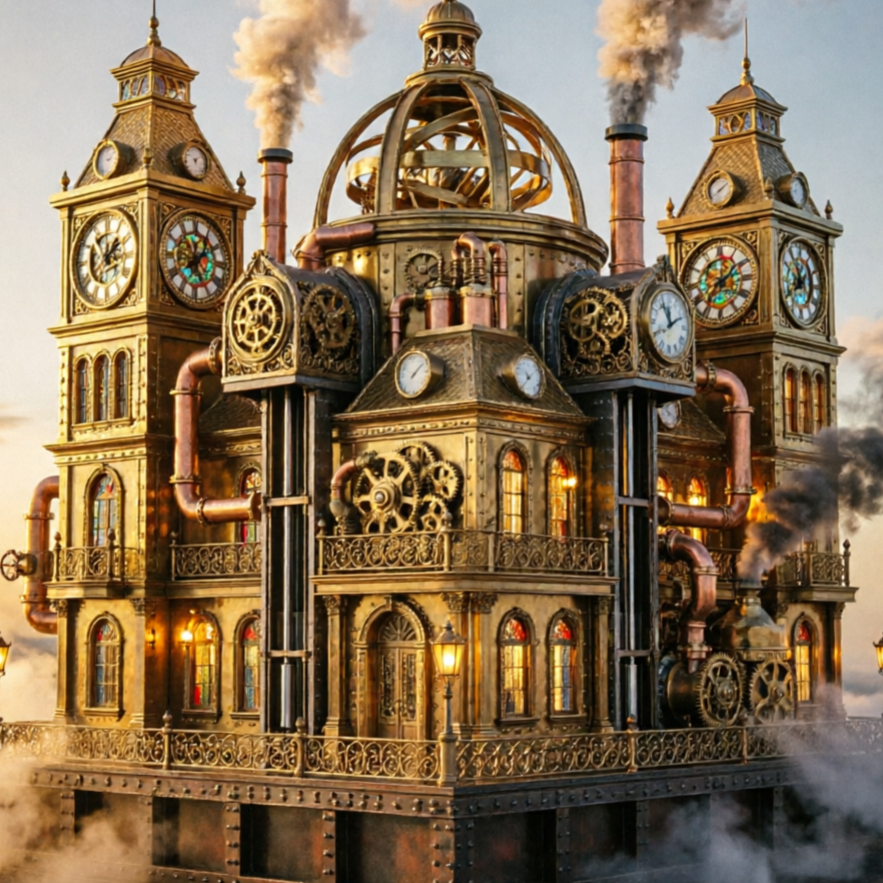
A futuristic mansion direction for concept-heavy architecture and cinematic worldbuilding, pushing design boundaries.
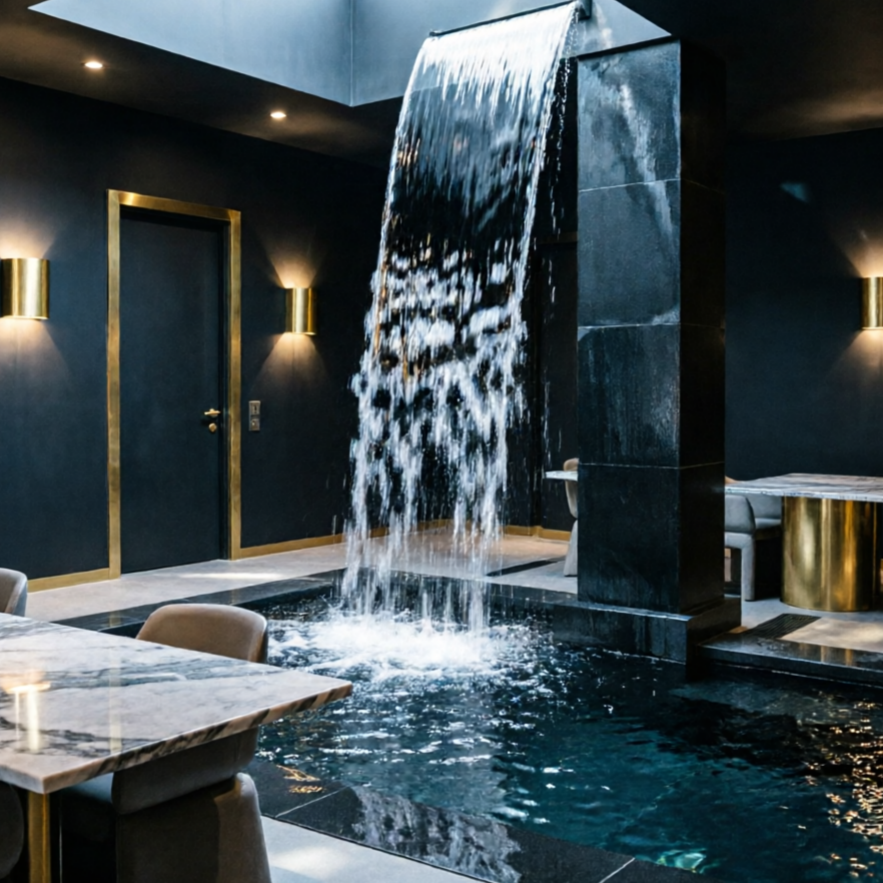
Lifestyle-ready luxury interior style focused on warmth, premium materials, and an inviting hosting flow.
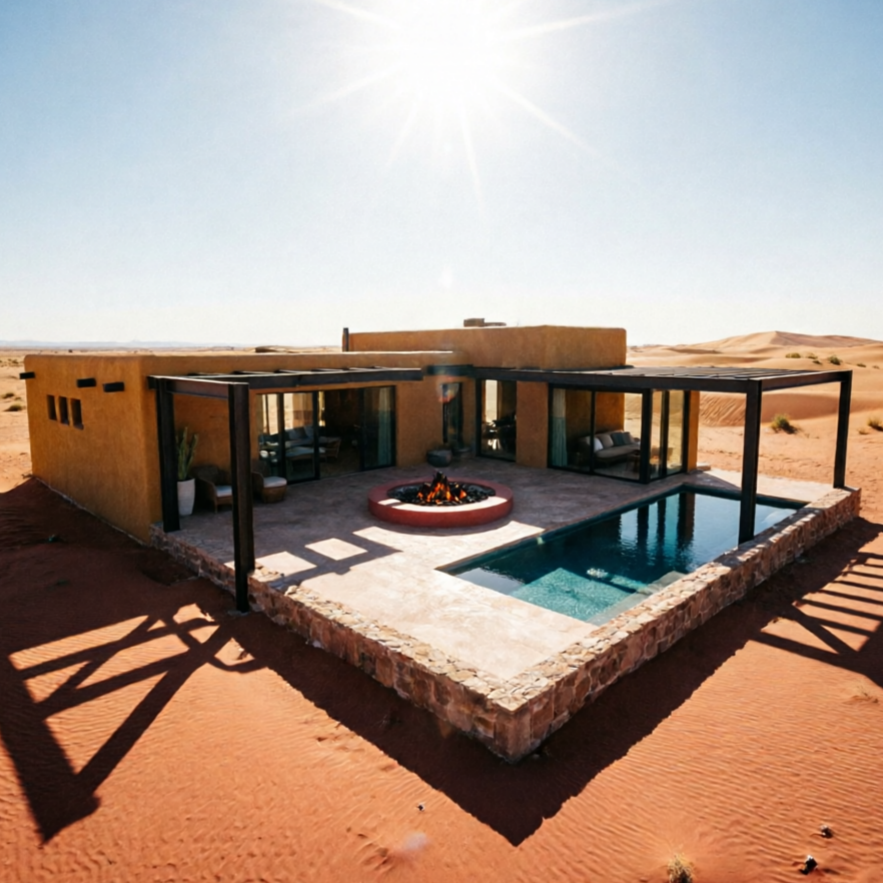
Modern desert architecture with clean lines, sun-drenched palettes, and minimal geometry, blending with natural landscapes.
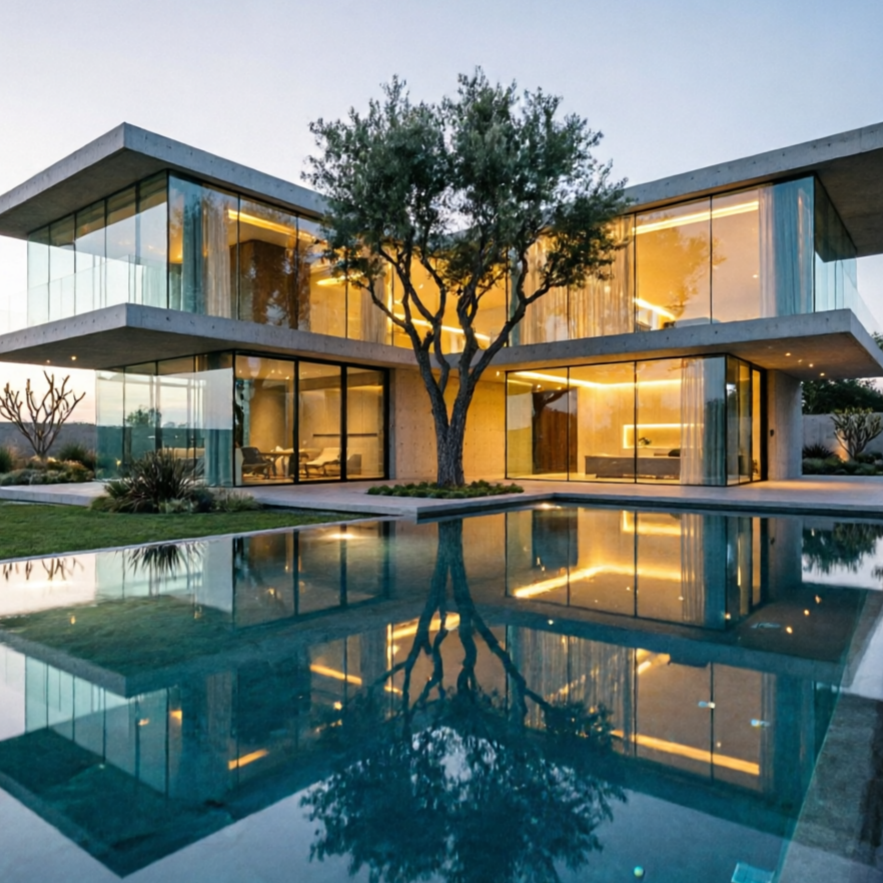
Resort-style villa rendering with a stunning infinity pool as the central feature, creating a serene leisure atmosphere.
Our AI Mansion Generator helps you visualize concepts for real estate, virtual worlds, or pure architectural inspiration. See how diverse your creations can be.
A stunning architectural concept for a beachfront property, showcasing elegant design and ocean views.
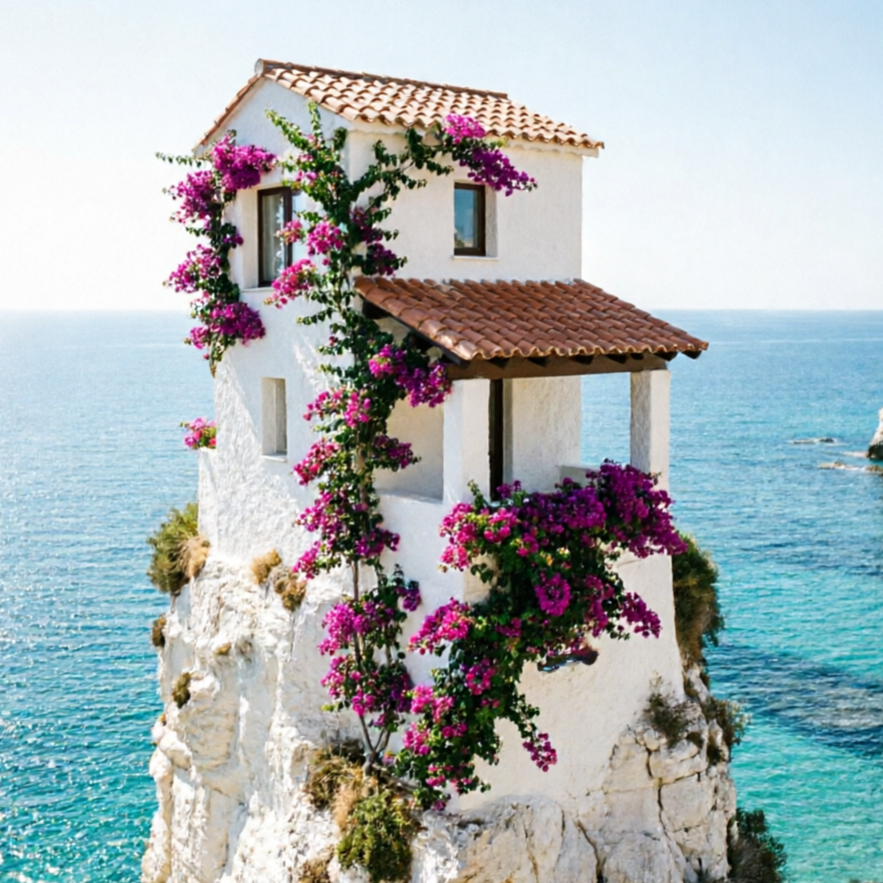
An AI-generated design for a tranquil mountain estate, harmonizing with its natural surroundings.
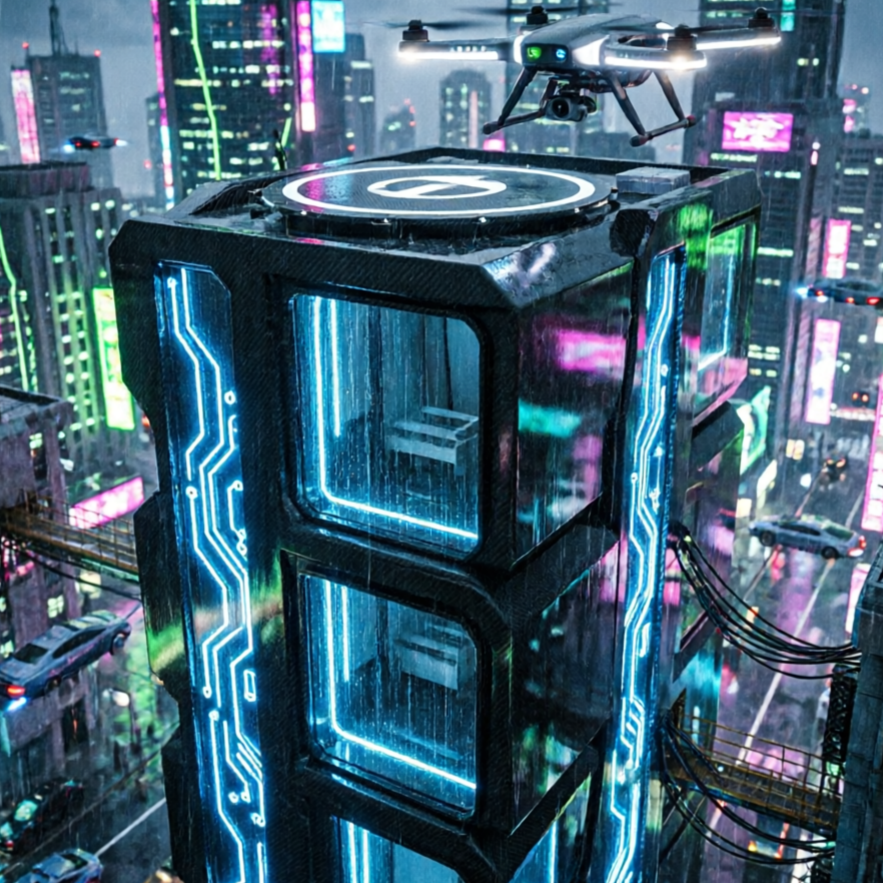
Visualize the sophisticated interior of a bustling urban estate, perfect for city living.
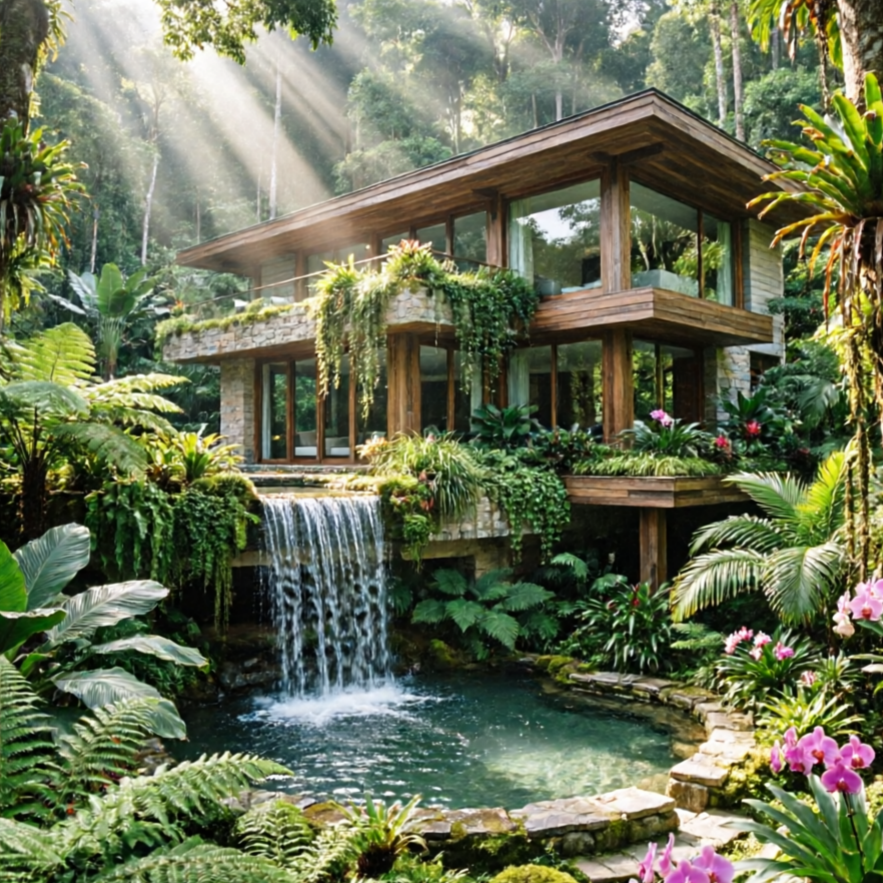
A comprehensive visualization of a grand estate, ideal for detailed architectural presentations.
Move from a broad idea to a usable image with clearer direction, faster comparisons, and a practical handoff into Seedance 2.5.
Shape the composition, lighting, color, and subject details for a more intentional mansion image result.
Use a clear reference and focused direction to keep the mansion image look coherent across variations.
Refine the strongest output for social posts, campaign concepts, thumbnails, or design exploration.
Compare alternate framing and styling choices before selecting the final mansion image.
Use this workflow when you need a specific mansion image rather than a generic asset. Define the intended audience, platform, and visual or tonal direction before generating.
Describe concrete production cues such as composition, lighting, color, styling, and subject detail. Specific direction gives the generator a clearer target and makes each revision easier to evaluate.
Start with the prepared workflow, refine the details that define this mansion image, then keep the best result or continue editing in Seedance 2.5.
Open the generator and add a text prompt or uploaded image that clearly establishes the subject and creative direction.
Describe composition, lighting, color, styling, and subject detail, then remove conflicting instructions that could weaken the mansion image.
Compare the generated variations, keep the strongest image, and refine it for the final use.
Practical answers about creating, refining, and using a mansion image in Seedance 2.5.
It creates a focused mansion image from a text prompt or uploaded image. Use the available controls to guide composition, lighting, color, styling, and subject detail, then compare variations before choosing the final result.
Use a clear, high-quality source that makes the main subject easy to identify. A focused source gives the mansion image a stronger visual or tonal foundation.
Prioritize composition, lighting, color, styling, and subject detail. Add only details that directly support the intended mansion image, and remove instructions that compete with one another.
Keep the strongest mansion image as a finished asset or continue refining it with another Seedance 2.5 tool. A focused source and concise prompt make later revisions easier to control.
Commercial use depends on your plan, the applicable model terms, and the rights attached to your source material. Review the current terms before publishing or selling the result.
Move from this mansion image into the next Seedance 2.5 tool without losing the direction established in your selected result.
Start from text-only prompts to create entirely new architectural concepts for your next project.
Upload a reference photo and transform it into an AI-generated mansion, maintaining core elements.
Run iterative variations to compare subtle versus dramatic style outputs for your architectural designs.
Use your own blueprints, sketches, or photos as references to guide the AI's mansion generation.
Use complementary image, video, and audio tools when the project needs additional editing, motion, sound, or format changes.
A general-purpose image model for broader prompt exploration and diverse architectural styles beyond specific mansion presets.
Experience higher-quality rendering and meticulous detail for your mansion designs, perfect for professional presentations.
Ideal for making precise, reference-preserving edits to your generated mansions without starting from scratch.
An alternative high-quality renderer to compare different AI interpretations of your mansion prompts and output fidelity.
Start with a text prompt or uploaded image, direct the details that define the mansion image, and refine the strongest result in Seedance 2.5.