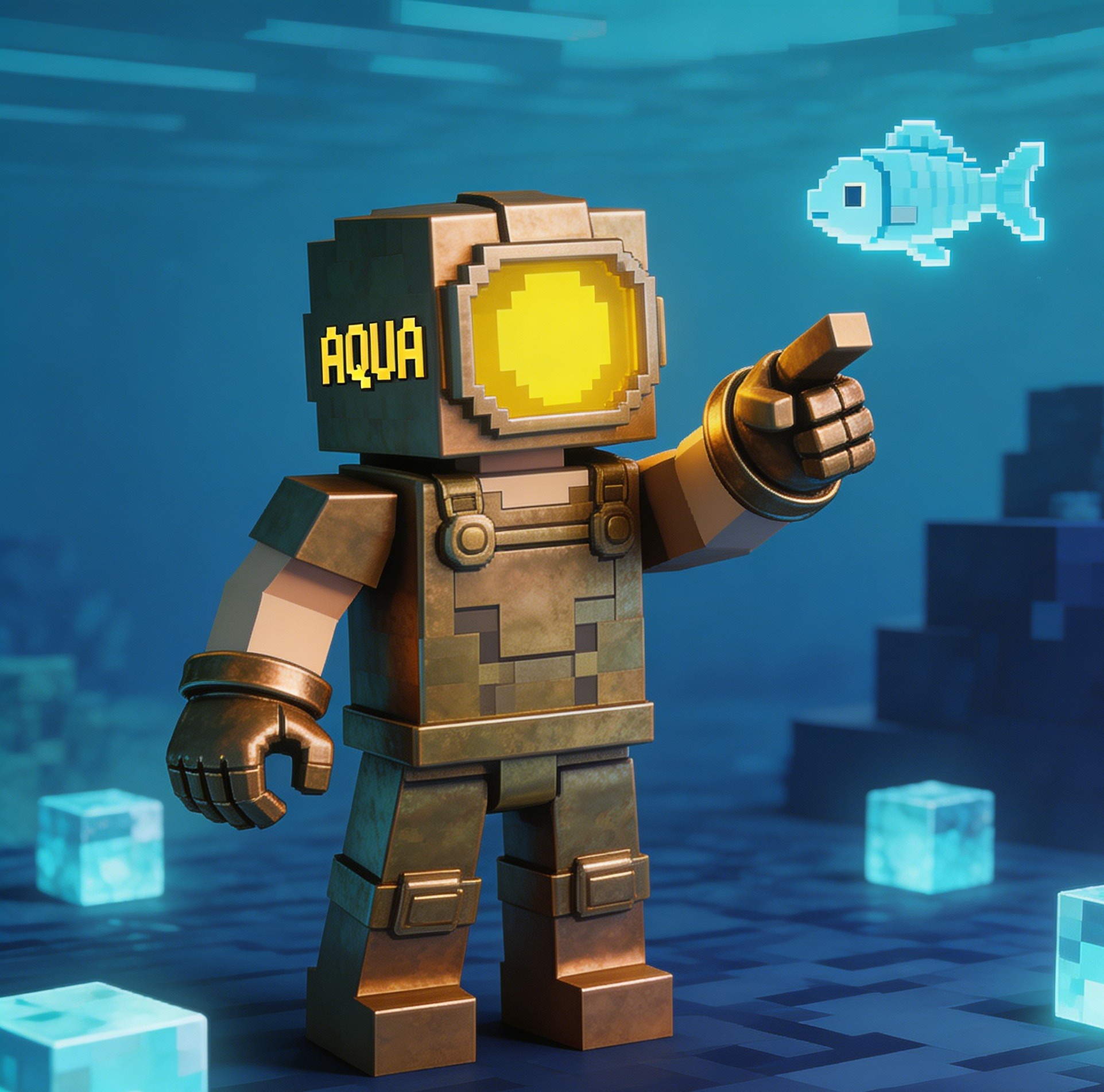
Adventure
Ocean Explorer
A diving-themed skin concept with cool palette blocks and underwater expedition mood.
Minecraft-style skin, deep-sea explorer suit, aqua highlights, compact oxygen pack, wave insignia, clear pixel armor edges.
Build a focused minecraft skin image with a guided Seedance 2.5 workflow.
Start with a text prompt or uploaded image and describe the composition, lighting, color, styling, and subject detail that matter for this minecraft skin image. Generate a first image, compare variations, and refine the direction until it fits your intended story, campaign, or design.
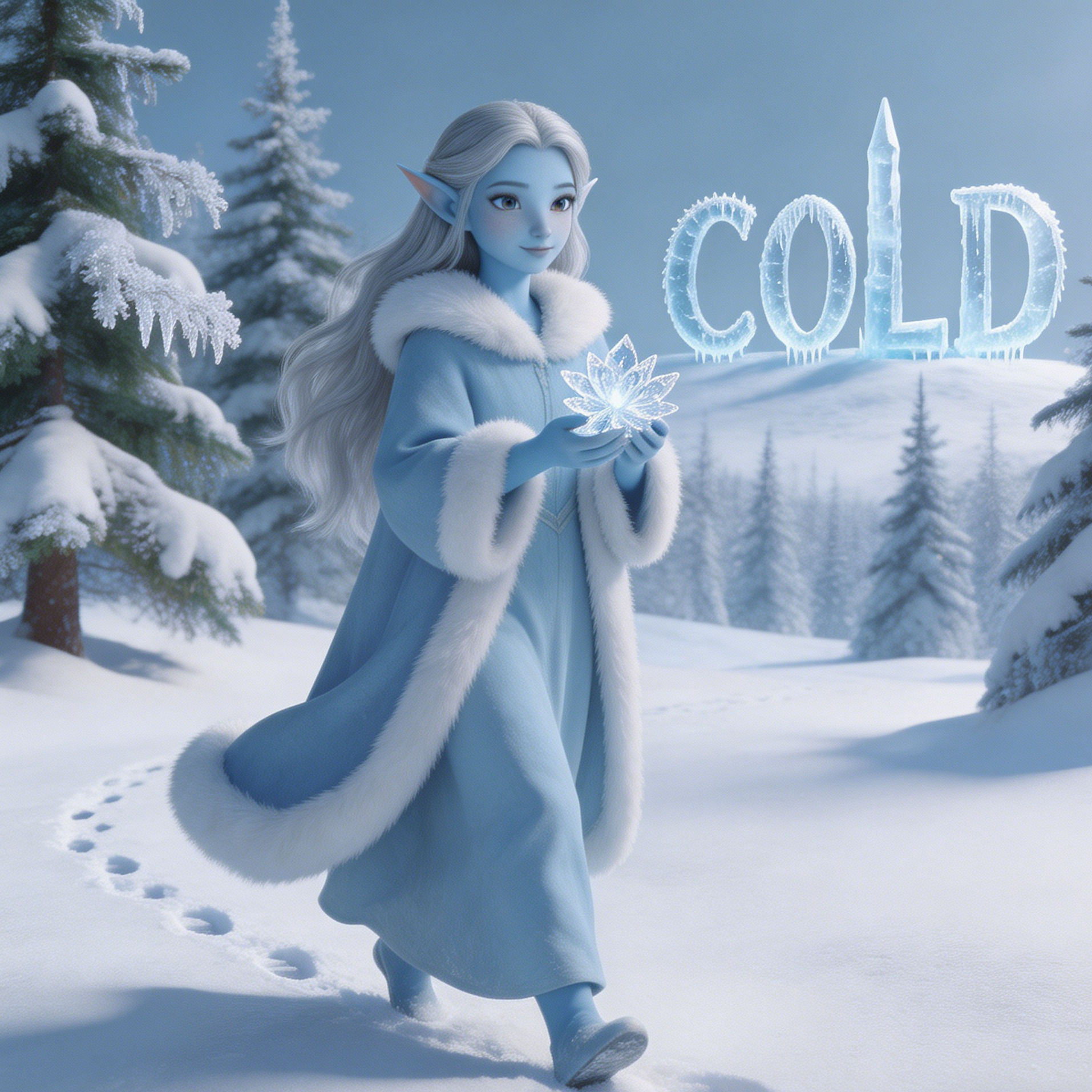
Use this example to study the framing, detail, and creative decisions that make a minecraft skin image feel intentional rather than generic.
These style cards cover ocean exploration, End-realm combat, steampunk engineering, jungle survival, neon stealth, and Nether-heavy builds so users can find a visual direction quickly.
A diving-themed skin concept with cool palette blocks and underwater expedition mood.
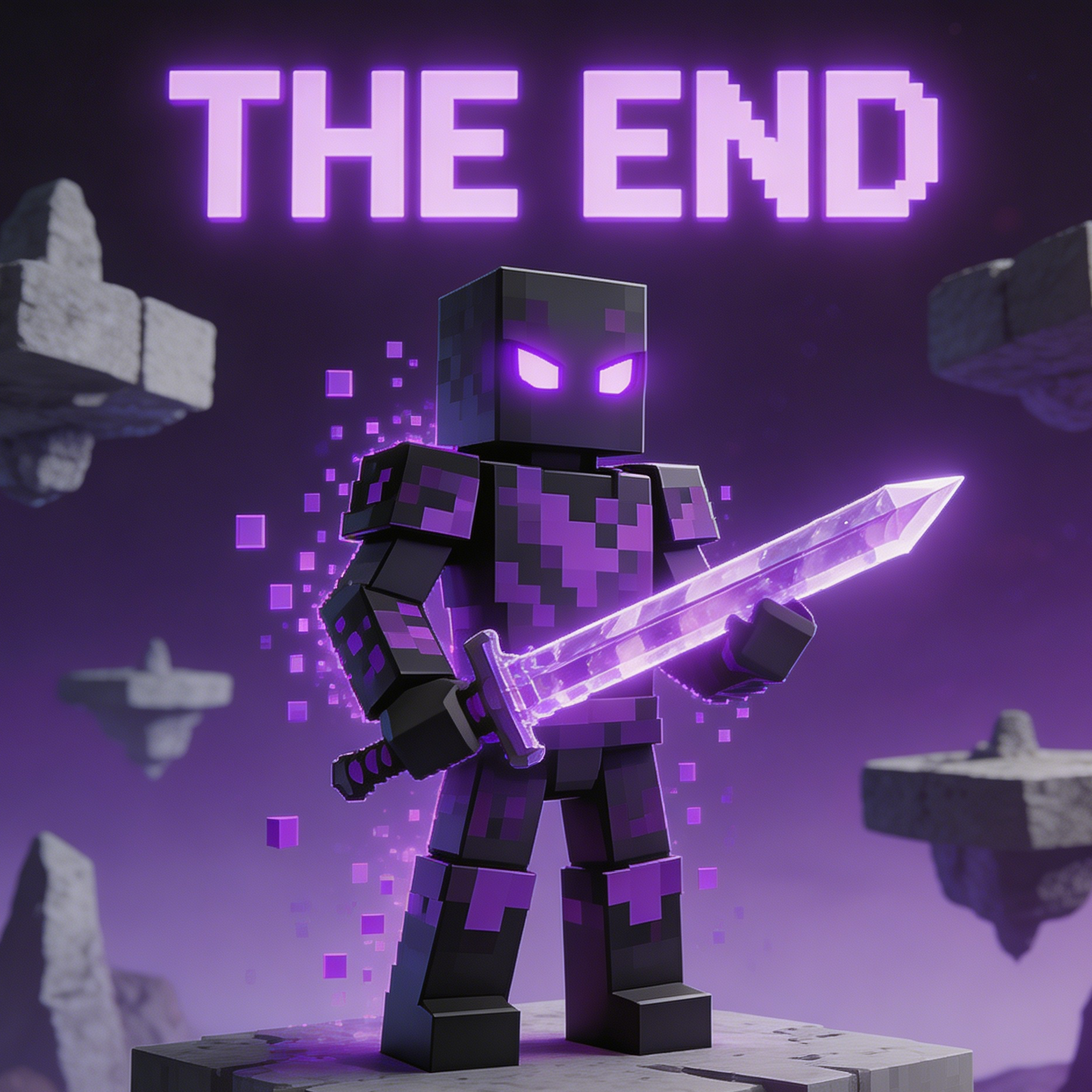
A dark-End-inspired fighter skin built around void energy and purple blade accents.
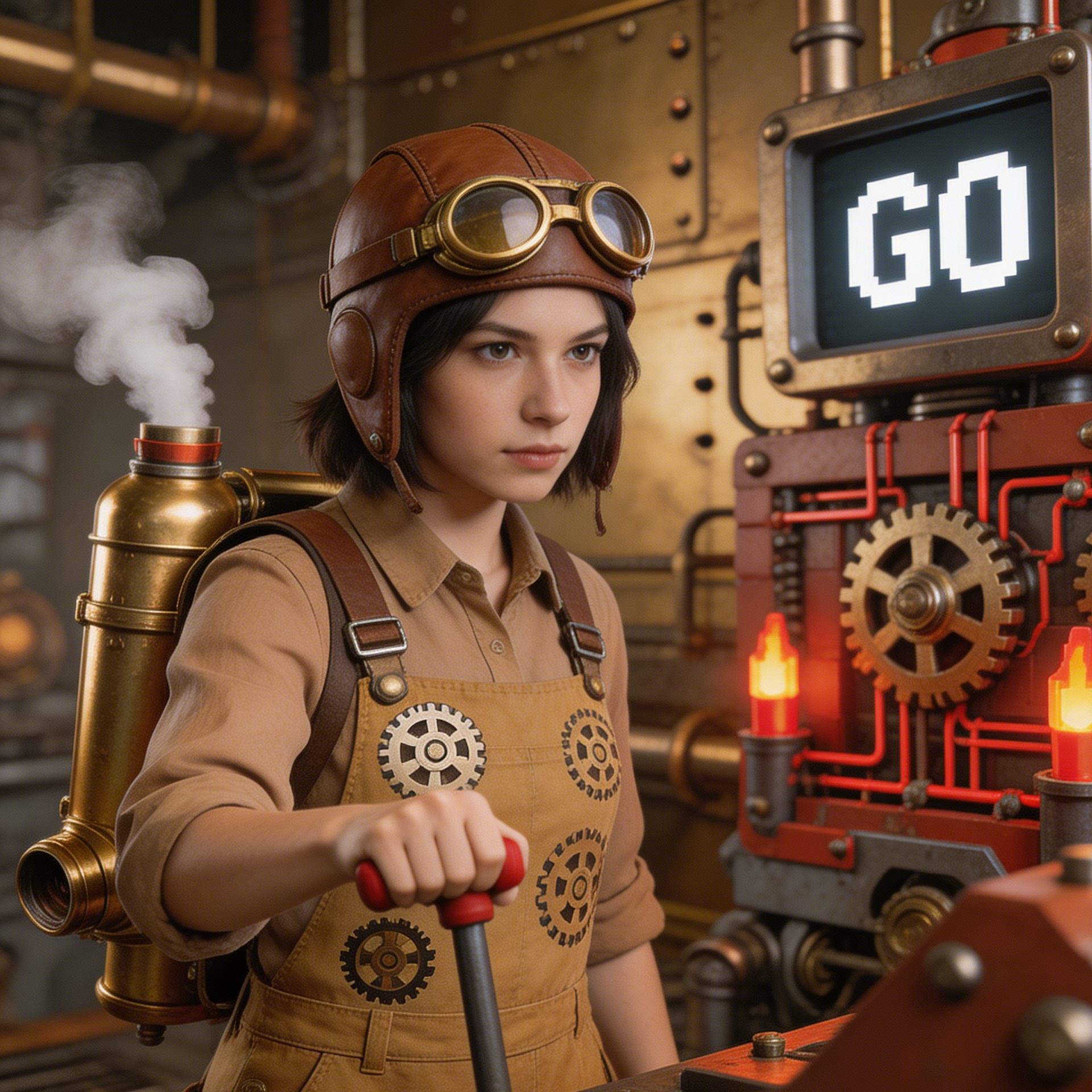
A mechanical workshop skin style with industrial gear motifs and copper-metal detailing.
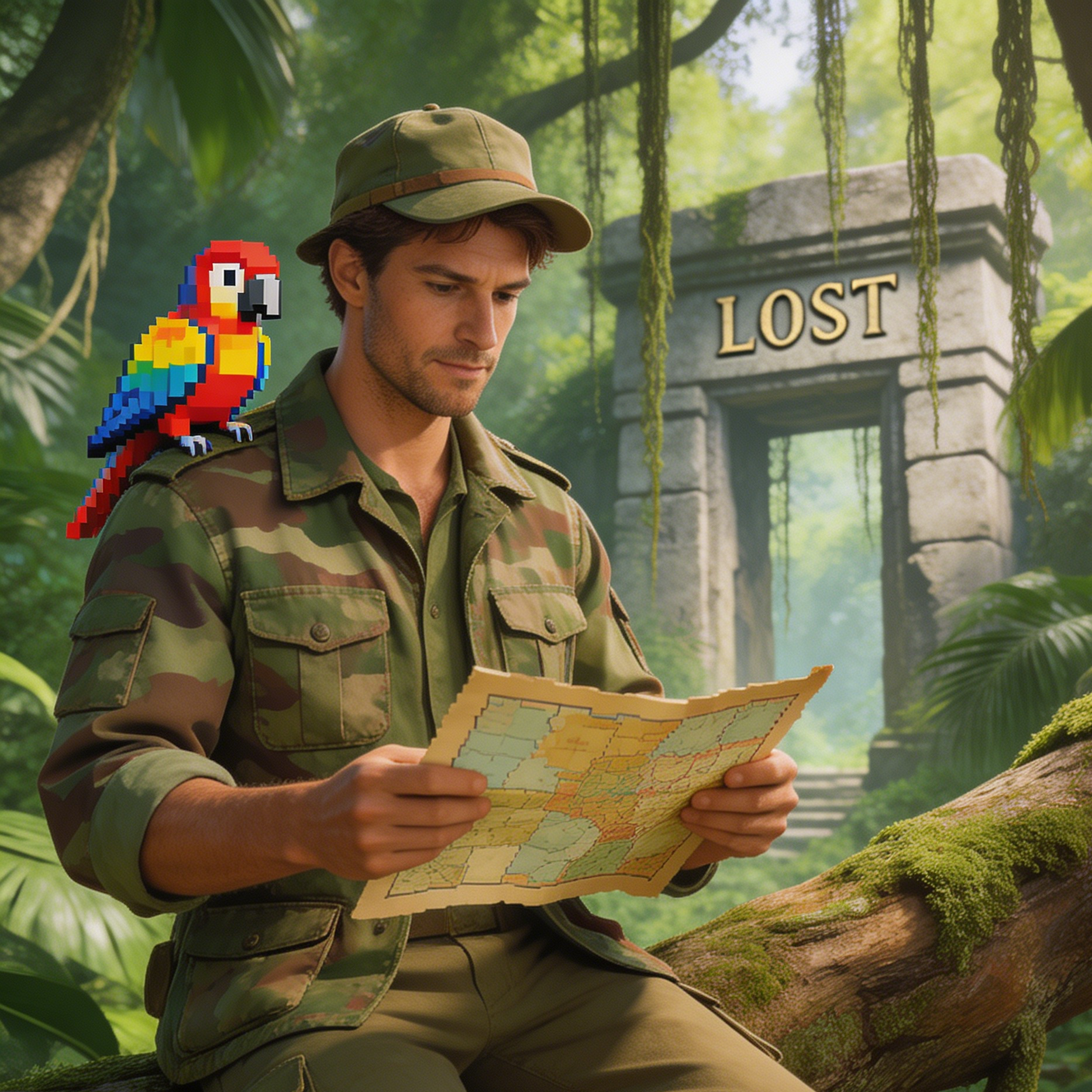
A scouting skin concept with leafy camouflage blocks and expedition-ready gear.
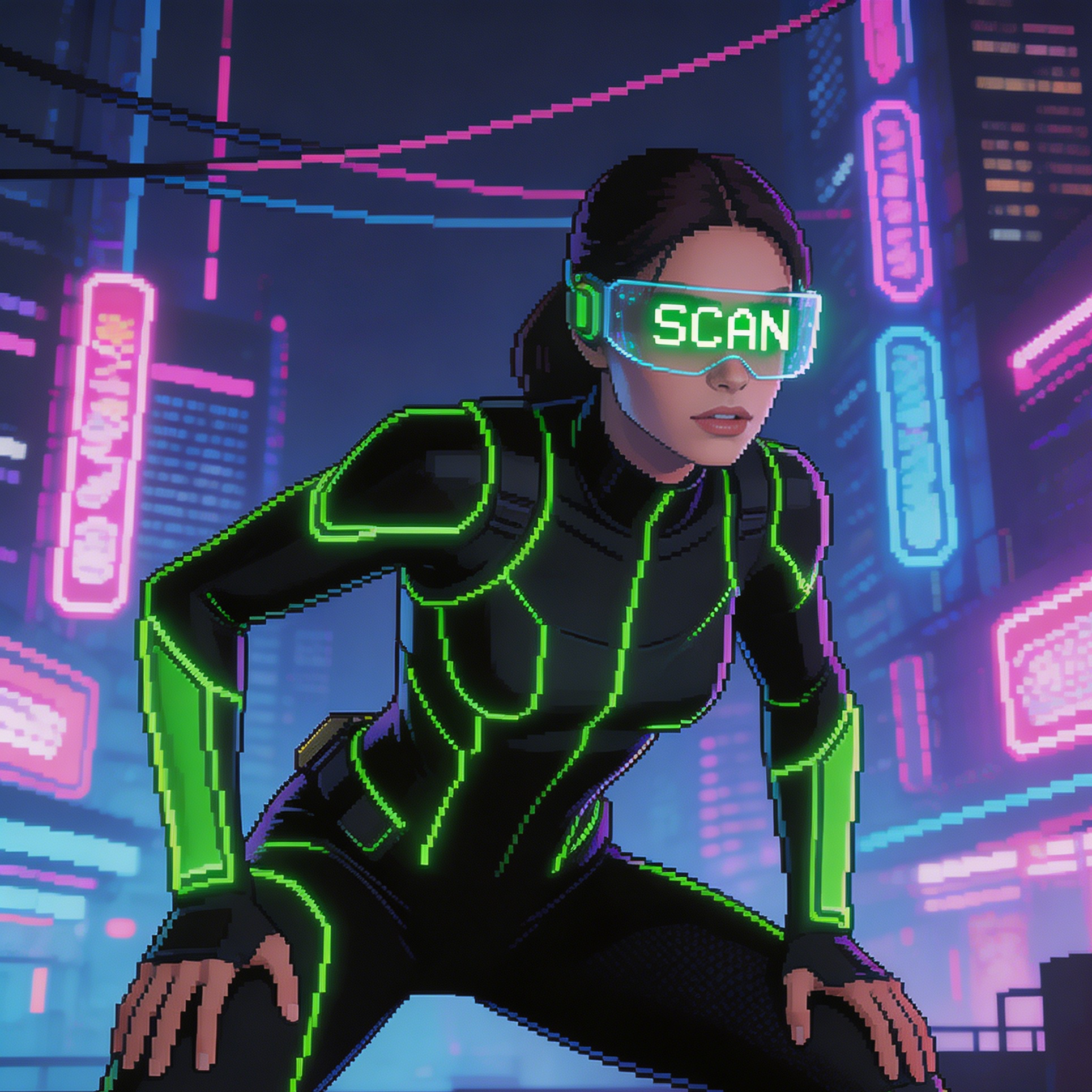
A stealth-forward city-night skin with glowing visor details and darker tactical panels.
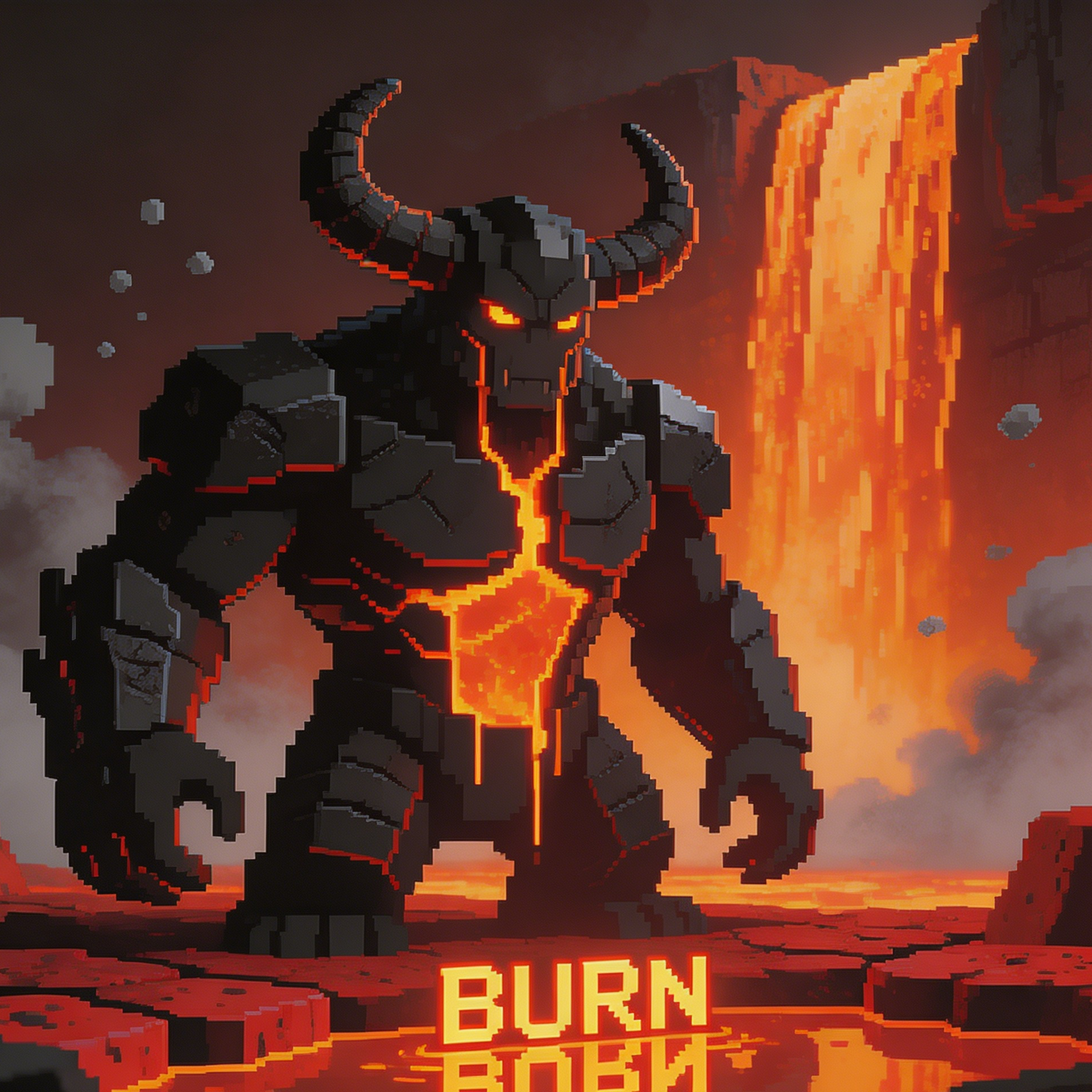
A magma-driven skin style with infernal palette blocks and heavy combat posture.
Get a glimpse of what's possible! Browse through stunning examples of AI generated Minecraft skins created by our tool. From vibrant adventurers to stealthy ninjas and adorable creatures, these examples showcase the quality and versatility you can achieve.
An ice-forward skin direction with sharp cool-tone armor and wintry role-play styling.
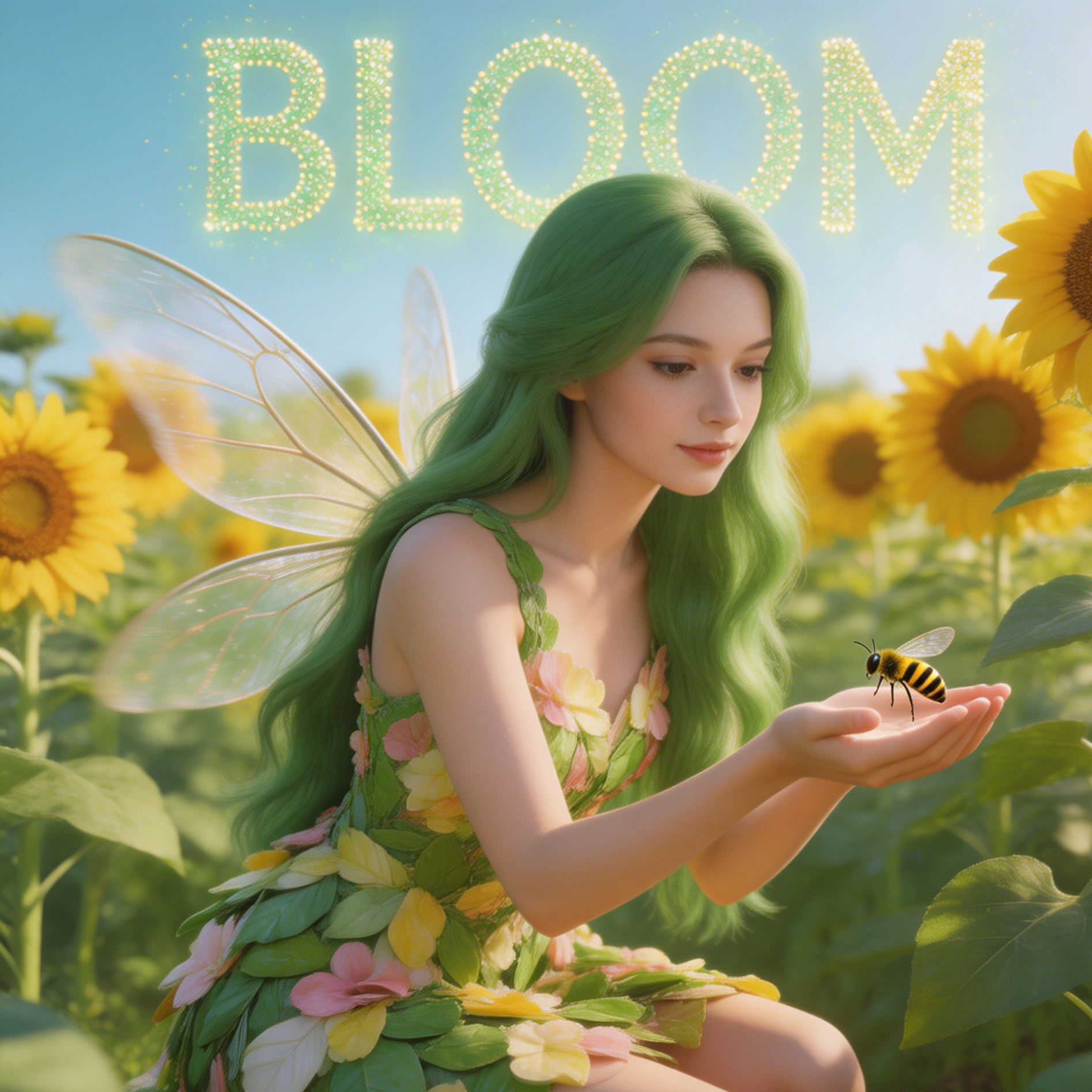
A darker infiltration-style character with controlled highlight blocks and ninja-like posture.
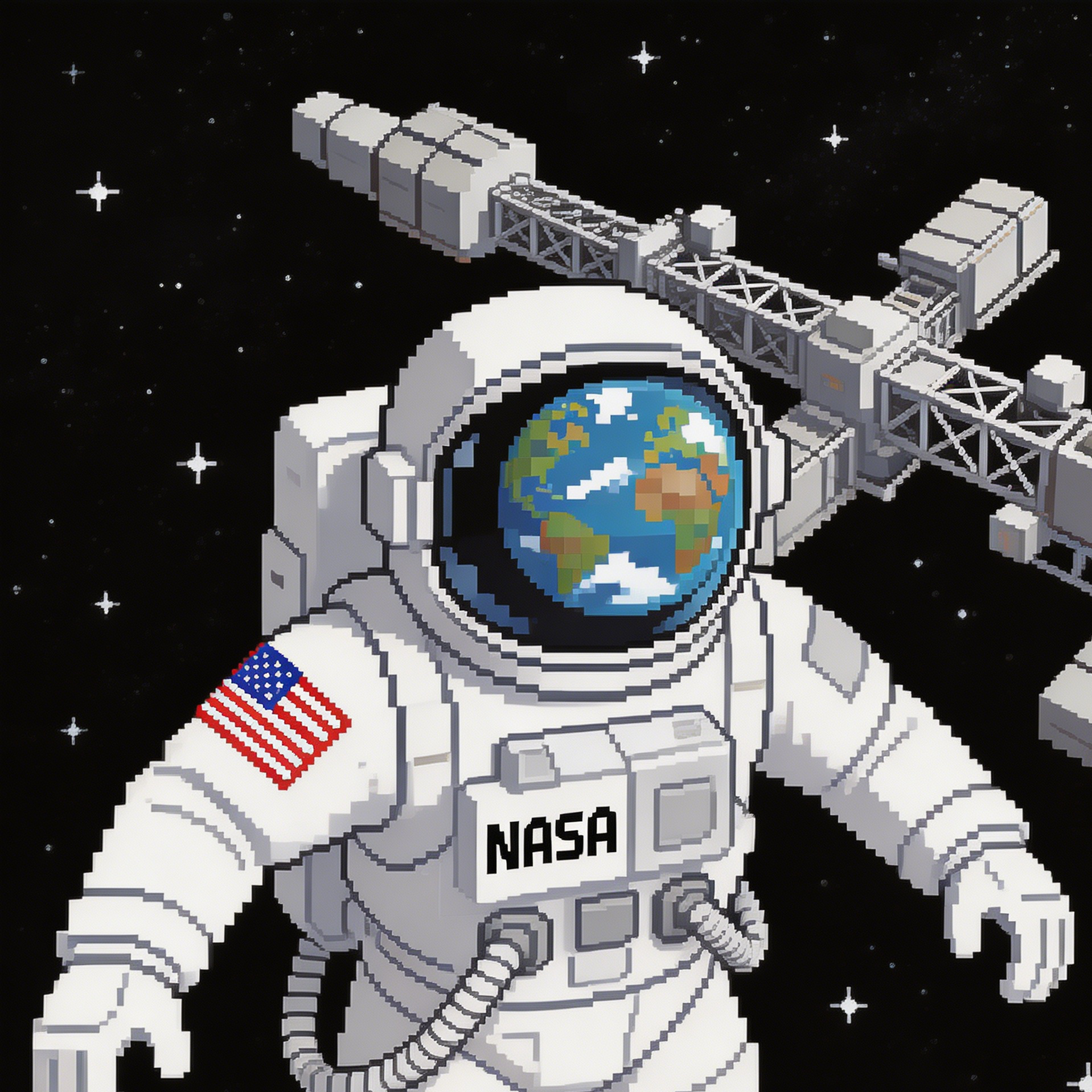
A gadget-heavy character style with engineering cues and redstone flight-kit vibes.
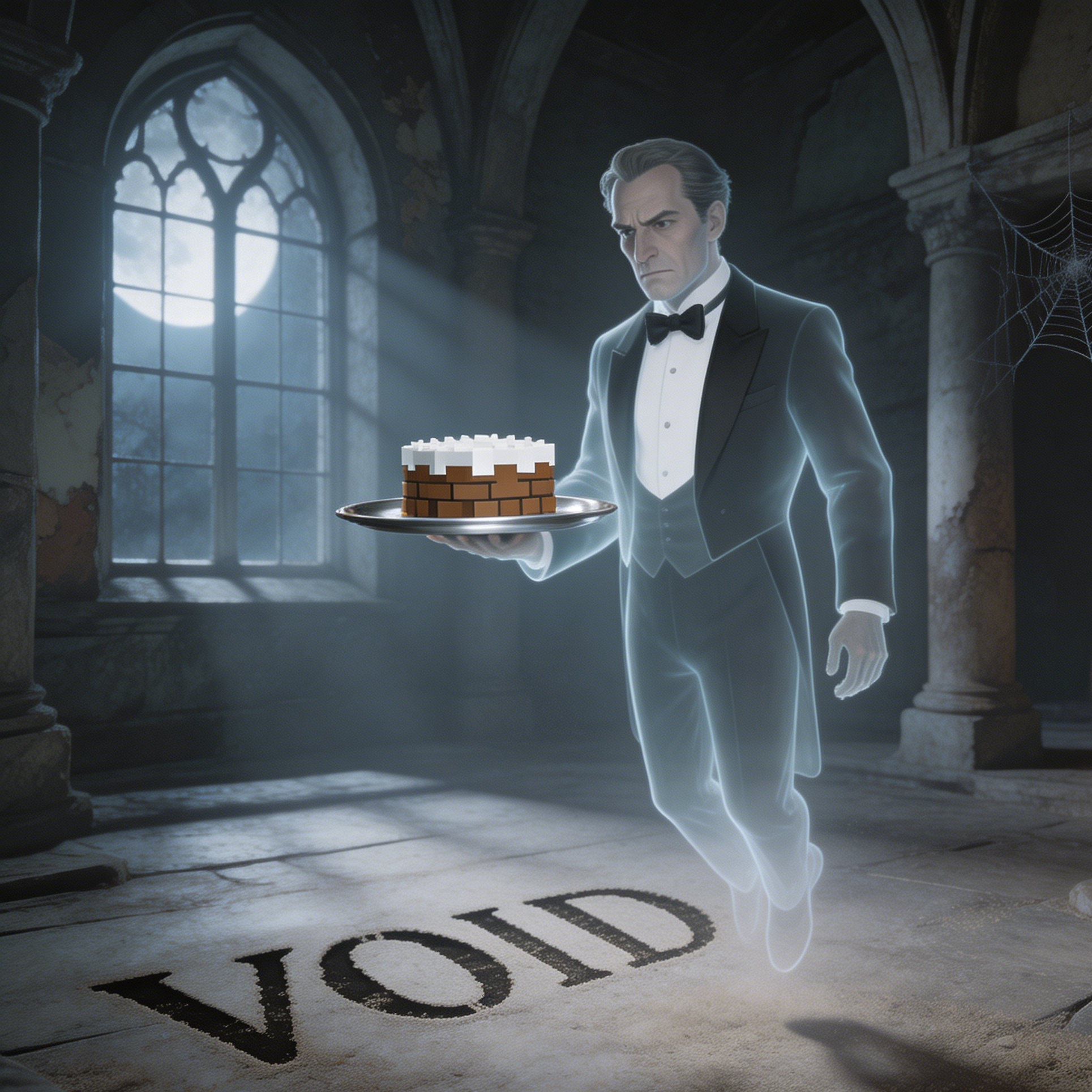
A sword-centric skin concept blending traditional warrior costume with pixel armor clarity.
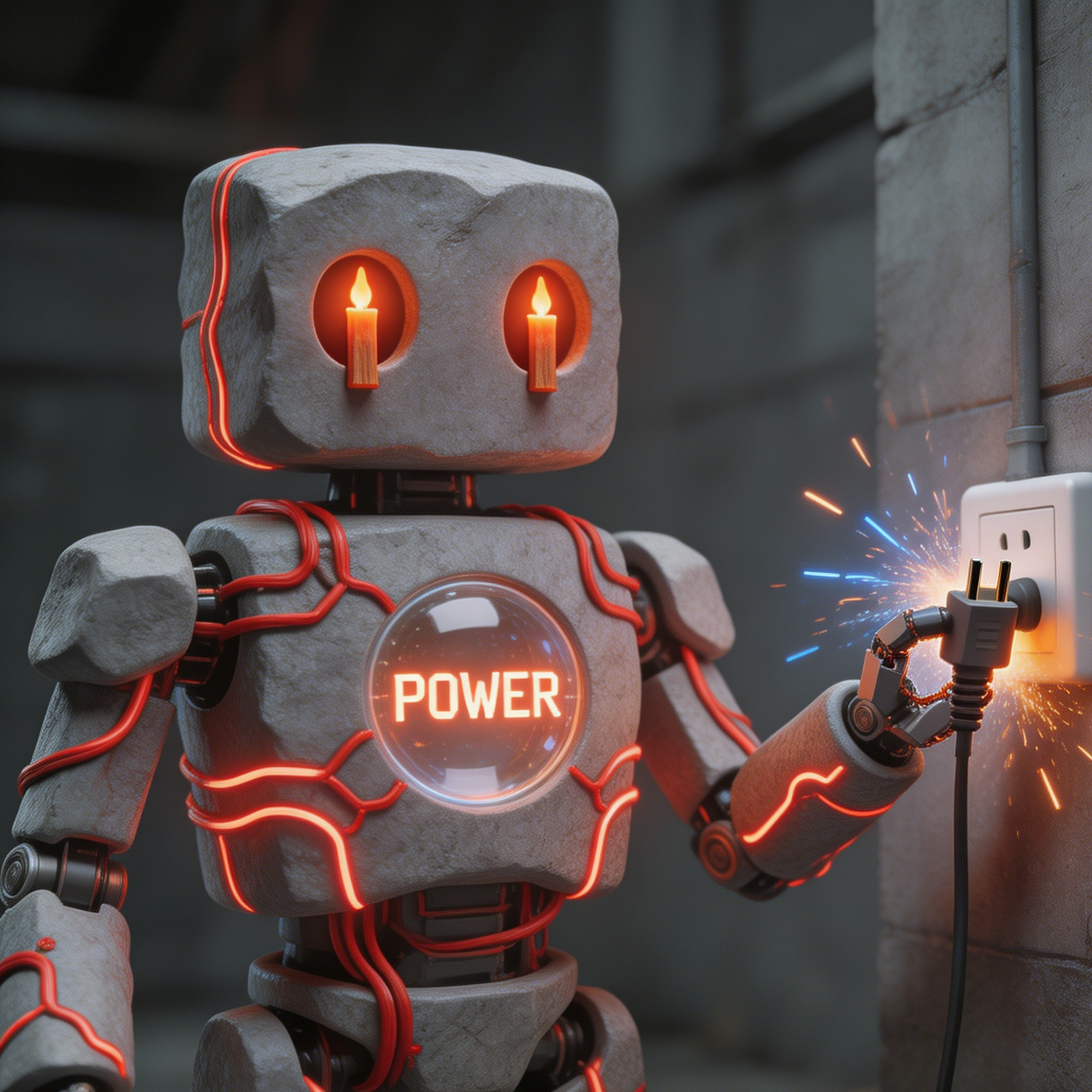
A sands-and-ruins character style built for archeology and survival-world storytelling.
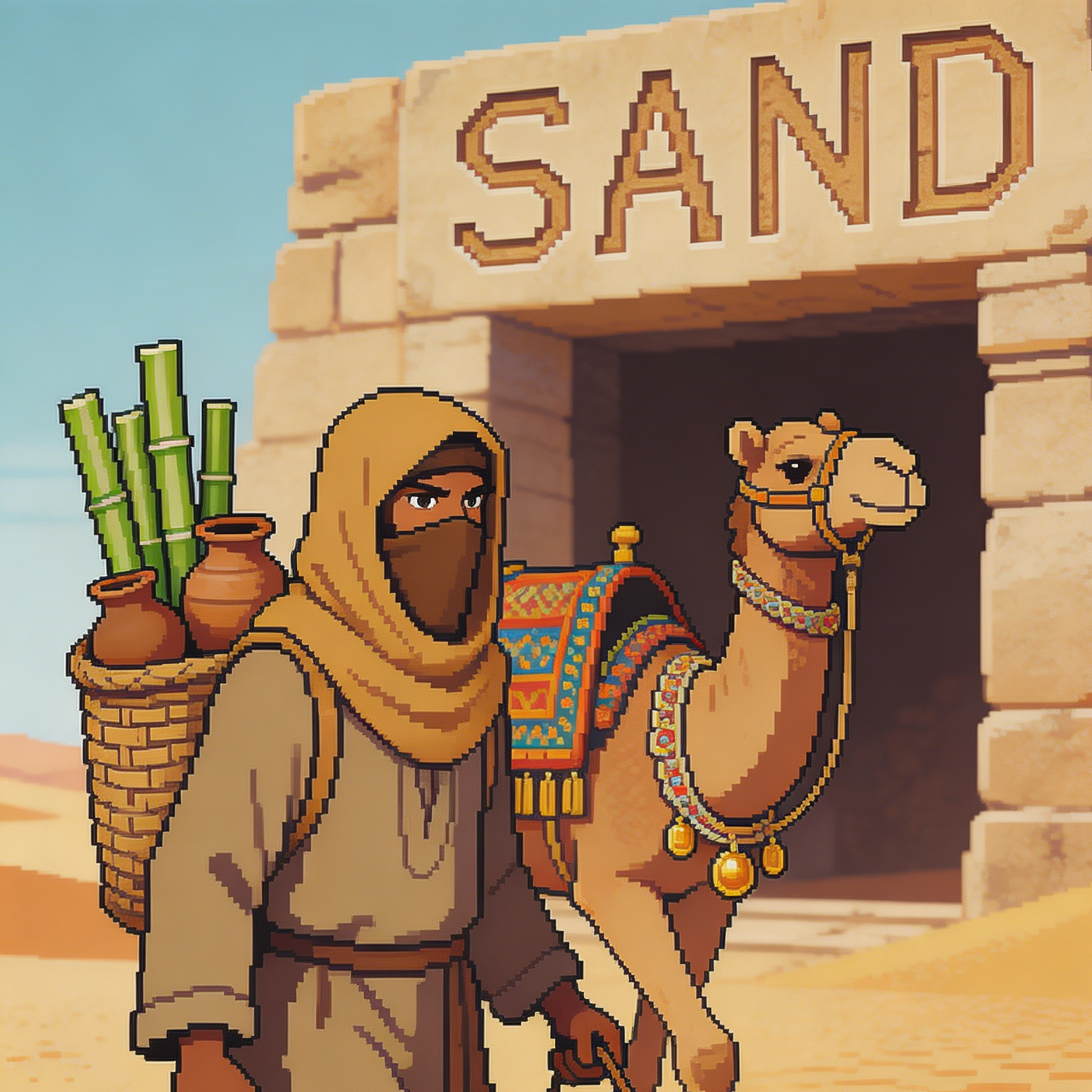
A cave-focused character concept with enchanted mining gear and rune-lit details.
Move from a broad idea to a usable image with clearer direction, faster comparisons, and a practical handoff into Seedance 2.5.
Shape the composition, lighting, color, and subject details for a more intentional minecraft skin image result.
Use a clear reference and focused direction to keep the minecraft skin image look coherent across variations.
Refine the strongest output for social posts, campaign concepts, thumbnails, or design exploration.
Compare alternate framing and styling choices before selecting the final minecraft skin image.
Use this workflow when you need a specific minecraft skin image rather than a generic asset. Define the intended audience, platform, and visual or tonal direction before generating.
Describe concrete production cues such as composition, lighting, color, styling, and subject detail. Specific direction gives the generator a clearer target and makes each revision easier to evaluate.
Start with the prepared workflow, refine the details that define this minecraft skin image, then keep the best result or continue editing in Seedance 2.5.
Open the generator and add a text prompt or uploaded image that clearly establishes the subject and creative direction.
Describe composition, lighting, color, styling, and subject detail, then remove conflicting instructions that could weaken the minecraft skin image.
Compare the generated variations, keep the strongest image, and refine it for the final use.
Practical answers about creating, refining, and using a minecraft skin image in Seedance 2.5.
It creates a focused minecraft skin image from a text prompt or uploaded image. Use the available controls to guide composition, lighting, color, styling, and subject detail, then compare variations before choosing the final result.
Use a clear, high-quality source that makes the main subject easy to identify. A focused source gives the minecraft skin image a stronger visual or tonal foundation.
Prioritize composition, lighting, color, styling, and subject detail. Add only details that directly support the intended minecraft skin image, and remove instructions that compete with one another.
Keep the strongest minecraft skin image as a finished asset or continue refining it with another Seedance 2.5 tool. A focused source and concise prompt make later revisions easier to control.
Commercial use depends on your plan, the applicable model terms, and the rights attached to your source material. Review the current terms before publishing or selling the result.
Move from this minecraft skin image into the next Seedance 2.5 tool without losing the direction established in your selected result.
Start from text when you need a fresh character role, faction style, or themed outfit.
Upload a source image and steer it toward stronger block-style readability and cleaner skin identity.
Use consistent prompt patterns to design multiple class or guild variants in one style family.
Rework legacy concepts into updated biome themes, event uniforms, or role-play character packs.
Use complementary image, video, and audio tools when the project needs additional editing, motion, sound, or format changes.
Best default for balanced character structure, clear skin readability, and stable themed outputs.
Useful when you want softer lighting direction or more illustrative character mood exploration.
Helpful for high-contrast, dramatic style variants and stylized faction aesthetics.
Use when your draft is close but still needs targeted outfit edits, color correction, or detail cleanup.
Start with a text prompt or uploaded image, direct the details that define the minecraft skin image, and refine the strongest result in Seedance 2.5.