Fantasy
Classic Fantasy Map
Generate maps with a timeless fantasy aesthetic, perfect for medieval settings and epic quests.
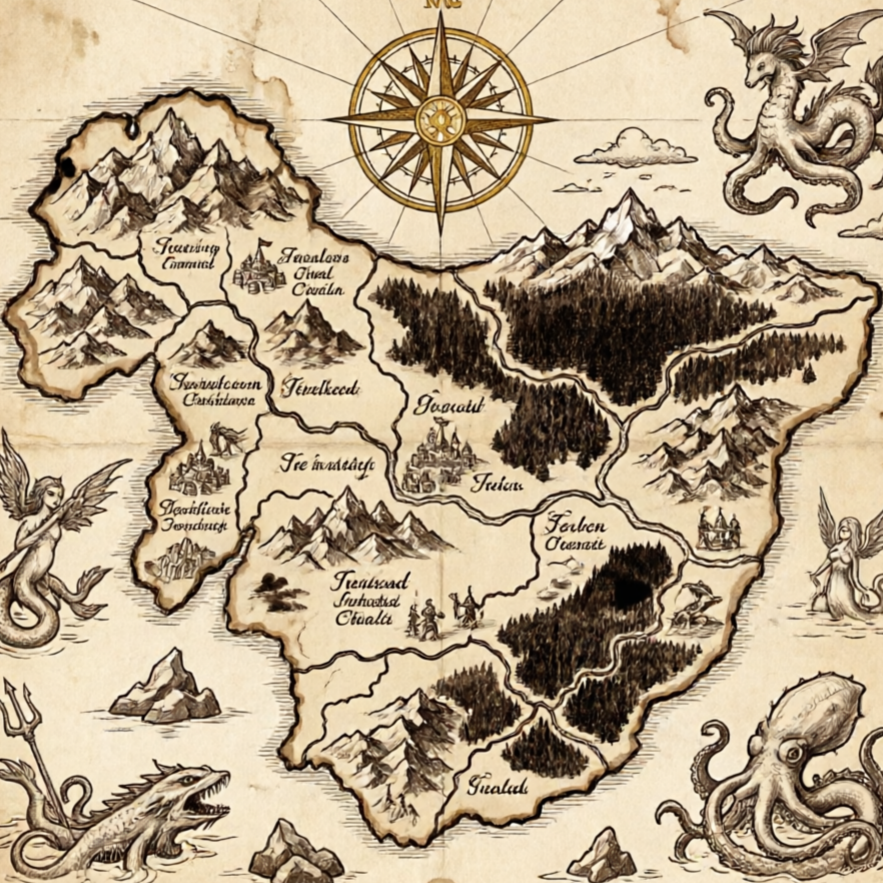
Classic fantasy map, detailed, with ancient forests, towering mountains, and winding rivers, no watermark or extra text.
Build a focused rpg map image with a guided Seedance 2.5 workflow.
Start with a text prompt or uploaded image and describe the composition, lighting, color, styling, and subject detail that matter for this rpg map image. Generate a first image, compare variations, and refine the direction until it fits your intended story, campaign, or design.
Use this example to study the framing, detail, and creative decisions that make a rpg map image feel intentional rather than generic.
Generation uses the credits and limits included with your current plan; available options can vary by workflow.
Generate maps with a timeless fantasy aesthetic, perfect for medieval settings and epic quests.
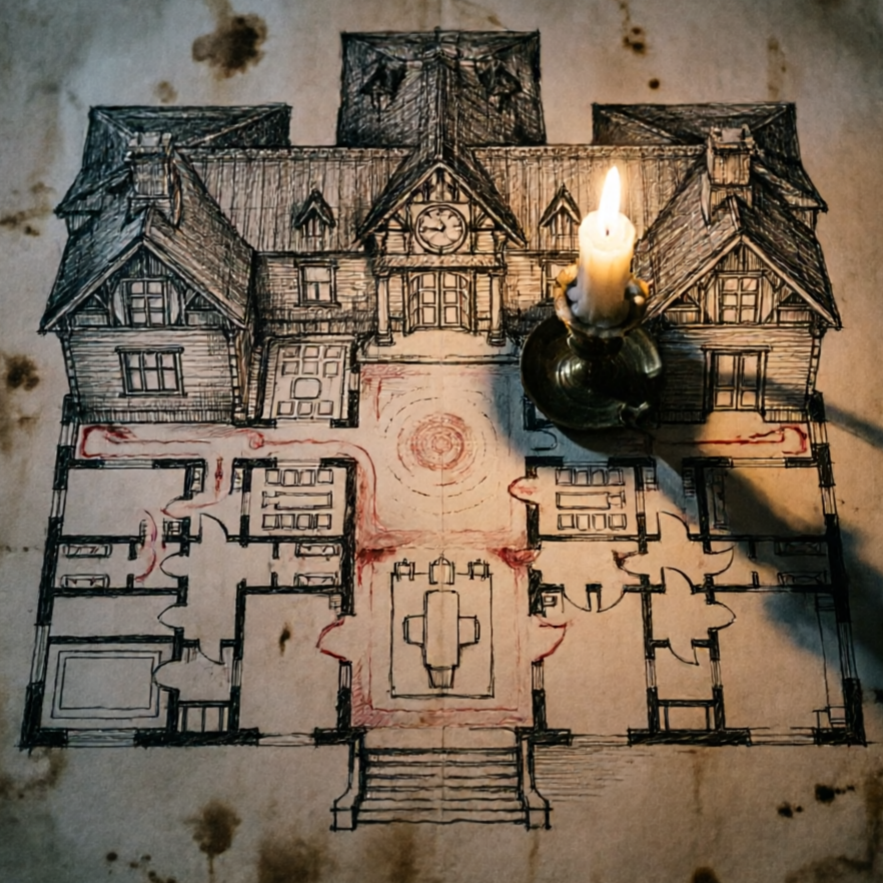
Craft maps for futuristic worlds, featuring advanced technology, urban sprawls, and alien landscapes.
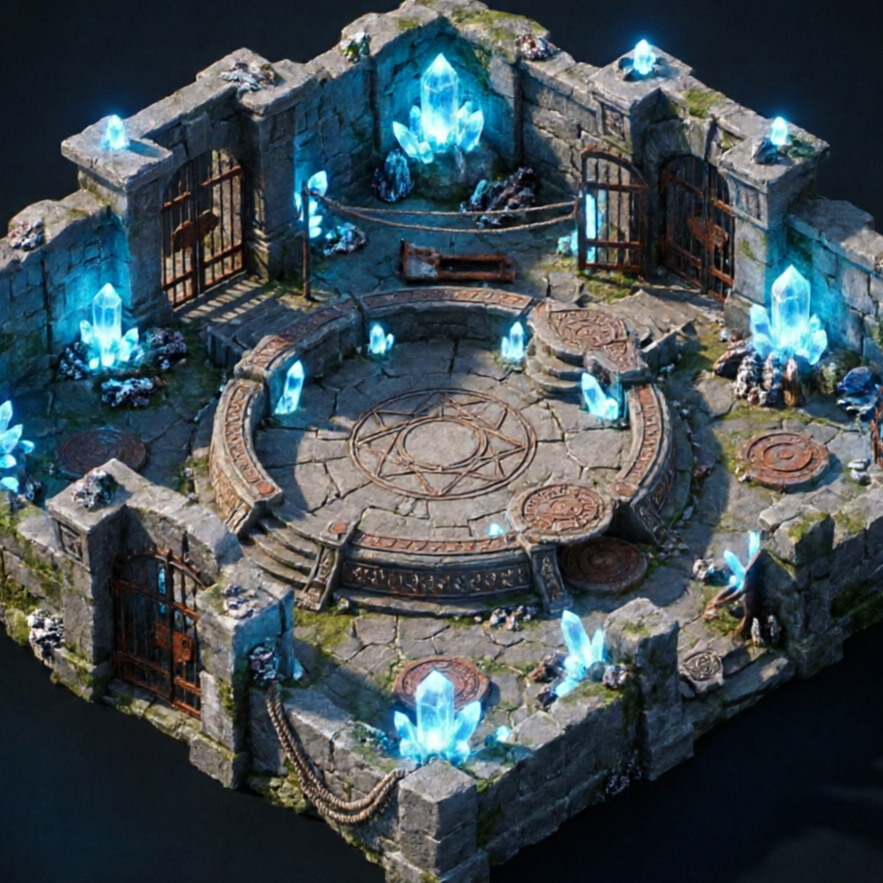
Design complex dungeon layouts with traps, secret passages, and monster lairs.
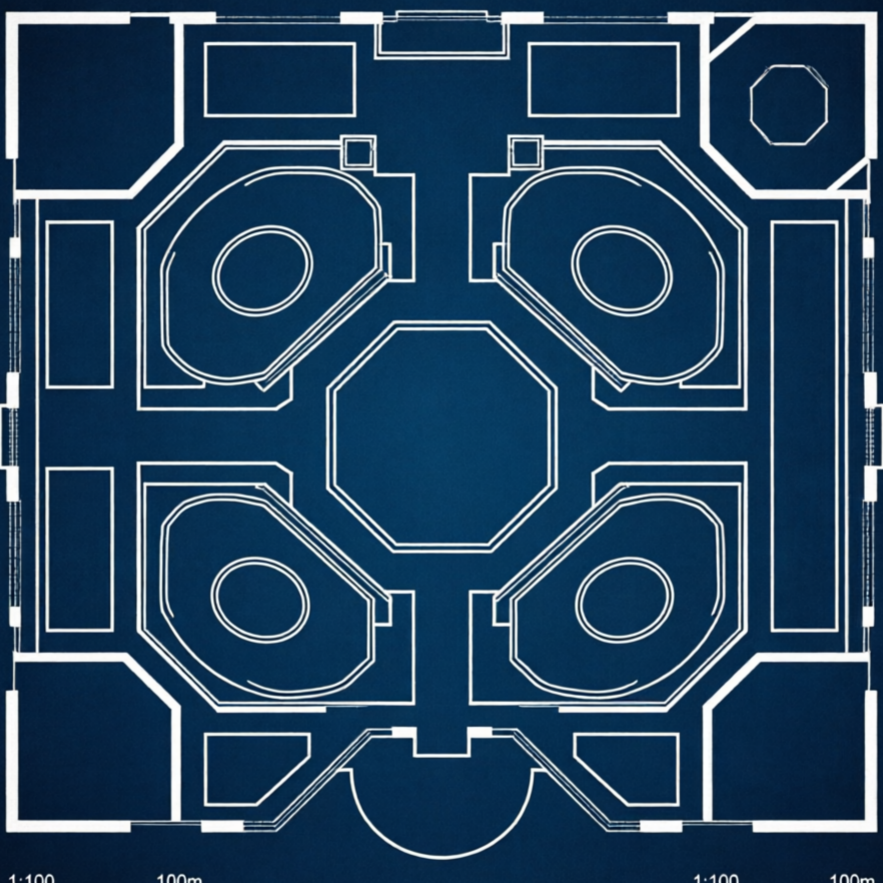
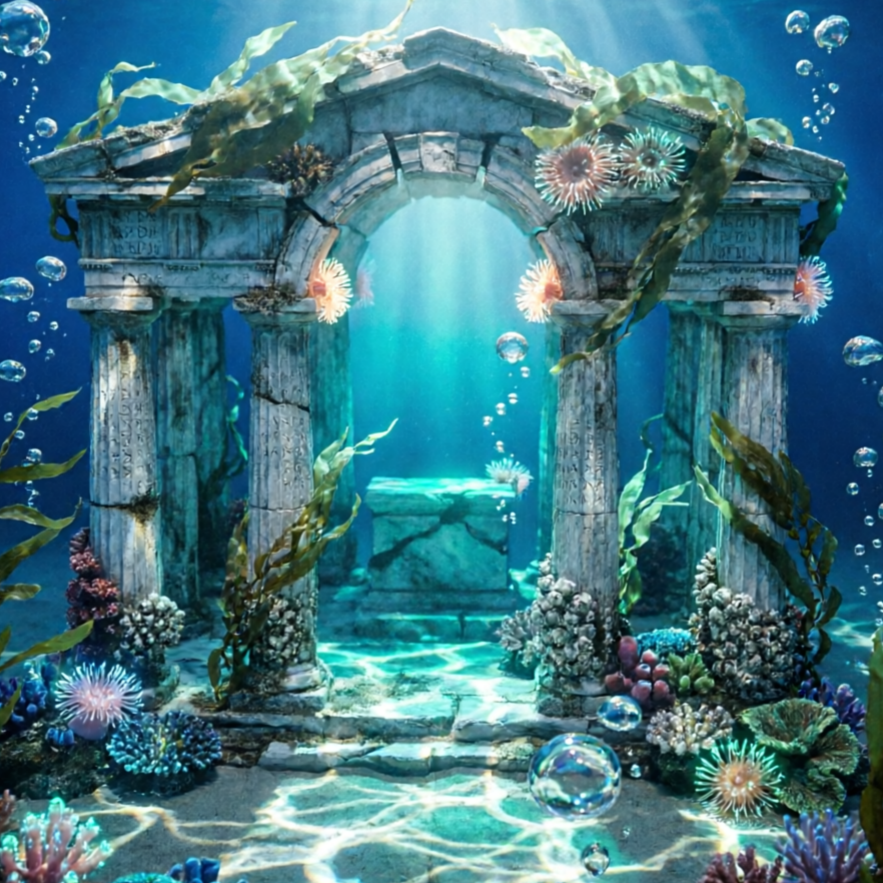
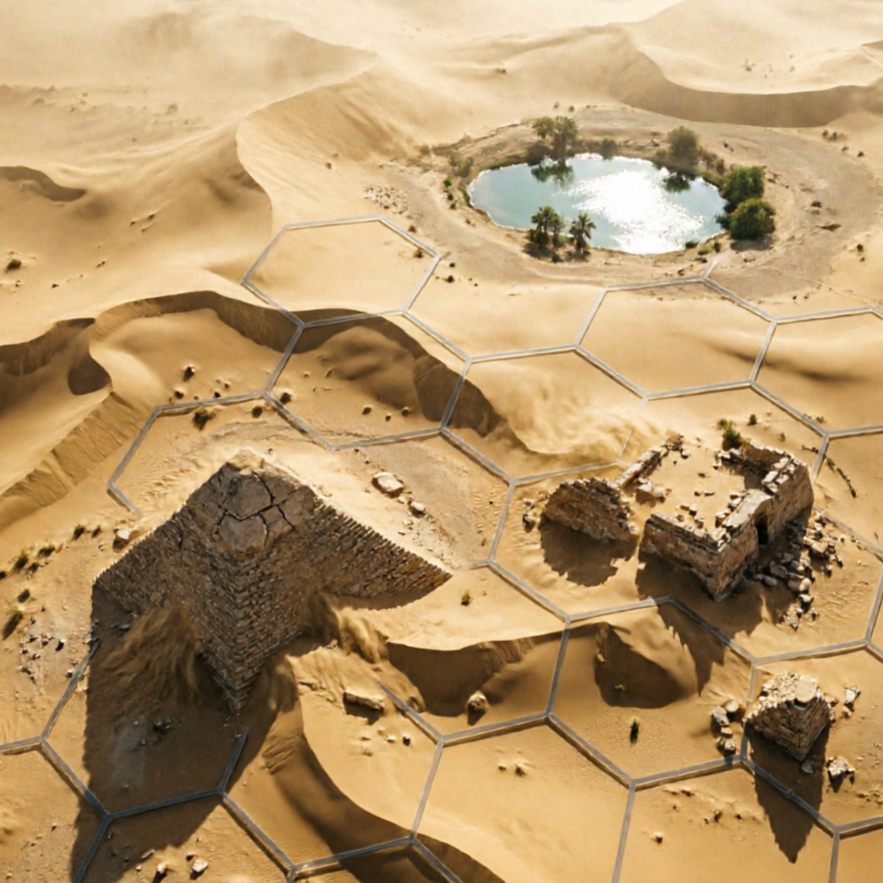
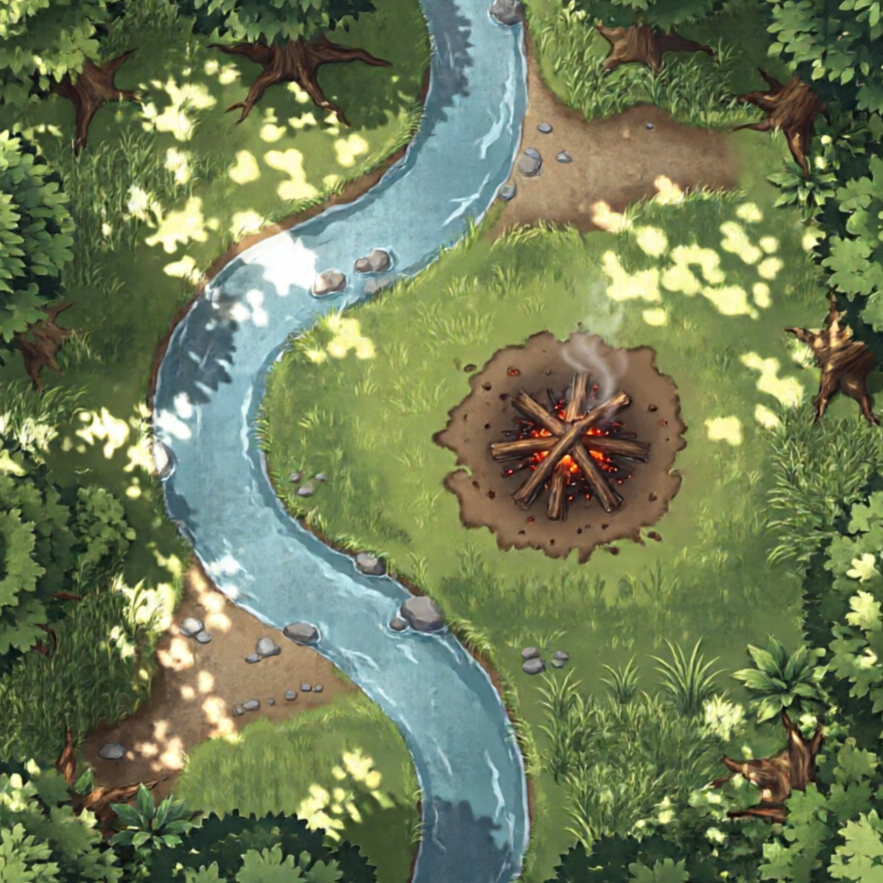
Create vast wilderness maps, from dense forests to barren deserts and icy tundras.
Generate vibrant city maps, complete with districts, landmarks, and bustling streets.
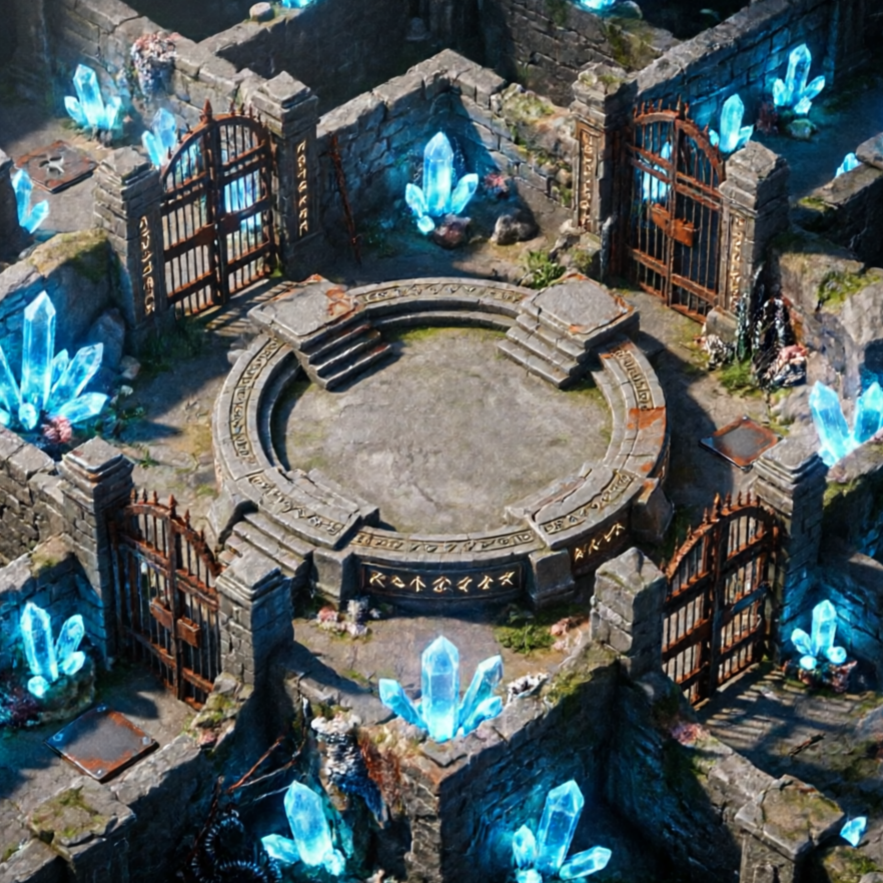
Produce maps with an engaging isometric perspective, adding depth and visual appeal.
See the magic unfold with stunning examples of maps created by our AI RPG Map Generator. Whether you need a bustling town, a treacherous dungeon, or a serene forest, our tool crafts the perfect backdrop for your adventures.
A mystical forest teeming with ancient trees and hidden paths, perfect for an elven quest.
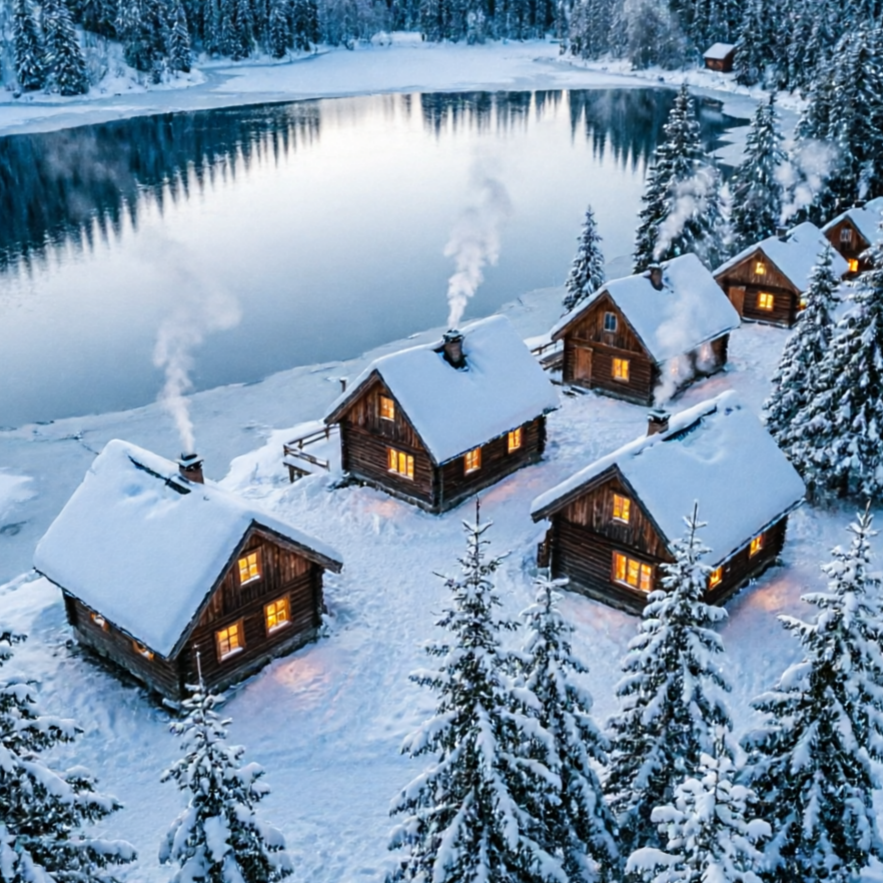
A neon-lit district of a futuristic city, ideal for cyberpunk adventures.
A dark, cavernous dungeon map, hinting at a fearsome dragon's hoard.
A detailed map of a desert oasis, a vital stop for weary travelers.
Move from a broad idea to a usable image with clearer direction, faster comparisons, and a practical handoff into Seedance 2.5.
Shape the composition, lighting, color, and subject details for a more intentional rpg map image result.
Use a clear reference and focused direction to keep the rpg map image look coherent across variations.
Refine the strongest output for social posts, campaign concepts, thumbnails, or design exploration.
Compare alternate framing and styling choices before selecting the final rpg map image.
Use this workflow when you need a specific rpg map image rather than a generic asset. Define the intended audience, platform, and visual or tonal direction before generating.
Describe concrete production cues such as composition, lighting, color, styling, and subject detail. Specific direction gives the generator a clearer target and makes each revision easier to evaluate.
Start with the prepared workflow, refine the details that define this rpg map image, then keep the best result or continue editing in Seedance 2.5.
Open the generator and add a text prompt or uploaded image that clearly establishes the subject and creative direction.
Describe composition, lighting, color, styling, and subject detail, then remove conflicting instructions that could weaken the rpg map image.
Compare the generated variations, keep the strongest image, and refine it for the final use.
Practical answers about creating, refining, and using a rpg map image in Seedance 2.5.
It creates a focused rpg map image from a text prompt or uploaded image. Use the available controls to guide composition, lighting, color, styling, and subject detail, then compare variations before choosing the final result.
Use a clear, high-quality source that makes the main subject easy to identify. A focused source gives the rpg map image a stronger visual or tonal foundation.
Prioritize composition, lighting, color, styling, and subject detail. Add only details that directly support the intended rpg map image, and remove instructions that compete with one another.
Keep the strongest rpg map image as a finished asset or continue refining it with another Seedance 2.5 tool. A focused source and concise prompt make later revisions easier to control.
Commercial use depends on your plan, the applicable model terms, and the rights attached to your source material. Review the current terms before publishing or selling the result.
Move from this rpg map image into the next Seedance 2.5 tool without losing the direction established in your selected result.
Use text to create unique character art for your RPG campaigns.
Upload sketches or images to refine and stylize your monsters and NPCs.
Experiment with different visual treatments for magical items and ancient relics.
Integrate your existing artwork to maintain a consistent aesthetic across all your assets.
Use complementary image, video, and audio tools when the project needs additional editing, motion, sound, or format changes.
Reliable quality for fast creative exploration and daily map generation tasks.
Higher detail and stronger consistency for premium maps and final campaign assets.
Targeted edits for composition fixes, object changes, and localized refinements on your maps.
Broad visual reasoning for concept-heavy map experiments and art-direction work.
Start with a text prompt or uploaded image, direct the details that define the rpg map image, and refine the strongest result in Seedance 2.5.