Instant Visuals for Any Project

AI Stock Image Generator

Turn a clear creative brief into a polished stock image.

Start with a text prompt or uploaded image and describe the composition, lighting, color, styling, and subject detail that matter for this stock image. Generate a first image, compare variations, and refine the direction until it fits your intended story, campaign, or design.

Cinematic stock image scene at golden hour with natural lighting and rich detailEditorial stock image composition with clean framing and high realismVibrant stock image concept art with layered depth and refined texturesPremium stock image output optimized for social sharing and campaign visuals
Purpose-Built
Focused controls for composition, light, style, and subject detail.
Creator-Ready
Useful for campaign concepts, social visuals, thumbnails, and design exploration.
Seedance 2.5
A reusable visual direction that can continue into other Seedance 2.5 workflows.
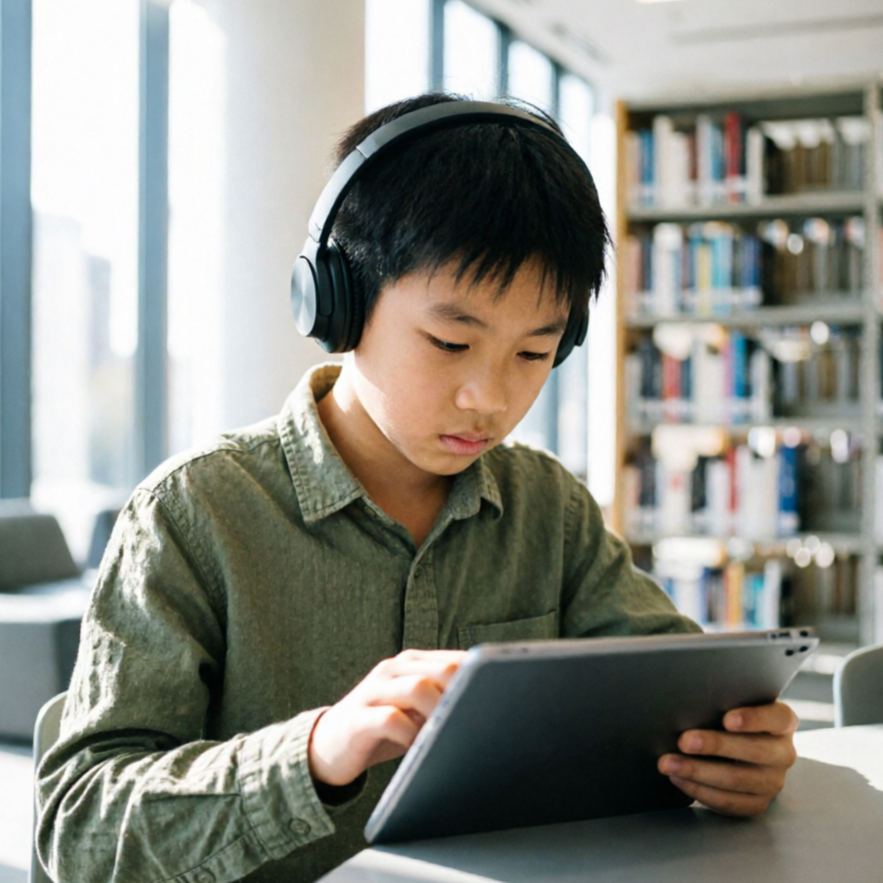
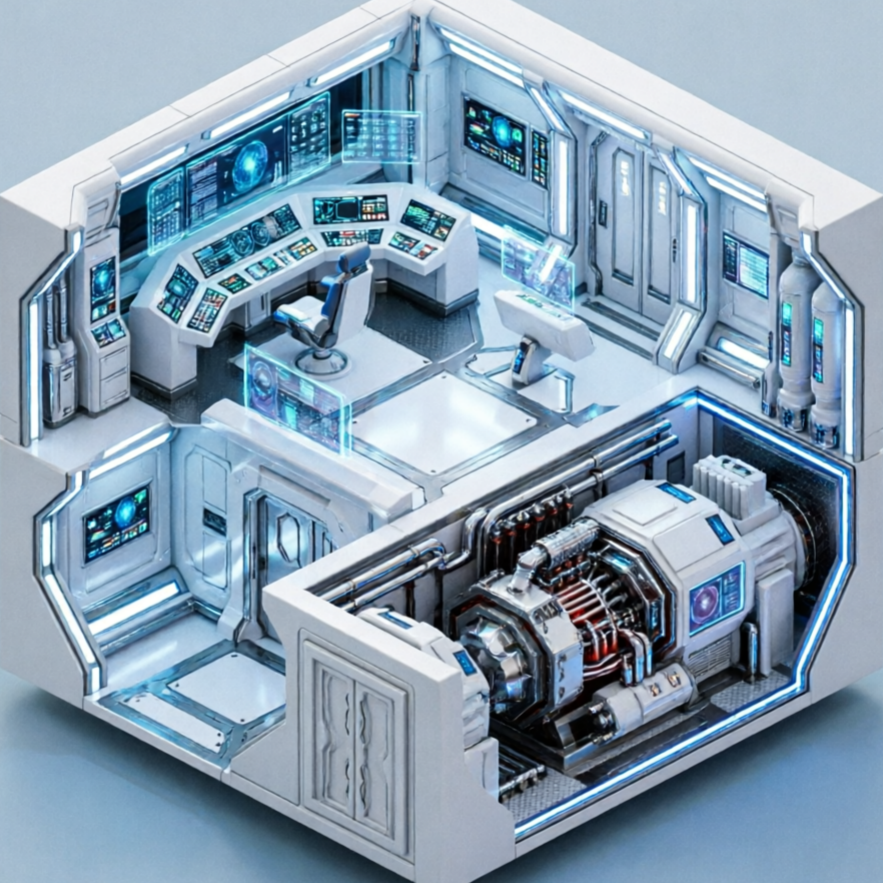
Featured AI Stock Image Generator output preview
Featured Preview
AI Stock Image Generation in Action

Use this example to study the framing, detail, and creative decisions that make a stock image feel intentional rather than generic.

Style directions

Discover Diverse Styles for Your AI Stock Images

Generation uses the credits and limits included with your current plan; available options can vary by workflow.

AI Stock Image Generator style sample 1
Signature

Realistic Photography

Generate photorealistic stock images with precise lighting, composition, and texture for professional use.

Realistic stock photo of a bustling city street at night, neon lights, shallow depth of field, cinematic, high detail, no watermark or extra text.
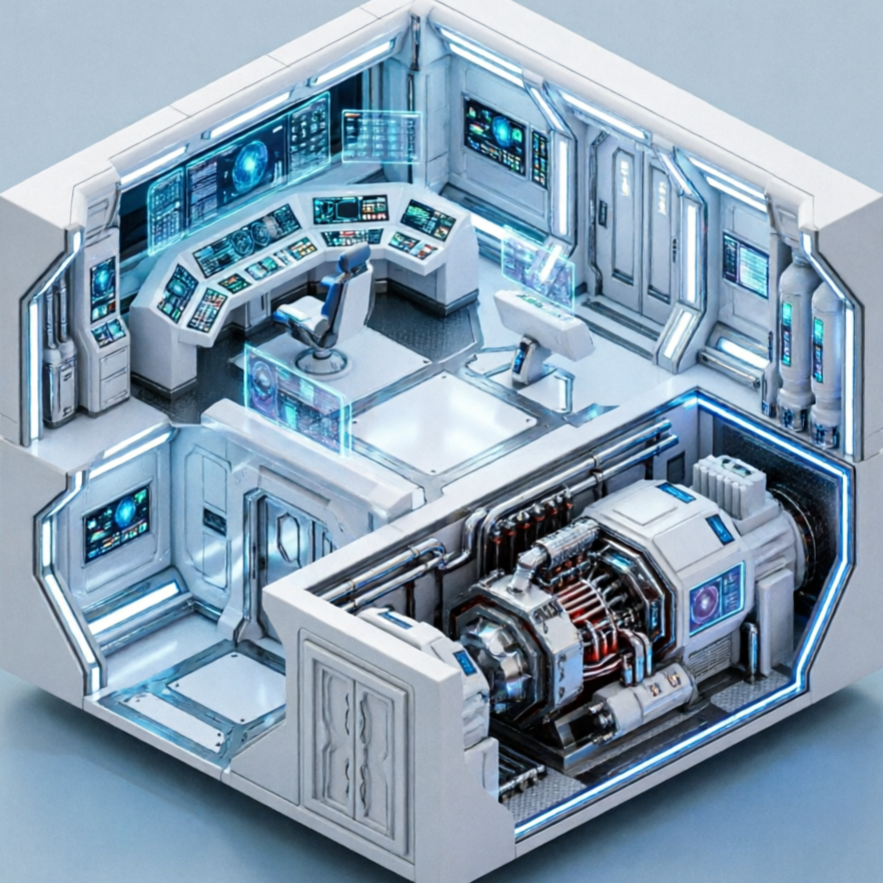
AI Stock Image Generator style sample 2
Concept

Artistic Illustration

Create unique illustrated stock images with various artistic styles, from watercolor to digital painting.

Artistic illustration of a person reading under a fantastical tree, vibrant colors, storybook style, high detail, no watermark or extra text.
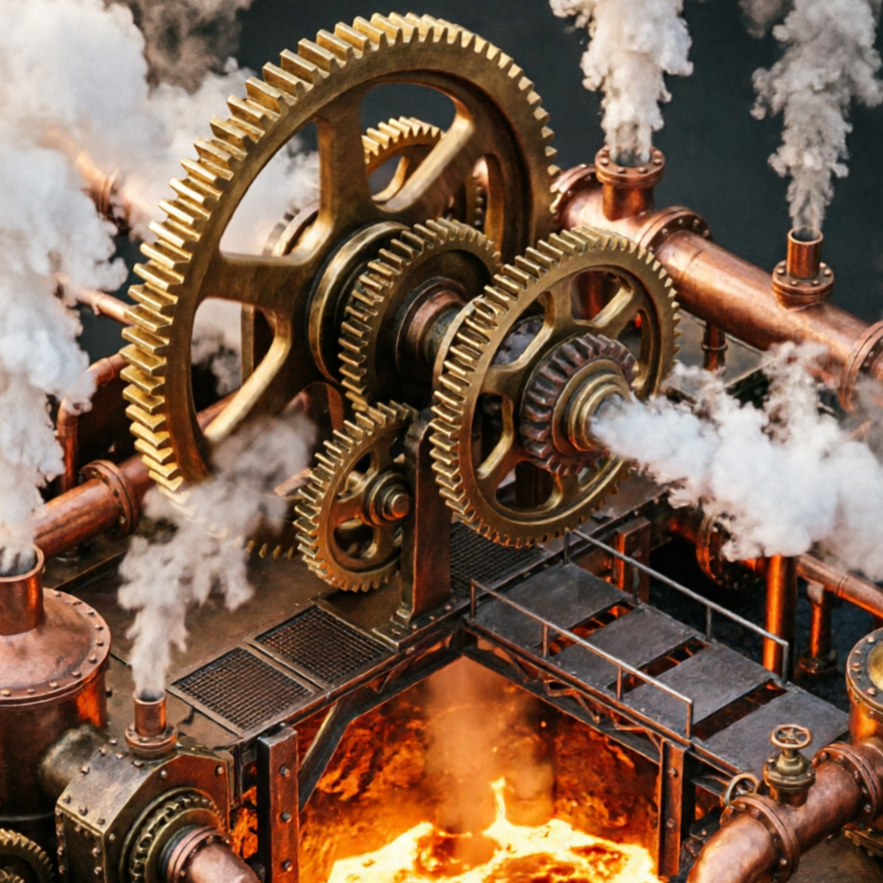
AI Stock Image Generator style sample 3
Material

Abstract Concepts

Produce abstract stock images that convey complex ideas or emotions through shapes, colors, and textures.

Abstract concept art representing data flow, glowing lines, dark background, futuristic, high detail, no watermark or extra text.

AI Stock Image Generator style sample 4
Cinematic

Cinematic Visuals

Craft dramatic and visually rich stock images with cinematic framing, lighting, and color grading.

Cinematic shot of a lone traveler on a desert road at sunset, wide angle, dramatic clouds, film grain, high detail, no watermark or extra text.
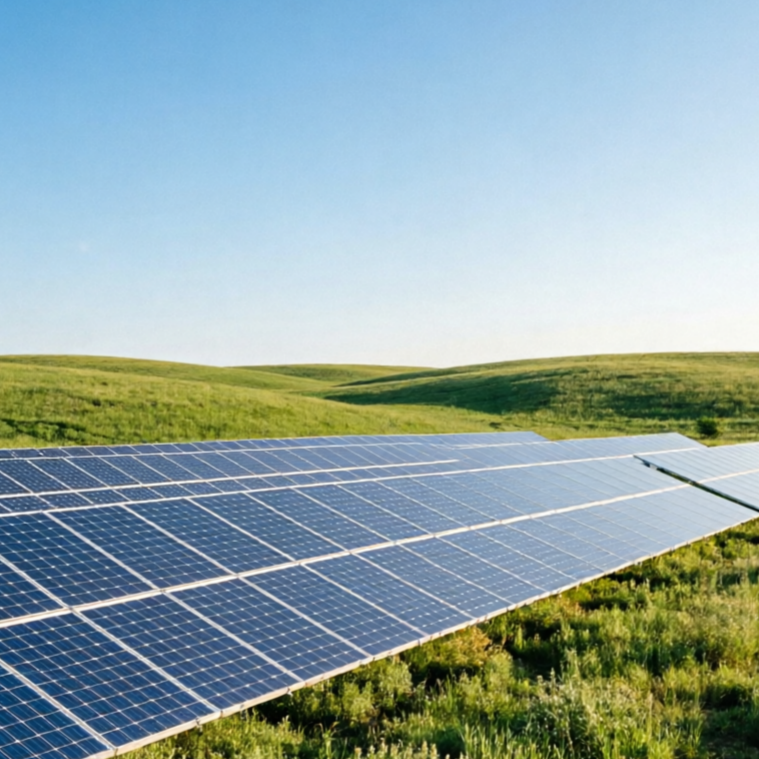
AI Stock Image Generator style sample 5
Experimental

Experimental & Unique

Explore unconventional and avant-garde stock image styles to stand out from the crowd.

Experimental stock image of a surreal floating island in the sky, dreamlike, pastel colors, soft focus, high detail, no watermark or extra text.

AI Stock Image Generator style sample 6
Premium

High-End Commercial

Generate polished, high-resolution stock images suitable for premium advertising and branding.

High-end commercial stock image of a meticulously arranged product display, studio lighting, crisp focus, clean background, high detail, no watermark or extra text.

Example gallery

AI Stock Image Examples: Visualize Every Scenario

See how Seedance 2.5's AI Stock Image Generator brings diverse ideas to life. Browse examples perfect for marketing, blogging, presentations, and more across various industries.

AI Stock Image Generator example output for marketing
Showcase

Marketing Campaign Visual

A vibrant AI-generated image perfect for a digital marketing campaign, showcasing product benefits.

AI Stock Image Generator example output for blog
Creative

Blog Post Illustration

A unique, conceptual image ideal for illustrating a blog post on innovation or future trends.

AI Stock Image Generator example output for presentation
Scenario

Presentation Background

A clean, professional AI stock image suitable as a background for business presentations.

AI Stock Image Generator example output for social media
Production

Social Media Content

An eye-catching AI stock image optimized for social media engagement and quick sharing.

Why creators use it

Build a stronger stock image workflow

Move from a broad idea to a usable image with clearer direction, faster comparisons, and a practical handoff into Seedance 2.5.

01

Clear creative direction

Shape the composition, lighting, color, and subject details for a more intentional stock image result.

02

Focused iteration

Use a clear reference and focused direction to keep the stock image look coherent across variations.

03

Practical handoff

Refine the strongest output for social posts, campaign concepts, thumbnails, or design exploration.

04

Reusable output

Compare alternate framing and styling choices before selecting the final stock image.

Creative uses

Where a stock image fits

Use this workflow when you need a specific stock image rather than a generic asset. Define the intended audience, platform, and visual or tonal direction before generating.

  • Develop a clear stock image concept before committing to a full campaign or production.
  • Test composition, lighting, wardrobe, background, and visual style in focused variations.
  • Create an approval-ready reference for clients, collaborators, or downstream editing.
  • Reuse the strongest visual direction across social, advertising, editorial, or product work.
Pro Tip

Write a production-ready prompt

Describe concrete production cues such as composition, lighting, color, styling, and subject detail. Specific direction gives the generator a clearer target and makes each revision easier to evaluate.

Cinematic stock image scene at golden hour with natural lighting and rich detail
Three-step workflow

Create a stock image in three steps

Start with the prepared workflow, refine the details that define this stock image, then keep the best result or continue editing in Seedance 2.5.

Step 1

Start with your input

Open the generator and add a text prompt or uploaded image that clearly establishes the subject and creative direction.

Step 2

Direct the result

Describe composition, lighting, color, styling, and subject detail, then remove conflicting instructions that could weaken the stock image.

Step 3

Review and refine

Compare the generated variations, keep the strongest image, and refine it for the final use.

Common Questions

AI Stock Image Generator FAQ

Practical answers about creating, refining, and using a stock image in Seedance 2.5.

What does the AI Stock Image Generator create?+

It creates a focused stock image from a text prompt or uploaded image. Use the available controls to guide composition, lighting, color, styling, and subject detail, then compare variations before choosing the final result.

What source gives the best result?+

Use a clear, high-quality source that makes the main subject easy to identify. A focused source gives the stock image a stronger visual or tonal foundation.

Which prompt details should I prioritize?+

Prioritize composition, lighting, color, styling, and subject detail. Add only details that directly support the intended stock image, and remove instructions that compete with one another.

How does this workflow connect with Seedance 2.5?+

Keep the strongest stock image as a finished asset or continue refining it with another Seedance 2.5 tool. A focused source and concise prompt make later revisions easier to control.

Can I use the generated result in a commercial project?+

Commercial use depends on your plan, the applicable model terms, and the rights attached to your source material. Review the current terms before publishing or selling the result.

Expand Your Creative Toolkit

Continue your creative workflow

Move from this stock image into the next Seedance 2.5 tool without losing the direction established in your selected result.

Advanced AI Models

Refine the result with more tools

Use complementary image, video, and audio tools when the project needs additional editing, motion, sound, or format changes.

Start Your Visual Journey

Create your stock image

Start with a text prompt or uploaded image, direct the details that define the stock image, and refine the strongest result in Seedance 2.5.