AI Vector Graphics

AI SVG Generator

Turn a clear creative brief into a polished SVG image.

Start with a text prompt or uploaded image and describe the composition, lighting, color, styling, and subject detail that matter for this SVG image. Generate a first image, compare variations, and refine the direction until it fits your intended story, campaign, or design.

Minimalist leaf logo, flat vector, clean lines, elegant typography, transparent backgroundSet of mobile app icons, crisp outlines, balanced spacing, product design aestheticCute cat mascot for merchandise, bold vector colors, sticker-friendly contoursIndustrial gear blueprint, precise line work, laser-cut schematic style, engineering diagram
Purpose-Built
Focused controls for composition, light, style, and subject detail.
Creator-Ready
Useful for campaign concepts, social visuals, thumbnails, and design exploration.
Seedance 2.5
A reusable visual direction that can continue into other Seedance 2.5 workflows.
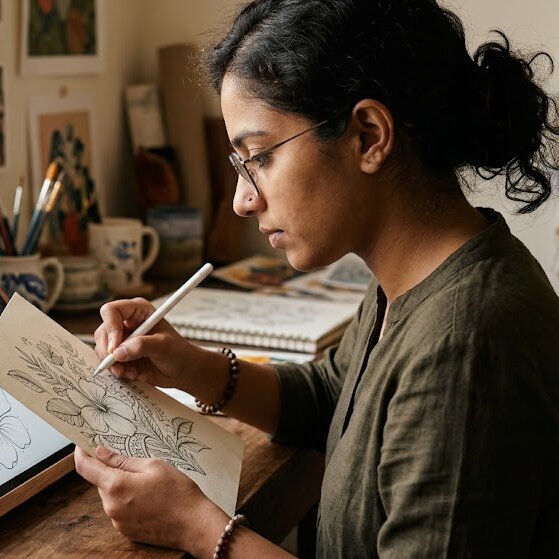
An artist drawing a sketch that can be converted into a digital vector-style graphic
Featured Workflow
From hand-drawn sketch to structured vector direction

Use this example to study the framing, detail, and creative decisions that make an SVG image feel intentional rather than generic.

Style directions

Discover a wide range of SVG styles and themes

Our AI SVG Generator supports a variety of styles, from dynamic web design elements to compelling marketing visuals, unique app icons, and educational diagrams. Get inspired by examples tailored for various industries and purposes.

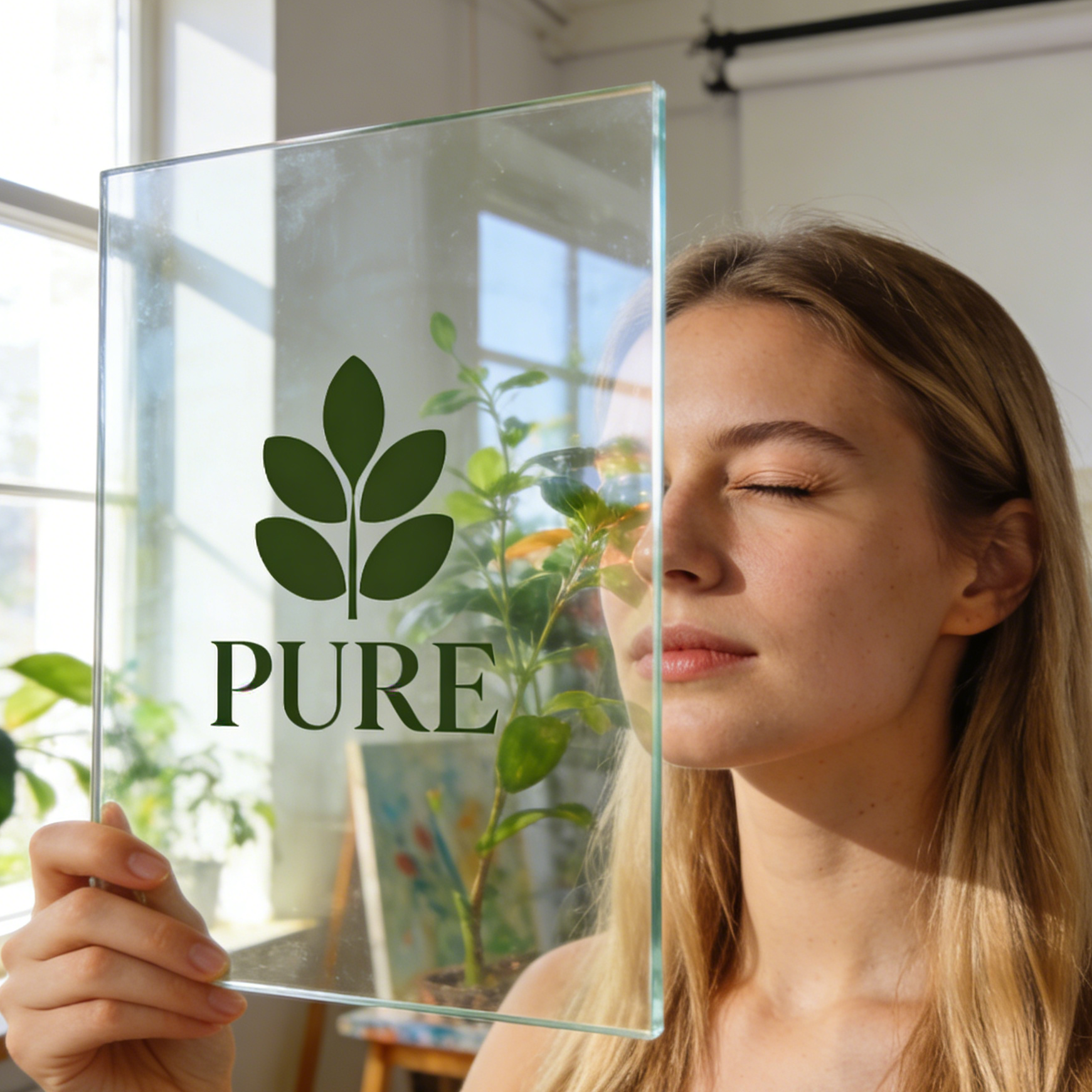
A minimalist leaf vector logo displayed on a transparent glass pane
Branding

Minimalist Leaf Logo

A clean, modern vector logo perfect for eco-friendly brands, featuring simple shapes and balanced composition.

Minimal eco logo, flat leaf icon, clean vector branding, premium mark presentation, controlled negative space, sharp scalable silhouette.

A designer adjusting vector icon path anchors on a professional tablet
UI/UX Design

Navigation Icon Set

A cohesive set of outline icons designed for intuitive mobile navigation and user interfaces.

Navigation icon set, compass-centered vector interface, crisp outline symbols, app-design grid, clean tablet UI mockup.
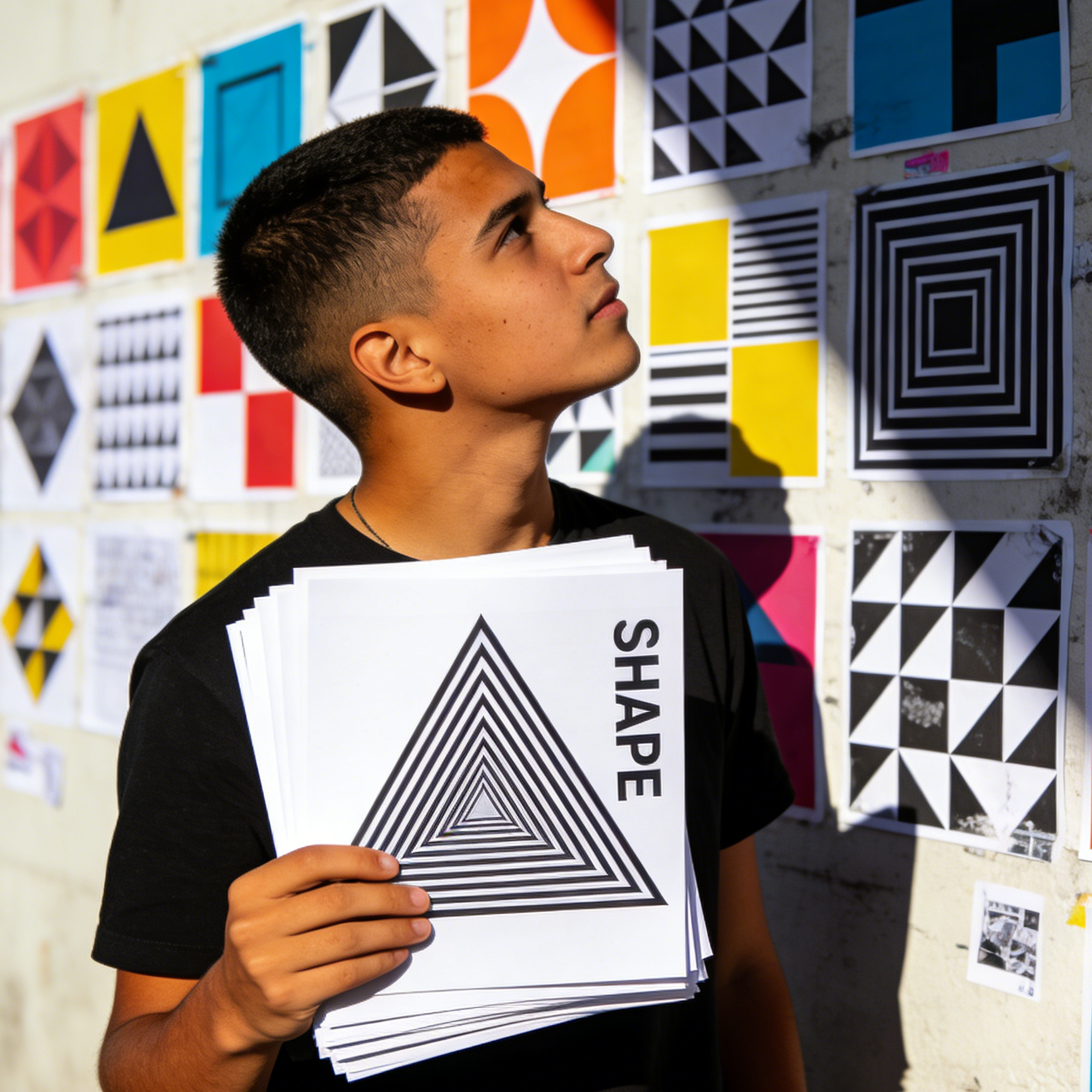
A youth holding a geometric vector print in a modern studio
Geometric Art

Abstract Geometric Poster

Bold, modular geometric patterns in black and white, ideal for modern art prints and visual statements.

Geometric vector poster, modular black-and-white shapes, optical pattern print, bold scalable composition, art-school wall display.
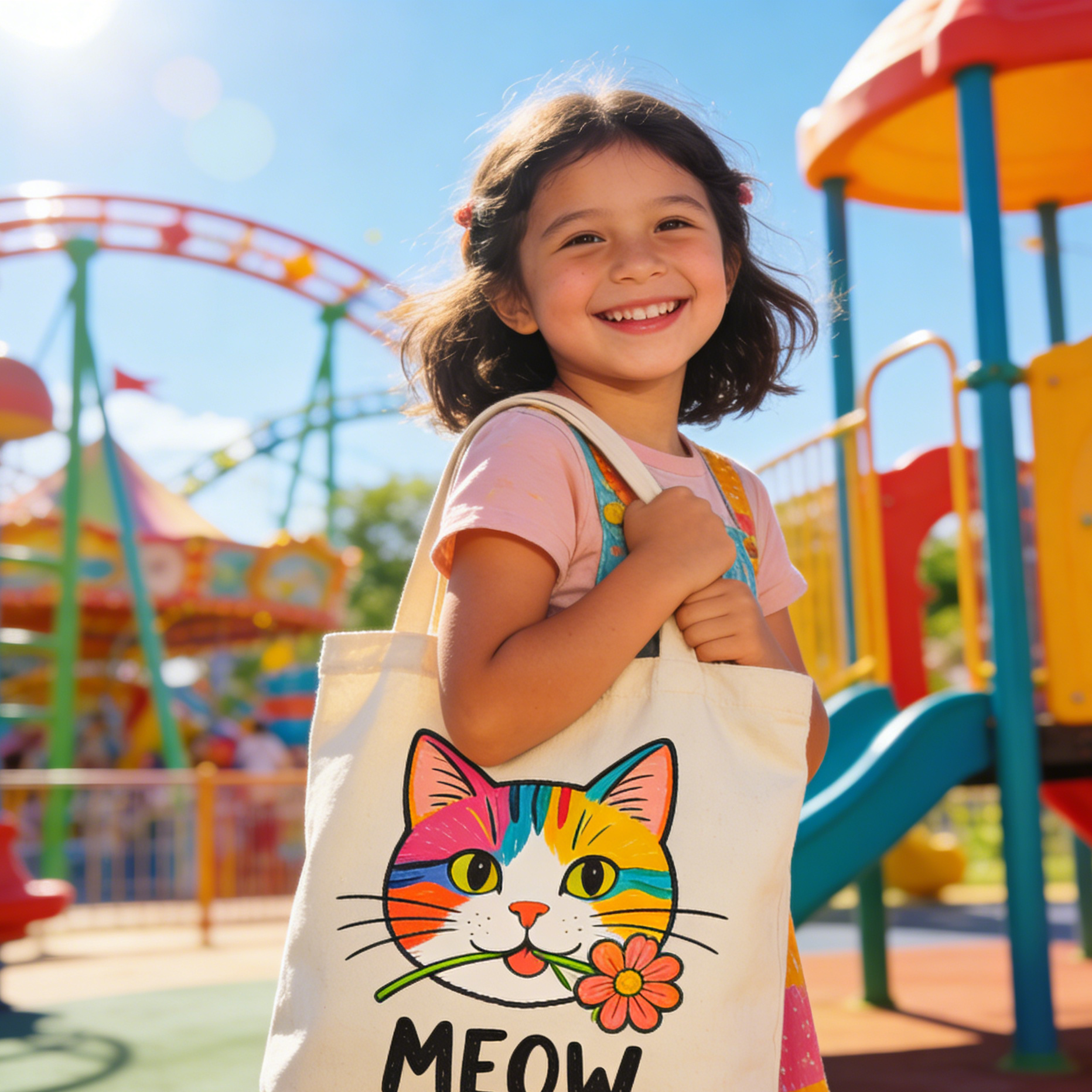
A canvas bag with a vector cat mascot held by a happy girl
Character Design

Playful Cat Mascot

A cheerful vector mascot with bold outlines and flat colors, perfect for merchandise and social media.

Cute cat mascot vector, merch-ready illustration, bold outlines, flat colors, tote bag graphic, cheerful sticker aesthetic.
An engineer laser-cutting vector parts based on SVG blueprints
Industrial Design

Precision Gear Cutfile

Detailed vector blueprints of gears, suitable for laser cutting, mechanical diagrams, and manufacturing.

Industrial vector blueprint, gear outlines for laser cutting, precision schematic style, machine-safe geometry, manufacturing graphics.
A developer reviewing vector paths on a high-tech monitor
Development & Tech

Developer Node Symbol

A clean, technical vector symbol for software development, node diagrams, and system interfaces.

Developer vector symbol, node-based product logo, technical outline mark, screen UI path editing, clean system graphic.
Example gallery

See how our AI SVG tool transforms ideas into tangible vector assets

From dynamic web design elements and compelling marketing visuals to unique app icons and educational diagrams, get inspired by examples tailored for various industries and purposes.

An artist converting a hand-drawn sketch into digital vector paths
Sketch Conversion

Sketch to Vector Path

Transform hand-drawn sketches into clean, scalable vector graphics for logos, illustrations, or digital assets.

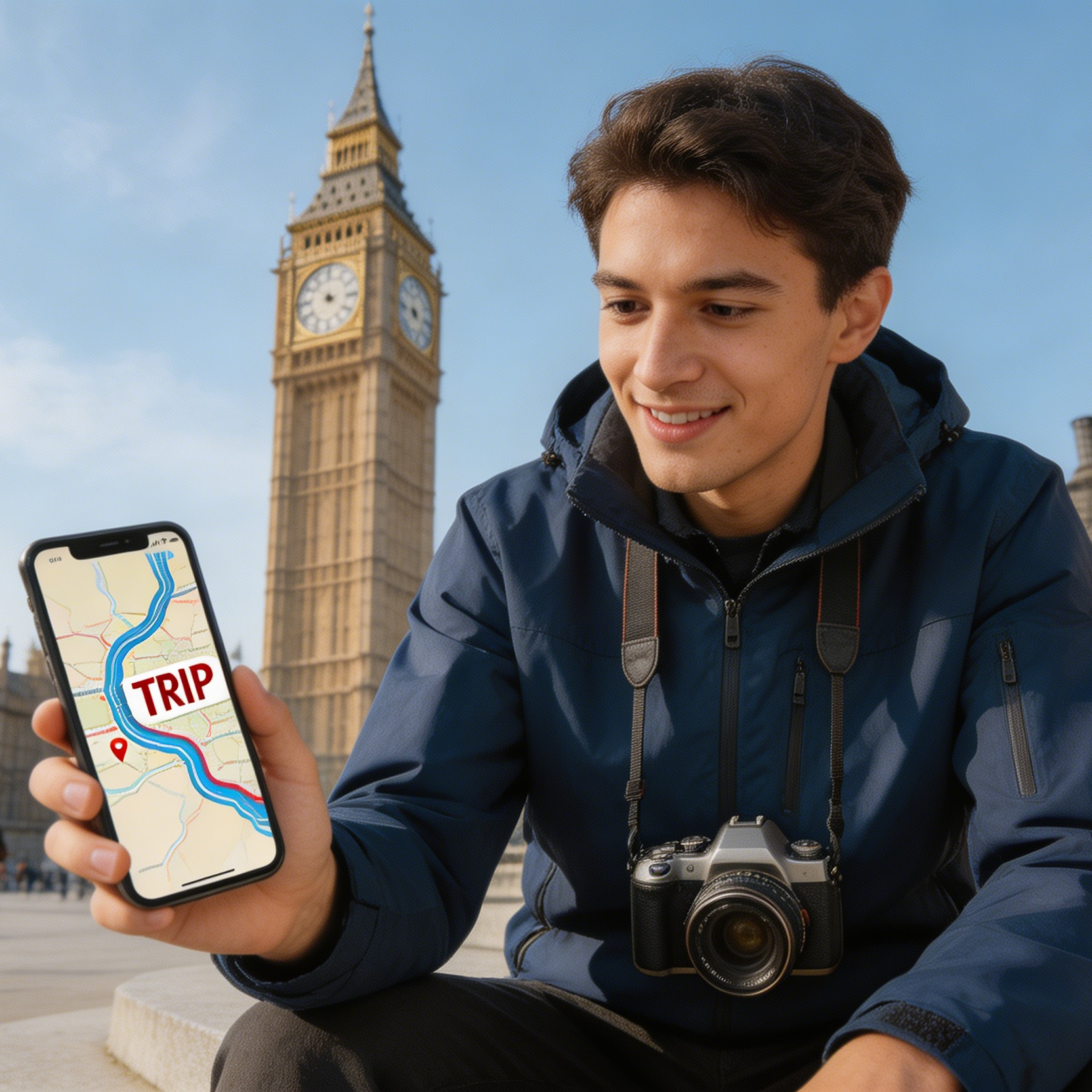
A traveler holding a route map design in front of a city landmark
Mapping & Travel

Travel Route Visual

Create clear, concise route maps and travel graphics for websites, apps, or print materials.

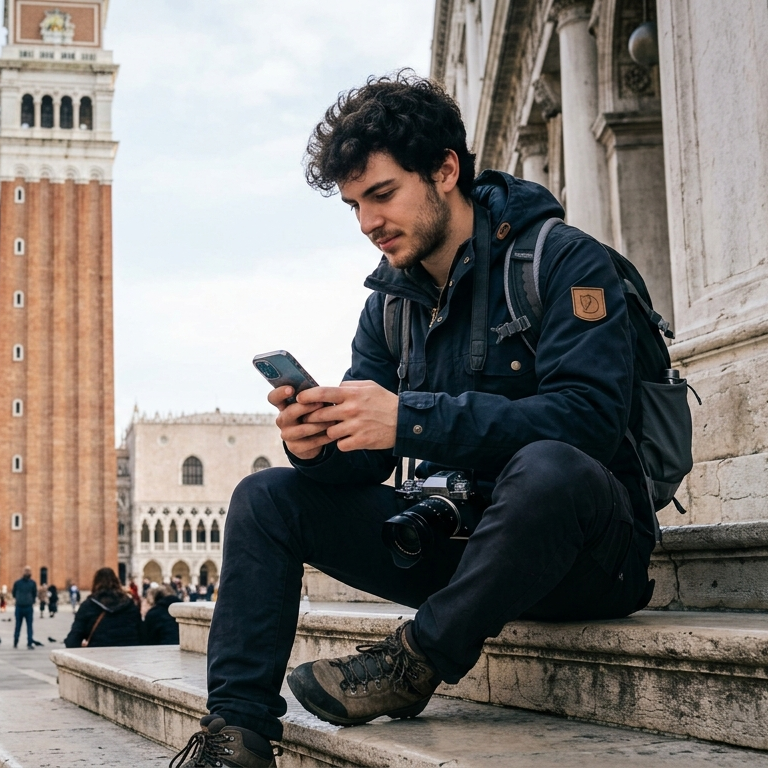
A traveler using a phone with a trip route visual in front of a historic plaza
Travel UI

Guide App Graphic

Design mobile-friendly travel graphics for wayfinding, tourism apps, and itinerary cards.

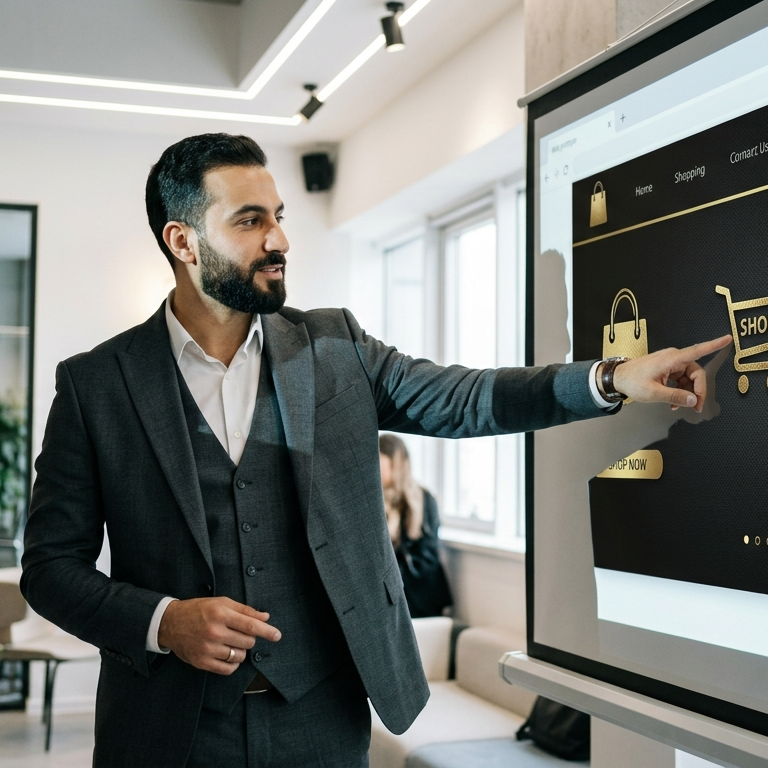
A manager reviewing luxury shop vector icons on a screen
E-commerce

Shop Interface Icons

Develop a consistent set of vector icons for e-commerce dashboards, product categories, and online retail visuals.

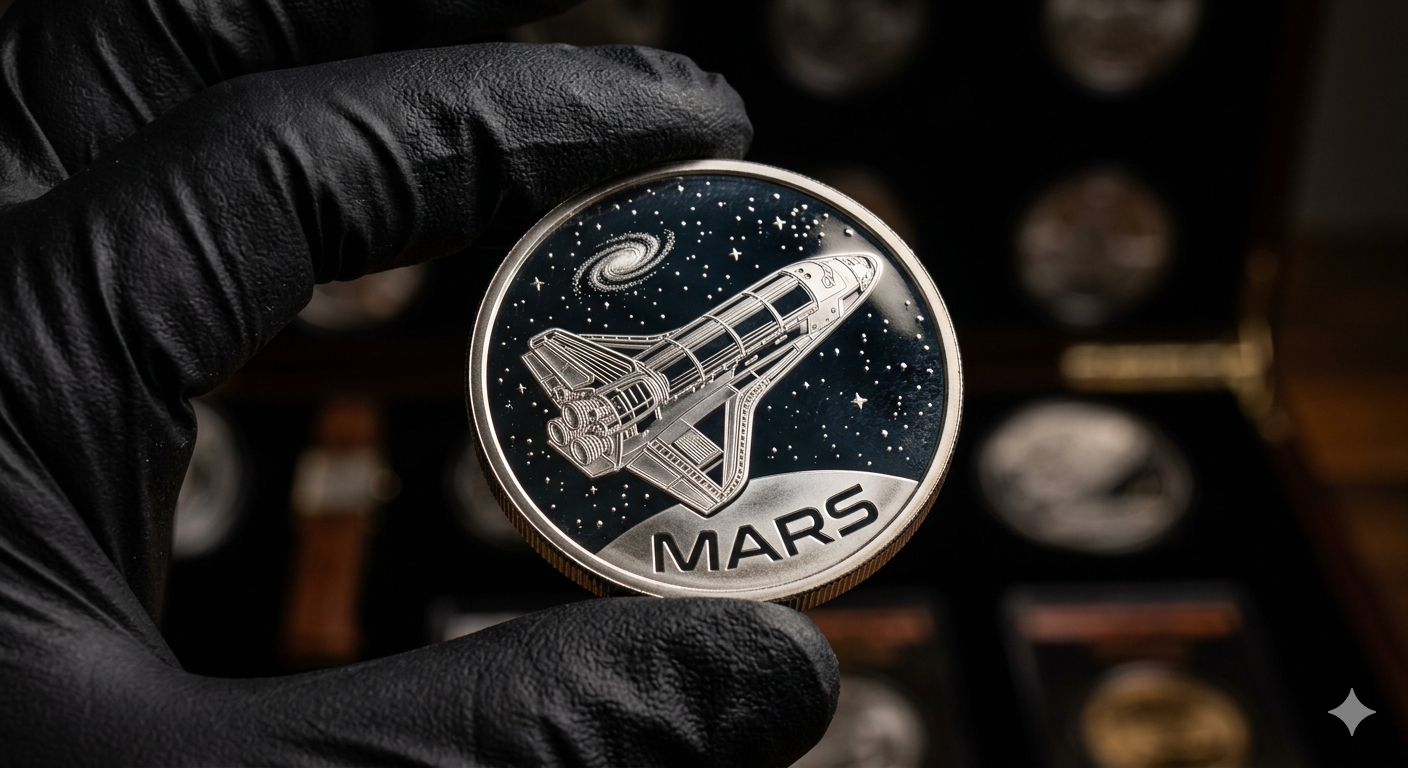
A commemorative coin featuring MARS text and a vector space shuttle
Collectible Design

Commemorative Mars Coin

Generate intricate vector designs for commemorative coins, medals, or etched product graphics.

An engineer fabricating vector gear designs with industrial machinery
Manufacturing

Gear Fabrication Board

Produce precise vector drawings for CNC previews, fabrication diagrams, and mechanical cut patterns.

Why creators use it

Build a stronger SVG image workflow

Move from a broad idea to a usable image with clearer direction, faster comparisons, and a practical handoff into Seedance 2.5.

01

Clear creative direction

Shape the composition, lighting, color, and subject details for a more intentional SVG image result.

02

Focused iteration

Use a clear reference and focused direction to keep the SVG image look coherent across variations.

03

Practical handoff

Refine the strongest output for social posts, campaign concepts, thumbnails, or design exploration.

04

Reusable output

Compare alternate framing and styling choices before selecting the final SVG image.

Creative uses

Where an SVG image fits

Use this workflow when you need a specific SVG image rather than a generic asset. Define the intended audience, platform, and visual or tonal direction before generating.

  • Develop a clear SVG image concept before committing to a full campaign or production.
  • Test composition, lighting, wardrobe, background, and visual style in focused variations.
  • Create an approval-ready reference for clients, collaborators, or downstream editing.
  • Reuse the strongest visual direction across social, advertising, editorial, or product work.
Pro Tip

Write a production-ready prompt

Describe concrete production cues such as composition, lighting, color, styling, and subject detail. Specific direction gives the generator a clearer target and makes each revision easier to evaluate.

Create a clean vector-style graphic with scalable icon logic, crisp outlines, simplified shapes, flat color discipline, logo-friendly composition, editable-asset aesthetics, geometric balance, and no watermark or extra text unless requested.
Three-step workflow

Create an SVG image in three steps

Start with the prepared workflow, refine the details that define this SVG image, then keep the best result or continue editing in Seedance 2.5.

Step 1

Start with your input

Open the generator and add a text prompt or uploaded image that clearly establishes the subject and creative direction.

Step 2

Direct the result

Describe composition, lighting, color, styling, and subject detail, then remove conflicting instructions that could weaken the SVG image.

Step 3

Review and refine

Compare the generated variations, keep the strongest image, and refine it for the final use.

Questions & Answers

AI SVG Generator FAQ

Practical answers about creating, refining, and using an SVG image in Seedance 2.5.

What does the AI SVG Generator create?+

It creates a focused SVG image from a text prompt or uploaded image. Use the available controls to guide composition, lighting, color, styling, and subject detail, then compare variations before choosing the final result.

What source gives the best result?+

Use a clear, high-quality source that makes the main subject easy to identify. A focused source gives the SVG image a stronger visual or tonal foundation.

Which prompt details should I prioritize?+

Prioritize composition, lighting, color, styling, and subject detail. Add only details that directly support the intended SVG image, and remove instructions that compete with one another.

How does this workflow connect with Seedance 2.5?+

Keep the strongest SVG image as a finished asset or continue refining it with another Seedance 2.5 tool. A focused source and concise prompt make later revisions easier to control.

Can I use the generated result in a commercial project?+

Commercial use depends on your plan, the applicable model terms, and the rights attached to your source material. Review the current terms before publishing or selling the result.

Related Vector Workflows

Continue your creative workflow

Move from this SVG image into the next Seedance 2.5 tool without losing the direction established in your selected result.

Refine Your Vector Designs

Refine the result with more tools

Use complementary image, video, and audio tools when the project needs additional editing, motion, sound, or format changes.

Start Creating

Create your SVG image

Start with a text prompt or uploaded image, direct the details that define the SVG image, and refine the strongest result in Seedance 2.5.