Authentic Travel Photography
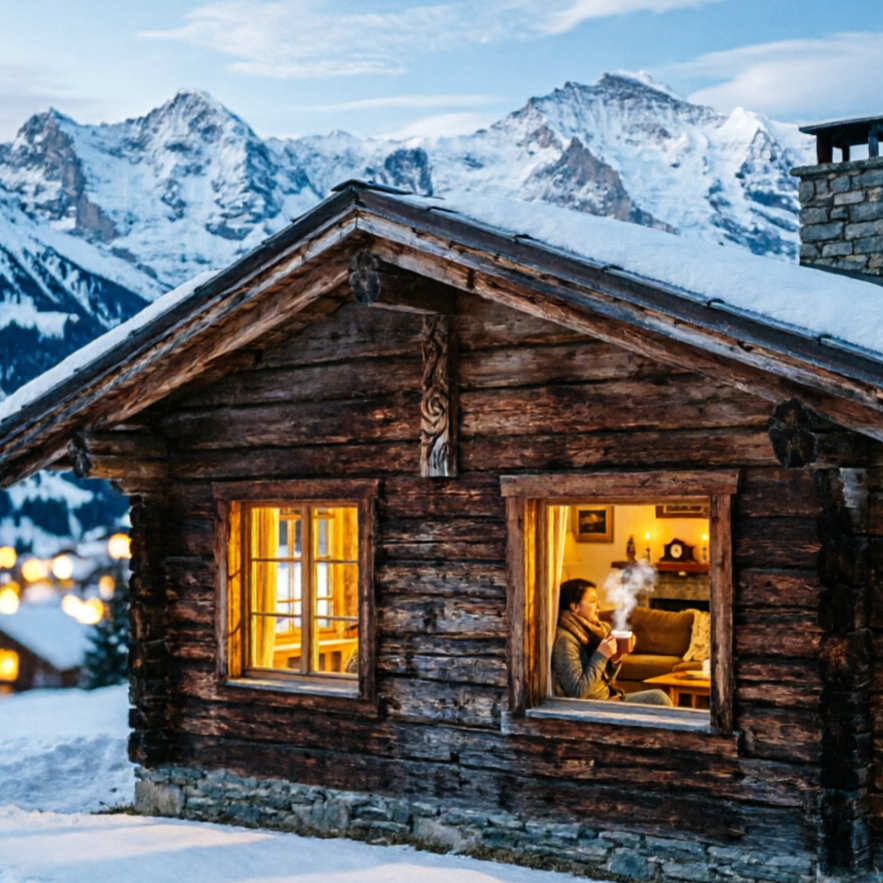
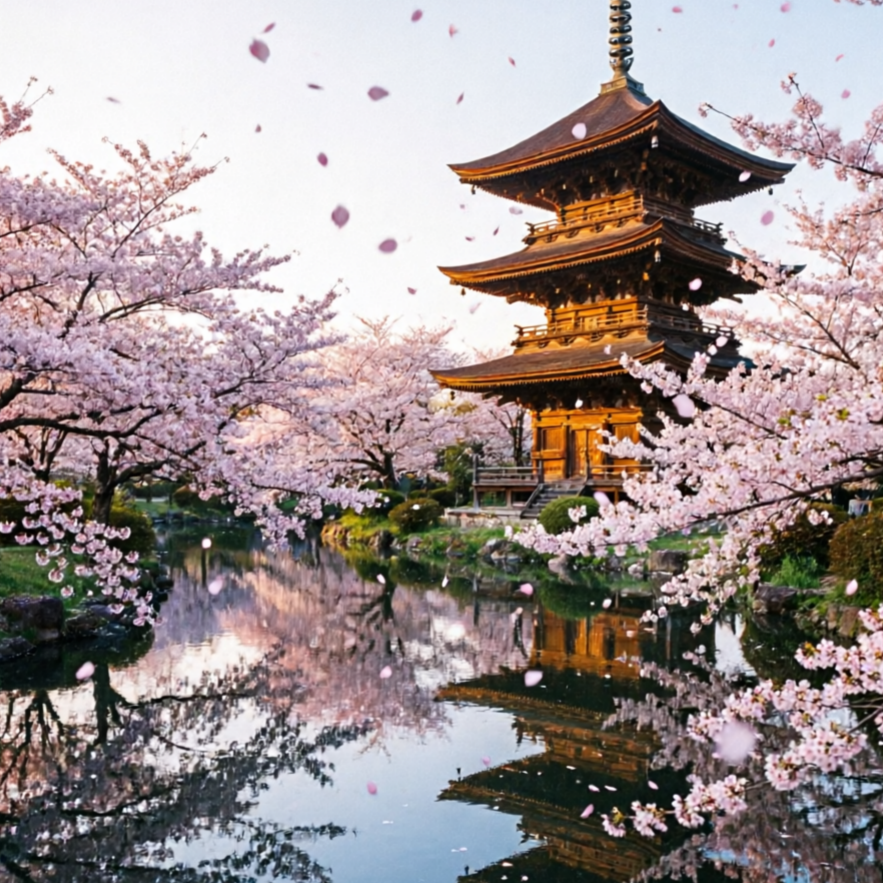
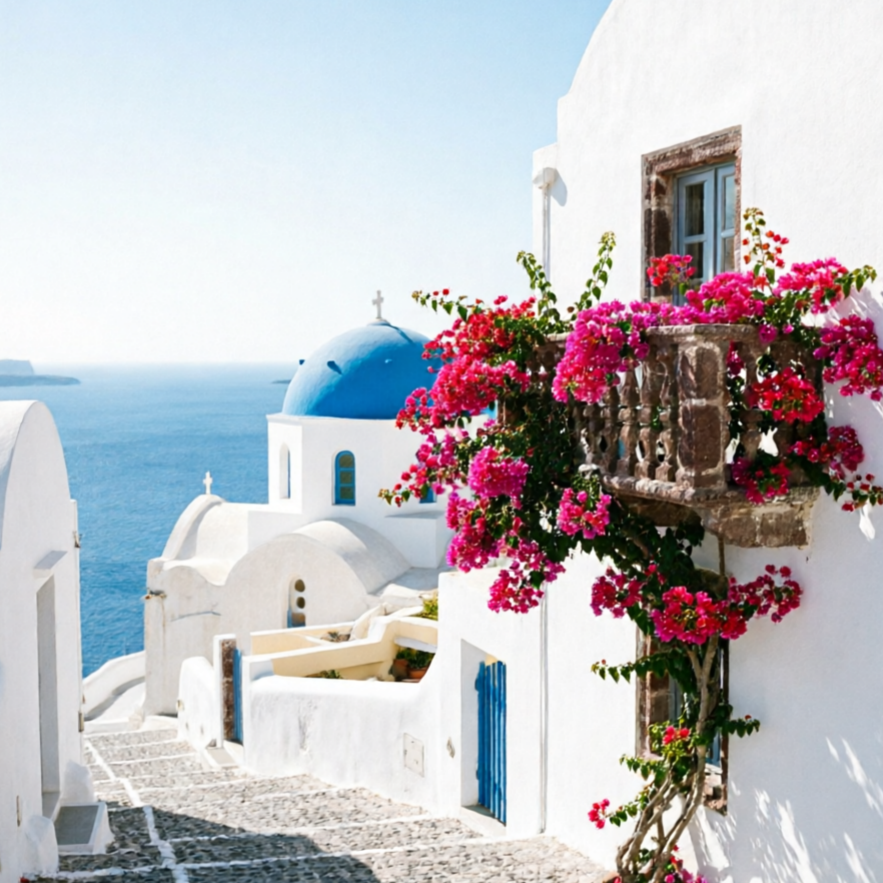
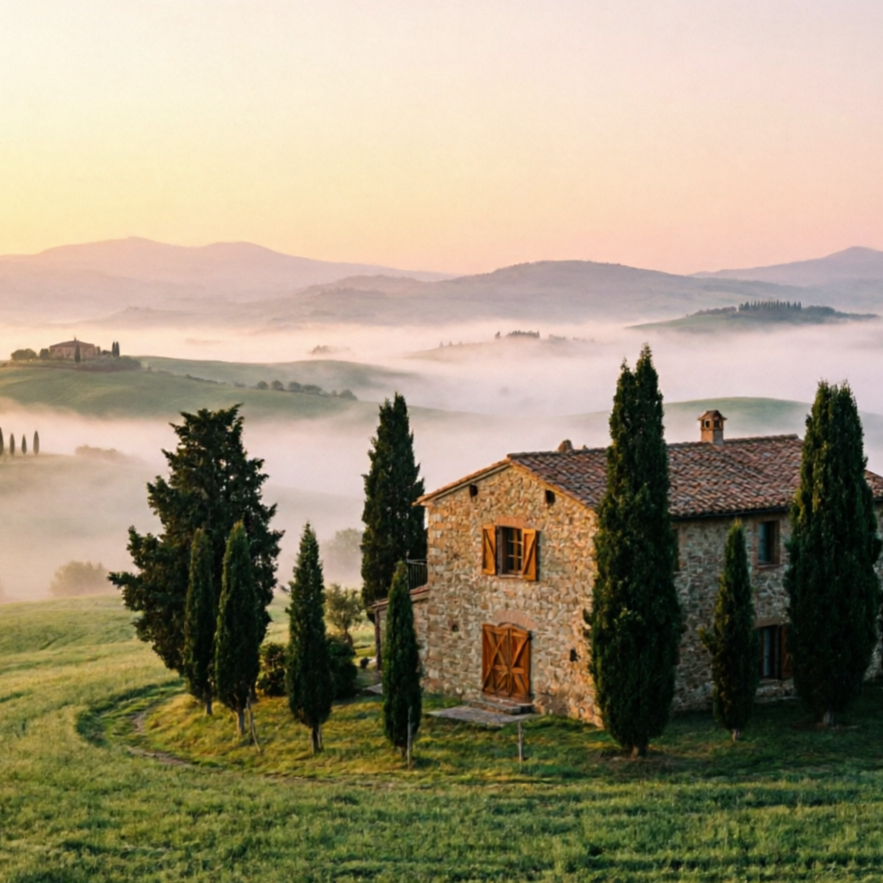
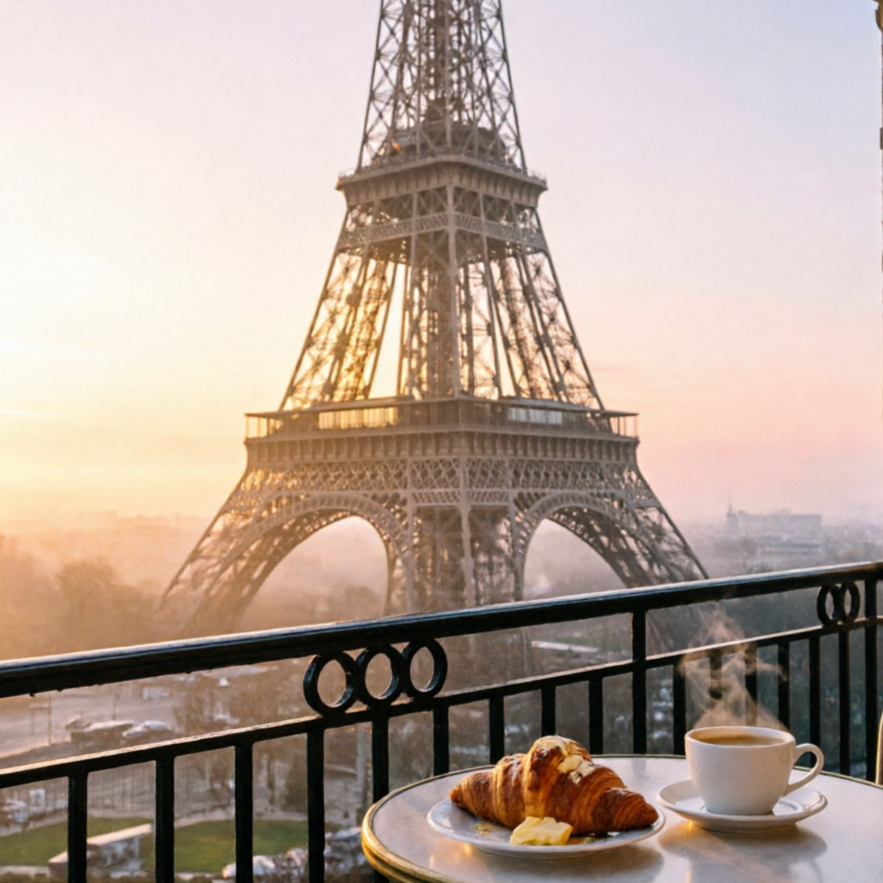
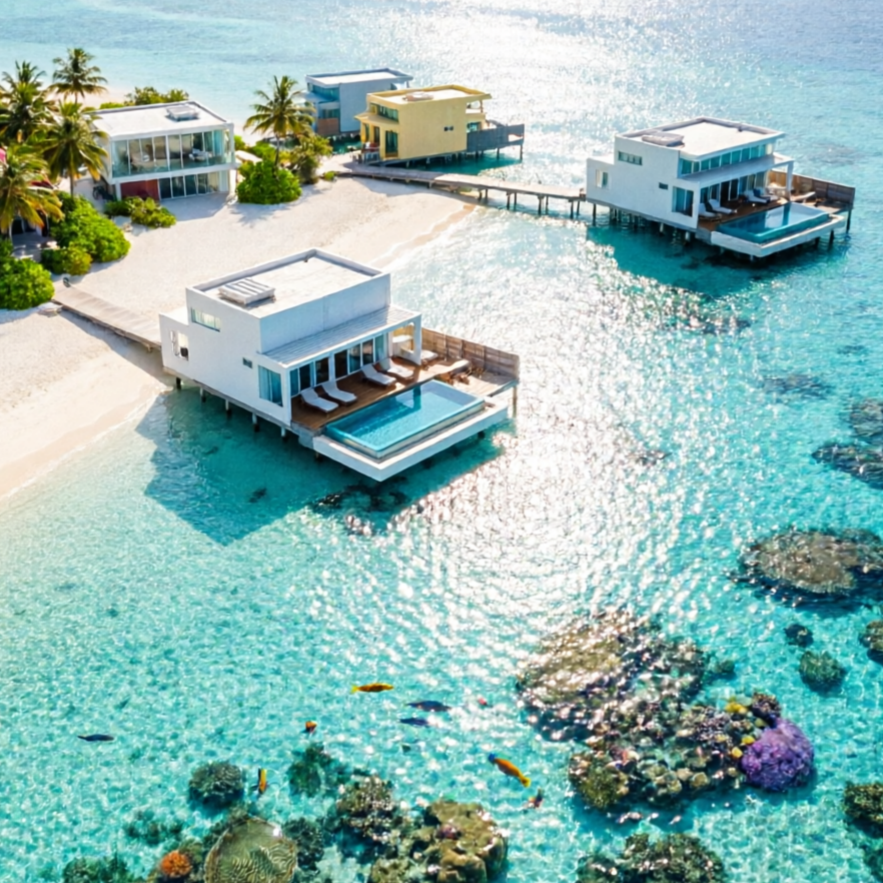
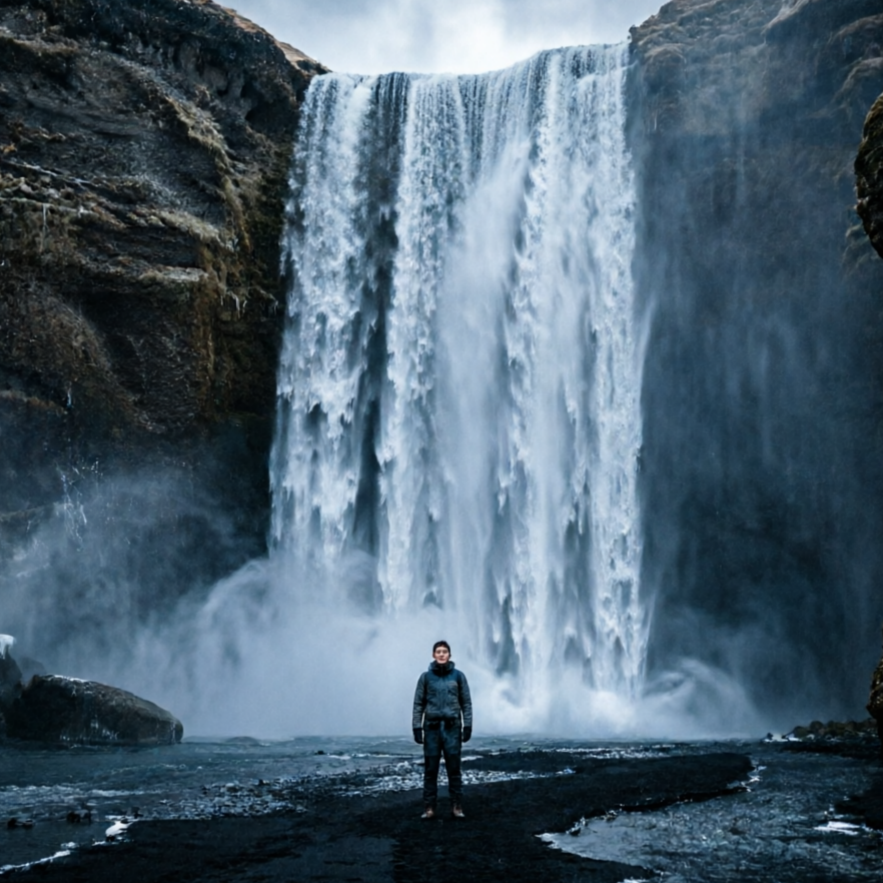
Generate photos that look like they were captured by a professional travel photographer, with natural light and true-to-life details.
Build a focused travel photo with a guided Seedance 2.5 workflow.
Start with an uploaded image and describe the composition, lighting, color, styling, and subject detail that matter for this travel photo. Generate a first image, compare variations, and refine the direction until it fits your intended story, campaign, or design.

Use this example to study the framing, detail, and creative decisions that make a travel photo feel intentional rather than generic.
Generation uses the credits and limits included with your current plan; available options can vary by workflow.

Generate photos that look like they were captured by a professional travel photographer, with natural light and true-to-life details.

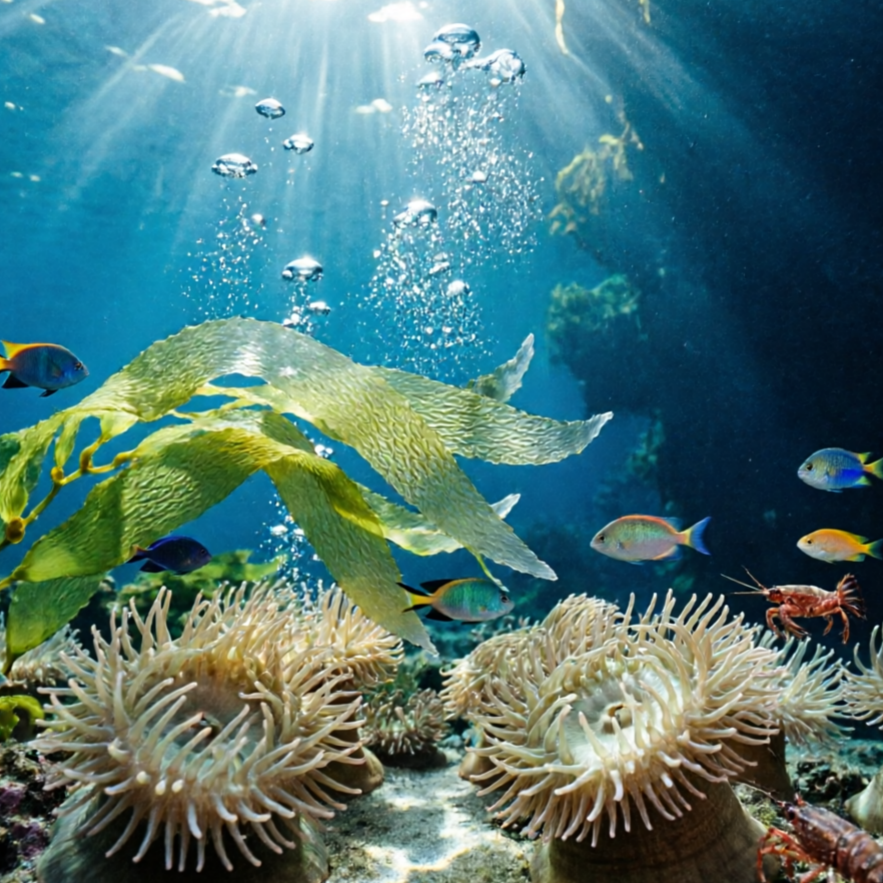
Infuse your travel scenes with artistic flair, from painterly effects to graphic novel aesthetics, for unique visuals.

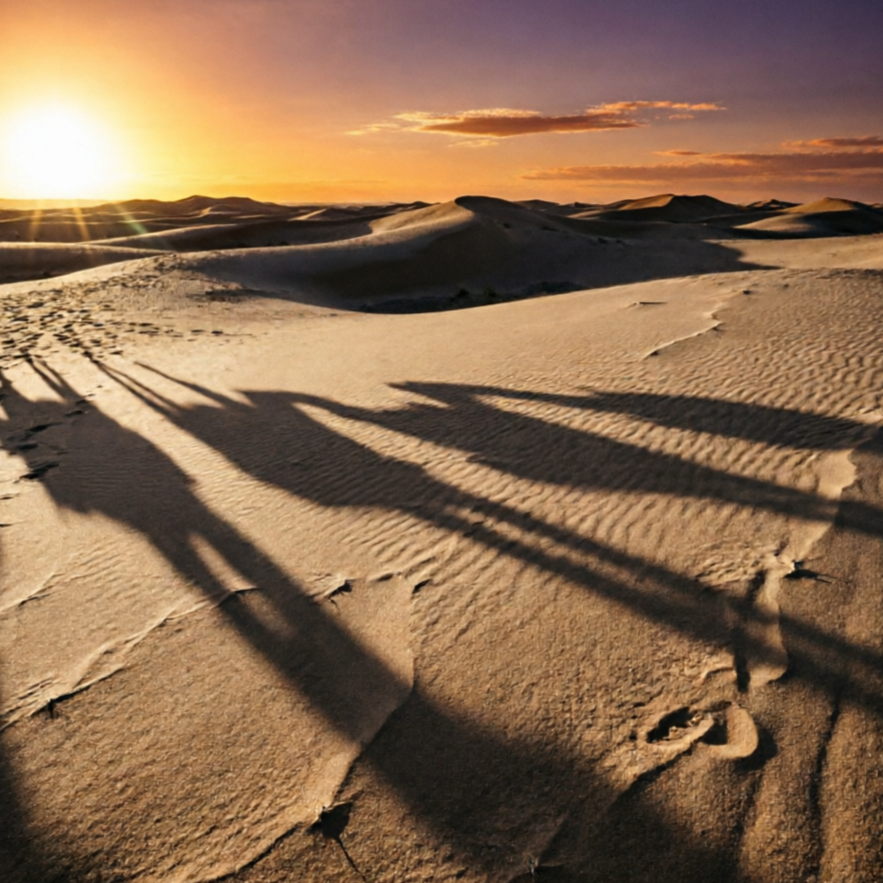
Transport your scenes back in time with vintage filters, sepia tones, and classic film aesthetics.

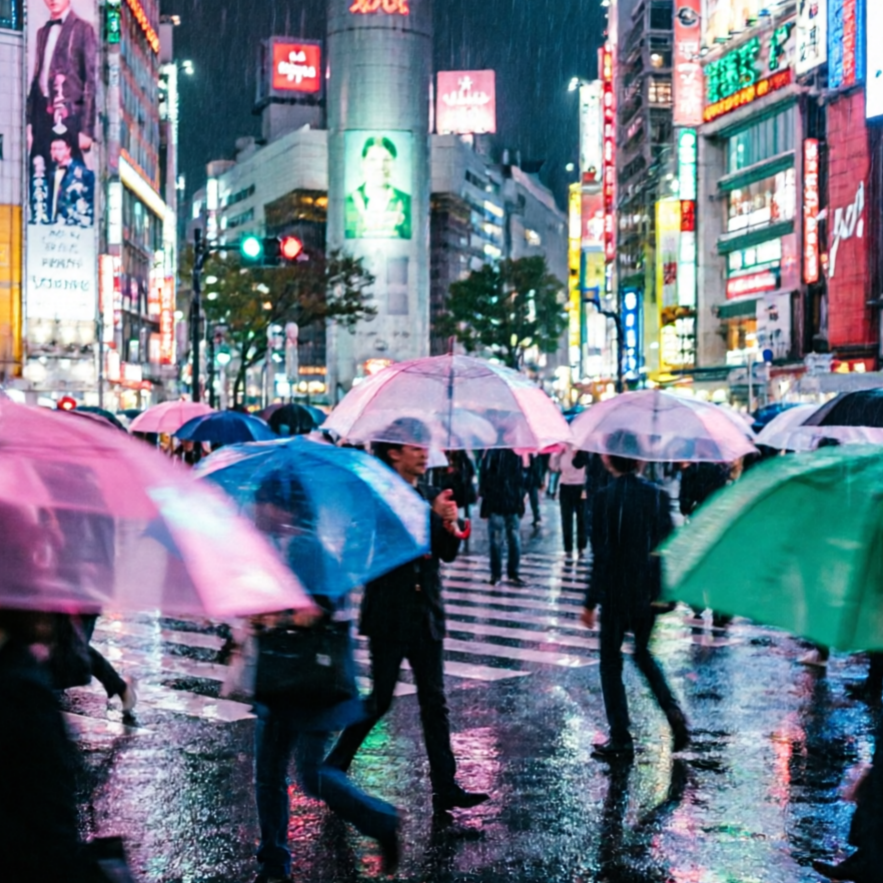
Create dramatic, movie-like travel photos with dynamic lighting, wide angles, and rich storytelling.

Focus on simplicity and elegance with minimalist compositions, clean lines, and subtle color palettes.

Unleash your imagination to create fantastical travel scenes that defy reality, perfect for storytelling.
Imagine yourself hiking in the Himalayas, relaxing on a Caribbean beach, or exploring Parisian cafes. Our generator brings these scenes to life with vivid, detailed travel photo examples.

A breathtaking view of a hiker against the majestic backdrop of the Himalayas, perfect for adventure blogs.

A serene image of a pristine Caribbean beach with turquoise waters and palm trees, ideal for travel brochures.

A cozy scene at a Parisian cafe, capturing the essence of European urban charm, great for social media.

A detailed depiction of ancient Roman ruins under a dramatic sky, inspiring historical exploration.
Move from a broad idea to a usable image with clearer direction, faster comparisons, and a practical handoff into Seedance 2.5.
Shape the composition, lighting, color, and subject details for a more intentional travel photo result.
Use a clear reference and focused direction to keep the travel photo look coherent across variations.
Refine the strongest output for social posts, campaign concepts, thumbnails, or design exploration.
Compare alternate framing and styling choices before selecting the final travel photo.
Use this workflow when you need a specific travel photo rather than a generic asset. Define the intended audience, platform, and visual or tonal direction before generating.
Describe concrete production cues such as composition, lighting, color, styling, and subject detail. Specific direction gives the generator a clearer target and makes each revision easier to evaluate.
Start with the prepared workflow, refine the details that define this travel photo, then keep the best result or continue editing in Seedance 2.5.
Open the generator and add an uploaded image that clearly establishes the subject and creative direction.
Describe composition, lighting, color, styling, and subject detail, then remove conflicting instructions that could weaken the travel photo.
Compare the generated variations, keep the strongest image, and refine it for the final use.
Practical answers about creating, refining, and using a travel photo in Seedance 2.5.
It creates a focused travel photo from an uploaded image. Use the available controls to guide composition, lighting, color, styling, and subject detail, then compare variations before choosing the final result.
Use a clear, high-quality source that makes the main subject easy to identify. A focused source gives the travel photo a stronger visual or tonal foundation.
Prioritize composition, lighting, color, styling, and subject detail. Add only details that directly support the intended travel photo, and remove instructions that compete with one another.
Keep the strongest travel photo as a finished asset or continue refining it with another Seedance 2.5 tool. A focused source and concise prompt make later revisions easier to control.
Commercial use depends on your plan, the applicable model terms, and the rights attached to your source material. Review the current terms before publishing or selling the result.
Move from this travel photo into the next Seedance 2.5 tool without losing the direction established in your selected result.
Use text prompting to create original travel photo directions from scratch.
Upload references to control style transfer, framing, and detail emphasis.
Compare multiple visual treatments quickly with controlled style intensity.
Use your own assets to align outputs with brand and campaign requirements.
Use complementary image, video, and audio tools when the project needs additional editing, motion, sound, or format changes.
Reliable quality for fast creative exploration and daily generation tasks.
Higher detail and stronger consistency for premium drafts and final assets.
Targeted edits for composition fixes, object changes, and localized refinements.
Broad visual reasoning for concept-heavy experiments and art-direction work.
Start with an uploaded image, direct the details that define the travel photo, and refine the strongest result in Seedance 2.5.