Medieval Village
Generate a classic medieval village with castles, cobblestone streets, and rustic charm. Perfect for historical settings or fantasy worlds.
Build a focused village image with a guided Seedance 2.5 workflow.
Start with a text prompt or uploaded image and describe the composition, lighting, color, styling, and subject detail that matter for this village image. Generate a first image, compare variations, and refine the direction until it fits your intended story, campaign, or design.

Use this example to study the framing, detail, and creative decisions that make a village image feel intentional rather than generic.
Generation uses the credits and limits included with your current plan; available options can vary by workflow.

Generate a classic medieval village with castles, cobblestone streets, and rustic charm. Perfect for historical settings or fantasy worlds.

Create enchanting fantasy villages with whimsical architecture, magical elements, and unique creature inhabitants.

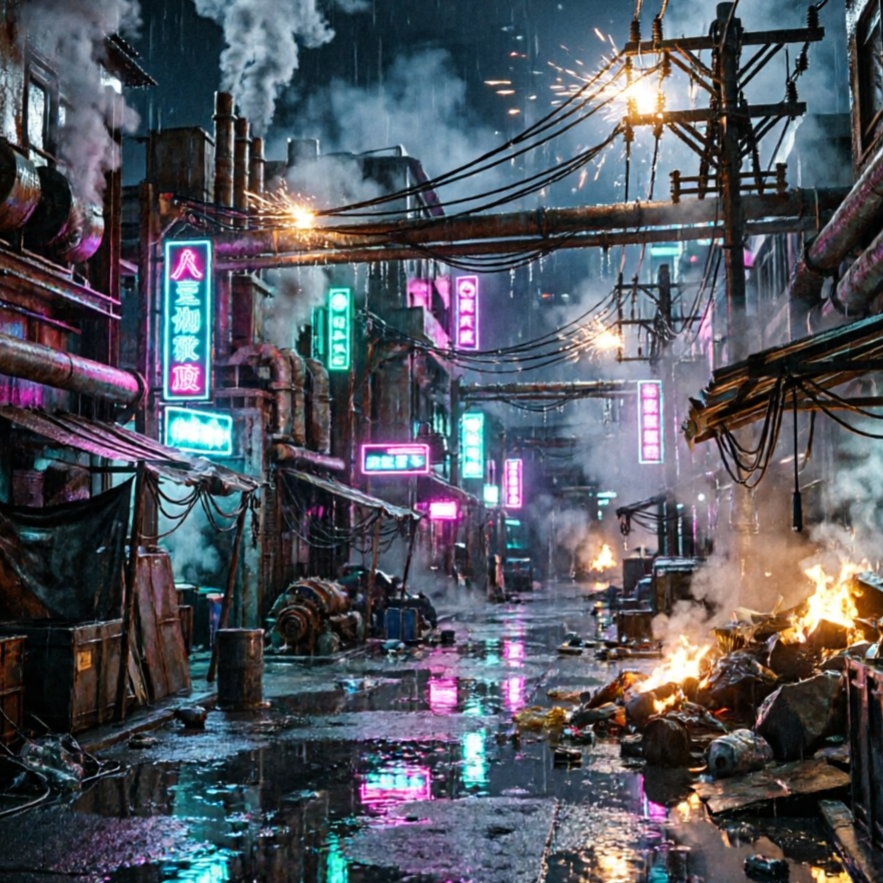
Design sleek, advanced villages with futuristic buildings, flying vehicles, and glowing neon accents.

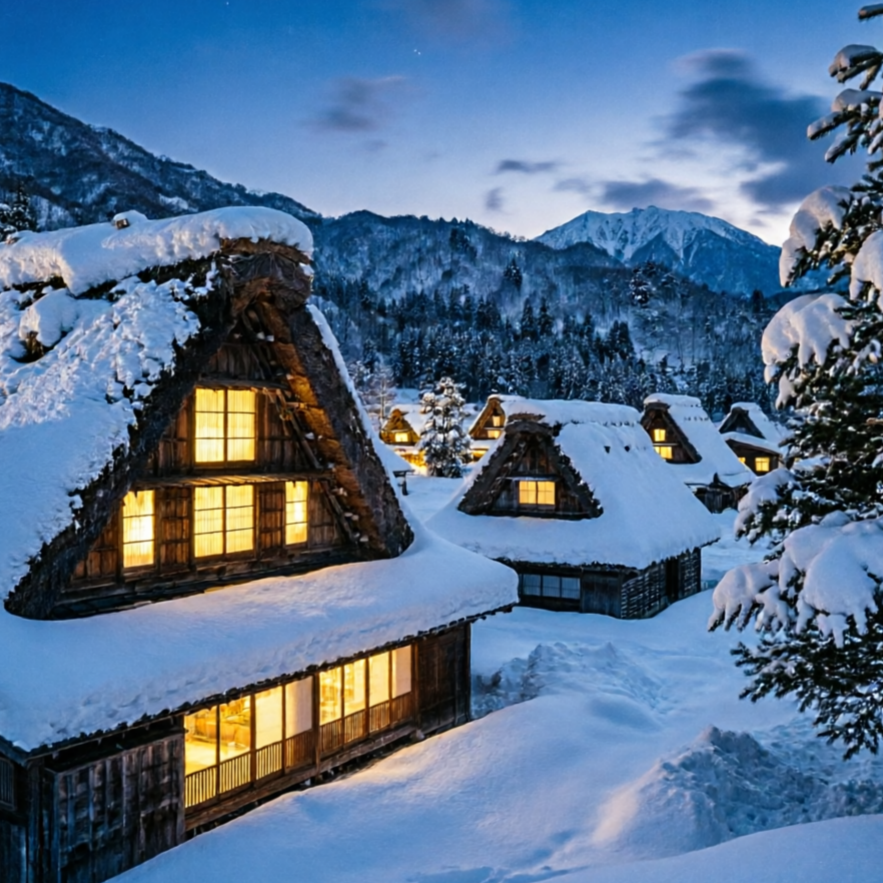
Generate serene pastoral scenes with lush greenery, quaint cottages, and peaceful rural life.

Produce charming villages reminiscent of Animal Crossing, complete with cute villagers and vibrant, friendly environments.

Craft intricate steampunk villages with gears, brass, and Victorian-era industrial aesthetics.
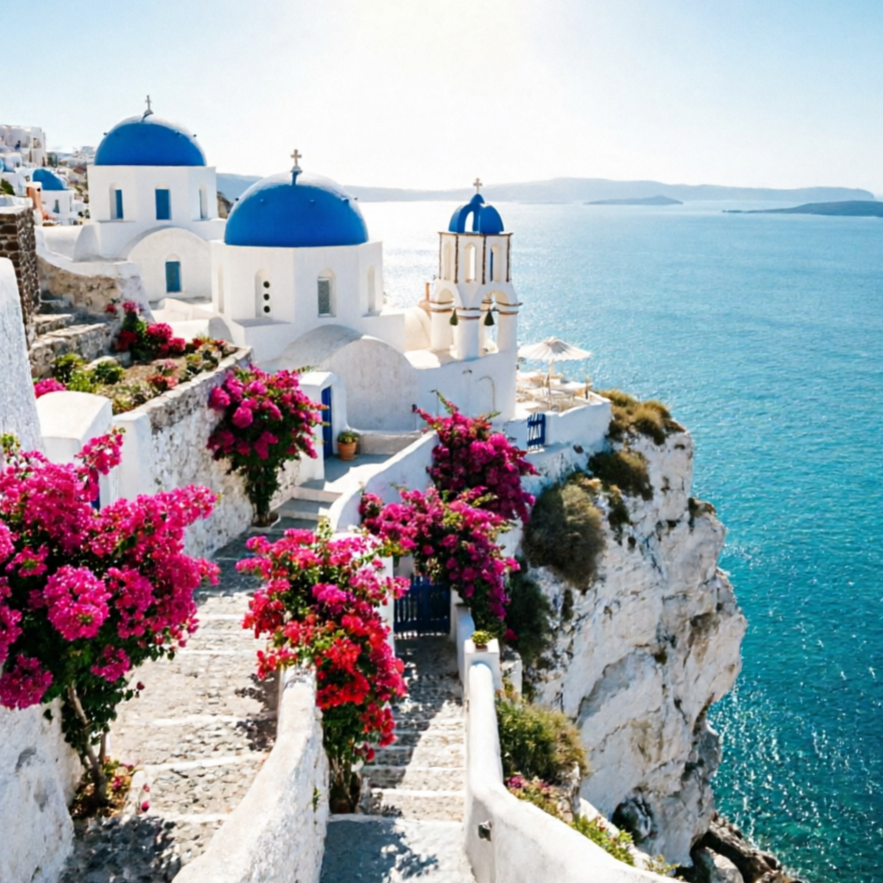
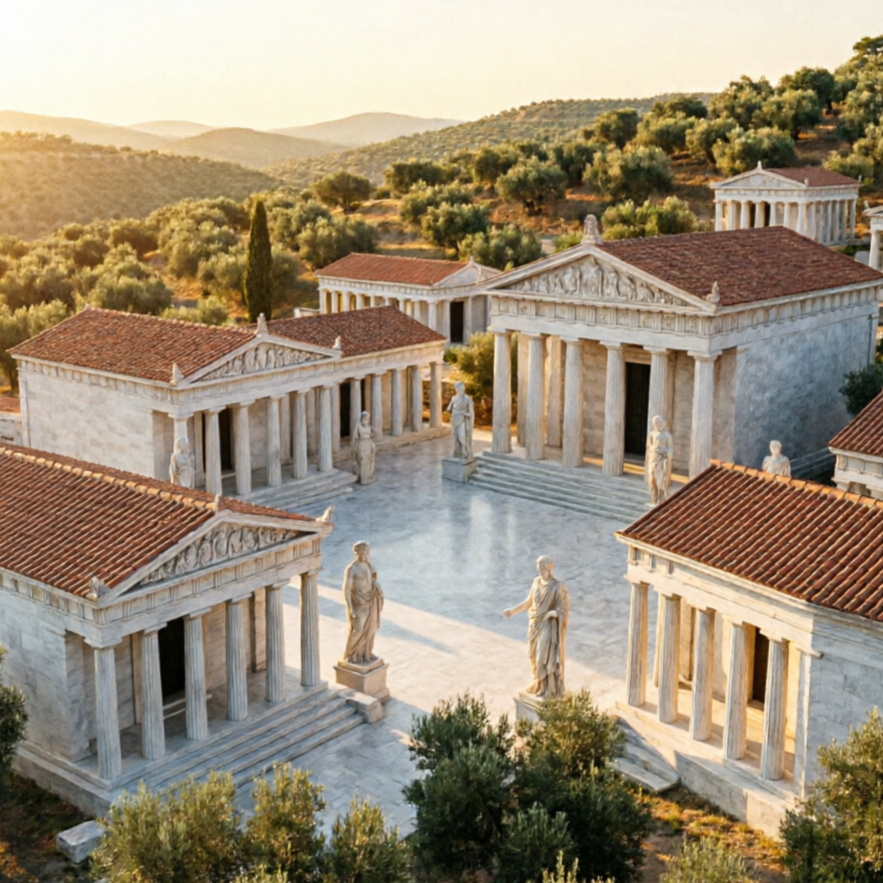
Explore a curated collection of stunning AI-generated village images created by our tool. See medieval fortresses, bustling market towns, peaceful pastoral scenes, and lively communities featuring unique AI villager characters. Get inspired and envision your next creation!

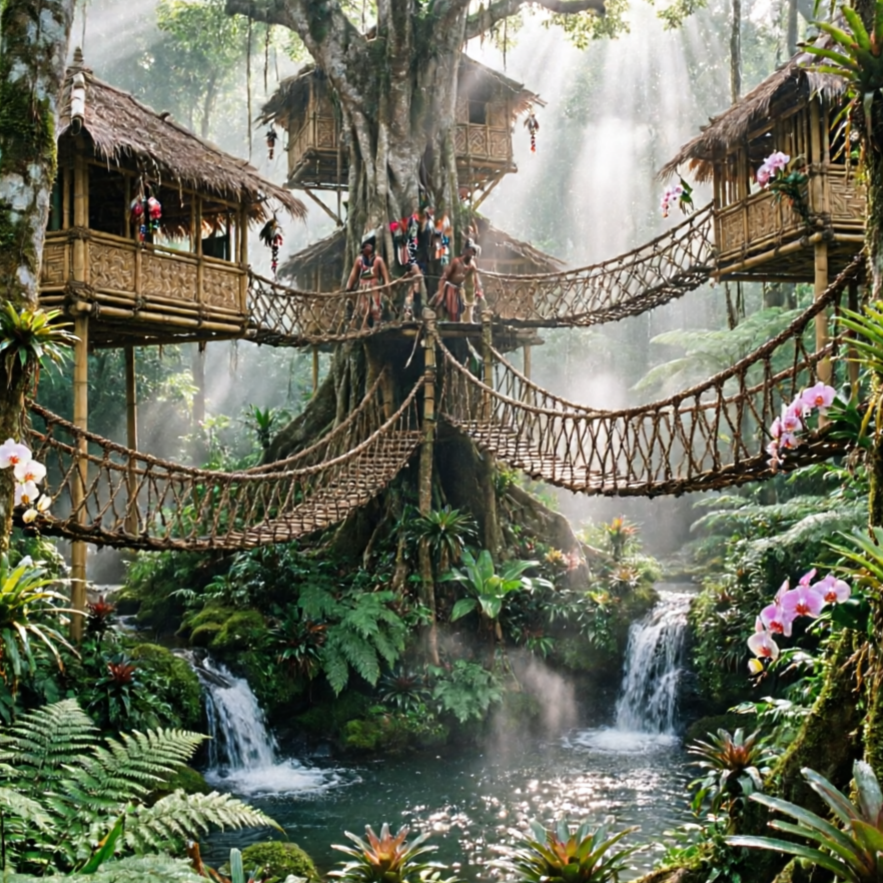
A magical village nestled deep within an ancient forest, perfect for fantasy game concepts.

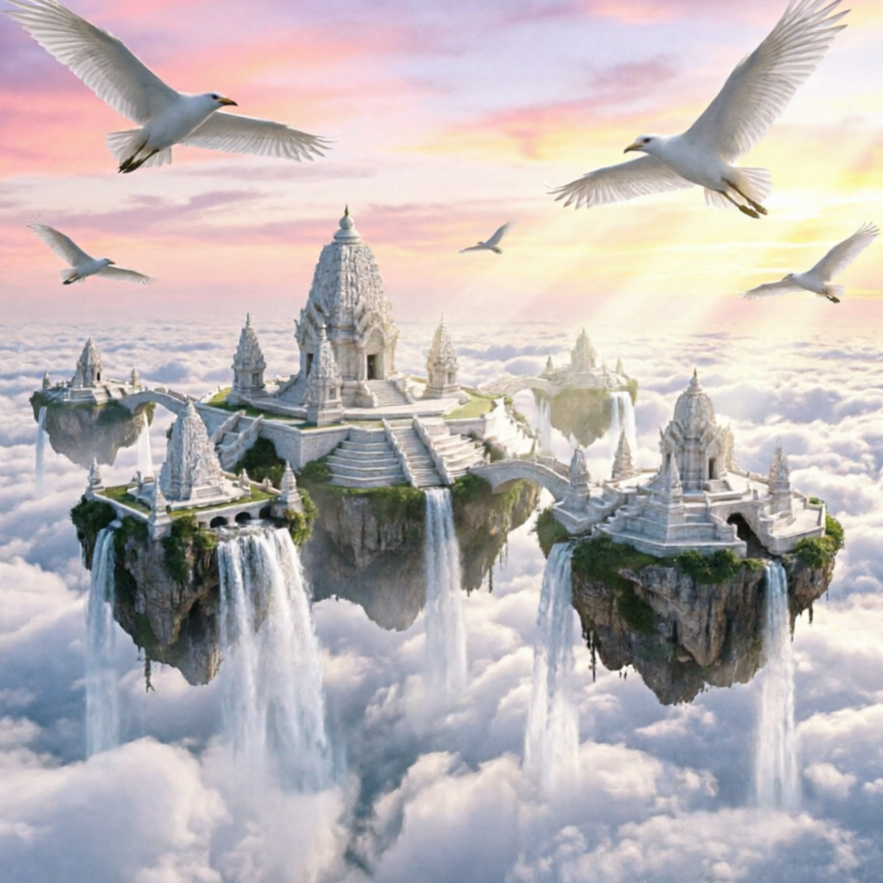
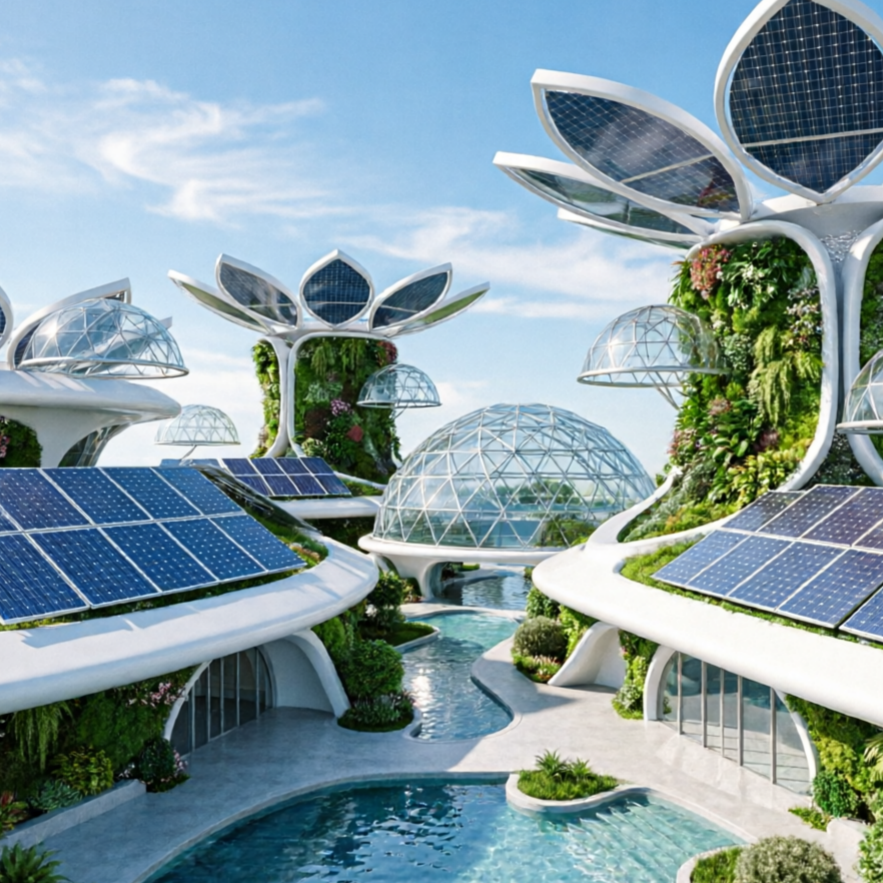
A breathtaking village floating among the clouds, showcasing advanced architecture and technology.

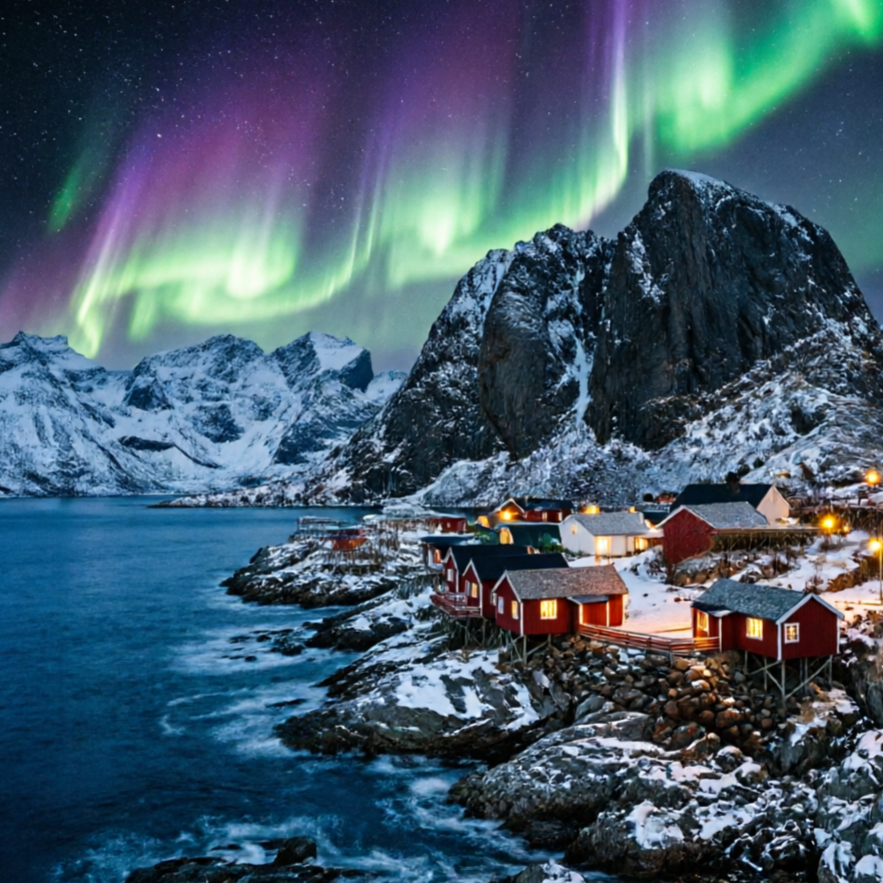
A rugged Viking village perched on a dramatic coastline, ideal for historical narratives.

A cheerful and colorful hamlet filled with adorable AI animal villagers, ready for a cozy game.
Move from a broad idea to a usable image with clearer direction, faster comparisons, and a practical handoff into Seedance 2.5.
Shape the composition, lighting, color, and subject details for a more intentional village image result.
Use a clear reference and focused direction to keep the village image look coherent across variations.
Refine the strongest output for social posts, campaign concepts, thumbnails, or design exploration.
Compare alternate framing and styling choices before selecting the final village image.
Use this workflow when you need a specific village image rather than a generic asset. Define the intended audience, platform, and visual or tonal direction before generating.
Describe concrete production cues such as composition, lighting, color, styling, and subject detail. Specific direction gives the generator a clearer target and makes each revision easier to evaluate.
Start with the prepared workflow, refine the details that define this village image, then keep the best result or continue editing in Seedance 2.5.
Open the generator and add a text prompt or uploaded image that clearly establishes the subject and creative direction.
Describe composition, lighting, color, styling, and subject detail, then remove conflicting instructions that could weaken the village image.
Compare the generated variations, keep the strongest image, and refine it for the final use.
Practical answers about creating, refining, and using a village image in Seedance 2.5.
It creates a focused village image from a text prompt or uploaded image. Use the available controls to guide composition, lighting, color, styling, and subject detail, then compare variations before choosing the final result.
Use a clear, high-quality source that makes the main subject easy to identify. A focused source gives the village image a stronger visual or tonal foundation.
Prioritize composition, lighting, color, styling, and subject detail. Add only details that directly support the intended village image, and remove instructions that compete with one another.
Keep the strongest village image as a finished asset or continue refining it with another Seedance 2.5 tool. A focused source and concise prompt make later revisions easier to control.
Commercial use depends on your plan, the applicable model terms, and the rights attached to your source material. Review the current terms before publishing or selling the result.
Move from this village image into the next Seedance 2.5 tool without losing the direction established in your selected result.
Use text prompting to create original village directions from scratch, exploring diverse architectural styles and settings.
Upload reference images to control style transfer, framing, and detail emphasis, evolving your village designs.
Compare multiple visual treatments quickly, applying different artistic styles to your village scenes with controlled intensity.
Use your own assets to align outputs with specific brand requirements or personal artistic visions for your villages.
Use complementary image, video, and audio tools when the project needs additional editing, motion, sound, or format changes.
Reliable quality for fast creative exploration and daily generation tasks of diverse village scenes.
Achieve higher detail and stronger consistency for premium village drafts and final assets, including intricate villager designs.
Perform targeted edits for composition fixes, object changes within your village, and localized refinements.
Leverage broad visual reasoning for concept-heavy experiments and art-direction work on complex village ecosystems.
Start with a text prompt or uploaded image, direct the details that define the village image, and refine the strongest result in Seedance 2.5.