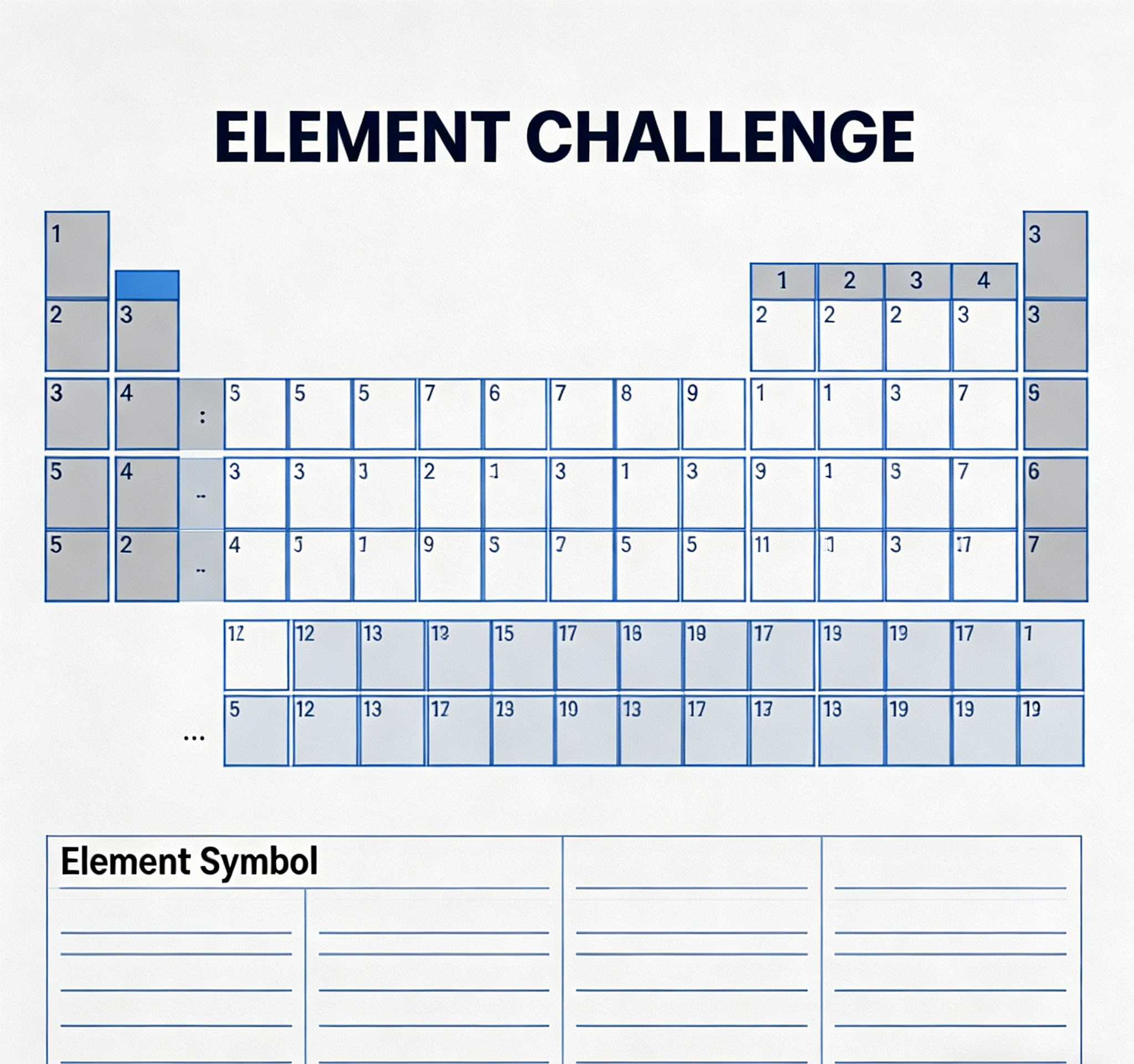
Smart Learning Tools

AI Worksheet Generator

Turn a clear creative brief into a polished worksheet image.

Start with a text prompt or uploaded image and describe the composition, lighting, color, styling, and subject detail that matter for this worksheet image. Generate a first image, compare variations, and refine the direction until it fits your intended story, campaign, or design.

Create a 5th-grade math worksheet on fractions with word problems.Generate a vocabulary worksheet for high school English, focusing on literary devices.Design a spelling worksheet for 2nd graders with fill-in-the-blank exercises.Develop a science worksheet for middle school on the water cycle, including diagrams.
Purpose-Built
Focused controls for composition, light, style, and subject detail.
Creator-Ready
Useful for campaign concepts, social visuals, thumbnails, and design exploration.
Seedance 2.5
A reusable visual direction that can continue into other Seedance 2.5 workflows.
Featured AI Worksheet Generator output preview showing a math problem
Featured Preview
AI Worksheet Generation in Action

Use this example to study the framing, detail, and creative decisions that make a worksheet image feel intentional rather than generic.

Style directions

Generate Diverse Worksheets with AI

Generation uses the credits and limits included with your current plan; available options can vary by workflow.

AI-generated algebra worksheet sample
Math Focus

Algebra Practice Sheet

Generate dynamic math worksheets with various problem types, from basic arithmetic to complex algebra.

Create an algebra worksheet for 9th grade, focusing on solving linear equations, with 10 problems and an answer key.
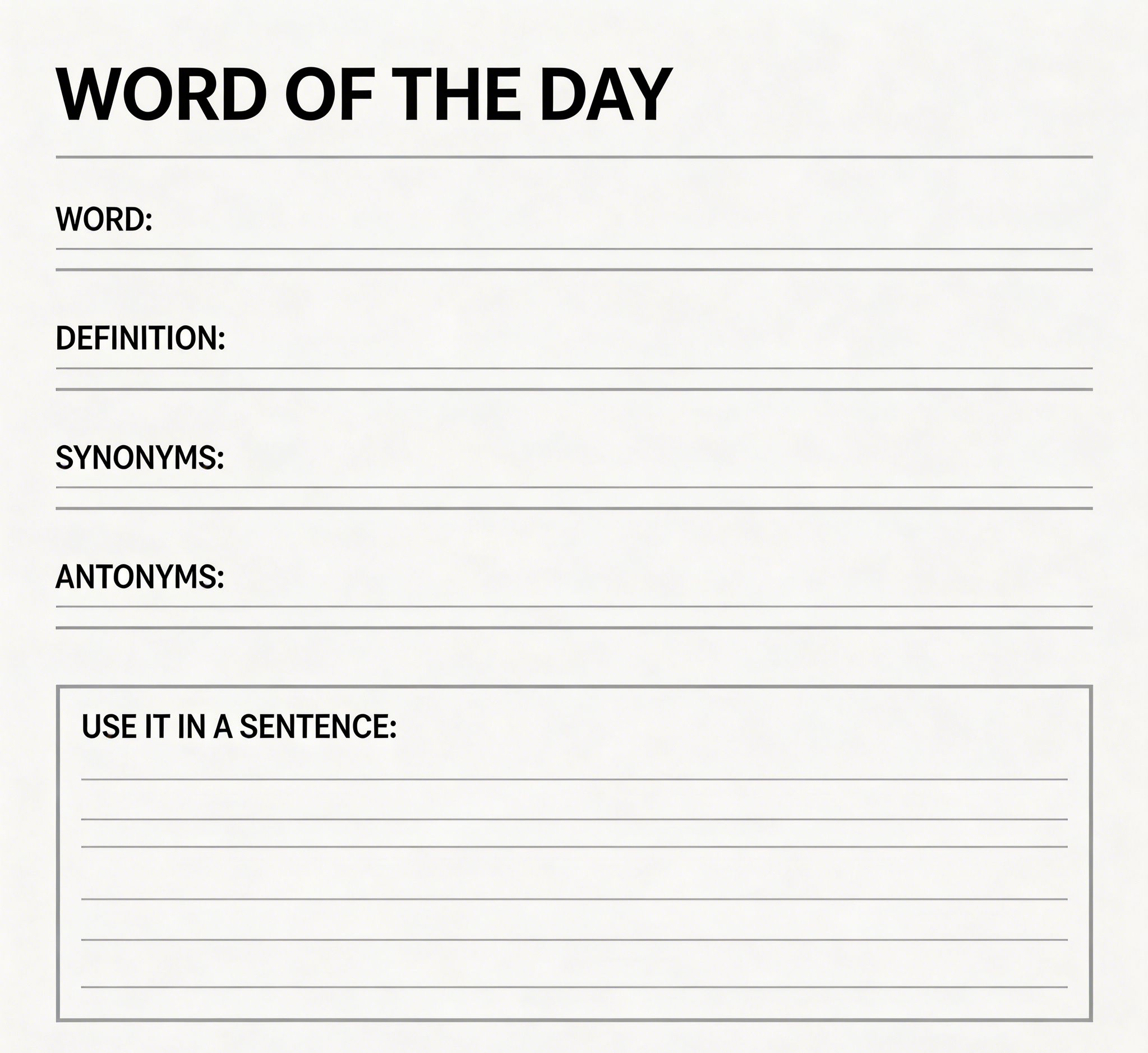
AI-generated vocabulary worksheet sample
Language Arts

Vocabulary Builder

Develop engaging vocabulary exercises, including matching, fill-in-the-blank, and sentence completion.

Generate a vocabulary worksheet for 7th-grade English, including 15 words related to 'The Odyssey' with definitions and sentence usage.
AI-generated spelling worksheet sample
Spelling Drills

Weekly Spelling Test

Craft custom spelling lists and exercises to reinforce word recognition and correct usage.

Create a spelling worksheet for 3rd grade with 12 common sight words, including a word search and dictation section.
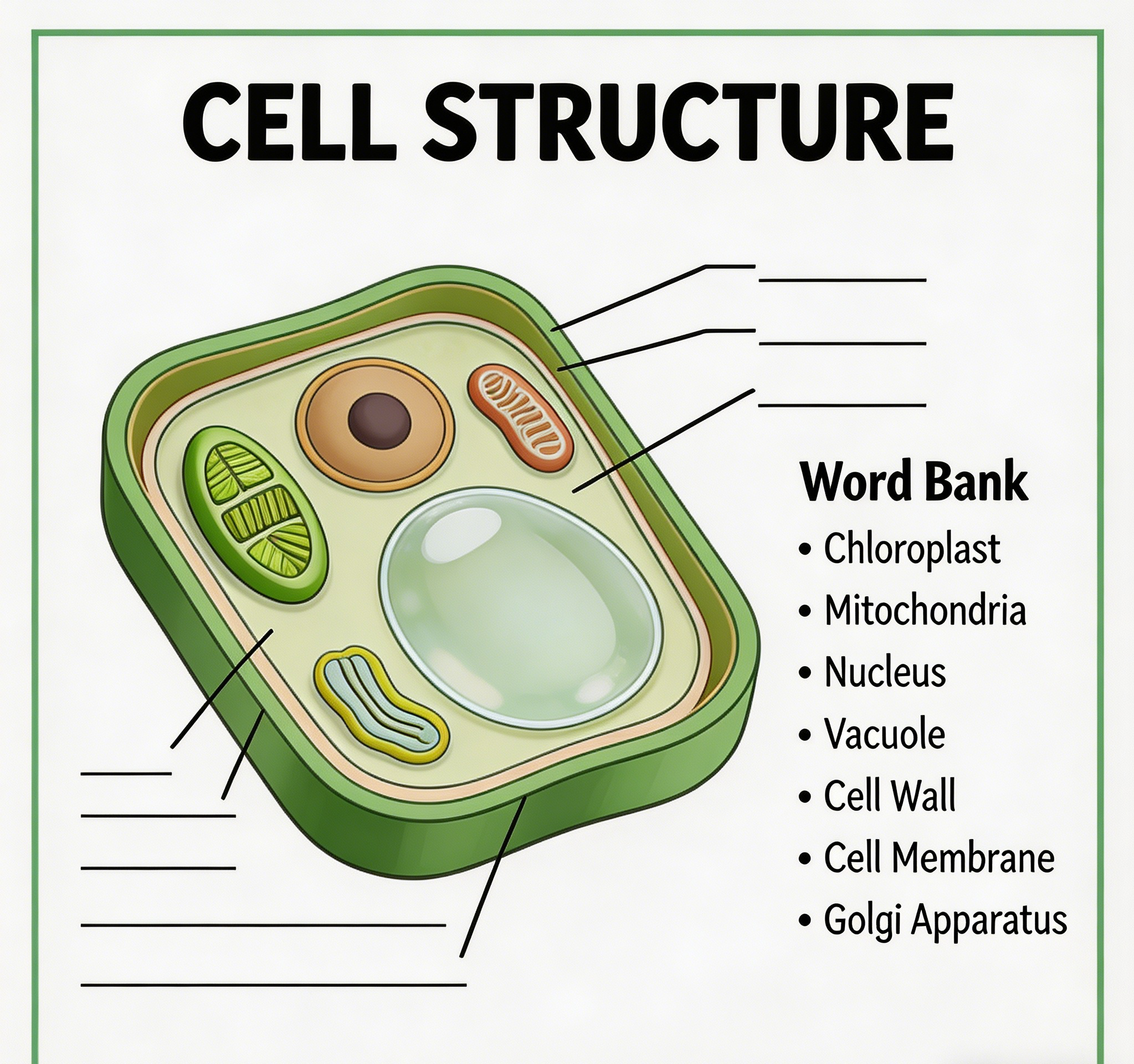
AI-generated biology worksheet sample
Science Concepts

Biology Diagram Labeling

Produce science worksheets with diagrams, questions, and concept explanations for various topics.

Generate a biology worksheet for 10th grade on cell structure, including a diagram to label and 5 short answer questions.
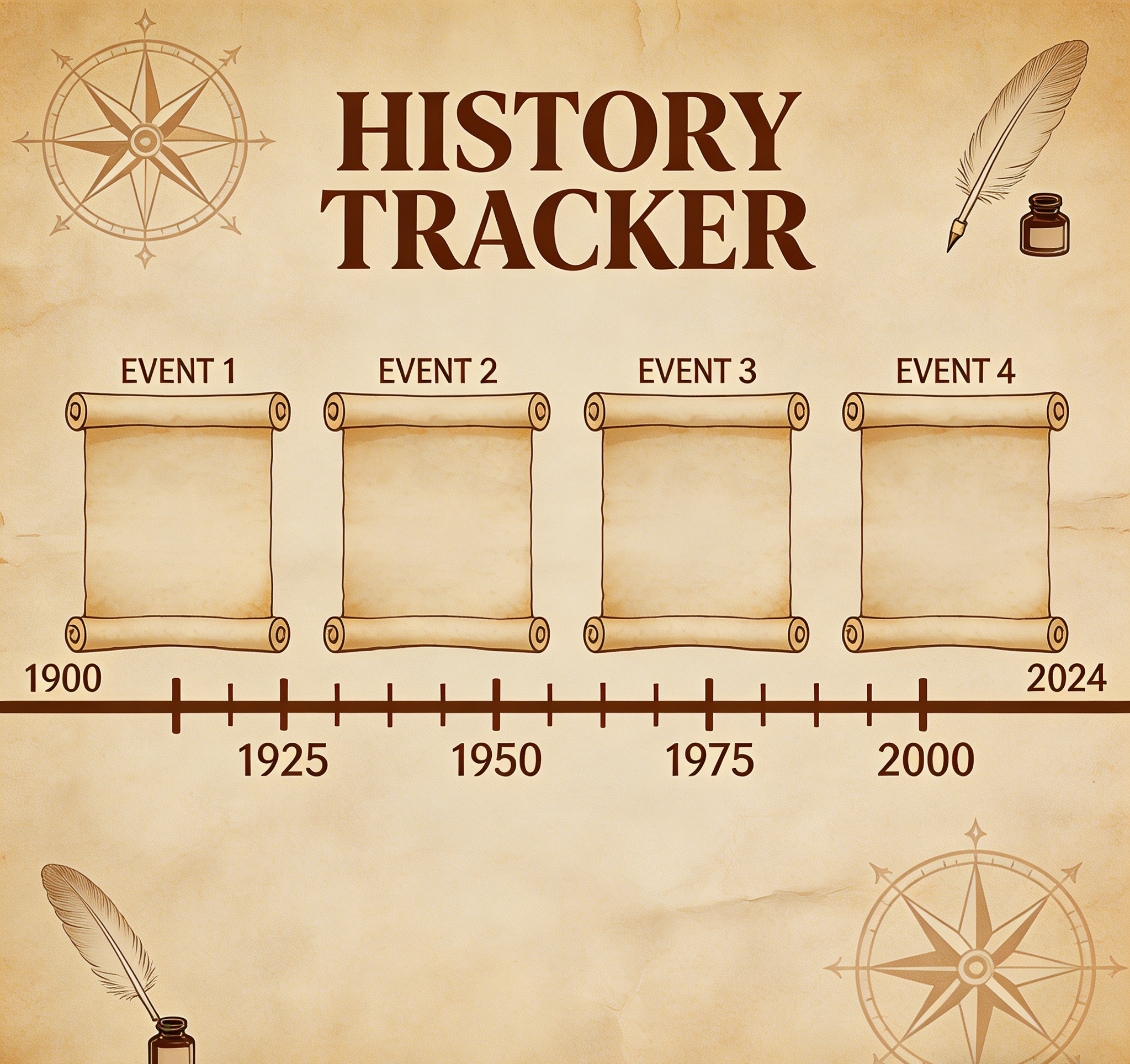
AI-generated history worksheet sample
History Review

Timeline Activity

Design history worksheets with timelines, multiple-choice questions, and essay prompts.

Create a history worksheet for 8th grade on the American Revolution, including a timeline of key events and 3 open-ended questions.
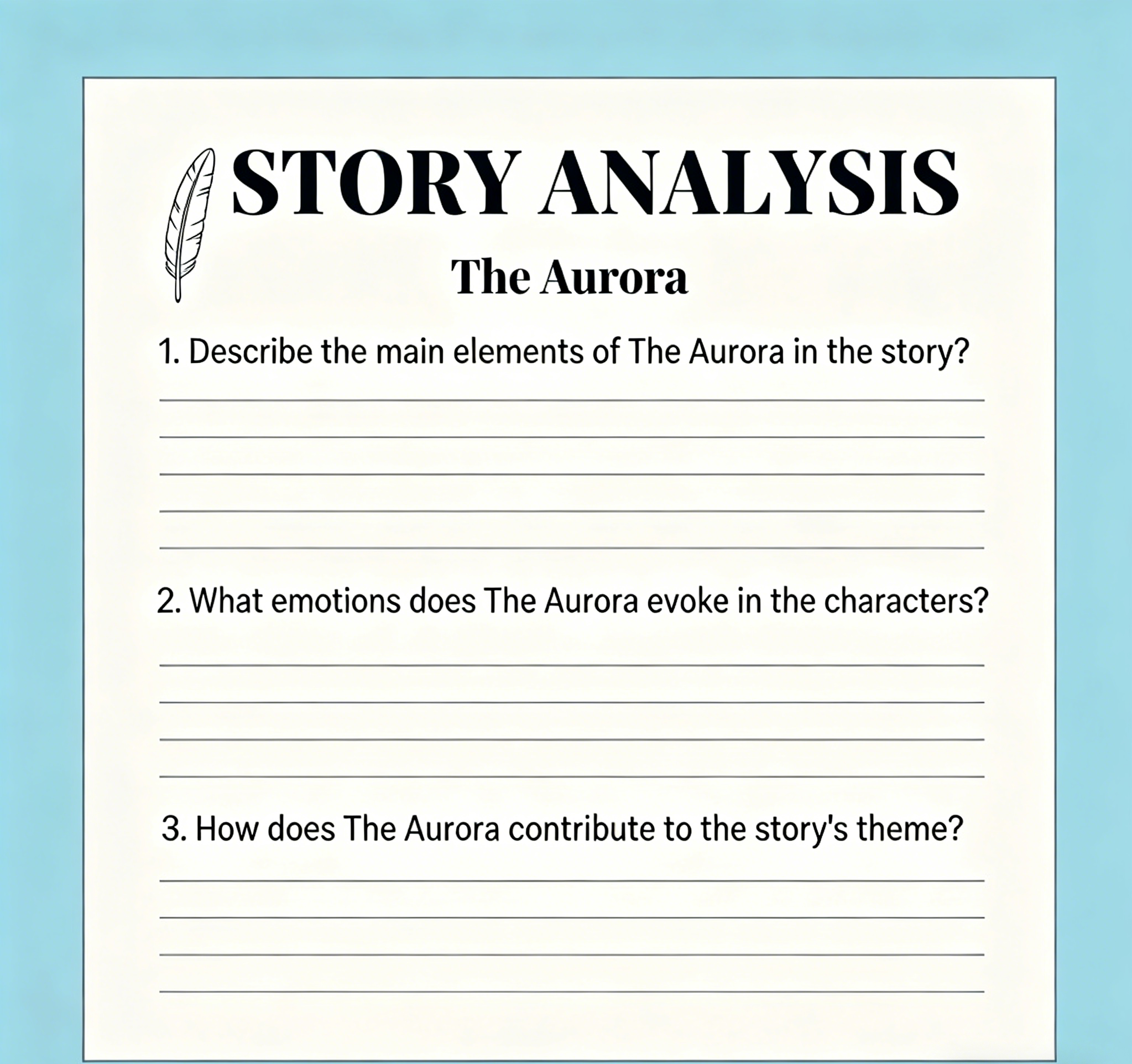
AI-generated creative writing worksheet sample
Creative Writing

Story Starter Prompts

Generate creative writing prompts and exercises to inspire students' imagination and writing skills.

Develop a creative writing worksheet for 6th grade with 5 unique story-starting prompts and space for short stories.
Example gallery

See AI-Generated Worksheets in Action

Explore real-world examples of AI-generated worksheets for various subjects and grade levels. Discover how our AI worksheet generator helps teachers create high-quality, engaging learning materials effortlessly.

AI-generated math worksheet example
Math

Fractions & Decimals

A clear, concise math worksheet for elementary students covering fractions and decimals.

AI-generated English grammar worksheet example
English

Grammar Practice

An interactive grammar worksheet with exercises on parts of speech and sentence structure.

AI-generated science worksheet example
Science

Ecosystems Study

A comprehensive science worksheet on ecosystems, featuring diagrams and critical thinking questions.

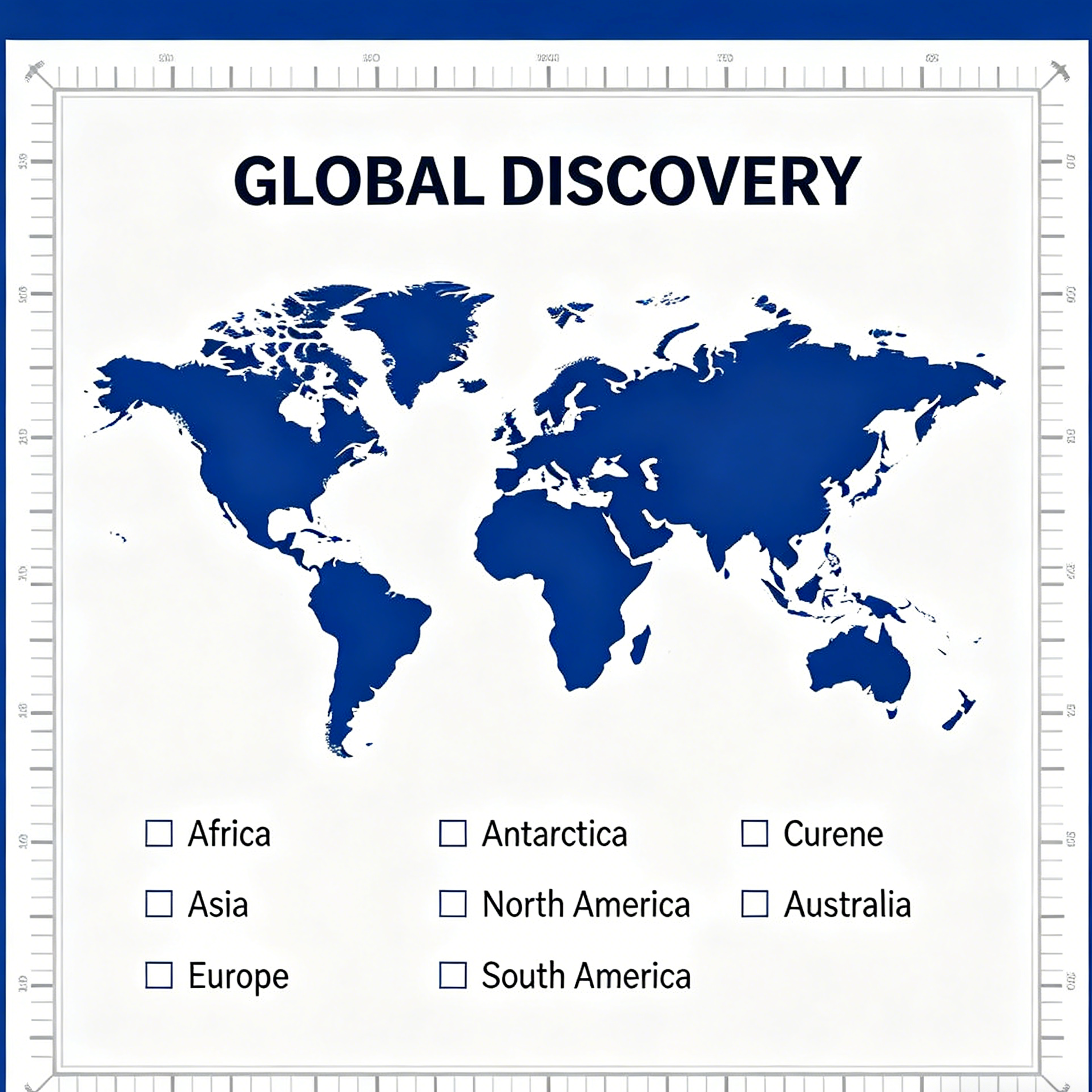
AI-generated social studies worksheet example
Social Studies

World History Map

A social studies worksheet incorporating map skills and historical event questions.

Why creators use it

Build a stronger worksheet image workflow

Move from a broad idea to a usable image with clearer direction, faster comparisons, and a practical handoff into Seedance 2.5.

01

Clear creative direction

Shape the composition, lighting, color, and subject details for a more intentional worksheet image result.

02

Focused iteration

Use a clear reference and focused direction to keep the worksheet image look coherent across variations.

03

Practical handoff

Refine the strongest output for social posts, campaign concepts, thumbnails, or design exploration.

04

Reusable output

Compare alternate framing and styling choices before selecting the final worksheet image.

Creative uses

Where a worksheet image fits

Use this workflow when you need a specific worksheet image rather than a generic asset. Define the intended audience, platform, and visual or tonal direction before generating.

  • Develop a clear worksheet image concept before committing to a full campaign or production.
  • Test composition, lighting, wardrobe, background, and visual style in focused variations.
  • Create an approval-ready reference for clients, collaborators, or downstream editing.
  • Reuse the strongest visual direction across social, advertising, editorial, or product work.
Pro Tip for Customization

Write a production-ready prompt

Describe concrete production cues such as composition, lighting, color, styling, and subject detail. Specific direction gives the generator a clearer target and makes each revision easier to evaluate.

Create a 4th-grade science worksheet on photosynthesis, including a diagram to label and 5 multiple-choice questions.
Three-step workflow

Create a worksheet image in three steps

Start with the prepared workflow, refine the details that define this worksheet image, then keep the best result or continue editing in Seedance 2.5.

Step 1

Start with your input

Open the generator and add a text prompt or uploaded image that clearly establishes the subject and creative direction.

Step 2

Direct the result

Describe composition, lighting, color, styling, and subject detail, then remove conflicting instructions that could weaken the worksheet image.

Step 3

Review and refine

Compare the generated variations, keep the strongest image, and refine it for the final use.

Common Questions

AI Worksheet Generator FAQ

Practical answers about creating, refining, and using a worksheet image in Seedance 2.5.

What does the AI Worksheet Generator create?+

It creates a focused worksheet image from a text prompt or uploaded image. Use the available controls to guide composition, lighting, color, styling, and subject detail, then compare variations before choosing the final result.

What source gives the best result?+

Use a clear, high-quality source that makes the main subject easy to identify. A focused source gives the worksheet image a stronger visual or tonal foundation.

Which prompt details should I prioritize?+

Prioritize composition, lighting, color, styling, and subject detail. Add only details that directly support the intended worksheet image, and remove instructions that compete with one another.

How does this workflow connect with Seedance 2.5?+

Keep the strongest worksheet image as a finished asset or continue refining it with another Seedance 2.5 tool. A focused source and concise prompt make later revisions easier to control.

Can I use the generated result in a commercial project?+

Commercial use depends on your plan, the applicable model terms, and the rights attached to your source material. Review the current terms before publishing or selling the result.

Expand Your Teaching Toolkit

Continue your creative workflow

Move from this worksheet image into the next Seedance 2.5 tool without losing the direction established in your selected result.

Advanced AI Models

Refine the result with more tools

Use complementary image, video, and audio tools when the project needs additional editing, motion, sound, or format changes.

Ready to Innovate Your Classroom?

Create your worksheet image

Start with a text prompt or uploaded image, direct the details that define the worksheet image, and refine the strongest result in Seedance 2.5.