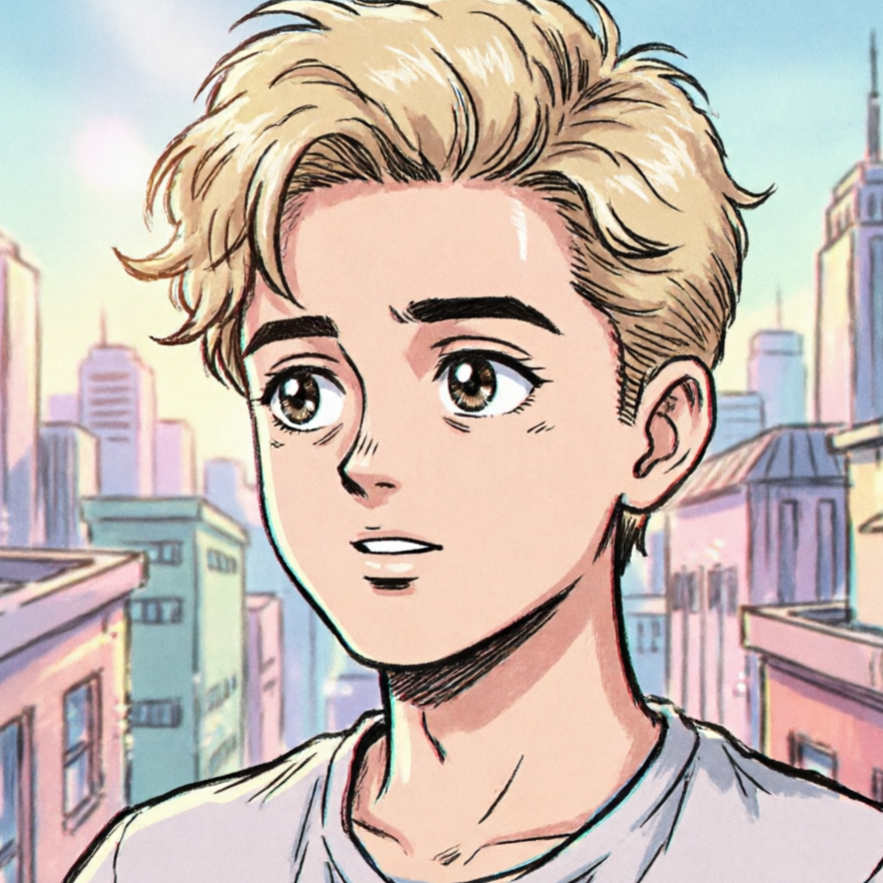
Classic Cartoon Portrait
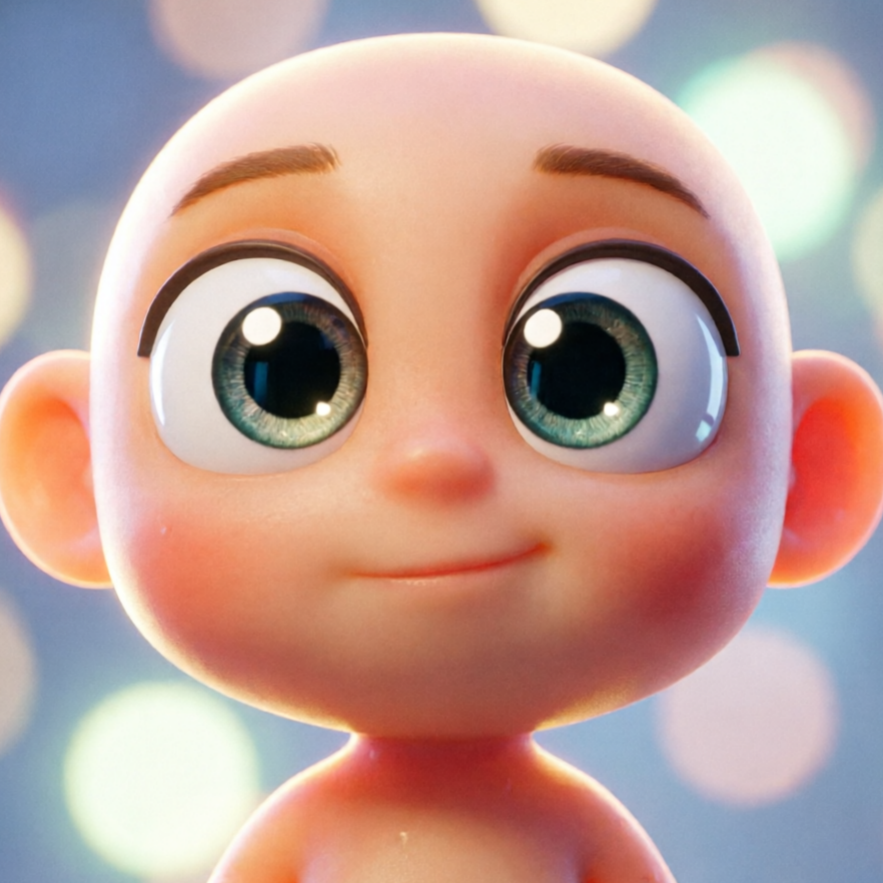
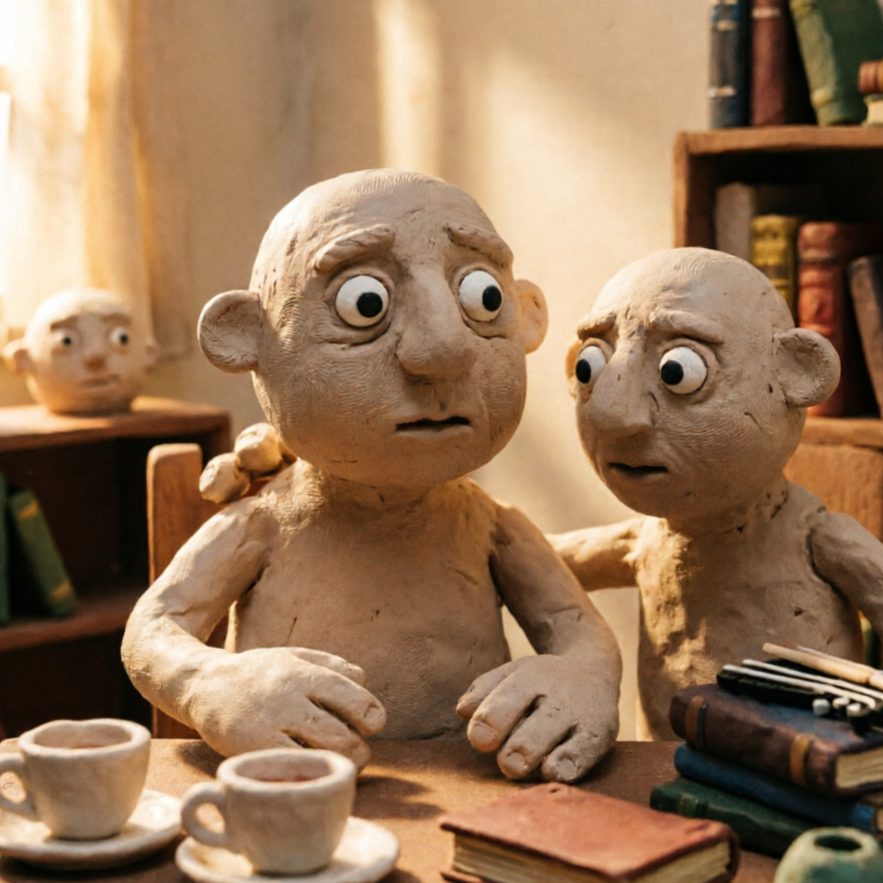
A balanced cartoon portrait style with soft highlights and clear facial expression, ideal for avatars and profile art.
Create a distinctive cartoon style with practical controls and reusable direction.
Start with a text prompt or uploaded image and describe the composition, lighting, color, styling, and subject detail that matter for this cartoon style. Generate a first image, compare variations, and refine the direction until it fits your intended story, campaign, or design.

Use this example to study the framing, detail, and creative decisions that make a cartoon style feel intentional rather than generic.
Browse a gallery of cartoon styles to find the perfect artistic direction for your photos. From classic animation to modern aesthetics, our AI offers a range of options.

A balanced cartoon portrait style with soft highlights and clear facial expression, ideal for avatars and profile art.

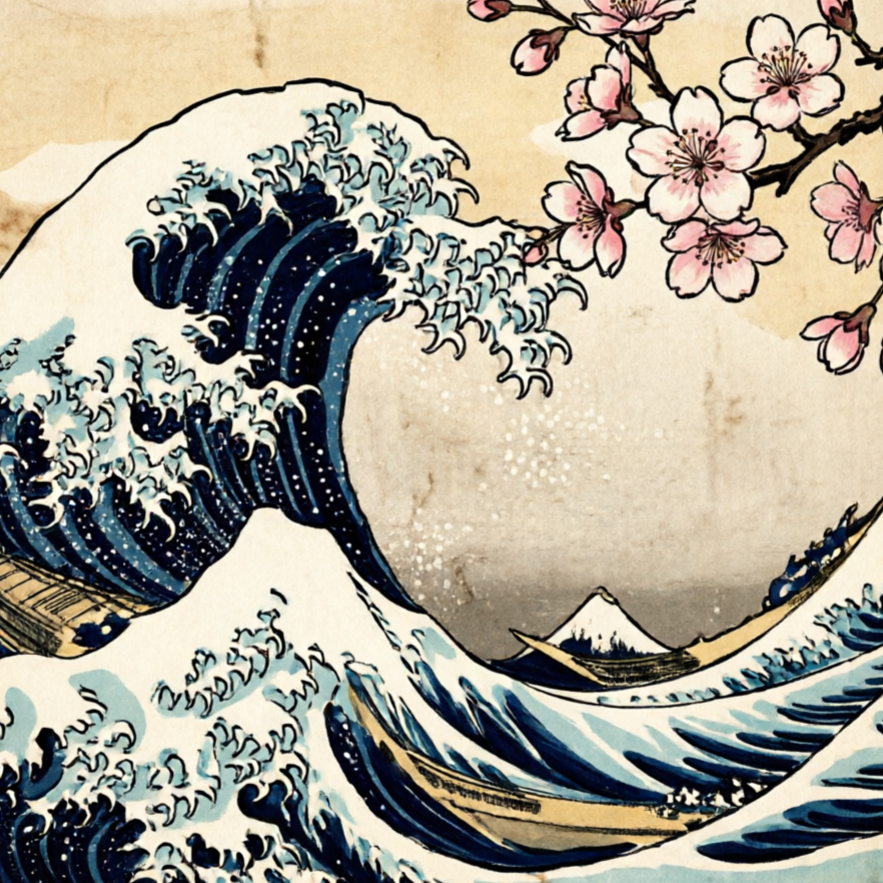
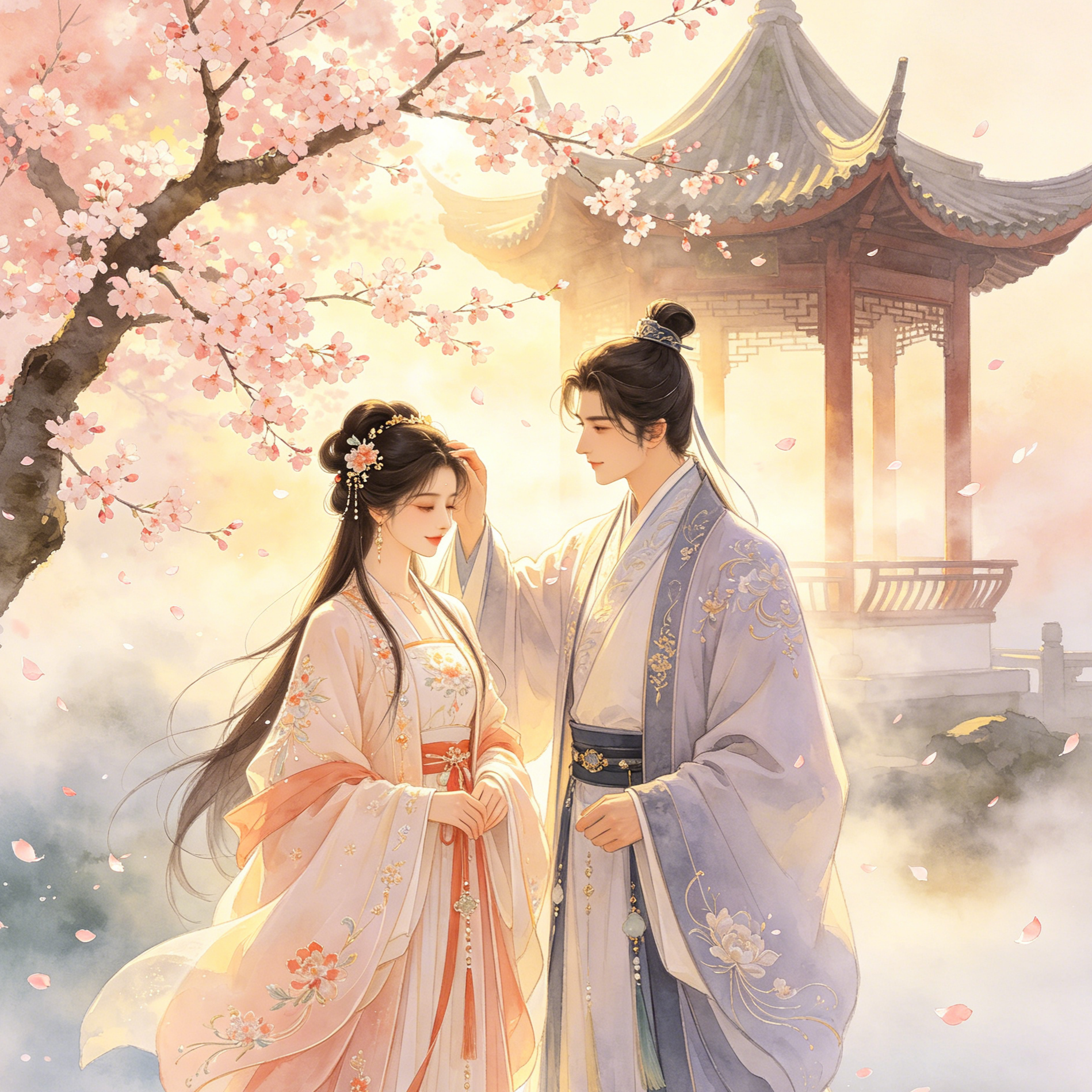
A colorful outdoor look with floral backgrounds and warm tones, perfect for lifestyle or seasonal cartoon scenes.

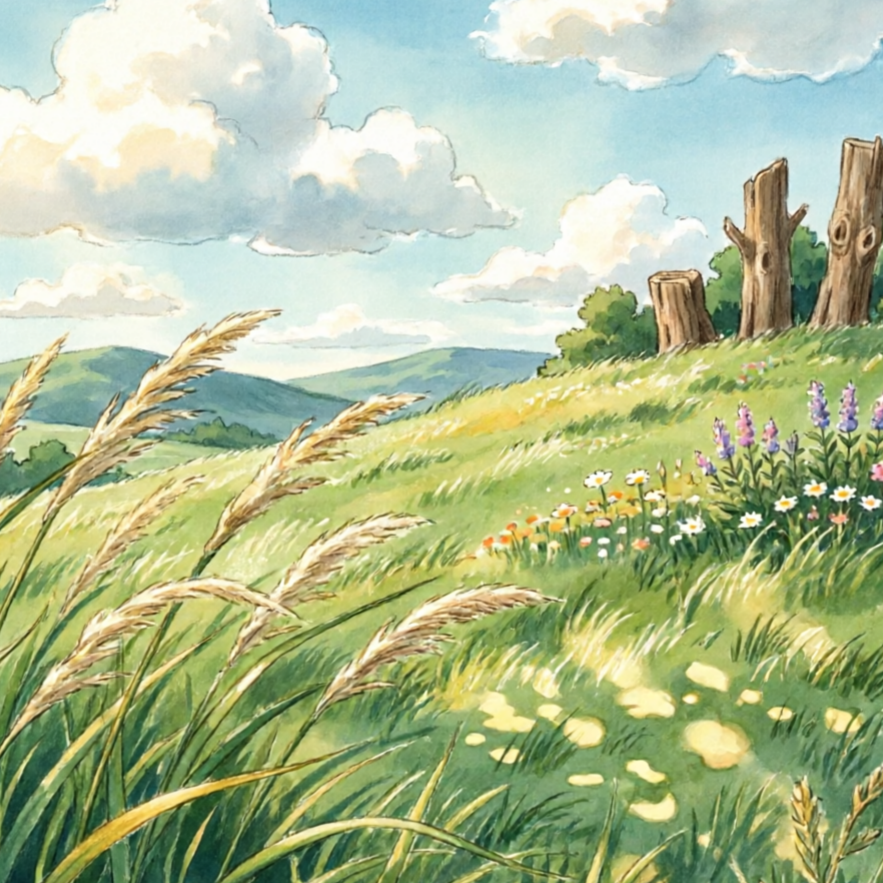
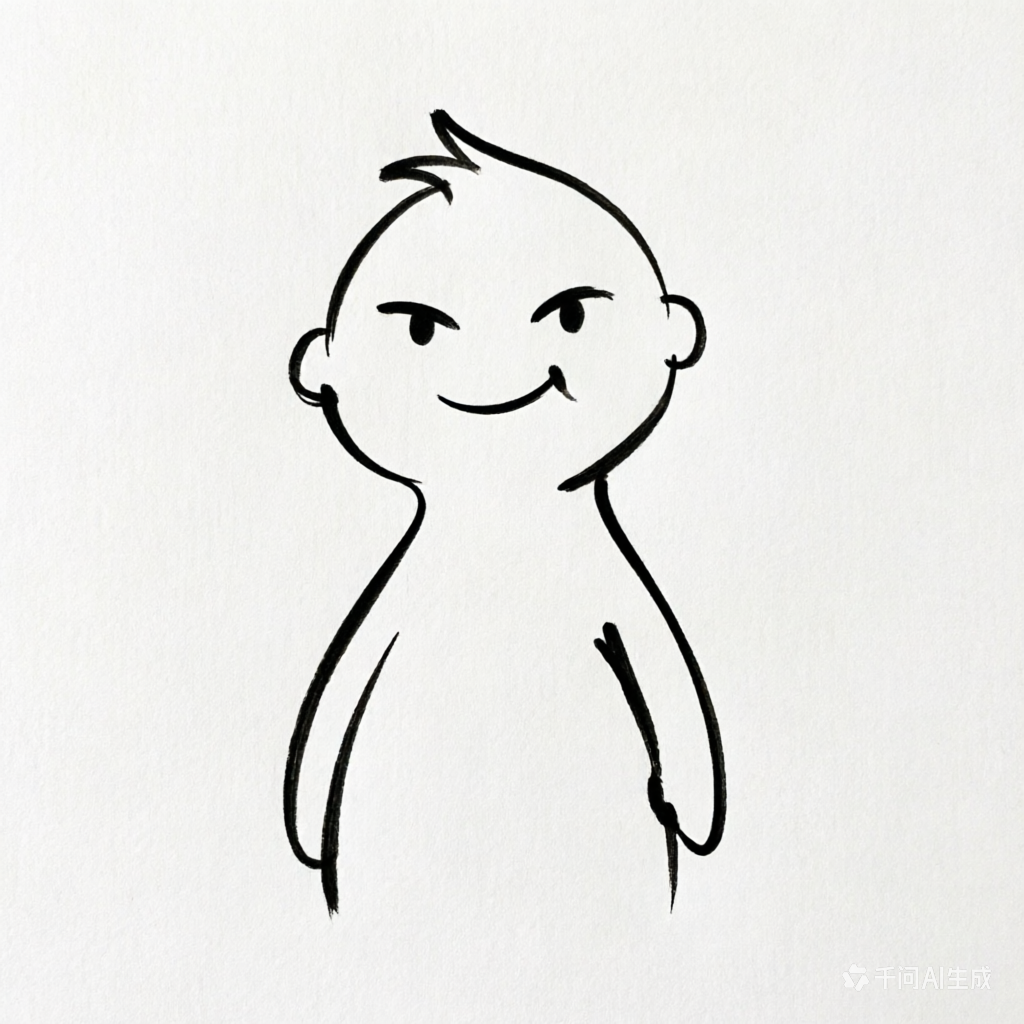
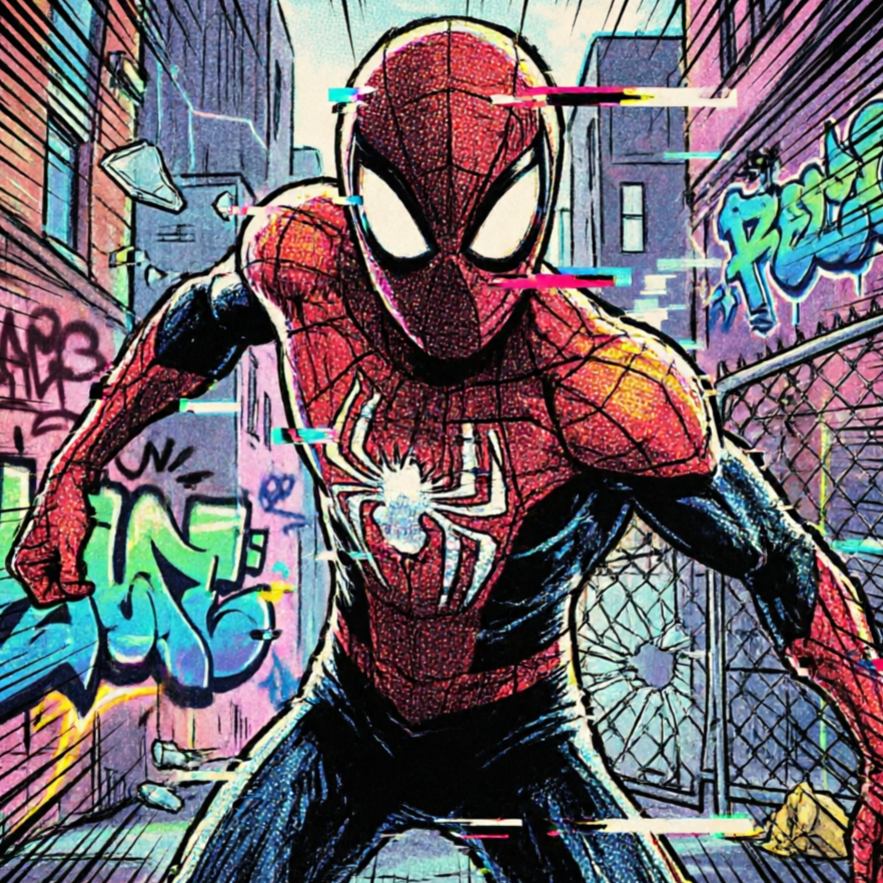
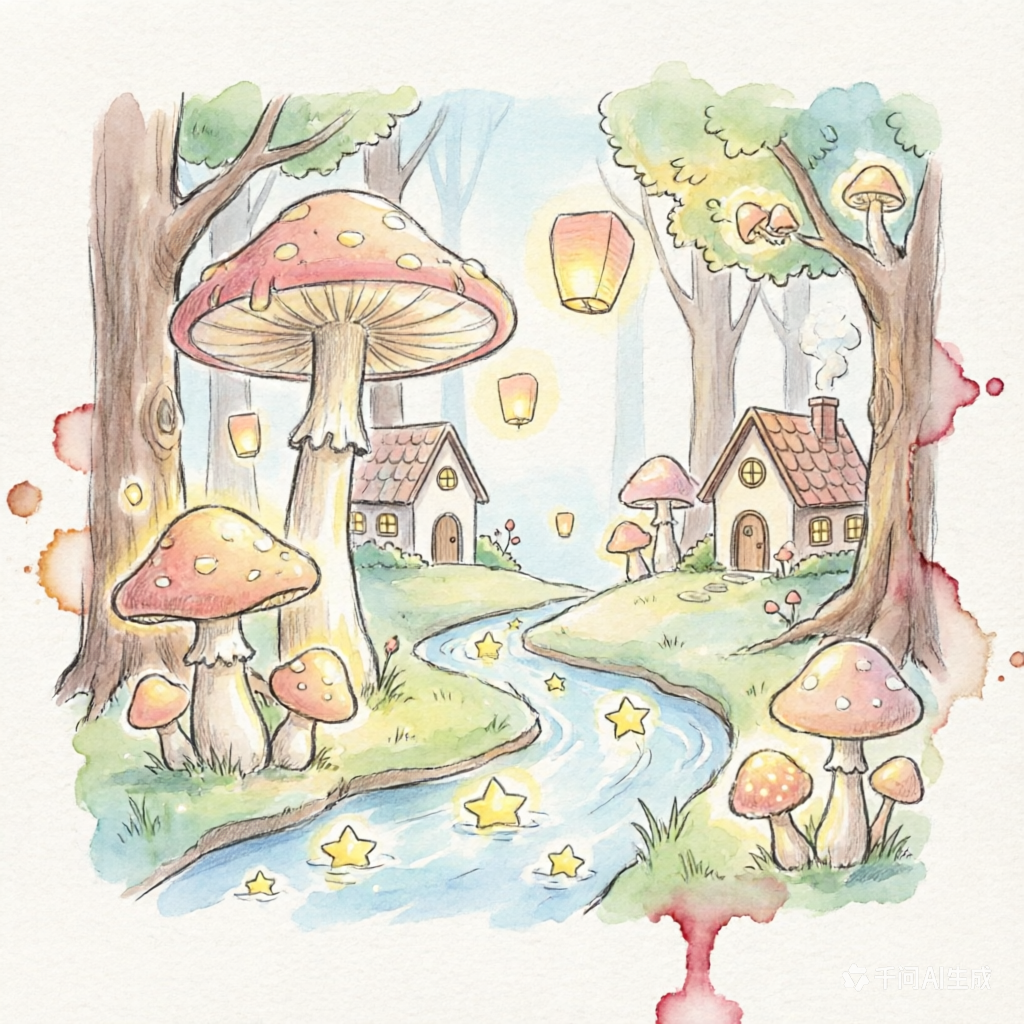
A light, pencil-like cartoon treatment suited for concept drafts and minimal story frames.

A mascot-friendly cartoon rendering for cute animal characters and playful social content.

A youthful cartoon style for family memories, school moments, and friendly character cards.

A toy-inspired chibi direction with rounded forms and collectible-figure aesthetics.
Witness the magic! Browse through incredible examples of everyday photos reimagined in delightful cartoon styles by our AI. From captivating pet portraits to fun family moments, discover the endless possibilities for your own images.

See how a normal photo becomes a stylized cartoon portrait while retaining recognizable features and personality.

Witness a warm group photo conversion with expressive faces and bright, harmonious colors, perfect for sharing.

Illustrates how pet photos can be transformed into cleaner, more character-driven cartoon frames, capturing their unique charm.

Apply cartoon rendering to cityscapes or travel photos for social-ready storytelling visuals with a unique artistic flair.

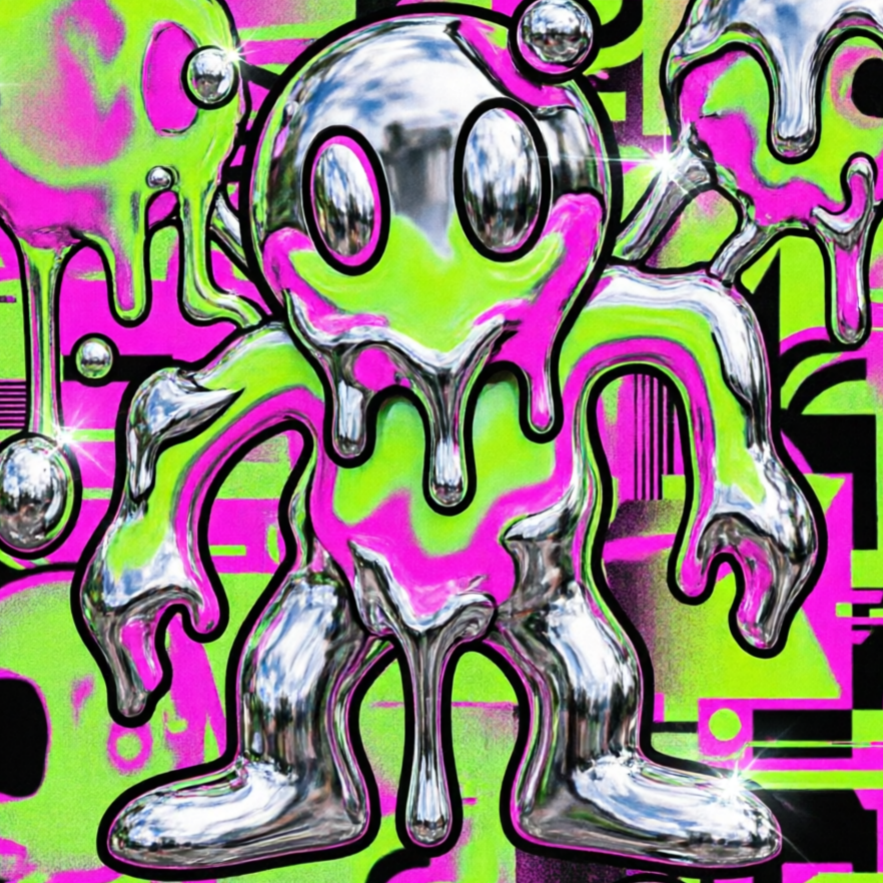
Push everyday photography toward a more imaginative cartoon world with bolder moods and fantastical elements.

Create unique profile icons, personal branding elements, and creator-style cartoon identity packs with ease.
Move from a broad idea to a usable image with clearer direction, faster comparisons, and a practical handoff into Seedance 2.5.
Shape the composition, lighting, color, and subject details for a more intentional cartoon style result.
Use a clear reference and focused direction to keep the cartoon style look coherent across variations.
Refine the strongest output for social posts, campaign concepts, thumbnails, or design exploration.
Compare alternate framing and styling choices before selecting the final cartoon style.
Use this workflow when you need a specific cartoon style rather than a generic asset. Define the intended audience, platform, and visual or tonal direction before generating.
Describe concrete production cues such as composition, lighting, color, styling, and subject detail. Specific direction gives the generator a clearer target and makes each revision easier to evaluate.
Start with the prepared workflow, refine the details that define this cartoon style, then keep the best result or continue editing in Seedance 2.5.
Open the generator and add a text prompt or uploaded image that clearly establishes the subject and creative direction.
Describe composition, lighting, color, styling, and subject detail, then remove conflicting instructions that could weaken the cartoon style.
Compare the generated variations, keep the strongest image, and refine it for the final use.
Practical answers about creating, refining, and using a cartoon style in Seedance 2.5.
It creates a focused cartoon style from a text prompt or uploaded image. Use the available controls to guide composition, lighting, color, styling, and subject detail, then compare variations before choosing the final result.
Use a clear, high-quality source that makes the main subject easy to identify. A focused source gives the cartoon style a stronger visual or tonal foundation.
Prioritize composition, lighting, color, styling, and subject detail. Add only details that directly support the intended cartoon style, and remove instructions that compete with one another.
Keep the strongest cartoon style as a finished asset or continue refining it with another Seedance 2.5 tool. A focused source and concise prompt make later revisions easier to control.
Commercial use depends on your plan, the applicable model terms, and the rights attached to your source material. Review the current terms before publishing or selling the result.
Move from this cartoon style into the next Seedance 2.5 tool without losing the direction established in your selected result.
Use text prompts to draft scene-by-scene cartoon storytelling without needing source photos.
Upload one face reference and iterate toward flat-color, cel-shaded, or soft storybook looks.
A/B test thick outlines, watercolor edges, and saturated palettes to match your publishing style.
Feed related references and keep one visual language across every cartoon asset in the set.
Use complementary image, video, and audio tools when the project needs additional editing, motion, sound, or format changes.
A general-purpose image model for broader prompt exploration and diverse artistic outputs beyond a single effect preset.
Unlock higher-quality generations for detail-sensitive projects and achieve cleaner rendering polish in your artwork.
Ideal when preserving specific elements of your reference image is crucial, allowing for precise, controlled edits rather than full re-generation.
An alternative high-quality renderer for comparing different style interpretations and evaluating output fidelity across various AI models.
Start with a text prompt or uploaded image, direct the details that define the cartoon style, and refine the strongest result in Seedance 2.5.