Brand Identity Mockup
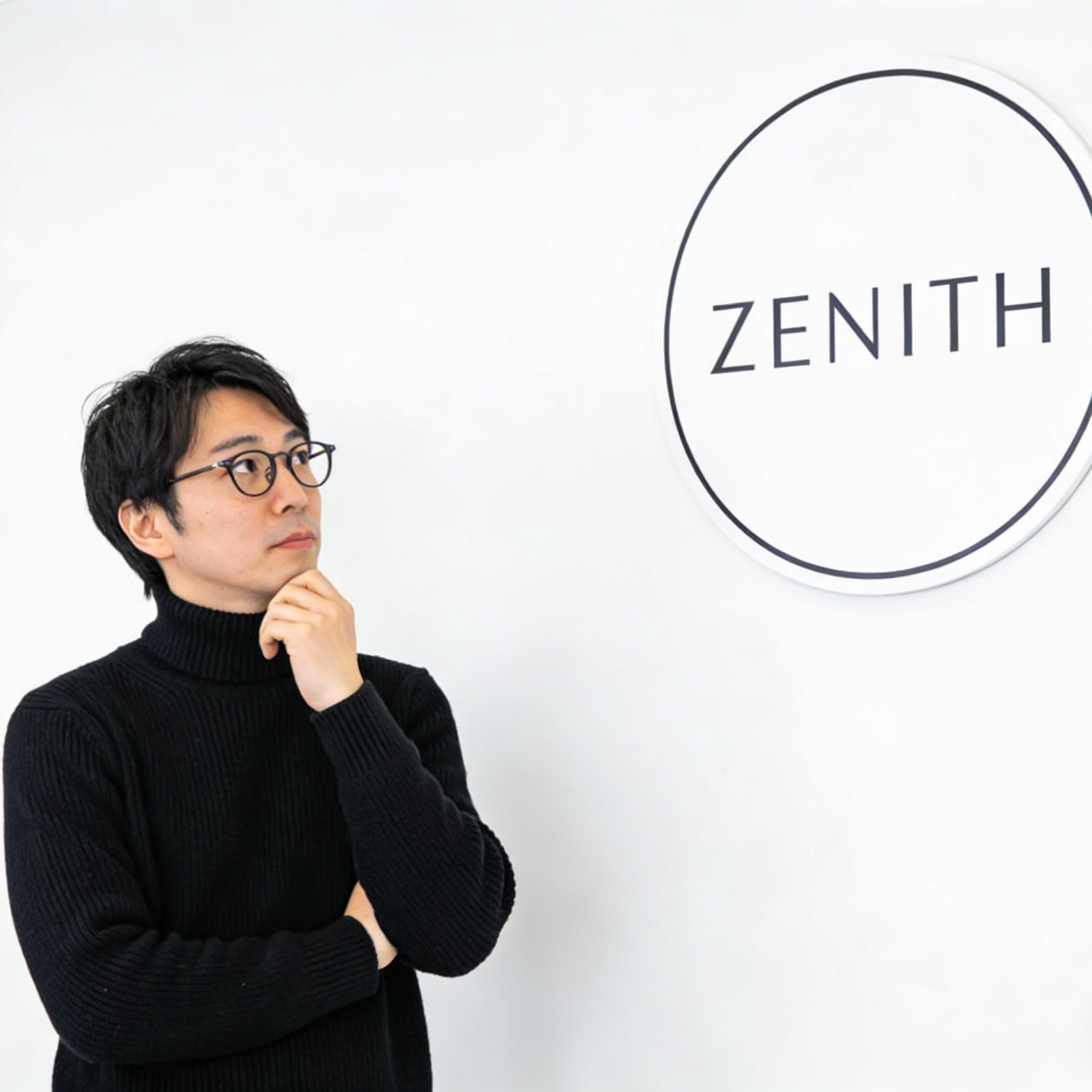
Clean sign systems, restrained typography, and minimal brand staging for polished identity concepts.
Build a focused graphic image with a guided Seedance 2.5 workflow.
Start with a text prompt or uploaded image and describe the composition, lighting, color, styling, and subject detail that matter for this graphic image. Generate a first image, compare variations, and refine the direction until it fits your intended story, campaign, or design.

Use this example to study the framing, detail, and creative decisions that make a graphic image feel intentional rather than generic.
Explore focused examples and practical guidance for creating a graphic image in Seedance 2.5.

Clean sign systems, restrained typography, and minimal brand staging for polished identity concepts.

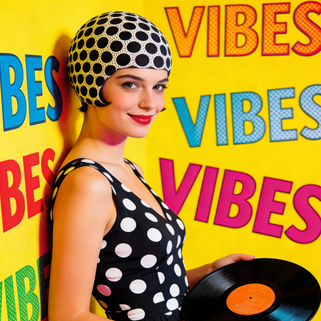
Bright pop colors, playful repetition, and editorial poster energy for music and lifestyle campaigns.

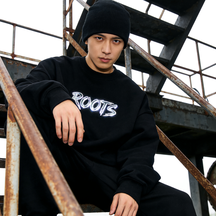
Raw fashion-photo framing that can be remixed into lookbook, drop announcement, or apparel promo graphics.

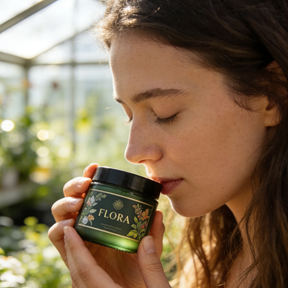
Lifestyle product imagery with label clarity and gentle environmental styling for premium packaging concepts.

Glowing UI overlays and network graphics for product launches, software campaigns, and innovation themes.

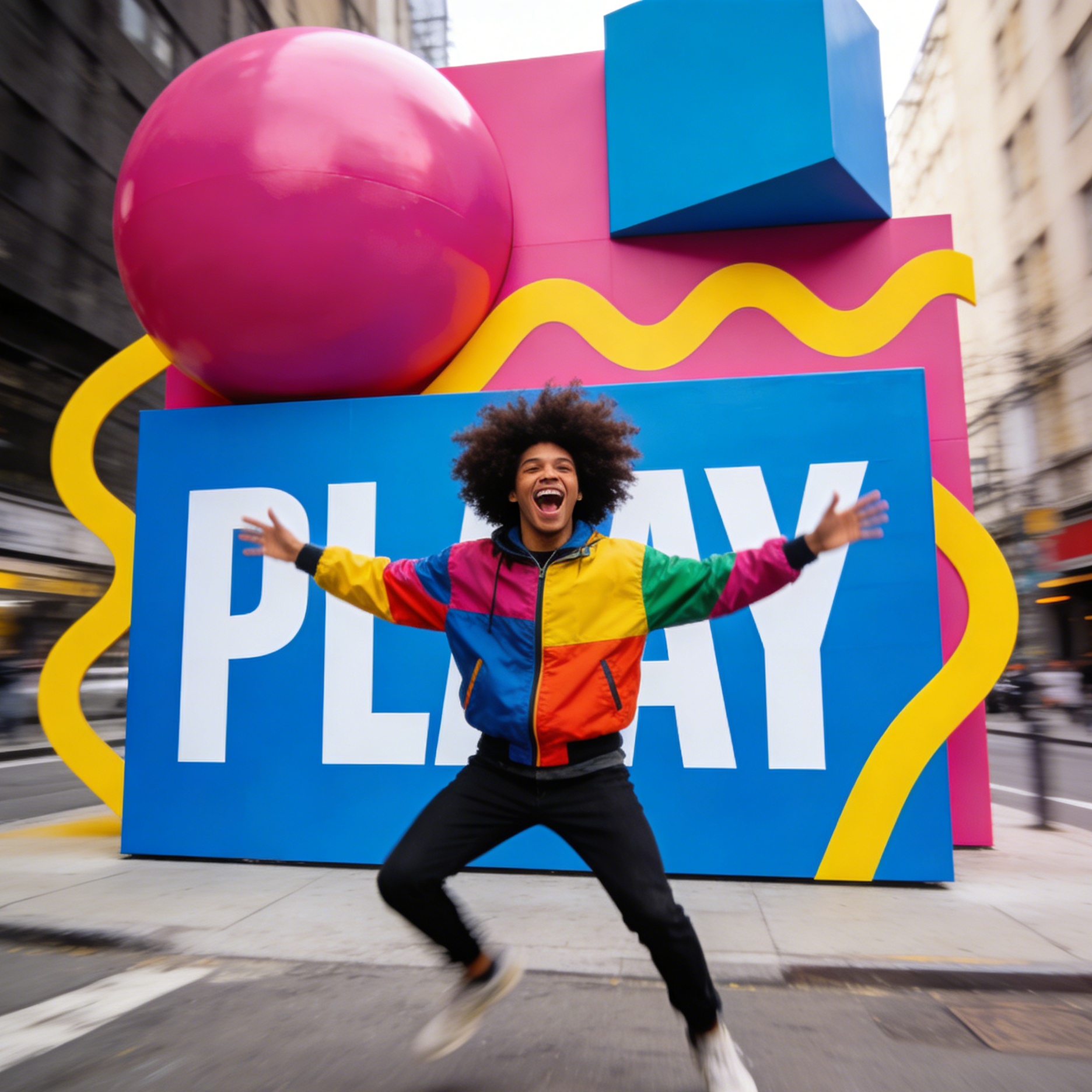
Oversized shapes, public-space typography, and motion-filled brand moments for bold campaign activations.
The example gallery shows that the workflow can stretch from business visuals and packaging to glitch posters, mascots, editorial layouts, and music campaign art.

A presentation-style concept with data emphasis, clean hierarchy, and clear business storytelling.

A wholesome farm-to-brand visual with packaging cues and marketing-friendly composition.

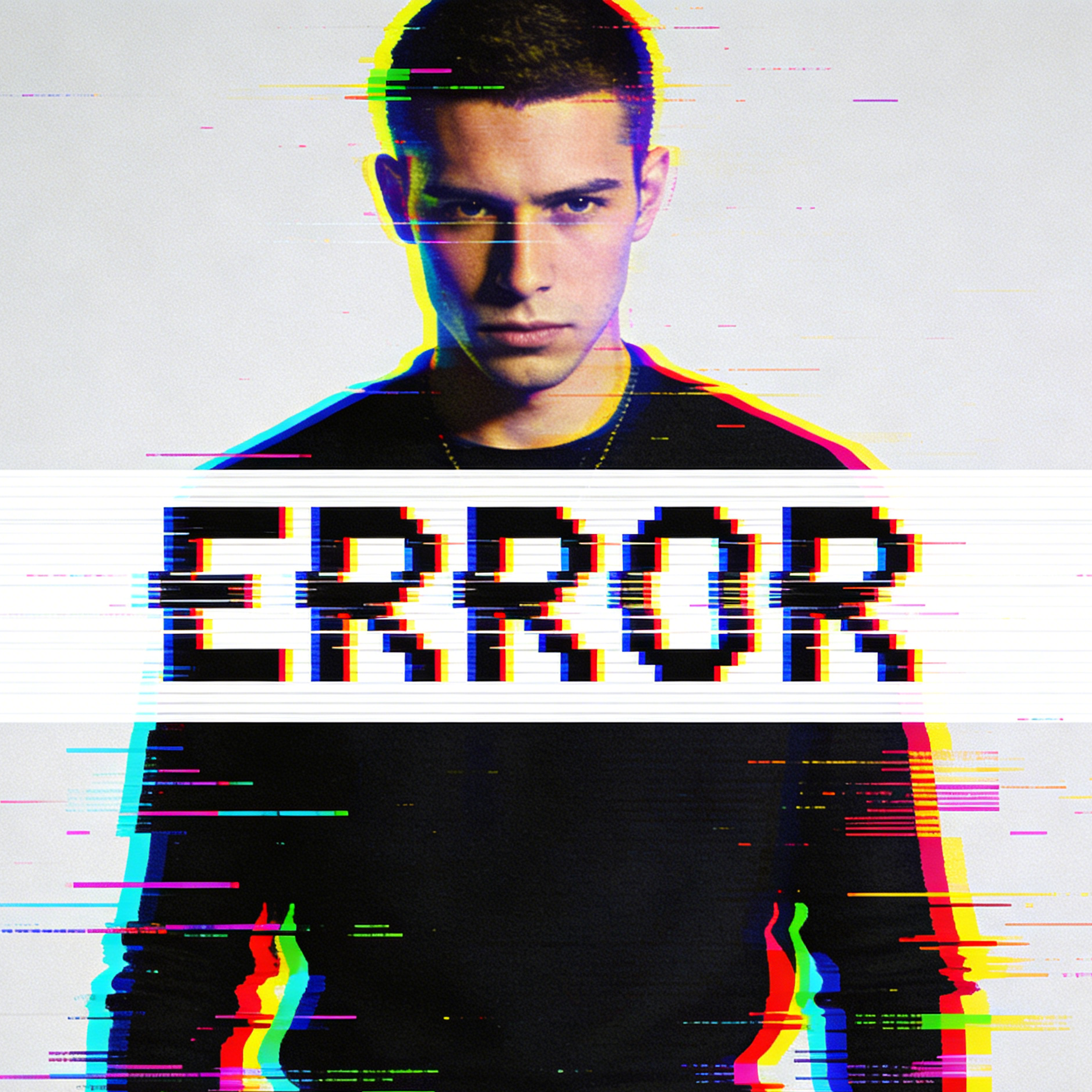
High-contrast poster treatment with RGB offsets and bold type interruption for digital campaigns.

Toy-like 3D styling and inflated typography for child-friendly branding or product launches.

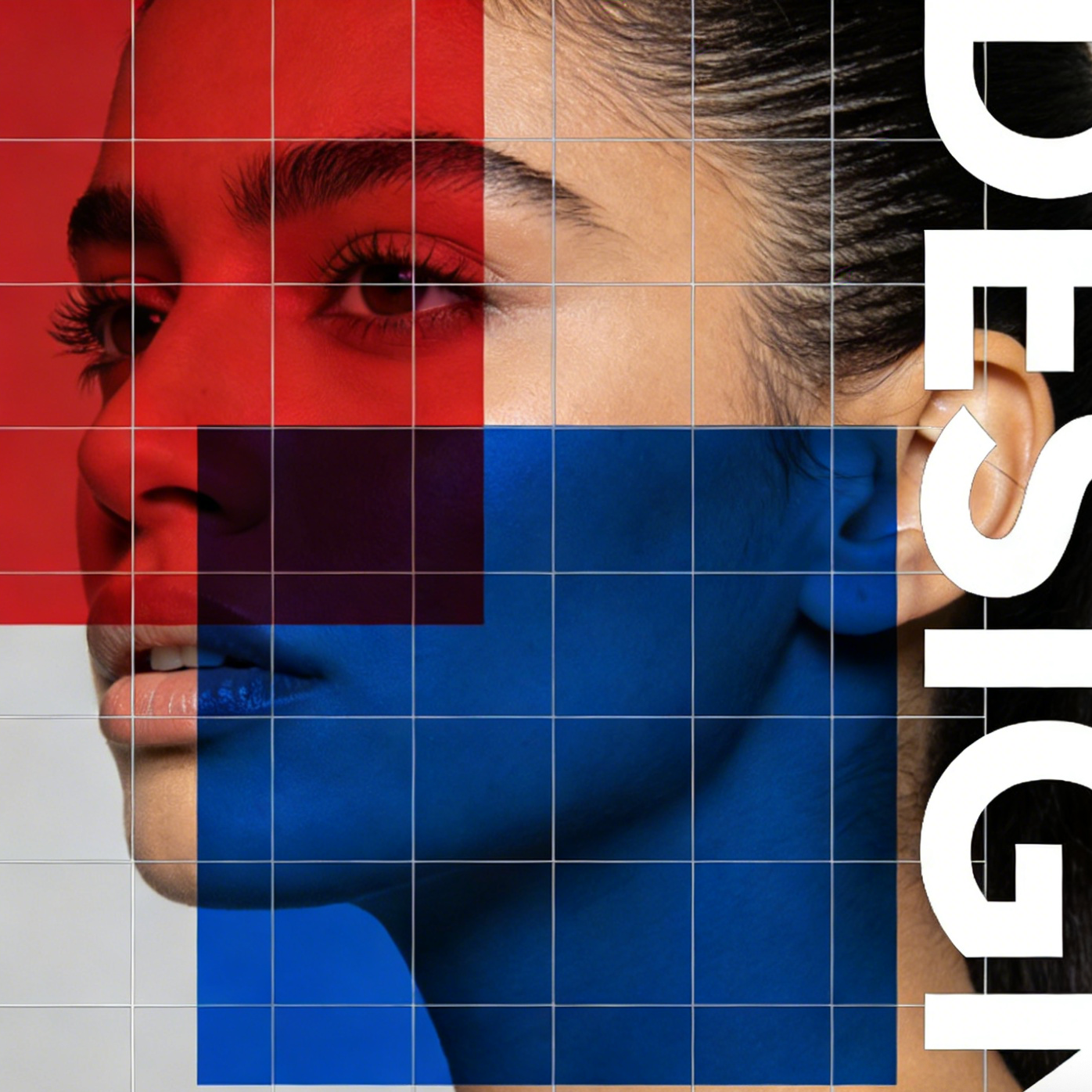
An editorial-style composition with overlapping blocks, cropped type, and grid systems.

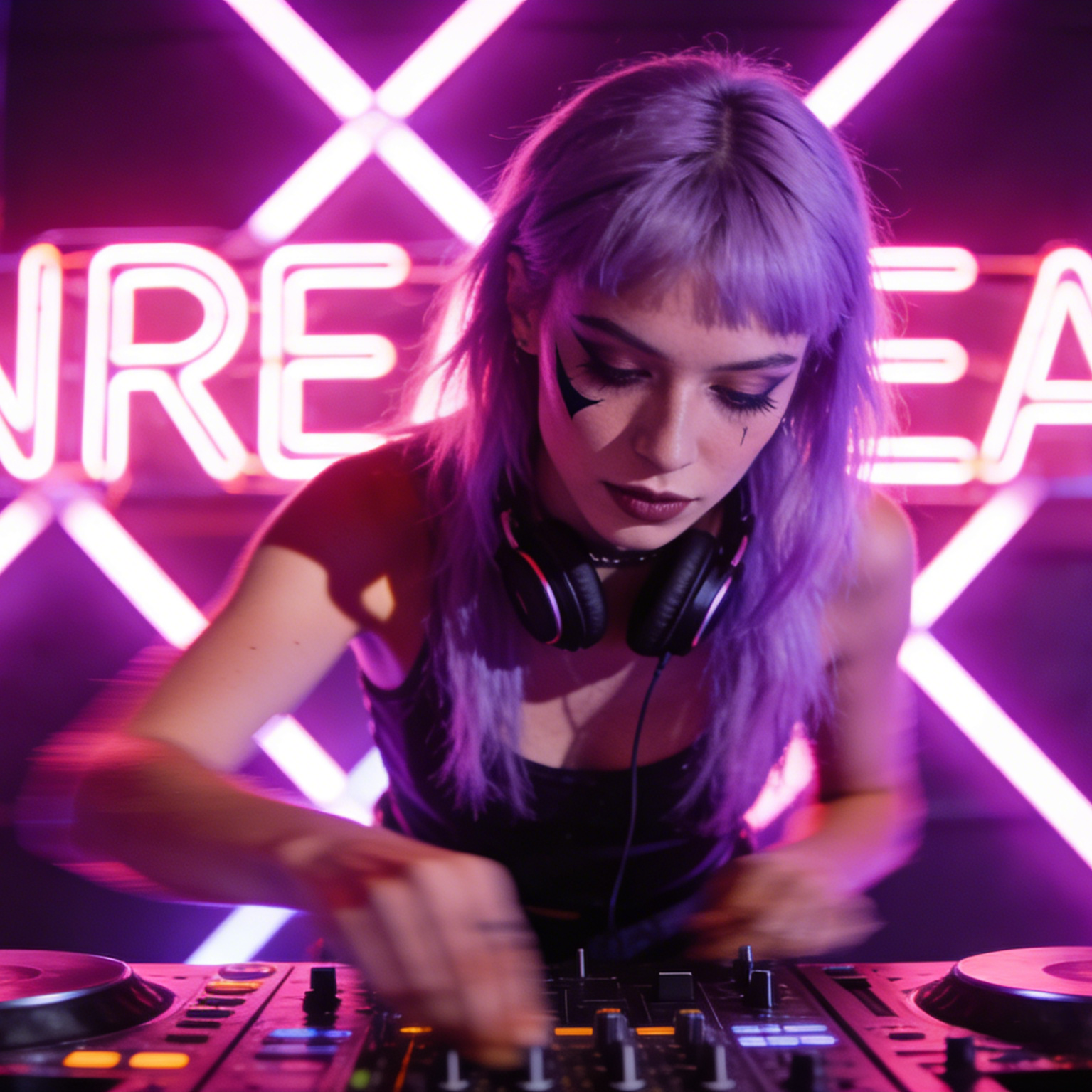
Event-poster energy with stage lighting, nightlife color, and headline-ready focal structure.
Move from a broad idea to a usable image with clearer direction, faster comparisons, and a practical handoff into Seedance 2.5.
Shape the composition, lighting, color, and subject details for a more intentional graphic image result.
Use a clear reference and focused direction to keep the graphic image look coherent across variations.
Refine the strongest output for social posts, campaign concepts, thumbnails, or design exploration.
Compare alternate framing and styling choices before selecting the final graphic image.
Use this workflow when you need a specific graphic image rather than a generic asset. Define the intended audience, platform, and visual or tonal direction before generating.
Describe concrete production cues such as composition, lighting, color, styling, and subject detail. Specific direction gives the generator a clearer target and makes each revision easier to evaluate.
Start with the prepared workflow, refine the details that define this graphic image, then keep the best result or continue editing in Seedance 2.5.
Open the generator and add a text prompt or uploaded image that clearly establishes the subject and creative direction.
Describe composition, lighting, color, styling, and subject detail, then remove conflicting instructions that could weaken the graphic image.
Compare the generated variations, keep the strongest image, and refine it for the final use.
Practical answers about creating, refining, and using a graphic image in Seedance 2.5.
It creates a focused graphic image from a text prompt or uploaded image. Use the available controls to guide composition, lighting, color, styling, and subject detail, then compare variations before choosing the final result.
Use a clear, high-quality source that makes the main subject easy to identify. A focused source gives the graphic image a stronger visual or tonal foundation.
Prioritize composition, lighting, color, styling, and subject detail. Add only details that directly support the intended graphic image, and remove instructions that compete with one another.
Keep the strongest graphic image as a finished asset or continue refining it with another Seedance 2.5 tool. A focused source and concise prompt make later revisions easier to control.
Commercial use depends on your plan, the applicable model terms, and the rights attached to your source material. Review the current terms before publishing or selling the result.
Move from this graphic image into the next Seedance 2.5 tool without losing the direction established in your selected result.
Start from a blank canvas and build a poster, packaging mockup, or campaign image from text only.
Upload an image and guide it toward stronger layout hierarchy, branding cues, and design polish.
Use the same preset to explore identity mockups, launch graphics, and social-ready brand imagery.
Push an existing portrait or scene toward a bolder, more poster-like composition with clearer hierarchy.
Use complementary image, video, and audio tools when the project needs additional editing, motion, sound, or format changes.
A strong follow-on destination when you want to keep iterating on high-quality design prompts beyond this landing-page preset.
Useful when you want another high-quality route for poster, branding, or campaign-style visuals.
A fit for polished concept visuals where composition, detail, and output control matter.
Helpful when you want stronger edit control over source images while preserving design intent.
Start with a text prompt or uploaded image, direct the details that define the graphic image, and refine the strongest result in Seedance 2.5.