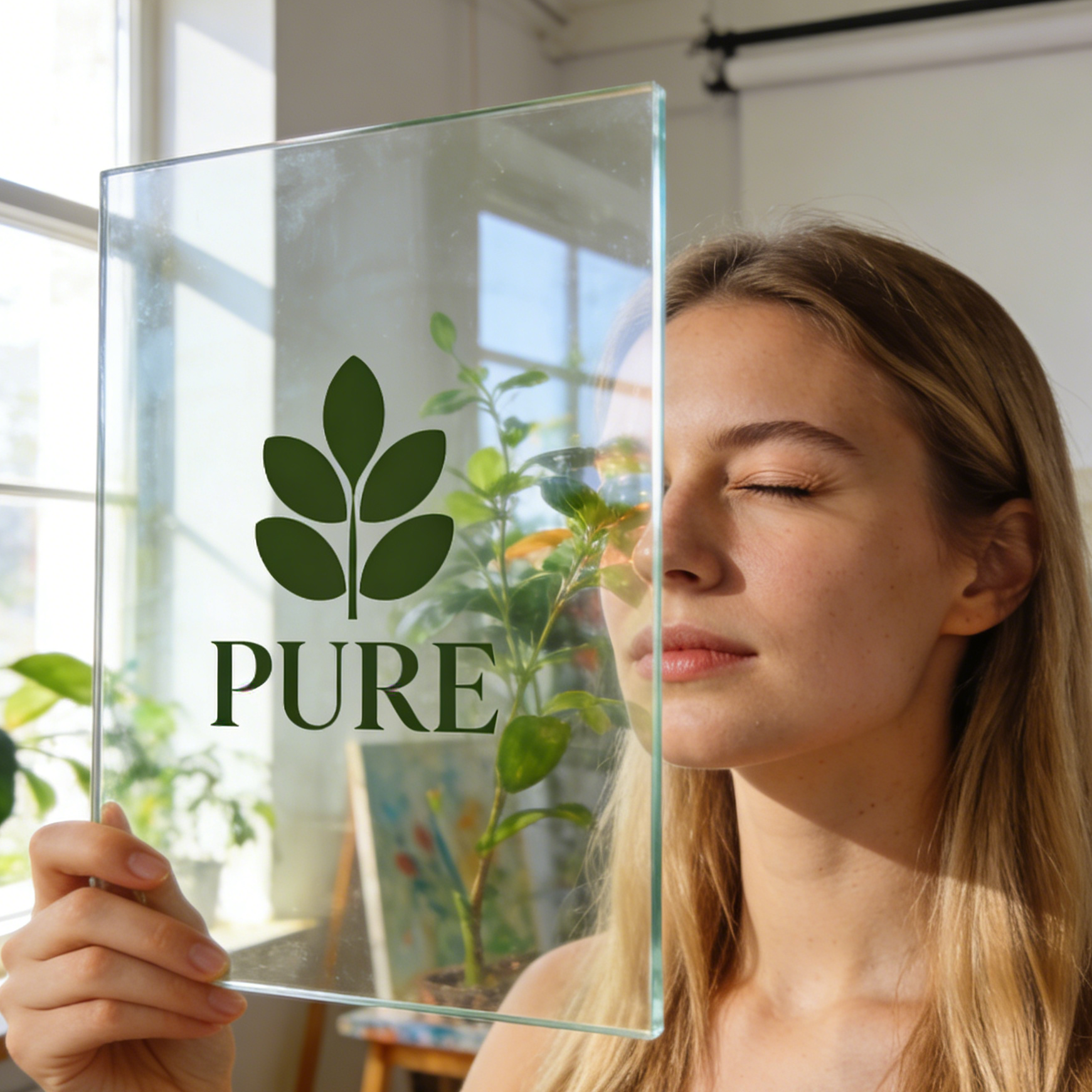
Minimalist Leaf Logo
A clean, modern vector logo perfect for eco-friendly brands, featuring simple shapes and balanced composition.
Turn a clear creative brief into a polished SVG image.
Start with a text prompt or uploaded image and describe the composition, lighting, color, styling, and subject detail that matter for this SVG image. Generate a first image, compare variations, and refine the direction until it fits your intended story, campaign, or design.

Use this example to study the framing, detail, and creative decisions that make an SVG image feel intentional rather than generic.
Our AI SVG Generator supports a variety of styles, from dynamic web design elements to compelling marketing visuals, unique app icons, and educational diagrams. Get inspired by examples tailored for various industries and purposes.

A clean, modern vector logo perfect for eco-friendly brands, featuring simple shapes and balanced composition.

A cohesive set of outline icons designed for intuitive mobile navigation and user interfaces.

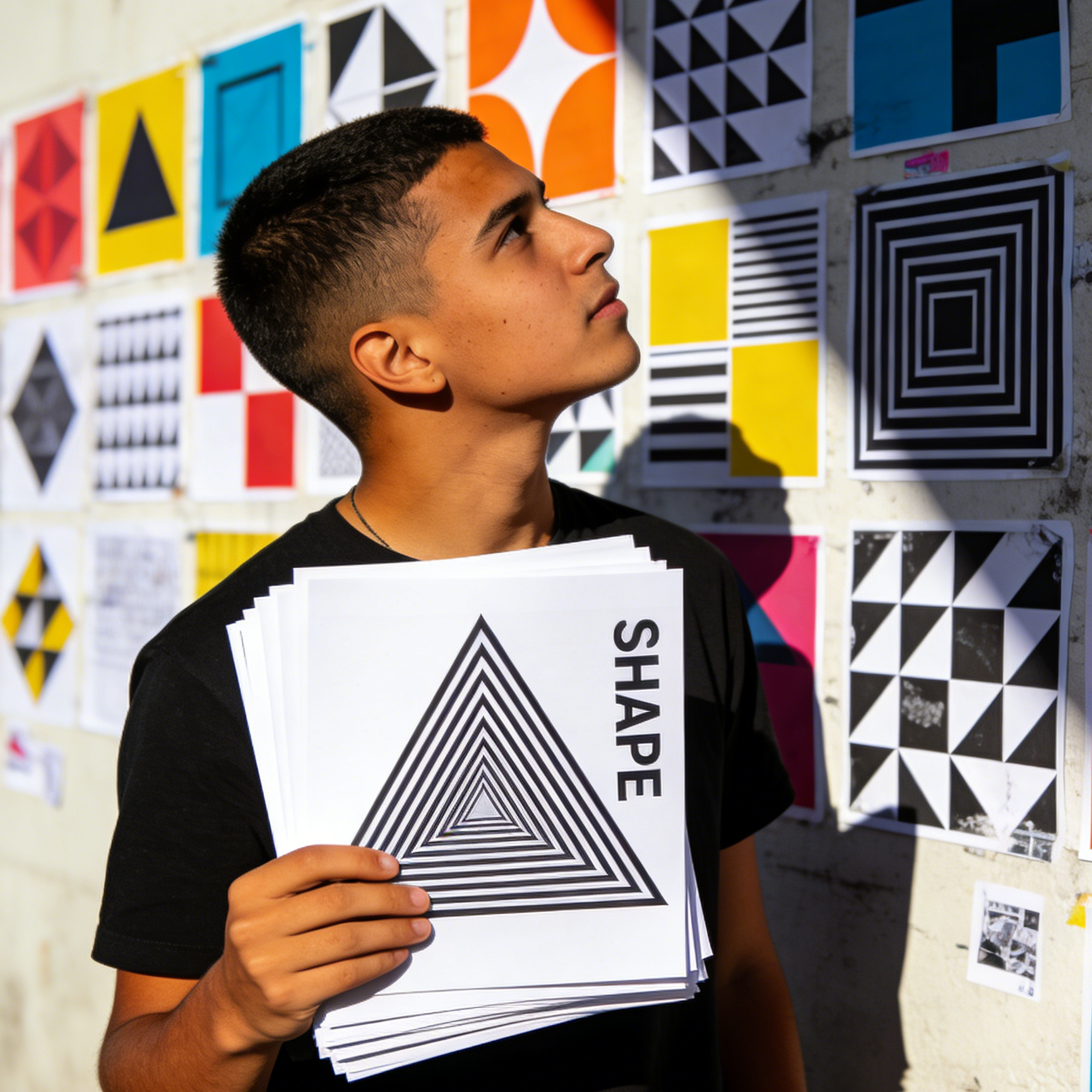
Bold, modular geometric patterns in black and white, ideal for modern art prints and visual statements.

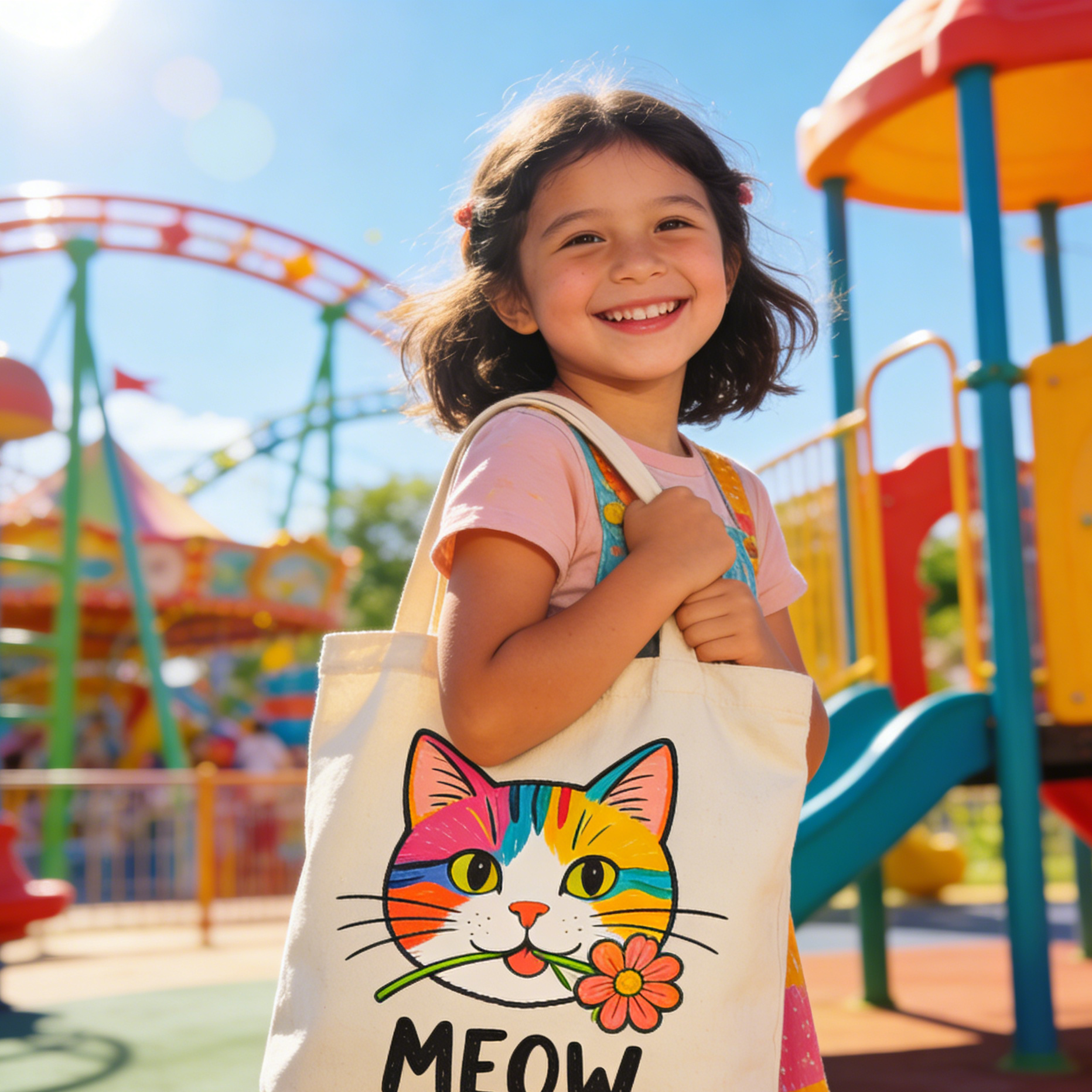
A cheerful vector mascot with bold outlines and flat colors, perfect for merchandise and social media.

Detailed vector blueprints of gears, suitable for laser cutting, mechanical diagrams, and manufacturing.

A clean, technical vector symbol for software development, node diagrams, and system interfaces.
From dynamic web design elements and compelling marketing visuals to unique app icons and educational diagrams, get inspired by examples tailored for various industries and purposes.

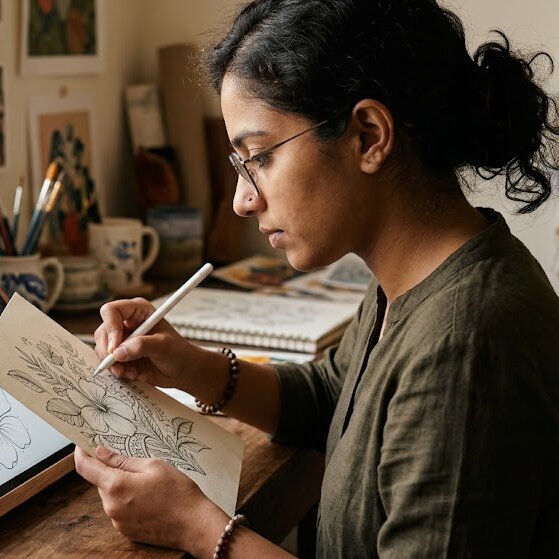
Transform hand-drawn sketches into clean, scalable vector graphics for logos, illustrations, or digital assets.

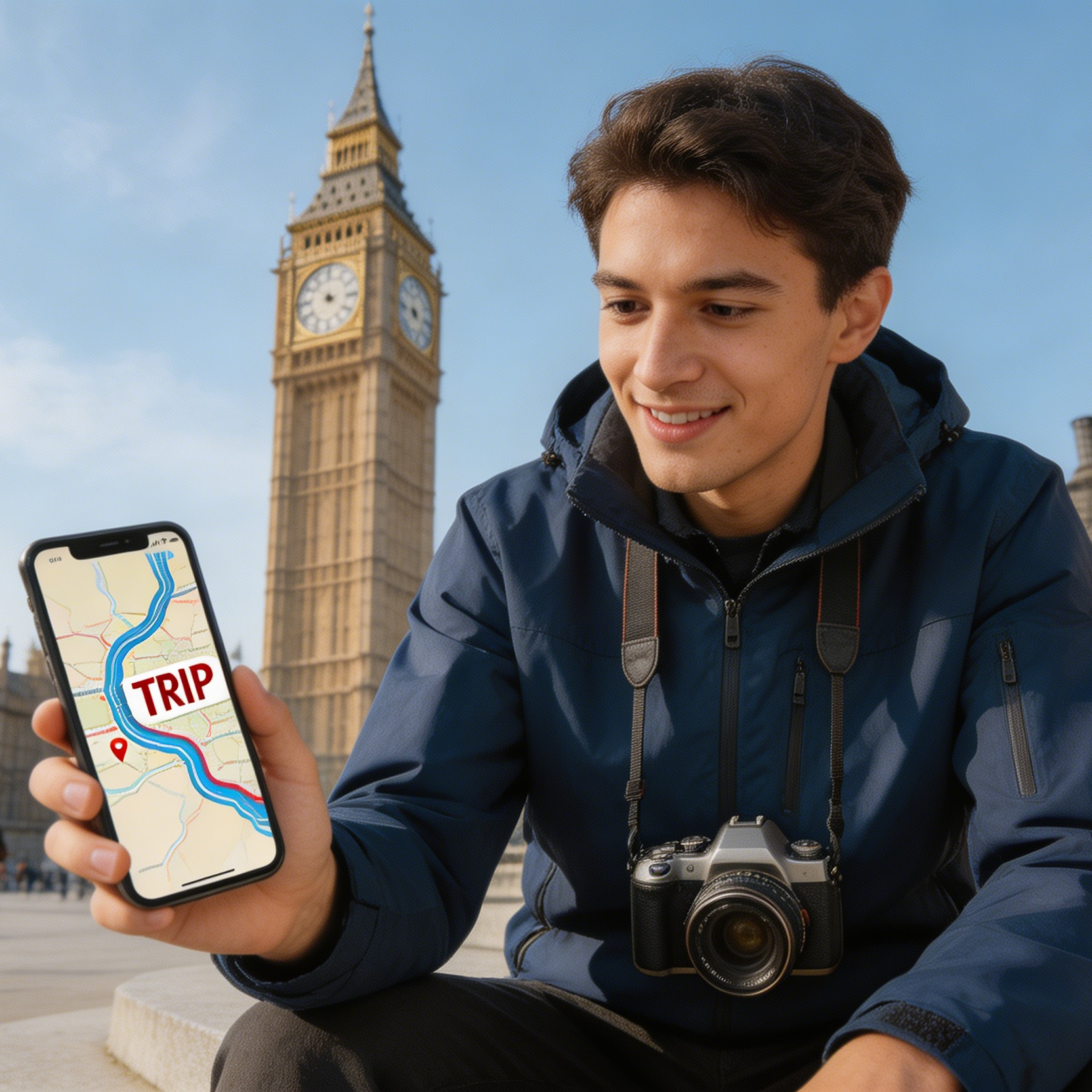
Create clear, concise route maps and travel graphics for websites, apps, or print materials.

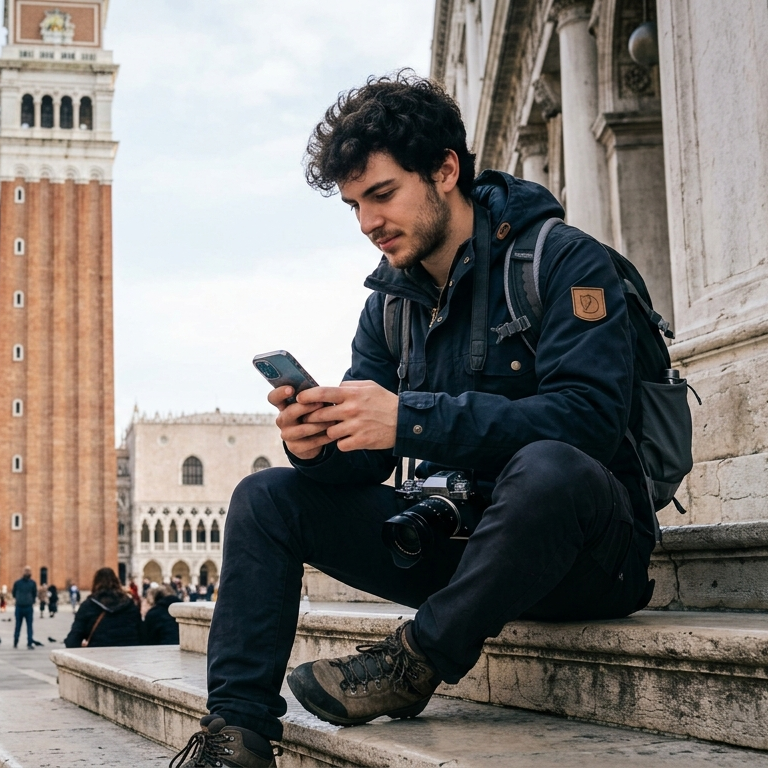
Design mobile-friendly travel graphics for wayfinding, tourism apps, and itinerary cards.
Develop a consistent set of vector icons for e-commerce dashboards, product categories, and online retail visuals.

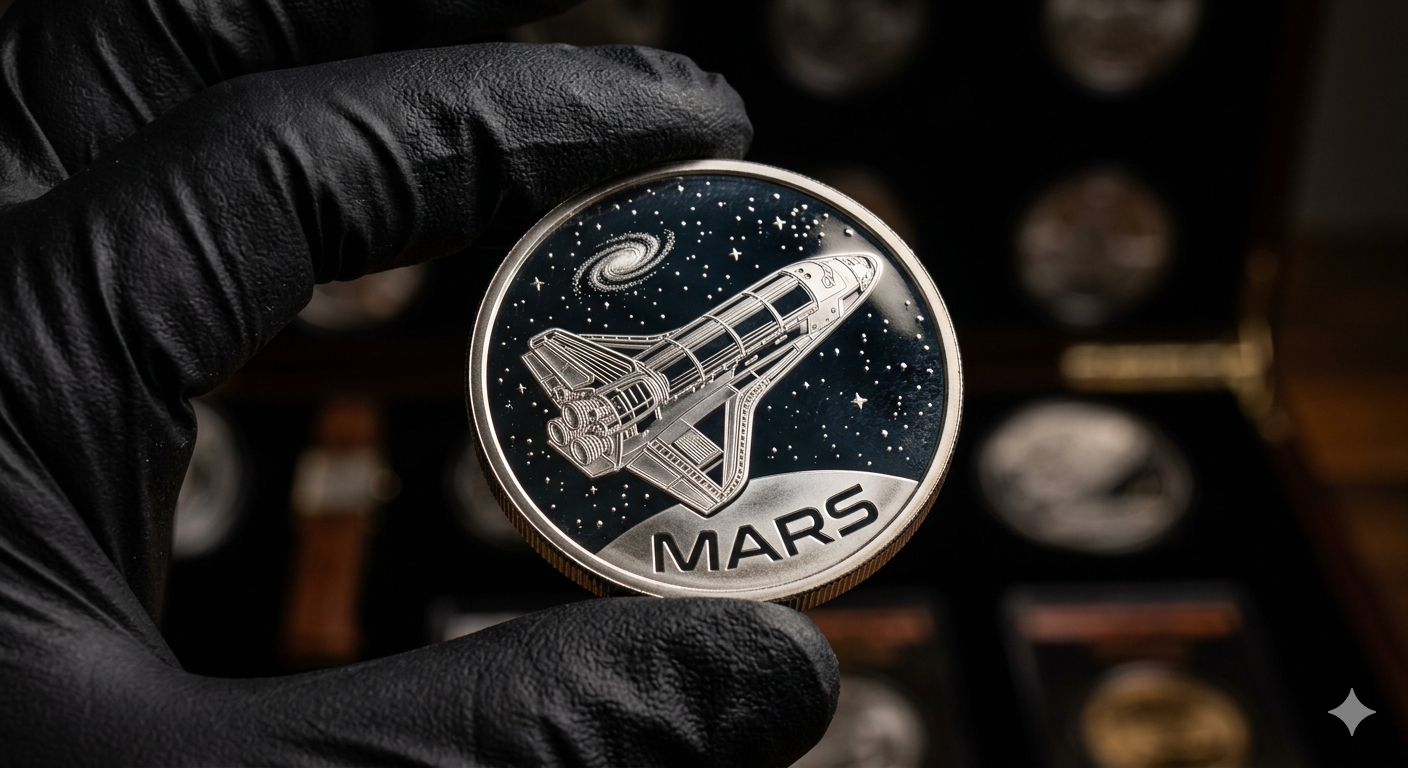
Generate intricate vector designs for commemorative coins, medals, or etched product graphics.

Produce precise vector drawings for CNC previews, fabrication diagrams, and mechanical cut patterns.
Move from a broad idea to a usable image with clearer direction, faster comparisons, and a practical handoff into Seedance 2.5.
Shape the composition, lighting, color, and subject details for a more intentional SVG image result.
Use a clear reference and focused direction to keep the SVG image look coherent across variations.
Refine the strongest output for social posts, campaign concepts, thumbnails, or design exploration.
Compare alternate framing and styling choices before selecting the final SVG image.
Use this workflow when you need a specific SVG image rather than a generic asset. Define the intended audience, platform, and visual or tonal direction before generating.
Describe concrete production cues such as composition, lighting, color, styling, and subject detail. Specific direction gives the generator a clearer target and makes each revision easier to evaluate.
Start with the prepared workflow, refine the details that define this SVG image, then keep the best result or continue editing in Seedance 2.5.
Open the generator and add a text prompt or uploaded image that clearly establishes the subject and creative direction.
Describe composition, lighting, color, styling, and subject detail, then remove conflicting instructions that could weaken the SVG image.
Compare the generated variations, keep the strongest image, and refine it for the final use.
Practical answers about creating, refining, and using an SVG image in Seedance 2.5.
It creates a focused SVG image from a text prompt or uploaded image. Use the available controls to guide composition, lighting, color, styling, and subject detail, then compare variations before choosing the final result.
Use a clear, high-quality source that makes the main subject easy to identify. A focused source gives the SVG image a stronger visual or tonal foundation.
Prioritize composition, lighting, color, styling, and subject detail. Add only details that directly support the intended SVG image, and remove instructions that compete with one another.
Keep the strongest SVG image as a finished asset or continue refining it with another Seedance 2.5 tool. A focused source and concise prompt make later revisions easier to control.
Commercial use depends on your plan, the applicable model terms, and the rights attached to your source material. Review the current terms before publishing or selling the result.
Move from this SVG image into the next Seedance 2.5 tool without losing the direction established in your selected result.
Start from text when you need a new logo mark, icon family, mascot, or geometric graphic system.
Upload a source image and guide it toward cleaner outlines, flatter fills, and a more SVG-like visual structure.
Use the same preset to create navigation marks, app icons, product symbols, and interface graphics with stronger consistency.
Push hand-drawn concepts, logos, or rough visual assets toward a cleaner mark system before deeper vector cleanup.
Use complementary image, video, and audio tools when the project needs additional editing, motion, sound, or format changes.
Ideal for cleaner symbol balance, dependable flat-shape prompts, and strong SVG-style structure for logos and icons.
Use GPT Image when your vector asset needs a softer brand feel, more illustrative charm, or alternative icon and mascot styling.
Choose FLUX.2 Pro for bolder geometry, stronger poster-like abstraction, or more pronounced shape language in vector compositions.
Move into Qwen Image Edit when a sketch or raster asset is close, but still needs a more controlled vector-style cleanup and remix.
Start with a text prompt or uploaded image, direct the details that define the SVG image, and refine the strongest result in Seedance 2.5.