GLM Image
GLM Image AI Generation
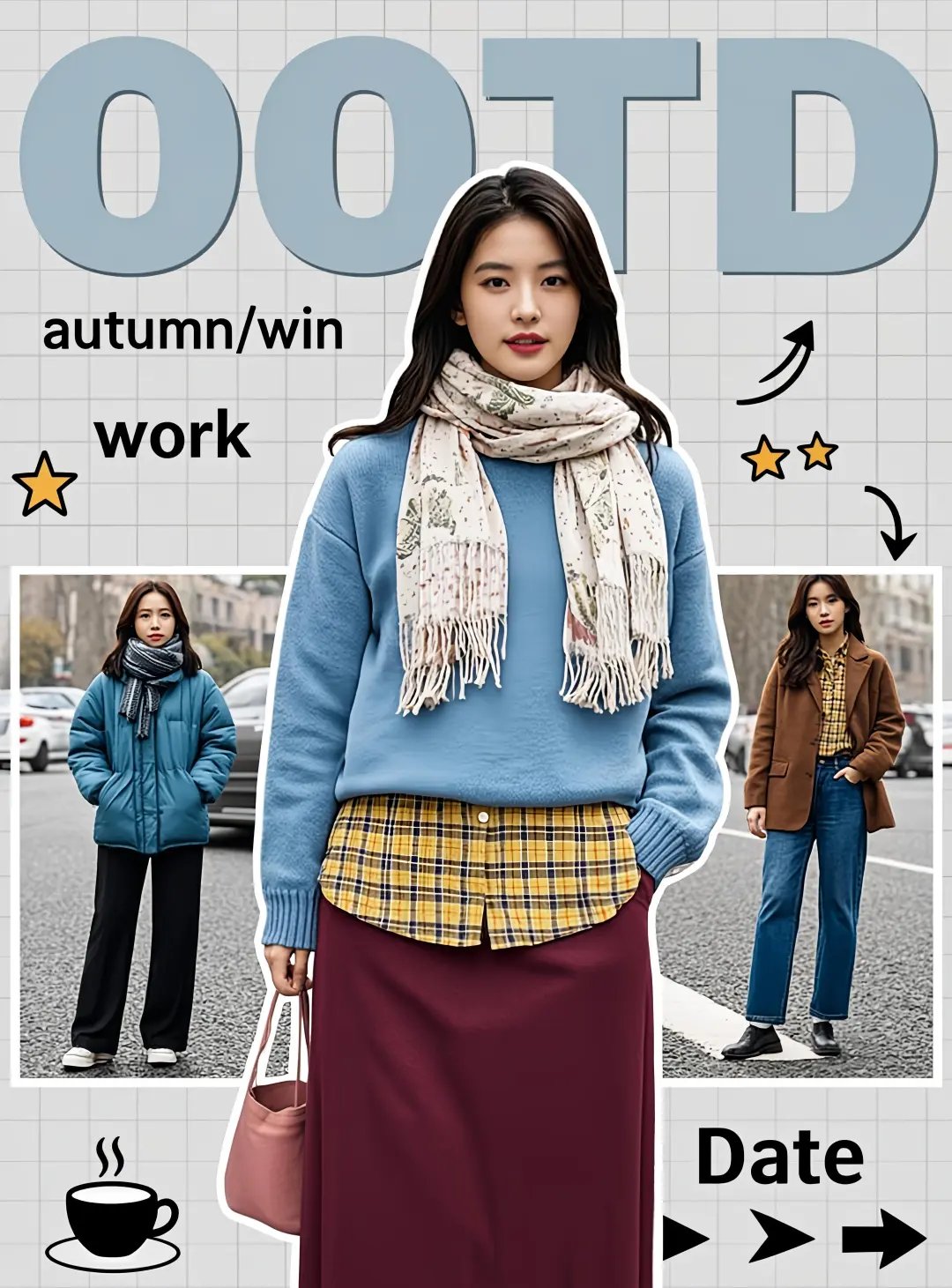



Create with GLM Image
Practical controls and focused iteration for GLM Image
Start with a clear creative brief, use the controls available for GLM Image, and compare focused variations before selecting the final images.
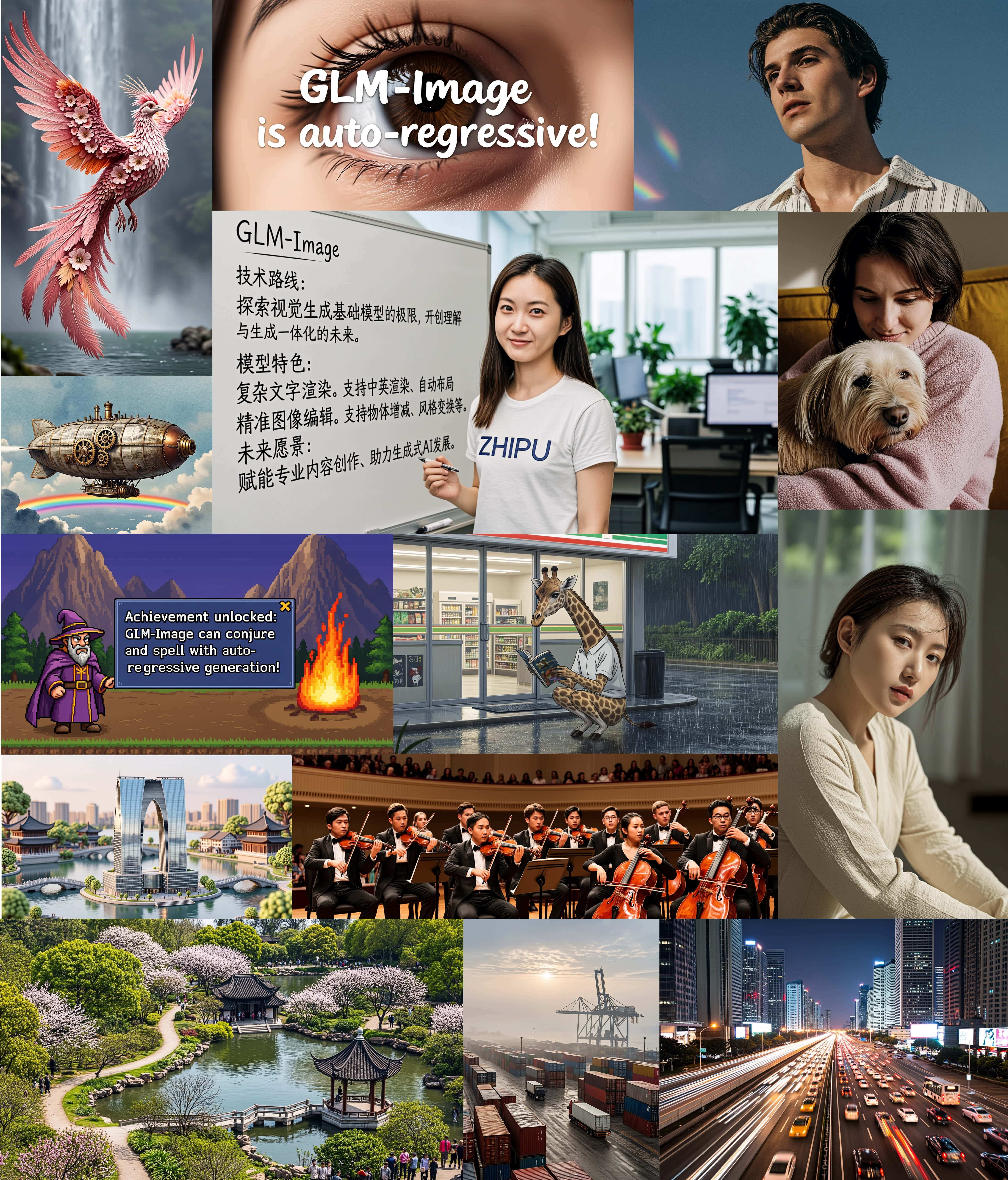
GLM Image Hybrid Architecture
GLM Image features a cutting-edge hybrid autoregressive + diffusion decoder architecture with 16B total parameters. The model includes a specialized Glyph Encoder for exceptional text-rendering accuracy.
GLM Image Text Rendering Excellence
GLM Image achieves 0.9116 word accuracy on CVTG-2K benchmark, outperforming comparable open-source models. GLM Image excels at generating images with accurate text and complex information expression.
GLM Image Knowledge-Intensive Generation
GLM Image demonstrates significant advantages in knowledge-intensive scenarios, maintaining semantic understanding and high-fidelity detail generation for complex visual tasks.
GLM Image Advanced Training
GLM Image uses decoupled reinforcement learning with GRPO algorithm and modular feedback strategies for optimized aesthetic alignment, semantic accuracy, and text fidelity.
GLM Image FAQ
Common questions about GLM Image
Practical guidance on inputs, prompts, generation options, exports, and responsible use for GLM Image in Seedance 2.5.
Still have questions? Contact our support team
Start creating with GLM Image
Try GLM Image Now
Open the GLM Image workflow in Seedance 2.5, define a clear direction, compare the generated variations, and export the result that best fits your project.
- Generate images with GLM Image's 16B-parameter hybrid architecture
- Achieve exceptional text-rendering accuracy with GLM Image
- Create knowledge-intensive visuals with GLM Image's semantic understanding
- Edit, style transfer, and generate consistent images with GLM Image