LTX 2LTX 2 by Lightricks: controllable, high-fidelity video generation with open weights
Explore LTX 2 inside the Seedance 2.5 creative studio. Review examples and practical prompt guidance, then use the available workflow to create and refine videos for your project.
Create with LTX 2
Practical controls and focused iteration for LTX 2
Start with a clear creative brief, use the controls available for LTX 2, and compare focused variations before selecting the final videos.
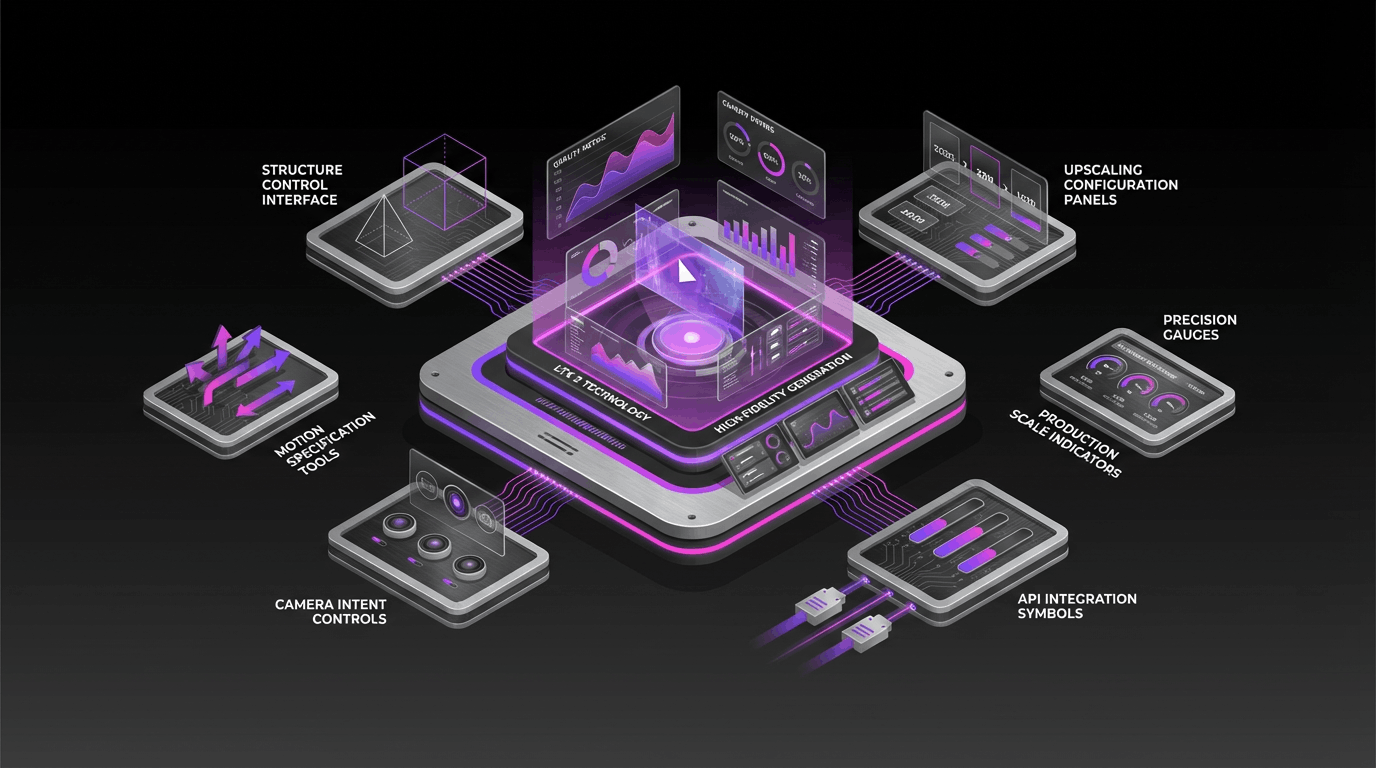
LTX 2 Foundation Model
LTX 2 is a diffusion-based audio-video foundation model from Lightricks. LTX 2 is built to generate video and audio together with coherent timing, and it supports both text-to-video and image-to-video workflows.
Audio + Video, Synchronized
LTX 2 is designed to keep motion, dialogue, ambience, and music aligned to the visuals. When you need synchronized sound and picture, LTX 2 is built to generate them in one coherent process.
Precise Control with LTX 2
LTX 2 is optimized for predictable results and deeper control. Guide structure, depth, pose, edges, and camera behavior so LTX 2 outputs follow your intent across complex scenes.
Production Specs and Upscalers
LTX 2 supports production-oriented configurations, including variants optimized for speed or maximum quality. LTX 2 upscalers extend resolution and frame rate for sharper visuals and smoother motion when your workflow demands it.
LTX 2 FAQ
Common questions about LTX 2
Practical guidance on inputs, prompts, generation options, exports, and responsible use for LTX 2 in Seedance 2.5.
Still have questions? Contact our support team




Start creating with LTX 2
Bring LTX 2 control to your next video
Open the LTX 2 workflow in Seedance 2.5, define a clear direction, compare the generated variations, and export the result that best fits your project.
- Generate with LTX 2 from text or an image reference
- Guide structure, motion, and camera intent with LTX 2 controls
- Scale quality with LTX 2 upscalers and detail enhancement
- Use LTX 2 in local or API-driven production workflows